
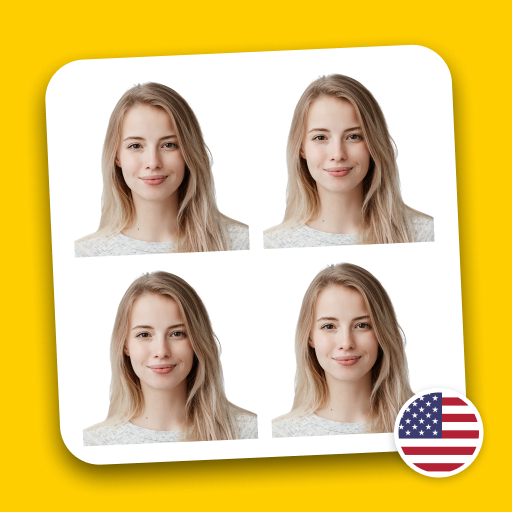

Introduction to the Passport Photo Maker & Editor App
Key Features and Benefits
Ensure Compliance with Official Passport Photo Requirements
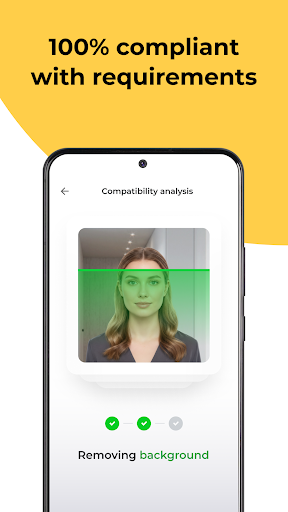
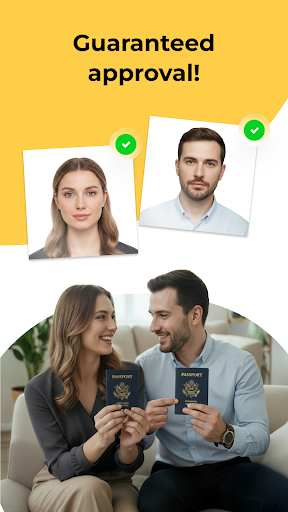
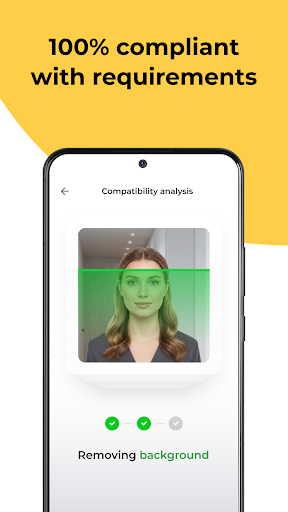
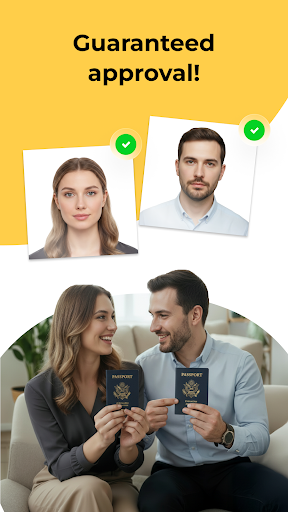
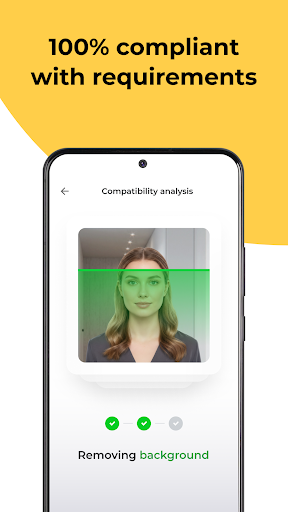
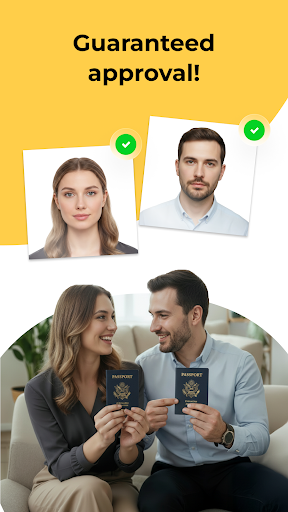
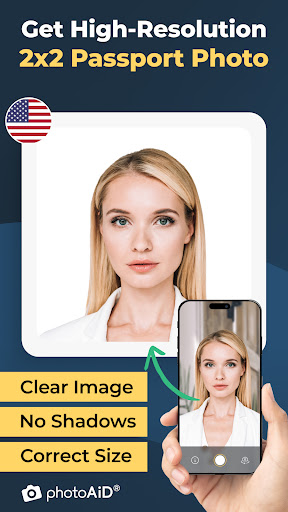
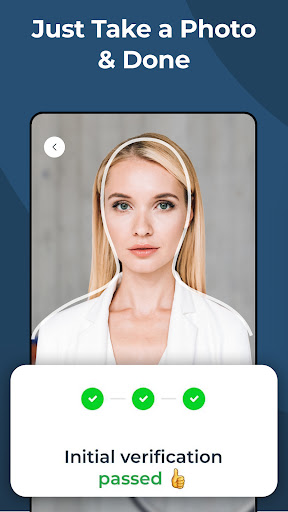
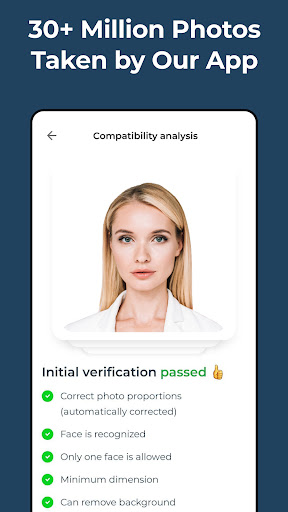
Our Passport Photo Maker & Editor guarantees that your photos meet the latest biometric standards. From accurate sizing and background color to precise face alignment, the app ensures that every passport photo adheres to official guidelines. This eliminates the risk of rejection due to non-compliance, making the application process smoother and faster.
Fast and Convenient Results
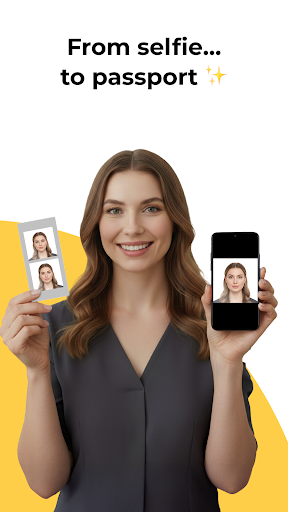
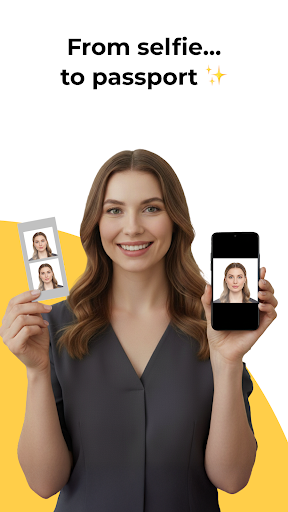
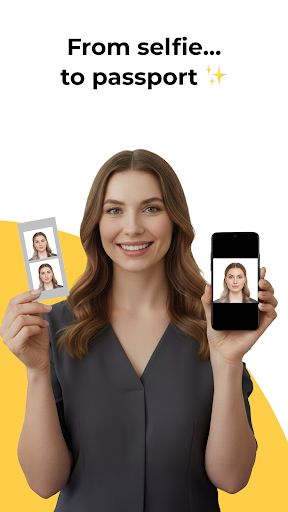
With advanced AI technology, the app allows you to generate your passport photo in seconds. Simply upload a selfie or take a new photo with your device, and let the app handle the rest. Its automatic processing adjusts the image to meet the required specifications, saving you time and effort while providing professional-quality results.
No Specialized Equipment Required
Forget about visiting costly photo studios. All you need is your smartphone to create top-notch passport photos anytime and anywhere. This feature is perfect for busy individuals who need quick solutions on the go.
Smart Background Removal
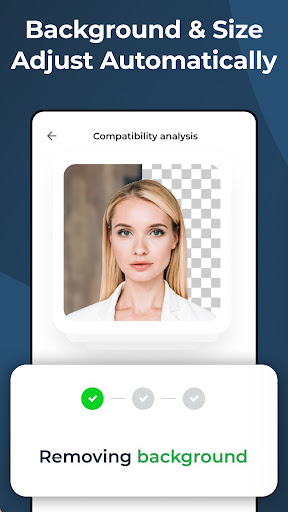
The app comes equipped with intelligent background removal technology. It automatically detects and erases distracting or unsuitable backgrounds, replacing them with a plain, passport-approved background. This feature is especially useful if your original photo was taken in less-than-ideal lighting or setting.
Cost-Effective and Time-Saving
Avoid the expenses and hassles of traveling to a photo studio or paying for professional services. Our application offers an affordable way to produce professional passport, visa, ID card, and driver’s license photos from the comfort of your own home.
Template Support for Various Countries
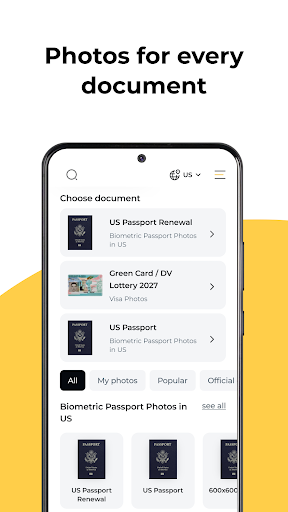
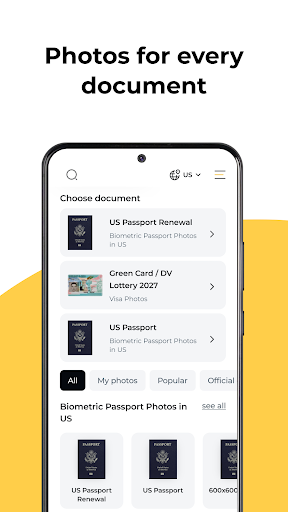
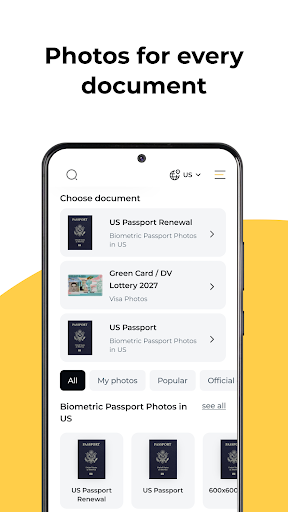
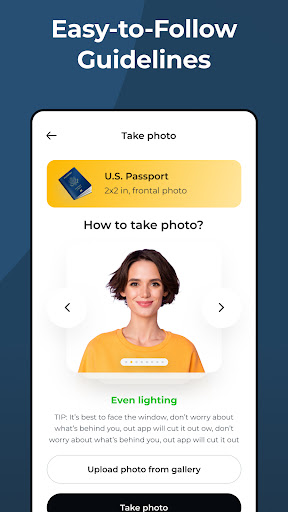
Different countries have distinct requirements for passport photos. Our app includes country-specific templates to ensure your photos comply with regional standards, whether for the USA, Europe, Asia, or other regions.
High-Resolution and Printable Formats
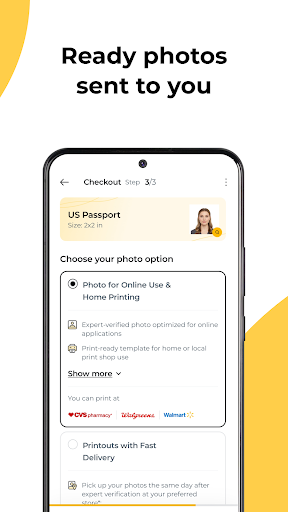
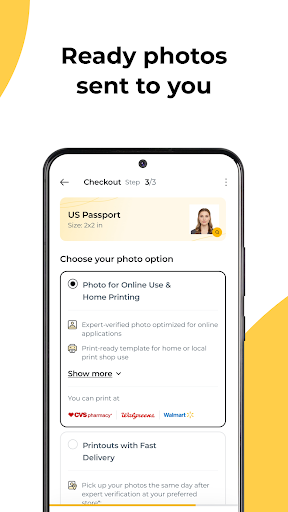
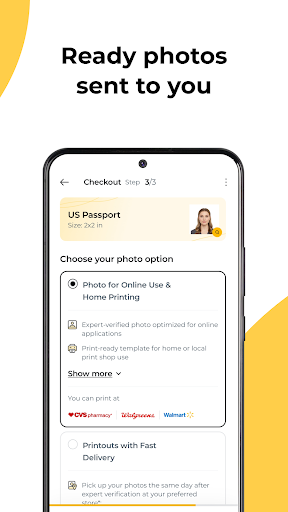
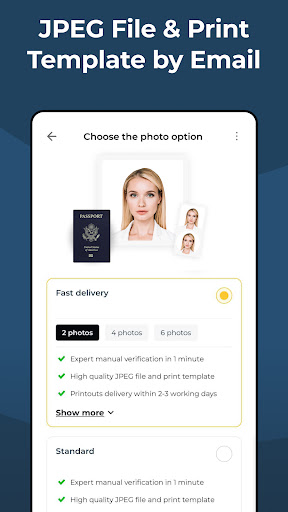
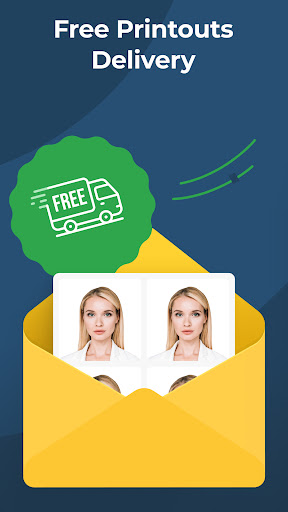
Download your photos as high-resolution JPG files or ready-to-print sheets in common sizes like 2x2 inches or 35x45 mm. This versatility ensures your photos are suitable for digital submissions or physical prints.
Preview Before Downloading
The app allows you to **preview** your passport photo before saving or printing. This feature helps verify that all biometric rules are met and that the photo looks perfect, reducing the likelihood of rejection.
Additional Uses
Beyond passport photos, the app enables creation of images suitable for ID cards, visa applications, and driver’s licenses. So whether for travel, work, or study, our app is a versatile tool for all your official photo needs.
How the Process Works
- Take or upload a photo with your smartphone.
- Let the app's AI process and adjust your image to meet official standards.
- Download or print your professionally formatted passport photo instantly.
Why Choose Passport Photo Maker & Editor?
Conclusion
Pros
- User-friendly interface for easy navigation.
- Wide range of photo editing tools.
- Supports various passport photo sizes.
- Quick photo processing time.
- Offline functionality available.
Cons
- Limited free features in the app.
- Occasional ads can be intrusive.
- Requires in-app purchases for premium features.
- Limited customer support options.
- Some tools may have a learning curve.











