

Introduction to Adobe Capture: Illustrator, Photoshop
Adobe Capture is a versatile mobile application that transforms your Android phone or tablet into a powerful creative tool for graphic design. Designed for both amateur and professional designers, this app allows you to capture inspiration from the world around you and convert it into high-quality digital assets seamlessly integrated with Adobe Creative Cloud. Whether you're interested in creating vector graphics, color themes, patterns, or 3D textures, Adobe Capture offers a wide range of features in one easy-to-use platform, enabling you to access and apply your creative elements across Adobe Photoshop, Adobe Illustrator, Lightroom, Premiere Pro, Adobe Fresco, and more.
Key Features of Adobe Capture
Transform Reality into Digital Assets
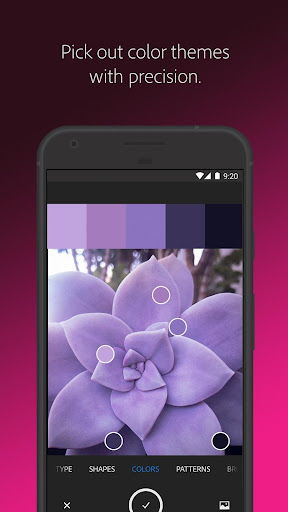
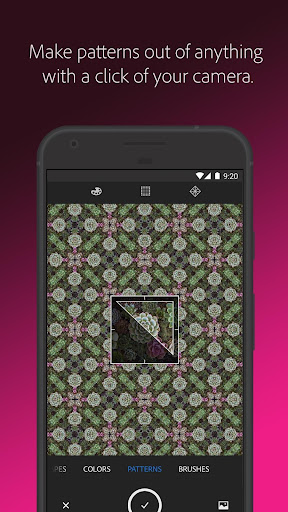
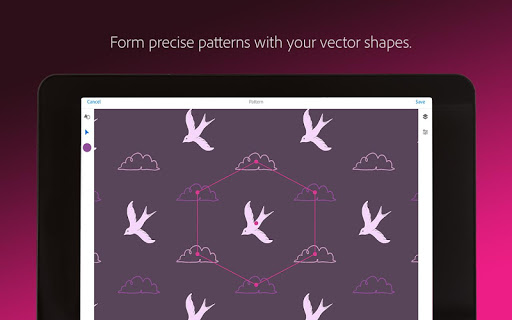
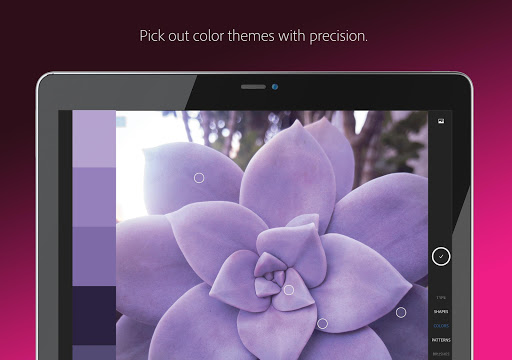
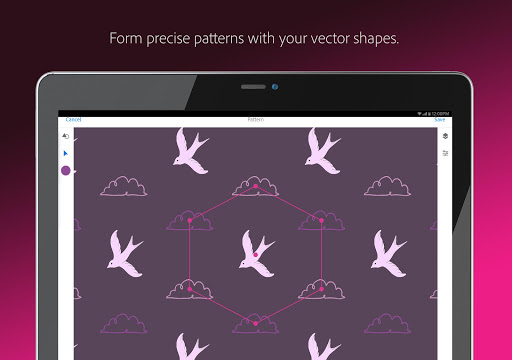
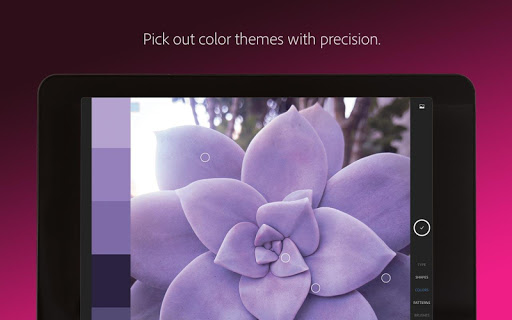
Want to turn an inspiring photograph into a usable graphic? Adobe Capture allows you to use your device's camera to scan patterns, shapes, and colors—immediately transforming real-world visuals into editable digital elements. For example, you can identify •Pattern: capture intricate patterns from wallpapers or fabric designs, or extract •Color: palettes directly from scenes or objects. These assets can be imported into your favorite Adobe apps to accelerate your creative workflow.
Create Vector Shapes on the Go
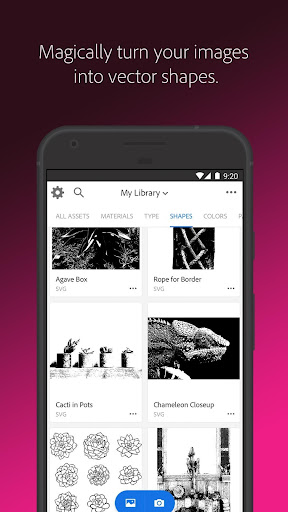
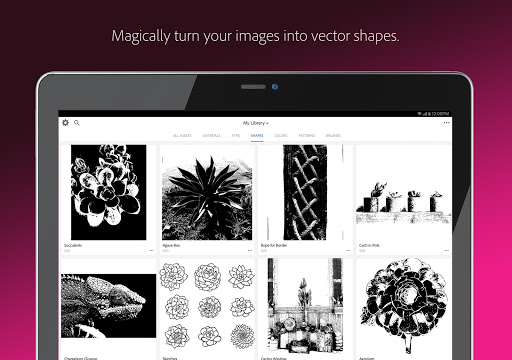
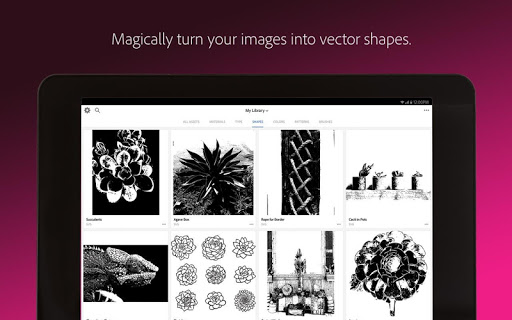
Whether you’re sketching ideas on paper or capturing an object, Adobe Capture can vectorize your images instantly. Simply point your camera at a drawing or upload a photo, and the app will generate clear, scalable vector graphics with •vector: shapes that are perfect for logos, icons, or illustrations. This feature is especially useful for designers seeking quick conversion from raster images to crisp, editable vectors, ideal for use in •Illustrator and other design programs.
Identify and Match Typography
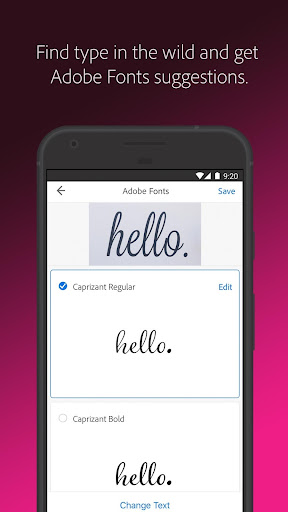
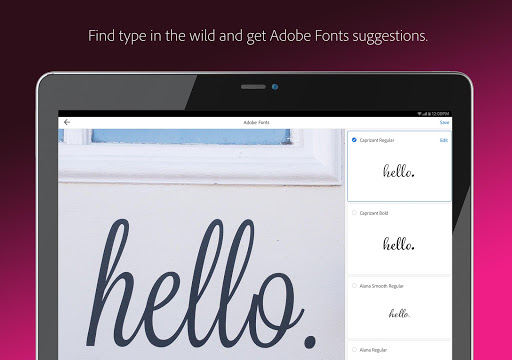
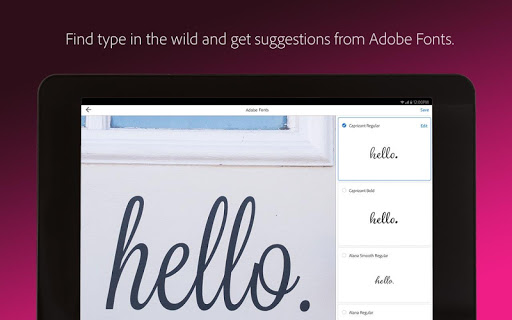
Need to find that perfect font? Adobe Capture simplifies this with its •font finder: feature. Take a photo of type on a magazine, sign, or label, and the app will generate a list of similar Adobe Fonts. This makes it easier than ever to match typography styles accurately and efficiently, saving time during the creative process.
Build Custom Color Themes and Gradients
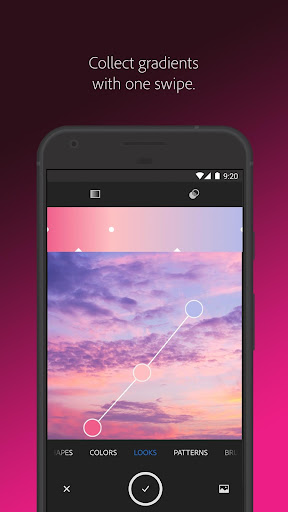
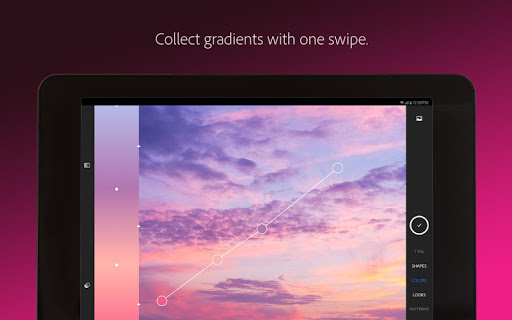
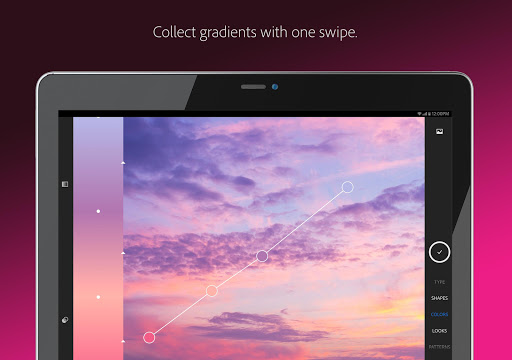
Designers can effortlessly create personalized •color themes: by capturing colors from real-world objects or scenes. The app extracts color palettes by identifying dominant hues, which you can then fine-tune for use in digital illustrations or branding projects. Additionally, Adobe Capture offers tools to generate unique •gradients:, enabling the creation of seamless color transitions for use in UI design, digital art, or backgrounds.
Create Digital Brushes and Patterns
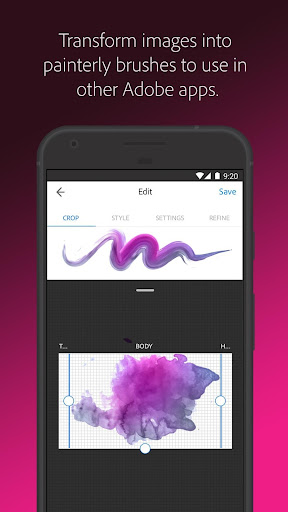
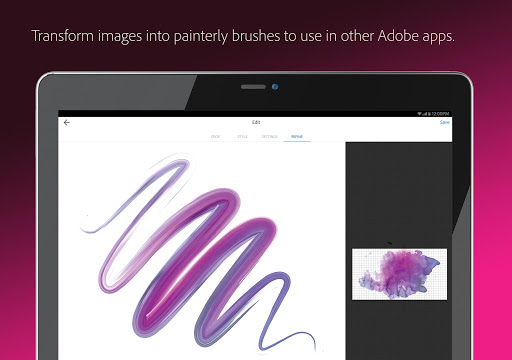
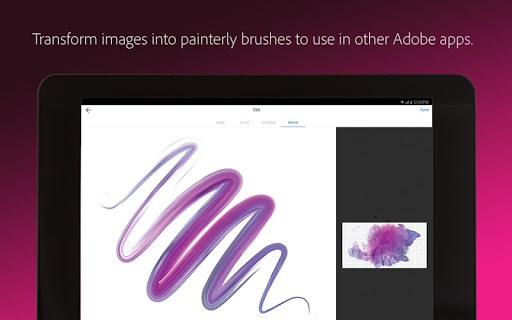
Can't find the right brush to match your artistic style? Use your images or photos to craft custom digital brushes for use in Adobe Photoshop, Illustrator, or Adobe Fresco. Moreover, the app allows you to generate delightful patterns using captured geometric shapes, perfect for adding decorative elements to your projects. The pattern builder supports the creation of intricate and colorful designs, ideal for wallpaper, textiles, or digital backgrounds.
Generate 3D Textures and Materials
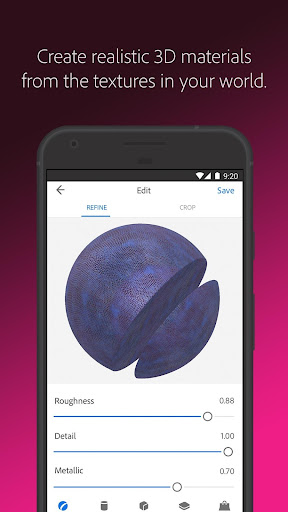
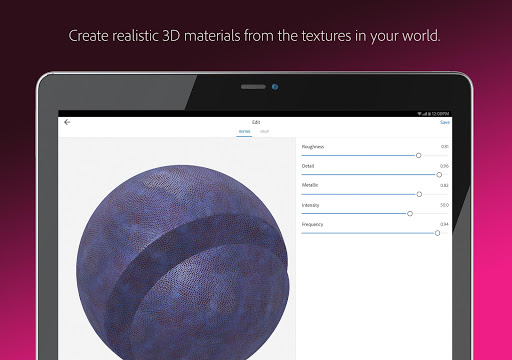
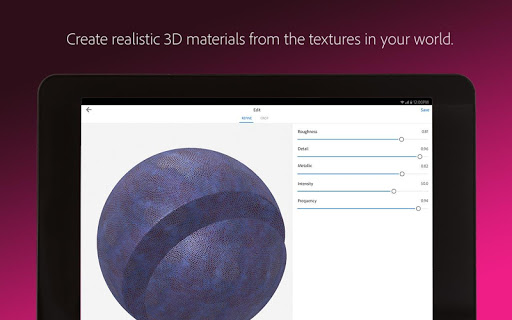
For 3D artists, Adobe Capture offers the ability to generate realistic •3D textures: and PBR materials. Capture surfaces or textures in real life and then modify or tile these for use on 3D models. This empowers creators to incorporate authentic, detailed textures into their 3D workflows, enhancing realism in their projects.
Capture Light and Color for Photography
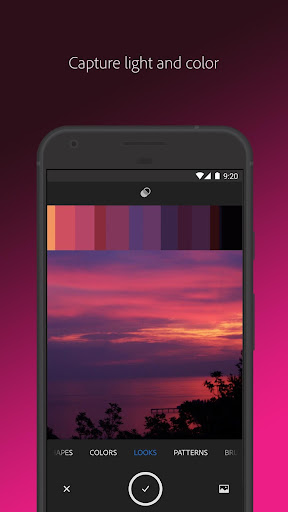
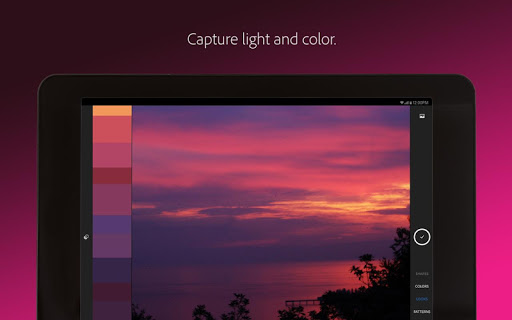
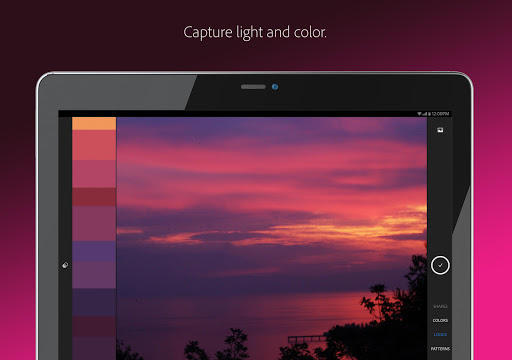
Photographers and videographers will appreciate the app's ability to record •light: and •hue: for creating stunning color grading profiles. Capture ambient light effects, such as sunset hues, and apply these profiles to enhance photos and videos, imparting a consistent artistic feel across your visual content.
Seamless Integration with Adobe Ecosystem
Adobe Capture is designed for effortless syncing with Adobe Creative Cloud libraries. This means your created assets—color themes, vectors, brushes, patterns, and textures—are instantly available across all compatible Adobe applications. Whether you're working in Photoshop, Illustrator, InDesign, or Lightroom, your assets are only a click away, streamlining your creative process and ensuring consistency across your projects.
Ease of Use and Accessibility
Recognized for its user-friendly interface, Adobe Capture caters to both beginners and seasoned designers. The app provides tutorials and guided instructions to help new users navigate its features confidently. Its intuitive design allows anyone to quickly learn how to capture inspiration, create digital assets, and incorporate them into professional workflows without a steep learning curve.
Why Choose Adobe Capture?
Whether you’re looking to quickly generate vector illustrations, identify fonts, craft color palettes, or design complex patterns, Adobe Capture is a comprehensive solution for modern digital creators. Its integration with Adobe's suite of apps makes it a vital addition to any creative toolkit, enabling seamless transitions from real-world inspiration to polished digital assets. Plus, with 2GB of free storage under a basic Creative Cloud membership, sharing and managing your creative elements is simple and efficient. Embrace the power of Adobe Capture, and turn your everyday surroundings into professional-grade design sources with ease.
Pros
- High-quality vector conversion.
- Seamless integration with Adobe Cloud.
- Comprehensive toolset for designers.
- User-friendly interface.
- Frequent updates with new features.
Cons
- Requires Adobe account to use.
- Can be resource-intensive.
- Limited free features available.
- Steep learning curve for beginners.
- Occasional app crashes.










