
Introduction to Video Player - AnyPlay
Main Features of AnyPlay
HD Video Playback & Customization
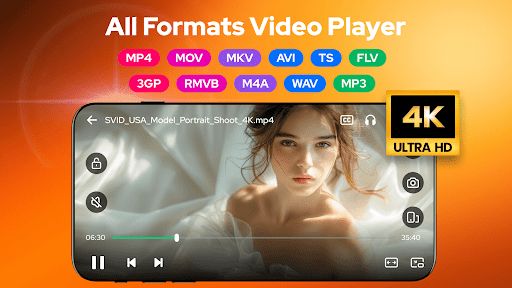
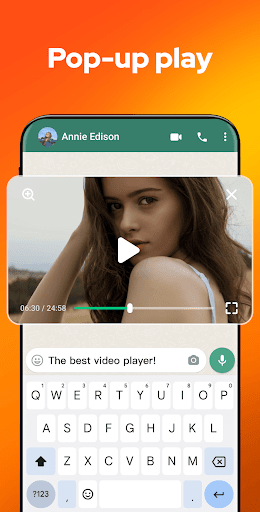
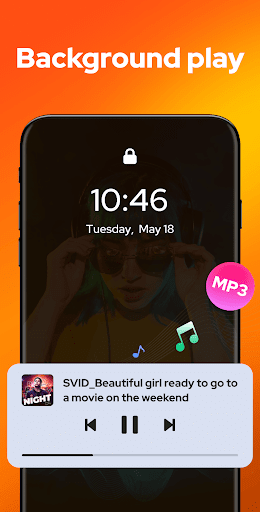
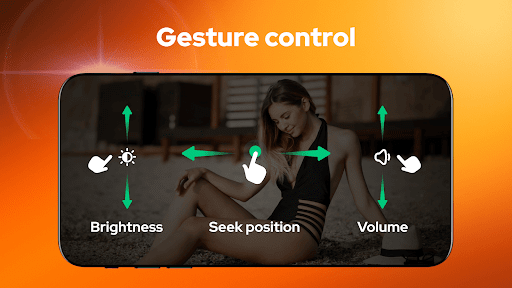
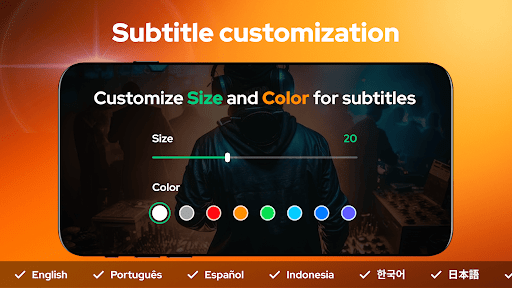
Experience HD video playback for all formats, including MP4, AVI, MKV, and more. The app allows you to import local subtitles or download online subtitles for free, with customization options for subtitle color and size. Built-in equalizer and reverb effects enhance your viewing experience, making it feel like a mini home theater. Gesture controls provide quick access to functions like fast forward, rewind, brightness, and volume adjustment, creating a smooth and intuitive viewing environment. Plus, the pop-up playback feature lets you watch videos in a floating window while chatting or browsing other apps, and background play functionality enables you to listen to videos even when the screen is off.
Powerful File Management
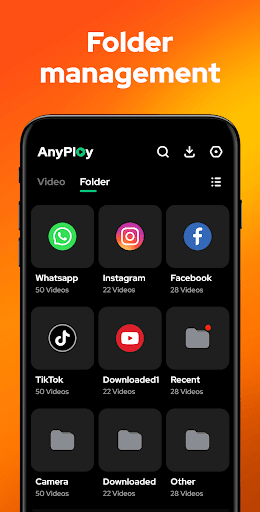
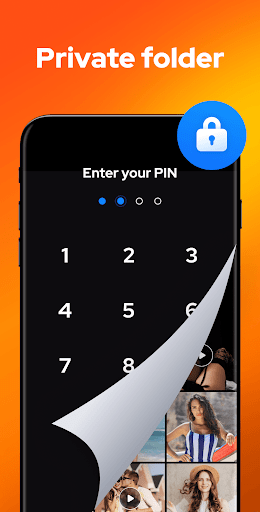
AnyPlay automatically detects and manages all media files on your device and SD card, supporting formats like MKV, MP4, MOV, AVI, and more. You can view your media in organized folders or playlists, making it easy to find and play your desired content quickly. The app also includes privacy features such as hiding videos into a private folder with a single click, providing a secure way to protect your sensitive content. Sorting options by date, name, length, or size help you keep your media library tidy and accessible.
Efficient HD Video Downloader
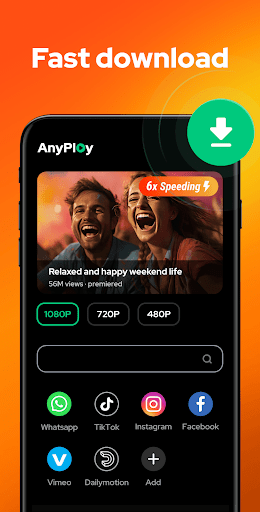
The built-in browser in AnyPlay allows you to explore websites and social media platforms easily. You can download videos directly in HD quality, choosing from resolutions like 1080P, 720P, or lower to save space and data. The downloader supports quick bookmarking for easy access later, and users can select the preferred video resolution during download. This feature transforms AnyPlay into not only a media player but also a convenient tool for offline access to videos from your favorite sites.
High-Quality Music Player
Beyond videos, AnyPlay functions as a comprehensive music player. You can create playlists, support various looping modes such as shuffle, repeat one, or AB repeat, and enjoy advanced audio features with equalizer and reverb effects. Preset modes help tailor the audio playback to your preferences, making it ideal for music enthusiasts looking for a high-quality auditory experience.
Why Choose Video Player - AnyPlay? - User Experience & Performance
Intuitive User Interface
When launching Video Player - AnyPlay, users are greeted with a clean, straightforward interface that’s easy to navigate—even for those who aren’t tech-savvy. The organized layout ensures quick access to your media library, reducing clutter and enhancing user engagement. Just a few taps and you’re ready to enjoy your favorite videos or music in seconds.
Robust Performance & Compatibility
The app handles high-definition videos efficiently, with minimal buffering and swift loading times. Compatibility extends beyond Android devices, with support for iOS, making it accessible to a broader user base. Additionally, seamless integration with cloud services like Google Drive or Dropbox allows you to stream or access your media directly from the cloud, providing unmatched flexibility and convenience for users on the go.
Additional Benefits
Video Player - AnyPlay is packed with features that cater to various media needs, from private video management to versatile playback options. Its comprehensive suite ensures you can enjoy videos and music without switching between apps, making it your all-in-one media solution. Whether for casual viewing or serious media consumption, this app is a reliable choice for Android users seeking a powerful multimedia experience.
Final Thoughts
Pros
- Supports multiple video formats
- User-friendly interface
- High-quality video playback
- Fast loading times
- Customizable playback settings
Cons
- Contains ads in the free version
- Limited features without premium
- May drain battery quickly
- Occasional crashes reported
- No offline playback option











