






Introduction to Email: Fast, Manage All Mails
Main Features and Functions
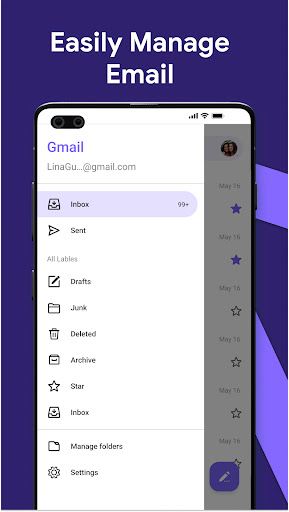
One-Click Email Management
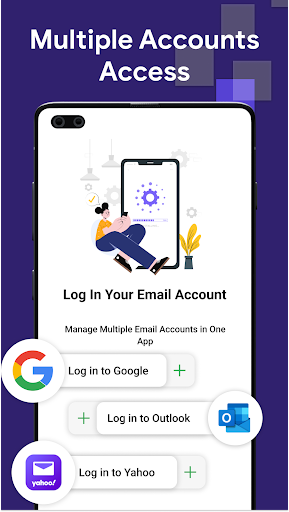
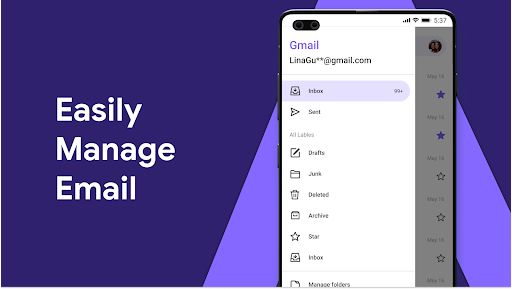
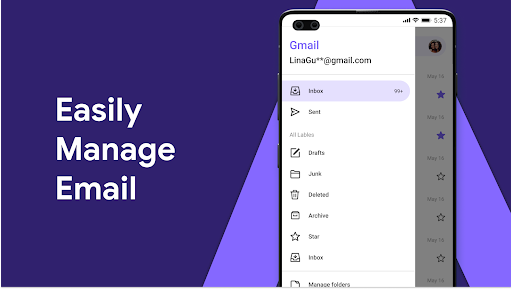
With Email: Fast, Manage All Mails, you gain one-stop access to all your email accounts, including major providers like Gmail, Outlook, Yahoo, and more. The integrated system allows you to quickly view, process, and organize your emails, significantly improving work efficiency and reducing the hassle of managing multiple apps.
Multiple Account Support
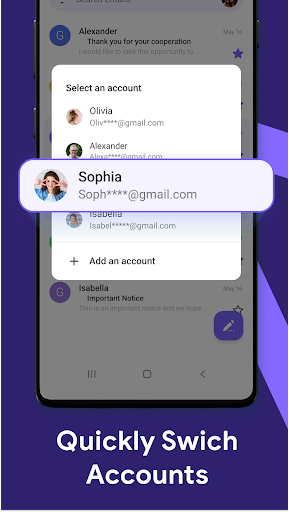
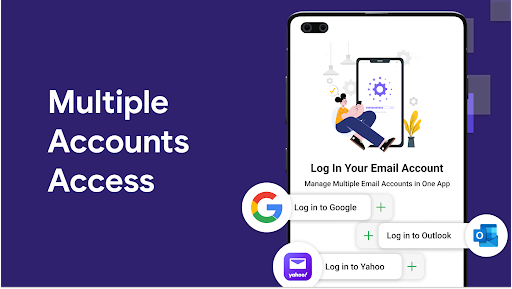
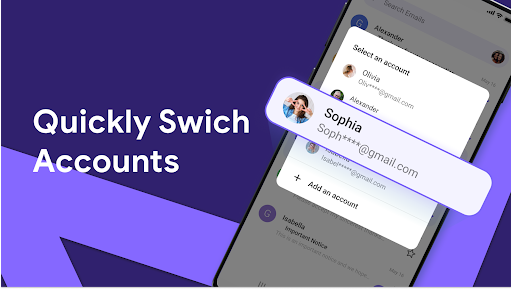
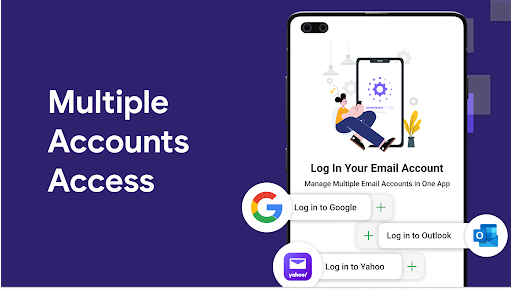
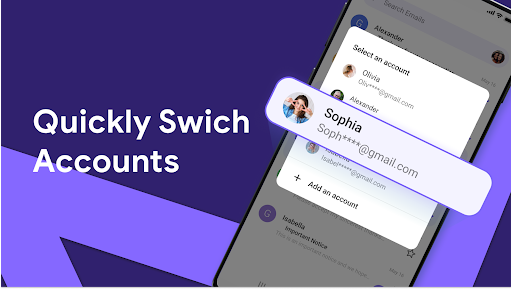
No matter how many email accounts you operate, this app enables you to manage them all seamlessly within a single interface. Effortlessly switch between accounts, view all incoming mails, and manage your communications without having to log in and out of different services.
Instant Notifications
Never miss an important email again thanks to instant notifications. The app alerts you immediately when new emails arrive, so you can stay on top of your inbox throughout the day without frequent manual checking.
Simple and User-Friendly Interface
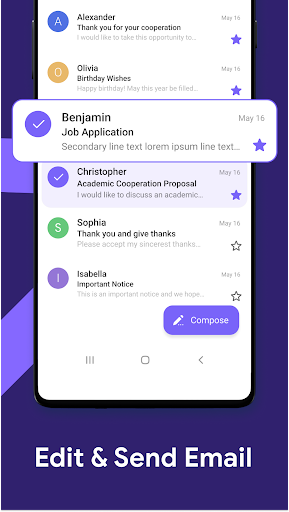
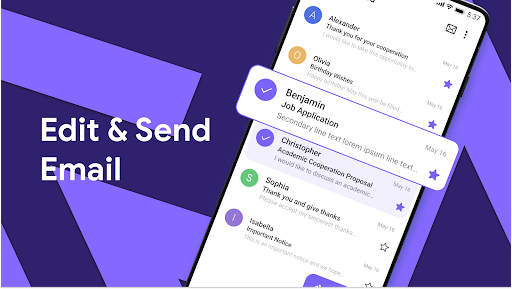
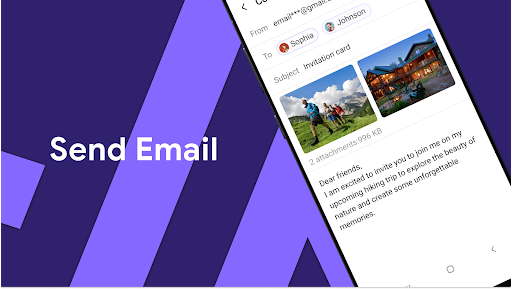
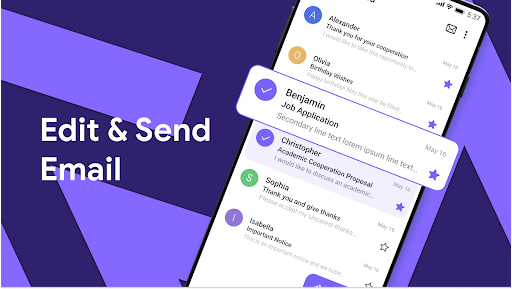
Designed with user experience in mind, the app features an intuitive layout and a good search function. It allows you to view, send, and manage emails effortlessly, regardless of your technical proficiency.
Data Security and Privacy
Protecting your information is a priority. The app employs end-to-end encryption and adheres to strict privacy standards, ensuring that your email data stays completely secure. Your sensitive information remains on your device or secure email servers with no unnecessary data sharing.
AI-Powered Email Assistance
Artificial Intelligence (AI) enhances your email management experience in several ways:
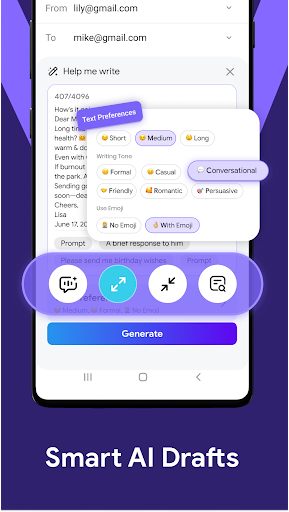
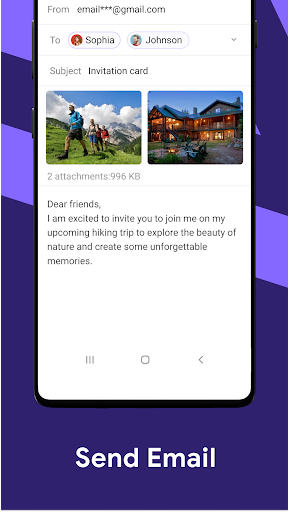
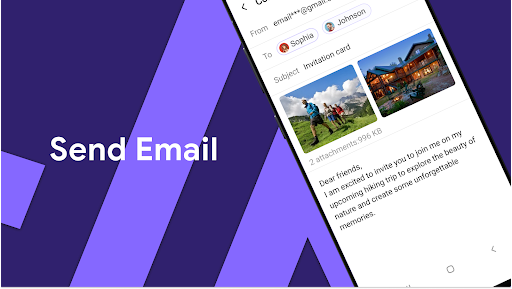
- AI-assisted email writing: Simply enter a subject or brief content, and the AI can generate a professional, complete email draft, saving you time.
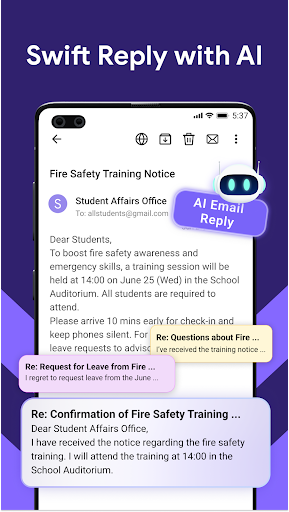
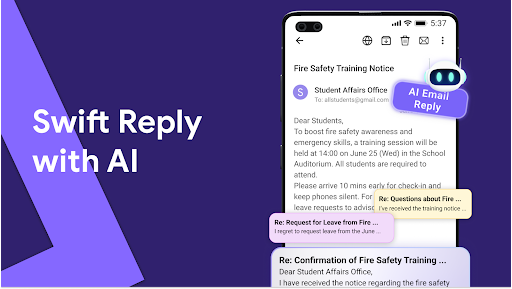
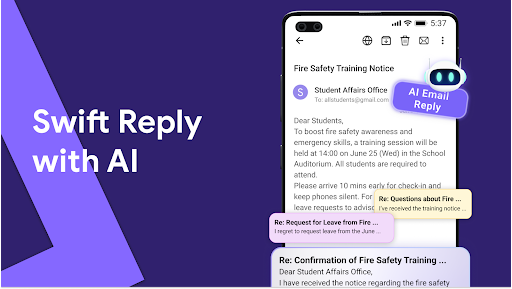
- Smart reply suggestions: When you receive emails, AI can offer multiple reply options, which you can customize or send directly. Standardized templates for common responses like inquiries or confirmations are also automatically generated.
- AI spelling and grammar correction: Real-time correction ensures your emails are polished, professional, and free of mistakes.
This integration aims to facilitate faster communication, reduce manual effort, and improve your overall email productivity.
Additional Benefits
Beyond its core features, Email: Fast, Manage All Mails emphasizes data privacy and security. By processing all data locally on your device and relying on trusted third-party email servers, it ensures your information remains private and protected. It eliminates the need for multiple passwords and reduces the risk associated with managing several email apps.
With a well-designed interface and powerful sorting algorithms, the app automatically categorizes emails, prioritizes important messages, and filters out junk mail effectively. This smart sorting helps you stay organized and focused on what truly matters, whether for personal or professional productivity.
Conclusion
Pros
- Unified inbox for multiple accounts.
- High-speed email synchronization.
- Customizable notifications.
- User-friendly interface.
- Supports various email clients.
Cons
- No offline mode available.
- Limited advanced features.
- Occasional synchronization issues.
- Advertisements in the free version.
- Lacks a dark mode option.











