

Introduction to Screen Recorder - Record Video
Are you looking for a dependable solution to capture your screen activity effortlessly? Whether it's for creating tutorials, recording intense gameplay, or saving video calls for future reference, Screen Recorder - Record Video provides a versatile and user-friendly platform to meet your recording needs. Designed with simplicity and high performance in mind, this app is gaining popularity among users who want a reliable way to record screen activity on their devices without compromising on quality.
Main Features of Screen Recorder - Record Video
High-Definition Recording
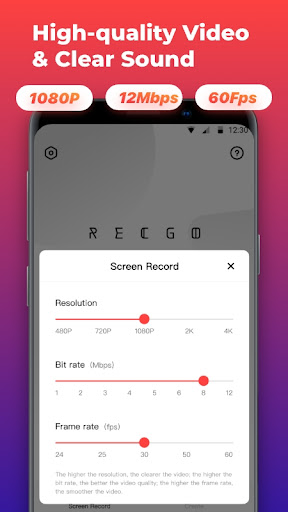
The app supports full HD screen recording up to 1080p resolution, with an adjustable bit rate of 12Mbps and a smooth frame rate of 60FPS. Whether you're capturing fast-paced gaming moments or detailed tutorials, the excellent video quality ensures your recordings look crisp and clear. Users can customize recording settings to suit their needs, choosing resolutions from 480p to 4K, and frame rates ranging from 24FPS to 60FPS.
Intuitive User Interface
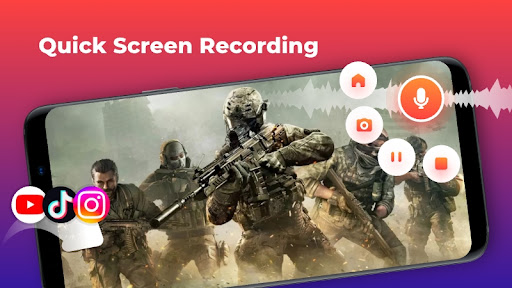
The interface is clean and intuitive, making it easy to get started immediately. Upon launch, you'll find a simple setup process—install and start recording with just a few taps. The floating control panel enhances the user experience by allowing you to start, pause, or stop recordings seamlessly without switching screens or interrupting your workflow.
No Time Limit & No Root Required
Enjoy unlimited recording duration without the need for rooting your device. This feature ensures you can capture long gameplay sessions, tutorials, or meetings without the pressure of time restrictions. This makes Screen Recorder - Record Video ideal for gamers, educators, and professionals alike.
Audio Recording Capabilities
Capture internal audio from your device or add commentary via microphone. This flexibility is perfect for creating comprehensive tutorials, gaming videos with voiceovers, or recording conversations during online meetings. Compatibility with Android 10+ further broadens the app's usability across modern devices.
Additional Recording Tools
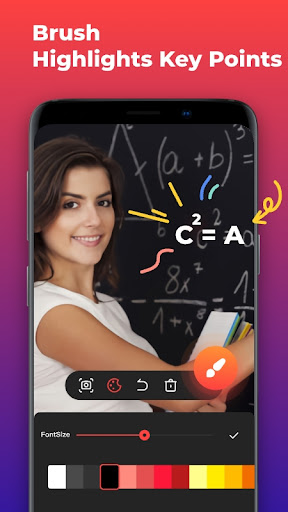
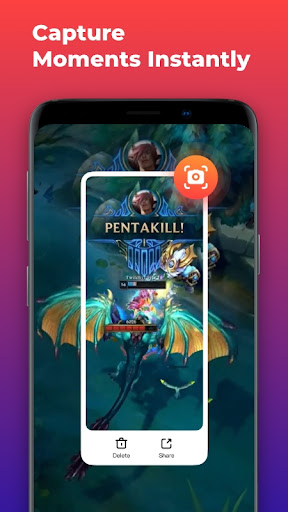
Beyond basic recording, the app includes features such as instant screenshots for quick captures, a drawing tool to highlight key points during recordings, and real-time phone memory monitoring to keep track of your storage. These tools help produce more engaging and organized content.
Video Editing and Customization
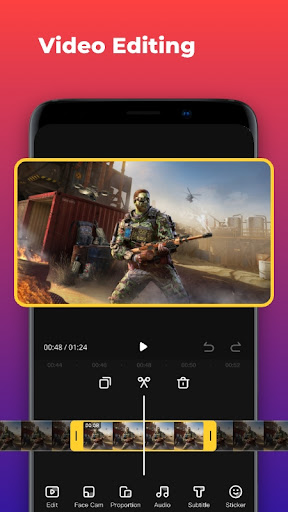
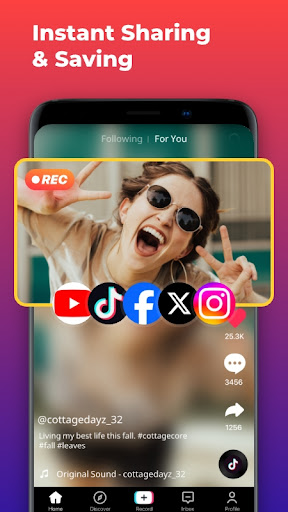
Post-recording, the app offers built-in editing tools to refine your videos. You can crop clips swiftly, merge multiple videos into one seamless file, or enhance your recordings with music and sound effects. Adding fun text, stickers, and applying popular filters allows for creative customization. The ability to rotate or reverse videos, adjust volume, and modify aspect ratios ensures your final product is polished and ready to share across social media platforms like Facebook, YouTube, and Instagram.
Screen Recording with Facecam
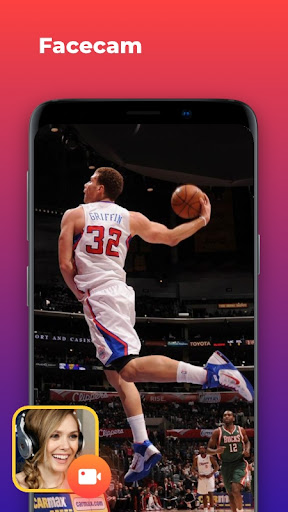
For a more interactive recording experience, Facecam support lets you record facial reactions or explanations in a draggable small window overlay. This feature is especially useful for game streamers, educators, or anyone wanting to add a personal touch to their videos. The movable window can be positioned anywhere on the screen, ensuring your reactions are captured without blocking important content.
Ideal Use Cases
This versatile screen recorder suits a wide range of applications. Gamers can record their gameplay sessions on titles like Honor of Kings or PUBG Mobile, then share tips and highlights effortlessly. Content creators and educators can produce high-quality tutorial videos, while professionals can record meetings, chat logs, or online presentations for documentation or sharing purposes. With unlimited recording time and HD quality, the possibilities are endless.
Performance and Reliability
Many users have praised Screen Recorder - Record Video for its stability and efficiency. The app operates smoothly without draining excessive battery life, even during extended recording sessions. Files are automatically saved to your device, ensuring data security and easy access without worries about app crashes or data loss. Multilingual support makes it accessible to a broader audience worldwide.
Conclusion
In summary, Screen Recorder - Record Video is a comprehensive, feature-rich app that caters to both casual and professional users. Its high-quality recording capabilities, user-friendly interface, and extensive editing tools make it an excellent choice for creating engaging videos for social media, tutorials, gaming, and more. Whether you're recording in portrait or landscape mode, with internal audio or facial reactions, this app provides all the essential tools in one package. Download it today and start capturing your screen's best moments effortlessly!
Pros
- High-quality video recording
- User-friendly interface
- Supports multiple resolutions
- No time limit for recording
- Records audio and video simultaneously
Cons
- Contains ads
- Limited editing features
- Requires internet connection
- Consumes significant battery
- May lag on older devices











