

Overview of Salesforce Mobile App
The Salesforce mobile app empowers users to run their businesses seamlessly from their phones or tablets. As the #1 CRM platform worldwide, Salesforce brings enterprise-grade powers directly to your mobile device, enabling you to access real-time data and leverage mobile-tailored Lightning apps. Whether in the office, on the road, or working remotely, you can stay connected to your critical business information and make informed decisions instantly. The app’s intuitive interface is designed for ease of use, making it simple for both tech-savvy users and newcomers to get started without hassle.
Key Features of Salesforce Mobile App
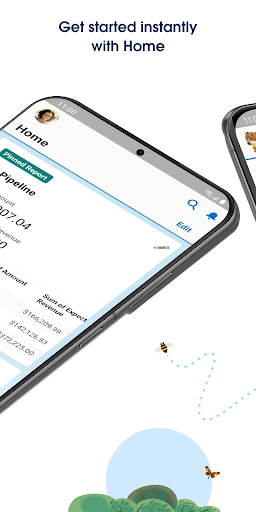
Start Instantly with Mobile Home
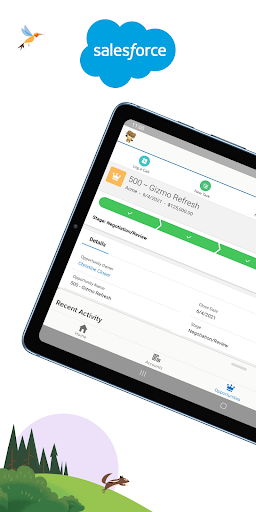
Every day begins effortlessly with the Mobile Home feature, which offers a personalized dashboard. This dynamic home screen surfaces your favorite reports, lists, tasks, events, and other important data in one place. Customize your dashboard to suit your workflow, ensuring that the most relevant information is always at your fingertips to facilitate quick decisions.
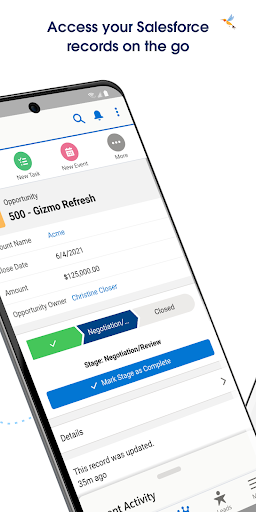
Access Data from Anywhere
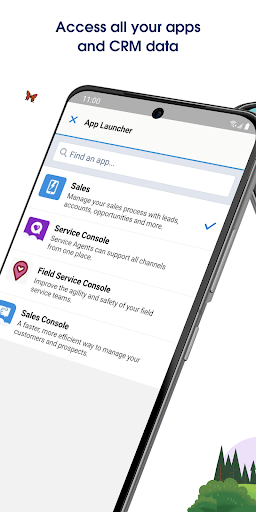
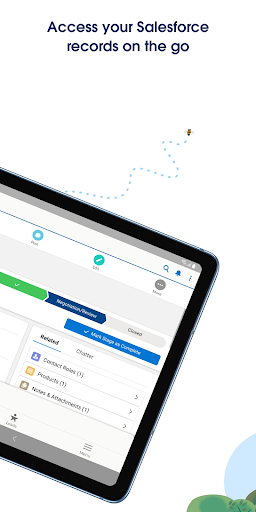
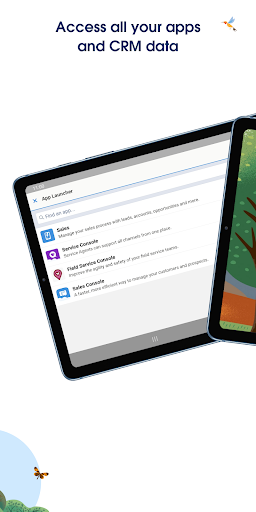
With the Salesforce mobile app, geographic location isn’t a barrier. Its suite of mobile-optimized Lightning components and apps allow you to work across Salesforce clouds and various industries. This versatility enables you to update and access critical business data in real-time, whether you're in the field, at a client site, or traveling. This mobility ensures your team remains productive and responsive at all times.
Secure and Safe Data Management
Security is a top priority with Salesforce. The app offers built-in enterprise-grade security that protects your data during transit and on your device. Additionally, features like Enhanced Mobile App Security and Compliance allow your business to implement granular security policies, ensuring data integrity and regulatory adherence, all while maintaining ease of access.
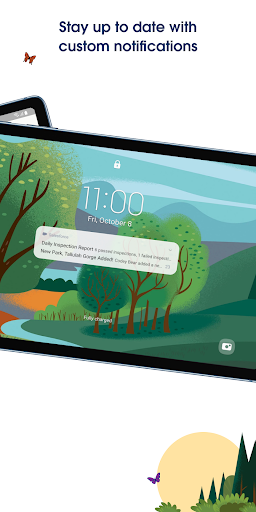
Stay Engaged with Push Notifications
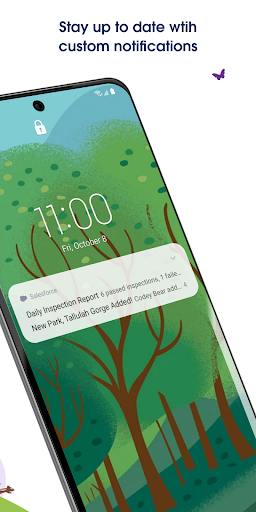
Custom push notifications keep you informed about your business data as events unfold, thanks to Notification Builder. Whether a sales lead is hot or a customer support ticket needs attention, timely alerts keep you engaged and proactive, thereby improving customer experience and operational efficiency.
Personal Experience and Benefits
Many users describe the Salesforce mobile app as a Swiss army knife for business. Downloading and installing the app on Android or iOS devices is straightforward, with a clean, user-friendly interface that minimizes onboarding time. The app’s comprehensive features suit various enterprise needs—from managing contacts and tracking sales to executing marketing campaigns. Its real-time analytics serve as a business crystal ball, providing instant insights into performance metrics and trends.
Seamless Integration and Offline Capabilities
One of the standout aspects is seamless integration with tools like Gmail, Outlook, and other business apps, ensuring all your data is synchronized effortlessly. Additionally, offline capabilities allow access to critical information without an internet connection, making the app highly reliable even when connectivity is sparse.
Considerations to Keep in Mind
While the Salesforce mobile app offers powerful functionalities, it may present a learning curve for new users unfamiliar with CRM systems. The app’s depth requires some time to master, but the long-term benefits outweigh the initial adjustment period. Also, some users perceive the pricing as a bit high, but the extensive features and enterprise security justify the investment, especially for growing and professionally managed organizations.
Why Choose Salesforce Mobile App?
If you aim to elevate your customer relationships, streamline business operations, and stay ahead of market trends, the Salesforce mobile app is an indispensable tool. Its ability to synchronize data across devices, provide real-time analytics, and maintain enterprise-grade security makes it a robust solution for businesses seeking agility and efficiency on the go.
Pros
- Highly customizable to accommodate unique business requirements.
- Offers comprehensive reporting and analytics features.
- Includes a robust mobile application for remote access.
- Integrates smoothly with third-party applications.
- Supported by a strong community and available resources.
Cons
- Setup can be complicated for new users.
- Generally more expensive than alternative CRM options.
- Has a steep learning curve for beginners.
- Occasional performance issues have been reported.
- Offline functionality is limited.











