

Ultimate Guide to the USB Camera App
If you're looking to convert your Android or iOS device into a reliable webcam, the USB Camera app is an excellent solution that combines versatility with ease of use. Whether you're a content creator, gamer, or simply need a dependable webcam for video calls, this app offers a range of features that cater to a variety of needs. Its ability to handle multiple input devices, stream in real-time, and record high-quality videos makes it a standout in today's market of mobile camera applications.
Getting Started with the USB Camera App
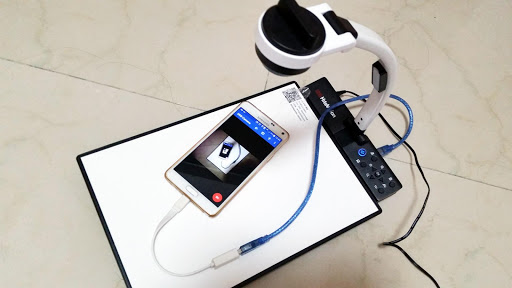
Downloading and installing the USB Camera app is straightforward. Available on both Android and iOS, it ensures seamless compatibility across a wide range of devices. Once installed, connecting your device to a computer is simple, requiring only a compatible USB-OTG cable. This setup transforms your smartphone or tablet into a fully functional webcam, ready for streaming, recording, or surveillance purposes.
Key Features of the USB Camera App
Versatile Device Support
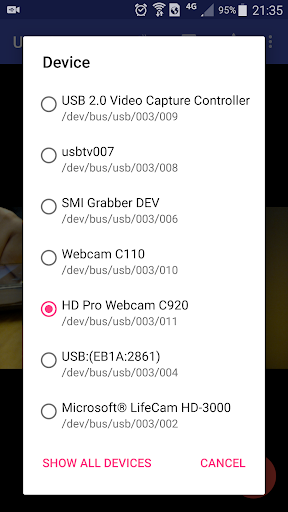
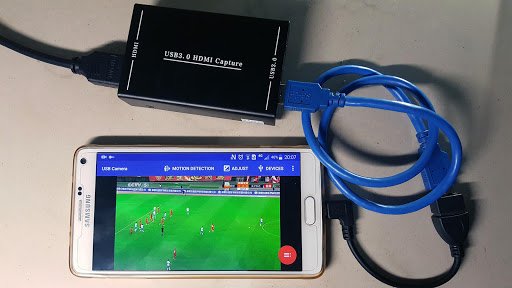
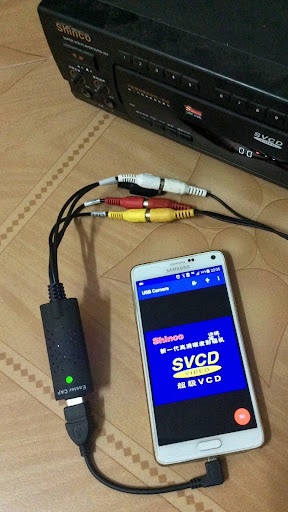
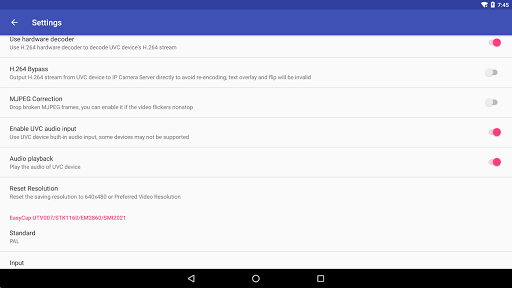
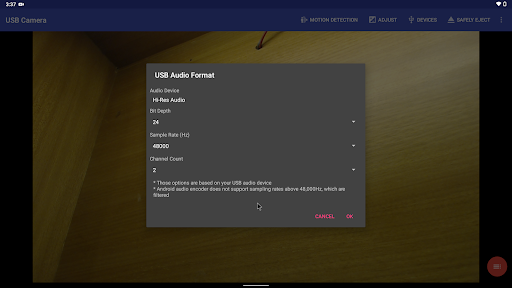
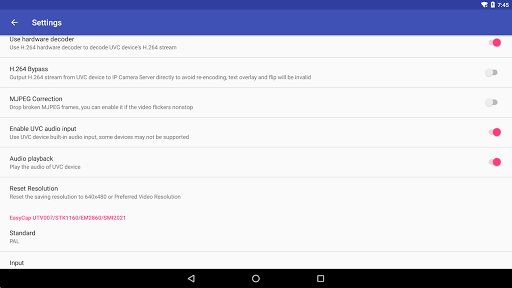
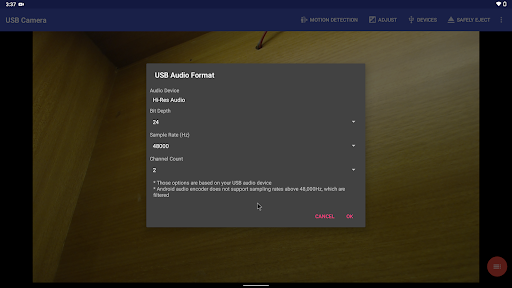
The USB Camera app boasts broad support for multiple devices, including UVC WebCams with microphones or external USB audio inputs supporting formats like H.264, H.265, and HEVC. It also works seamlessly with video grabbers up to 4K resolution via HDMI, as well as EasyCap video capture devices with various chipsets. This wide compatibility ensures you can connect almost any external camera or capture device to your Android or iOS device, making it ideal for professional streaming setups or security monitoring.
Advanced Streaming and Recording
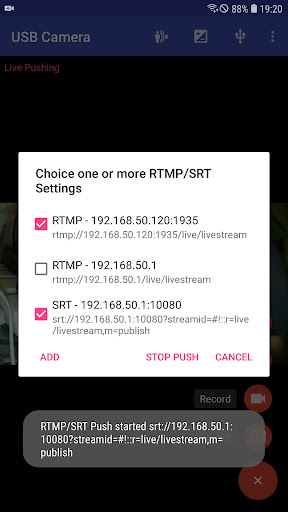
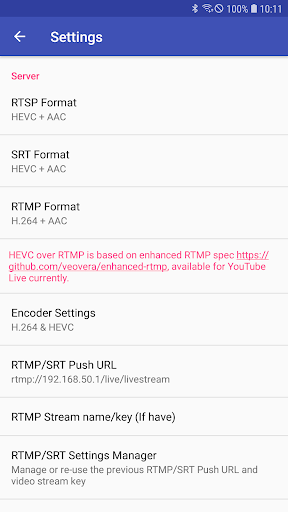
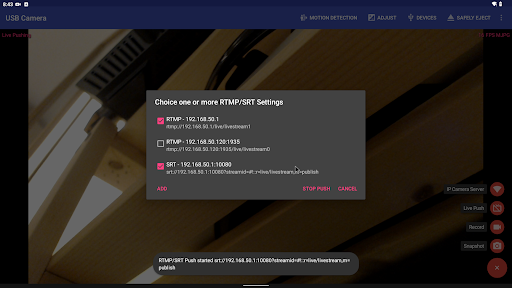
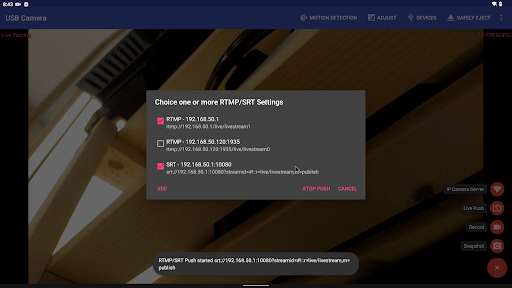
One of the app's standout capabilities is its support for RTSP real-time streaming and RTMP live broadcasting. You can push video and audio streams to media servers, supporting protocols like SRT and RTMPS for added security. It also supports HEVC and AV1 codecs for efficient streaming, making it suitable for platforms like YouTube Live. The Picture-In-Picture feature, VR/FPV View, and overlay options further enhance your streaming experience.
Recording and Playback Options
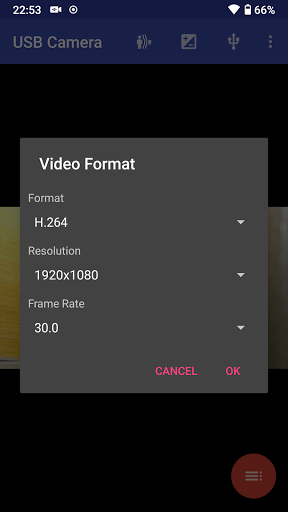
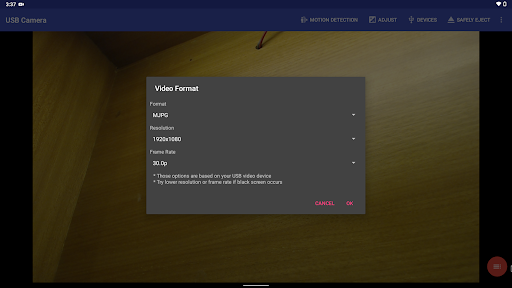
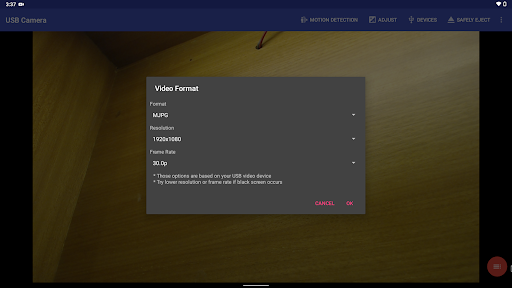
The app allows you to record high-quality videos directly from your device, with customizable resolution settings for optimal output. It supports features like loop recording, automatic segmenting, and auto-deletion of old files to manage storage efficiently. Additionally, you can add overlays such as timestamps, GPS data, or speed information to your recordings, which is invaluable for activities like dash cam usage or security surveillance.
Additional Capabilities
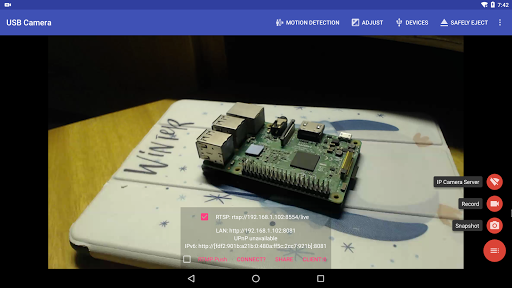
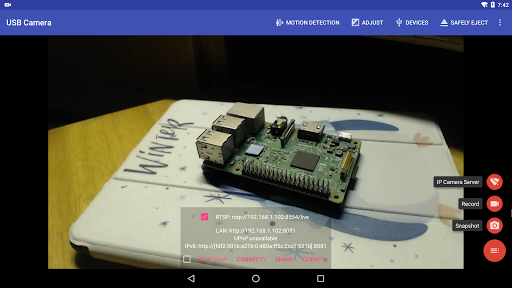
The USB Camera app can function as a wireless IP Camera, thanks to its built-in RTSP and HTTP Server. This allows remote viewing and management via browser or dedicated apps. It also supports bi-directional audio, enabling two-way communication when paired with compatible IP Camera apps. Users can easily switch between foreground and background modes without interrupting recordings, a useful feature during long streaming sessions. Furthermore, it supports adding metadata like GPS or speed data and can overlay these details onto your video feed for better context.
Enhancing Your Streaming and Video Capture
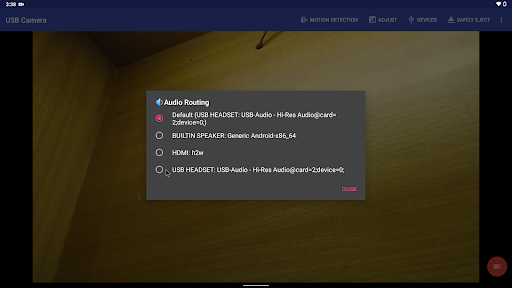
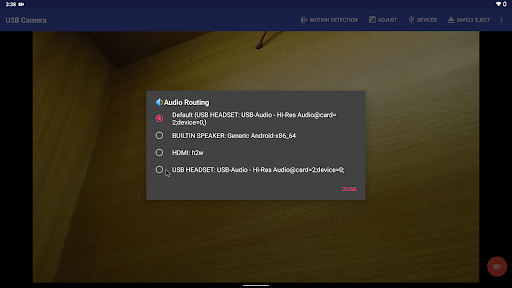
For those serious about professional quality, the USB Camera app supports HEVC encoding on devices running Android 5.0+ and AV1 for efficient streaming on Android 10+. Its compatibility with a range of external capture devices, like Elgato Cam Link and ezcap Video Grabbers, ensures high stability and quality. The app’s ability to overlay timestamps, GPS info, and other data makes it suitable not just for streaming but also for dash cams or security systems. You can also utilize features like WebCam snapshot button for quick photo captures and connect headsets for improved audio management.
Summary
The USB Camera app offers a comprehensive solution for transforming your mobile devices into powerful webcams. Its support for diverse devices, high-quality streaming options, and advanced recording features make it an ideal choice for content creators, security personnel, or anyone needing a reliable camera source. With a user-friendly interface and robust stability, this application ensures your video communication and streaming needs are met efficiently and professionally. Whether you're live streaming to platforms like YouTube or setting up a home surveillance system, the USB Camera app is a versatile tool worth exploring.
Pros
- Supports high-resolution video streaming
- Compatible with various USB cameras
- Easy setup and user-friendly interface
- Low latency for real-time video
- Offers recording and snapshot features
Cons
- May require additional hardware
- Limited to USB camera compatibility
- Battery consumption can be high
- In-app ads may disrupt experience
- Not all devices are supported











