
Lock Screen OS - A Revolutionary Lock Screen Application for Android
Discover Lock Screen OS, a premier replacement for the default system lock on Android devices. Designed to transform your lock screen into a customizable, interactive element of your smartphone, this app offers a suite of features to elevate your user experience. From personalizing your Lock Screen with favorite photos and distinct font styles to displaying an assortment of widgets for quick information access, Lock Screen OS introduces a fresh way to interact with your device.
Reimagined Lock Screen Experience
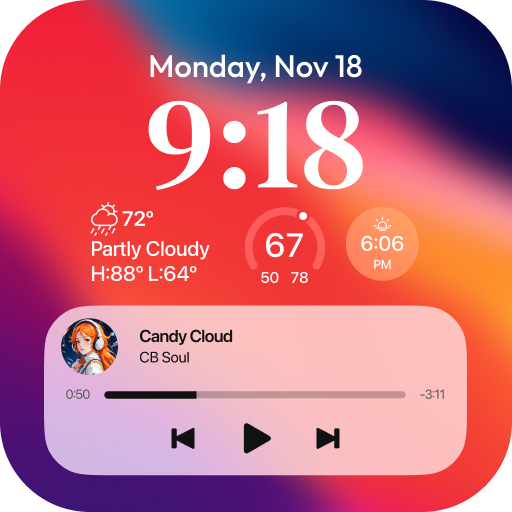
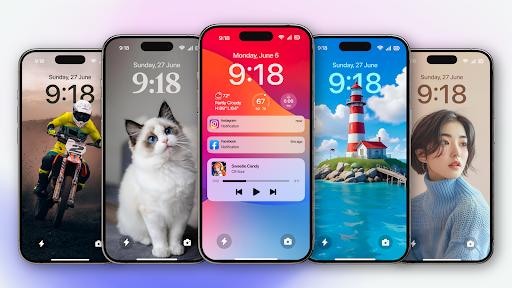
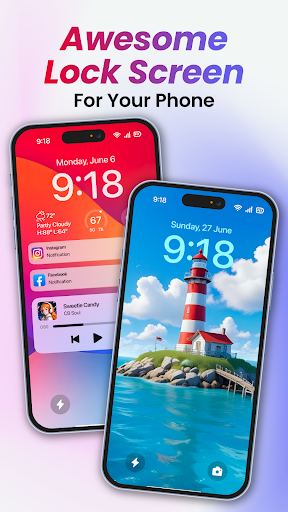
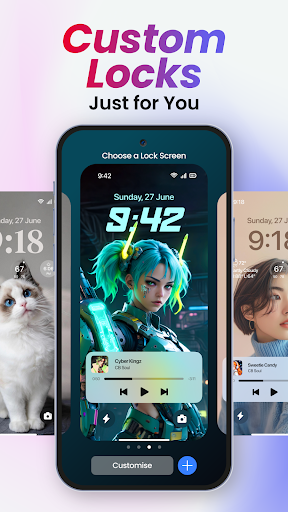
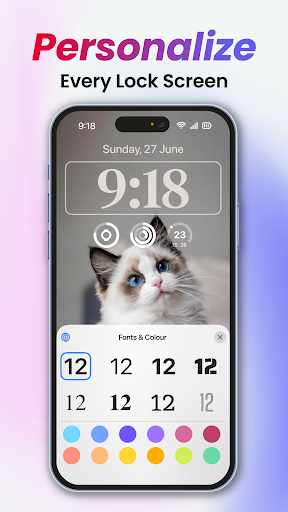
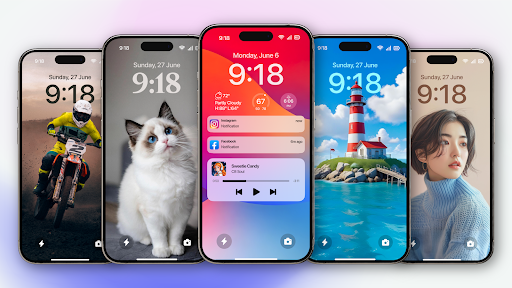
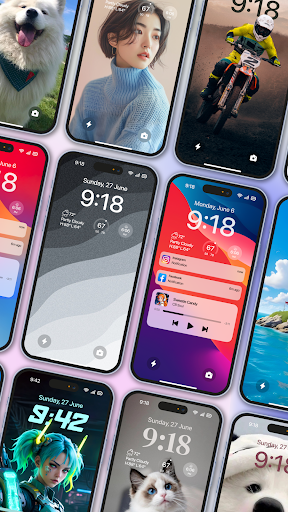
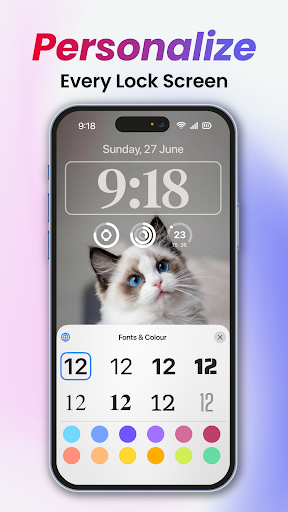
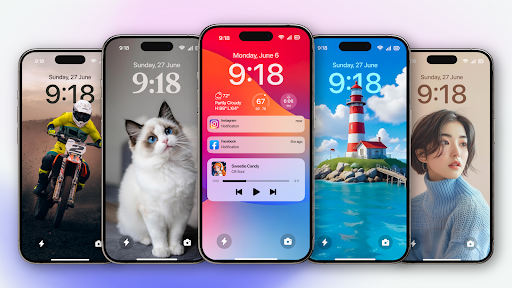
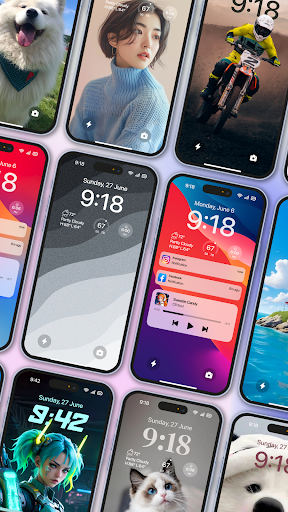
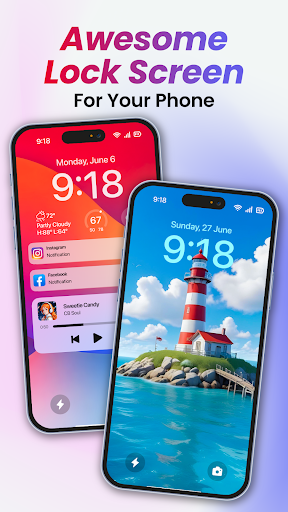
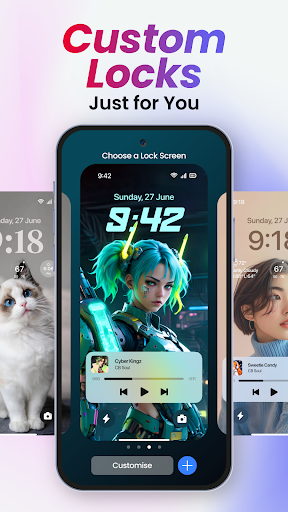
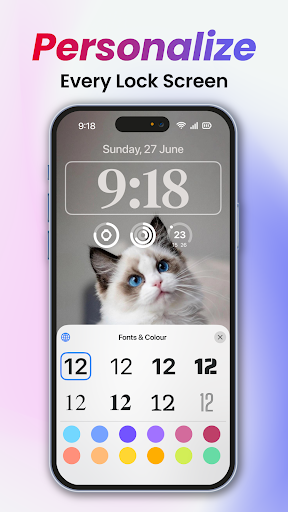
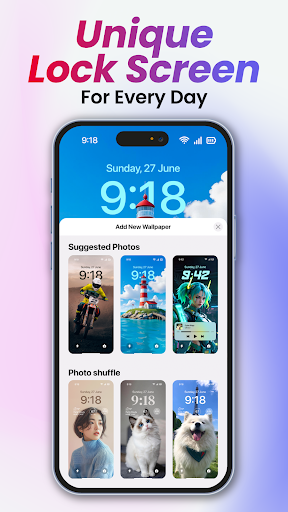
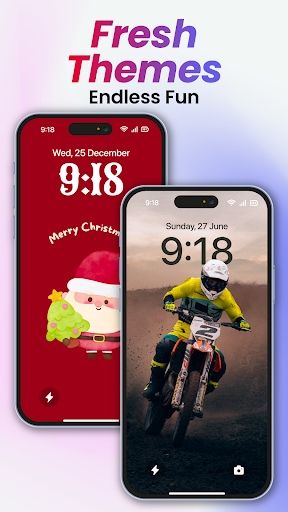
Change your phone into an OS with the innovative Lock Screen OS. It provides a broad array of personalization options that allow you to craft a lock screen tailored specifically to your style. Whether you prefer a sleek minimalist look or a vibrant display of images, the app supports extensive customization. You can showcase favorite photos, modify font styles, and integrate various widgets that offer real-time updates at a glance.
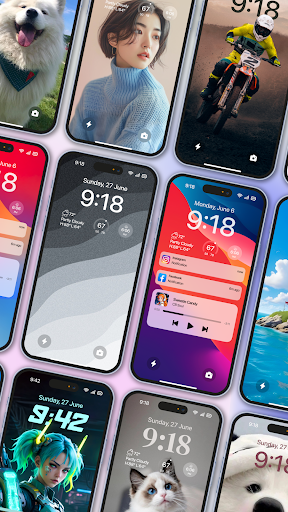
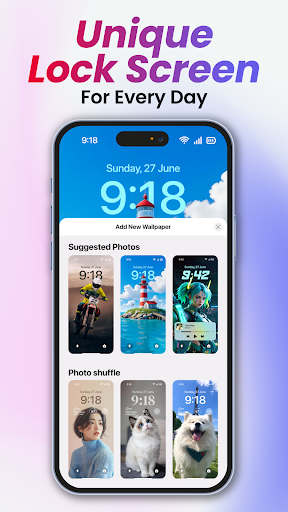
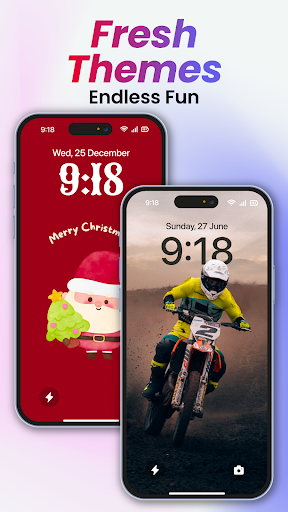
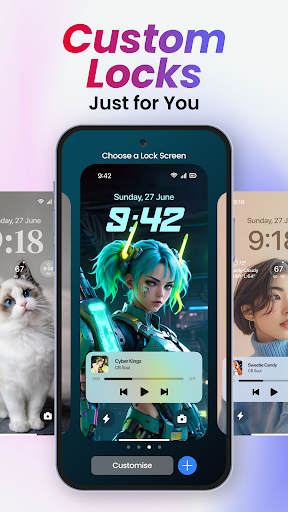
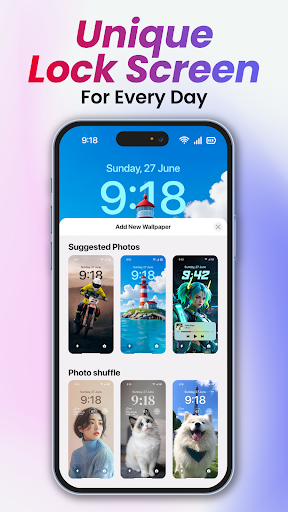
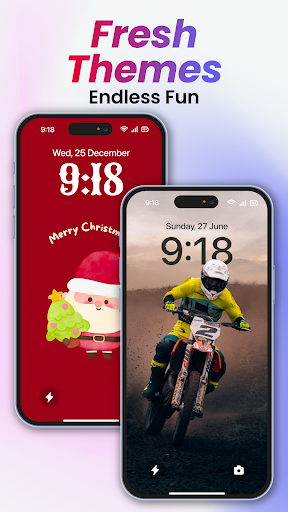
Additionally, you can create multiple Lock Screens, each with a unique backdrop and style, making it easy to switch depending on your mood or activity. The app includes a gallery of wallpapers featuring suggested photos and themed collections to inspire your creativity, further enhancing your personalization experience.
Key Features That Enhance Your Lock Screen
Customizable Widgets and Photos
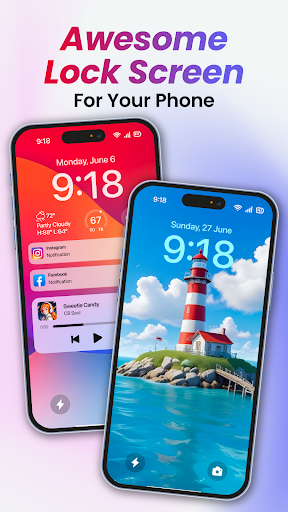
The app enables you to display useful widgets such as weather, time, calendar, news headlines, and more—all directly on your lock screen. You can also customize the appearance with favorite photos and select from various themes that suit your personal style.
Notification Management
Stay updated without unlocking your device, as Lock Screen OS offers multiple notification views. You can choose to see notifications in an expanded list view, stacked view, or keep them hidden for privacy.
Enhanced Security and Permissions
To provide seamless functionality, the app requires specific permissions such as CAMERA (to open camera in lock screen), READ_PHONE_STATE (for call notifications), NOTIFICATION ACCESS (to display notifications), READ/WRITE_EXTERNAL_STORAGE (for wallpapers), DRAW OVER SCREEN (to overlay the lock screen), and ACCESSIBILITY PERMISSION (for drawing on the home screen and status bar). Rest assured, the developers emphasize user privacy, committing not to collect or share any user data related to accessibility rights.
Easy Setup and Customization Process
Getting started with Lock Screen OS is straightforward. Follow these simple steps:
- Grant all permission requirements, including camera, notification access, and overlay permissions.
- Set up your pass code by clicking on the Pass code option to create or modify your lock code.
- Disable the system lock by selecting the button Disable system lock and ensuring the current lock is set to None.
- Optionally, hide content on the lock screen and enable the display of system notifications for quick glimpses of alerts.
For a visual guide, you can watch their instructional YouTube tutorial.
Performance and User Experience
Lock Screen OS is optimized for smooth performance, ensuring your device operates without lag, and it minimizes battery consumption—making it suitable even for heavy users. The interface is intuitive and user-friendly, catering to all age groups and technical backgrounds. The app also respects your space by avoiding intrusive ads, providing an unobstructed personalization experience.
Why Choose Lock Screen OS?
If you desire a lock screen that not only secures your personal data but also adds a touch of personality and practicality, Lock Screen OS is an excellent choice. It combines aesthetic customization with functional enhancements, enabling you to have quick access to important information and notifications right from your lock screen. With extensive personalization options, seamless performance, and robust security features, this app transforms your everyday interaction with your Android device into a stylish and efficient experience.
Furthermore, changing your lock screen into a dynamic and informative space makes unlocking your device more enjoyable. Whether you want beautiful wallpapers, useful widgets, or instant notification access, Lock Screen OS delivers a versatile solution that adapts to your needs.
Disclaimer and Support
All product names, logos, trademarks, and brands are the property of their respective owners. This application is owned and operated by us, with no affiliation or endorsement from third-party brands or services. Your feedback helps us improve our offerings; if you have suggestions or need assistance, please contact us via email.
Experience the Future of Lock Screens Today
Ready to upgrade your lock screen experience? Turn off and turn on your screen to see your personalized setup in action. Lock Screen OS turns your device into a stylish and functional gateway, making every unlock a delightful moment. Give it a try and enjoy a more beautiful, practical, and secure smartphone experience.
Pros
- Highly customizable user interface
- Enhances device security
- Consumes minimal battery power
- Supports widget functionality
- Design is intuitive and easy to use
Cons
- Frequent advertisements in the free version
- Some features are restricted to paid version
- App may crash occasionally
- Theme options can be inconsistent
- Certain features need root access











