
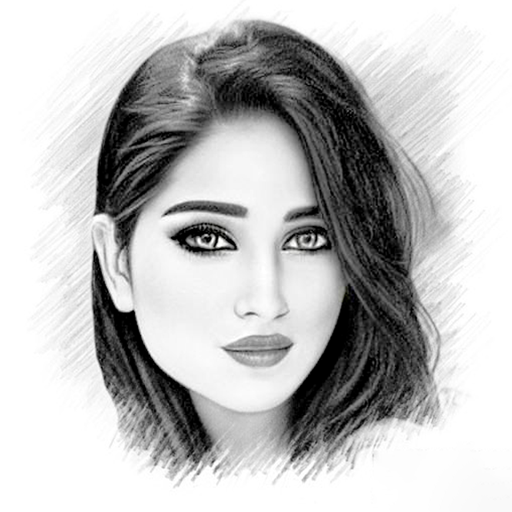



Pencil Sketch Photo Editor: Unleash Your Creativity with Stunning Sketch Effects
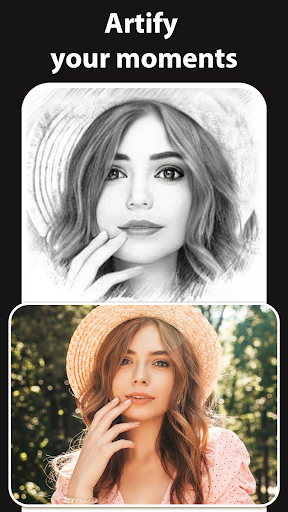
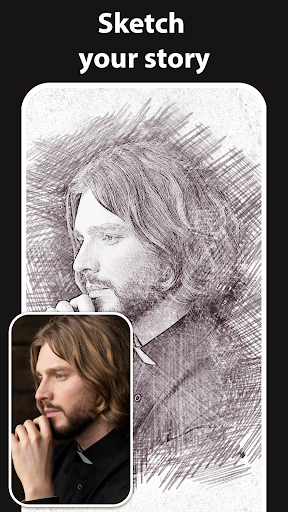
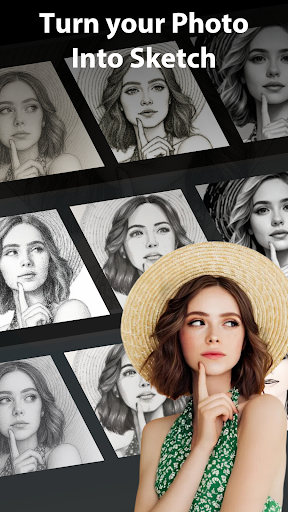
Welcome to Pencil Sketch Photo Editor, the ultimate tool for transforming your photos into captivating works of art. With a variety of innovative features and artistic effects, this app offers endless possibilities for turning ordinary images into extraordinary masterpieces. Whether you want to create detailed sketches, cartoon effects, or 3D artwork, this app is designed to help you explore your artistic side with ease.
3D Sketch Photo Maker
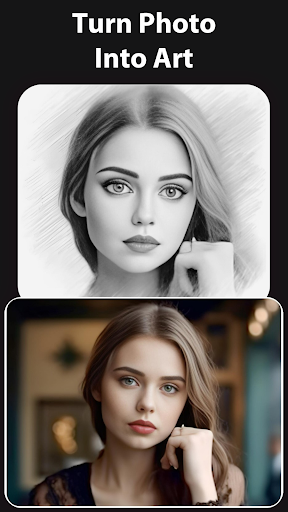
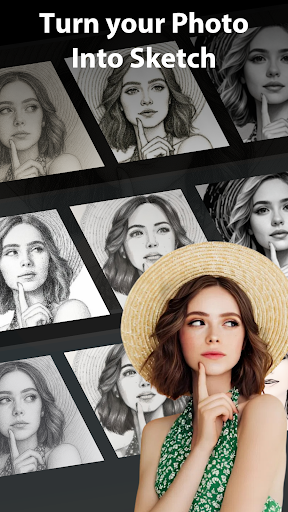
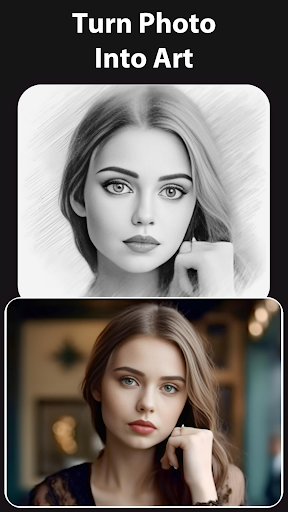
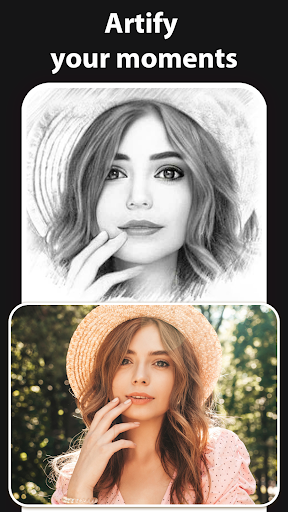
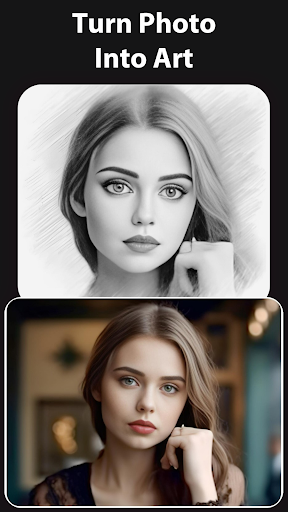
Experience the mesmerizing •3D Sketch Photo Maker with the dynamic 'Pencil vs Camera' effect, perfect for landscapes and portrait photos. Dive into the world of artistic photography with our 'Photography in Drawing' feature, which adds depth and dimension to your images like never before. This innovative tool allows you to blend drawing techniques with real photography, creating stunning 3D sketches that truly stand out.
2D Sketch Photo Maker
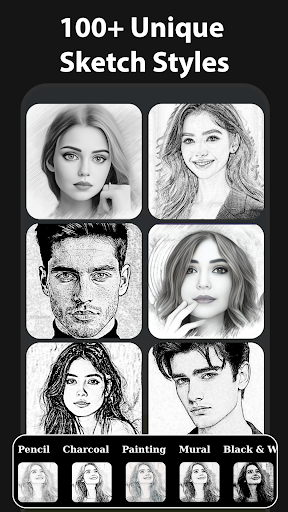
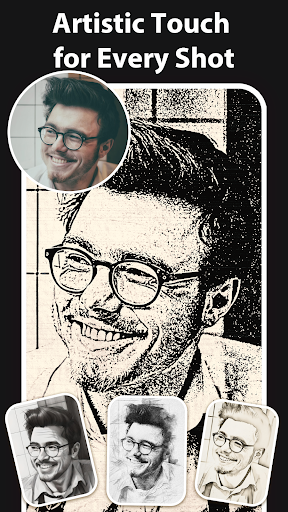
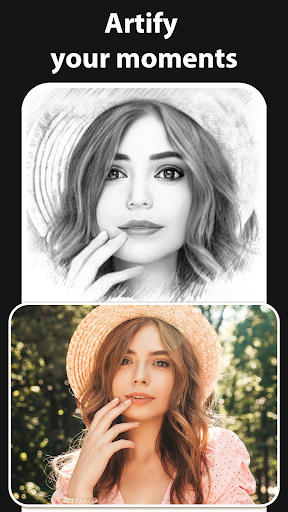
Explore three distinct •styles in our 2D Sketch Photo Maker: "Sketch", "Doodle", and "Hatch". Each style is tailored to enhance different types of photos, whether capturing human portraits, objects, or nature views. With versatile options at your fingertips, you can achieve a variety of artistic effects and customize your sketches with easy-to-use photo frames to add a professional touch.
Sketch to Cartoon Feature
Transform your photos into delightful •cartoon drawings with our innovative sketch to cartoon feature. Whether you want to caricature yourself, create fun illustrations, or add a playful twist to your images, this tool offers endless possibilities for unleashing your imagination. It’s perfect for creating personalized, cartoon-style artwork that can be shared or printed as unique gifts.
Features of Sketch Camera Effects
The app includes a suite of powerful •features designed to enhance your photo editing experience:
- Crop Photos: Easily adjust your image composition with intuitive cropping tools.
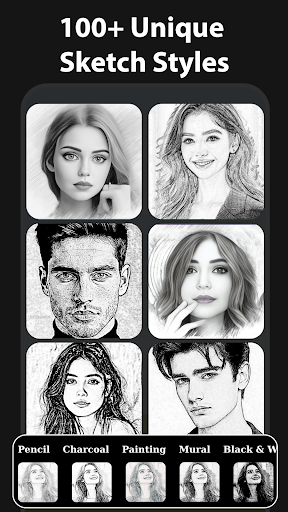
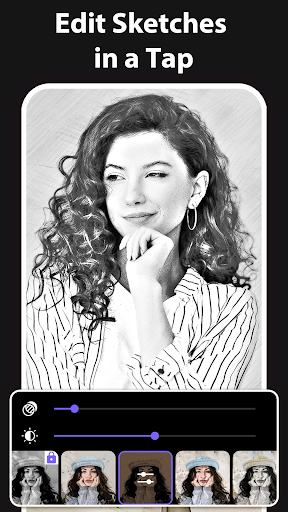
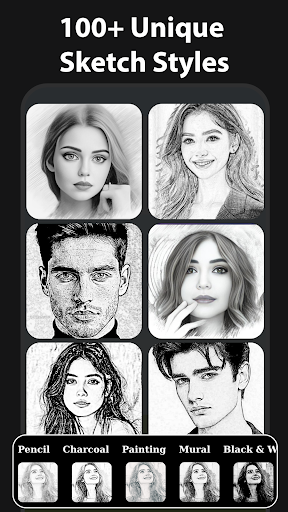
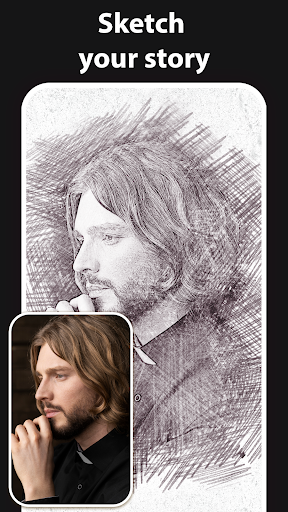
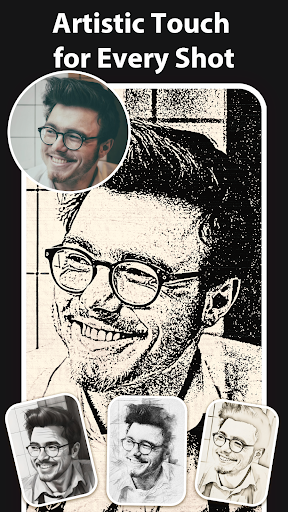
- Various Effects: Choose from effects like black strokes, white strokes, pastel, pencil sketch, color sketch, cartoon, stamp, halftone, hatching, and more to achieve diverse artistic styles.
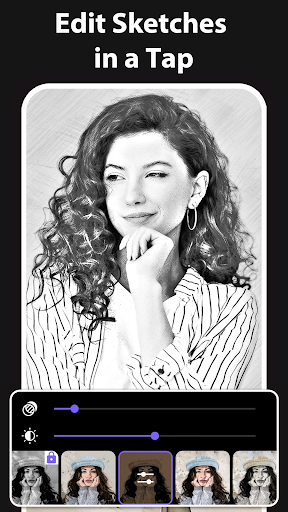
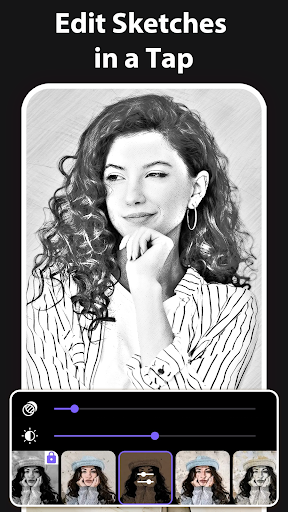
- Adjustable Parameters: Fine-tune edge strength, opacity, contrast, brightness, and saturation to perfect your sketches.
- Multiple Sketch Types: From classic pencil sketches to vibrant watercolor effects, explore a variety of artistic styles that match your creative vision.
- Create 3D Sketches: Seamlessly blend drawing and photography with our innovative 3D sketch feature.
- Capture with Sketch Camera: Take photos directly within the app using features like pinch to zoom and tap to autofocus, ensuring perfect shots every time.
Once your masterpiece is complete, you can save it to your gallery or easily share on social media platforms, showcasing your artistic talents to the world.
Getting Started with Pencil Sketch Photo Editor
Using this app is simple:
- Select a photo from your Gallery or Camera.
- Crop your photo as needed to improve composition.
- Start exploring either 2D or 3D Sketching options.
- Adjust effects and parameters to your liking.
- Save your sketch or share it instantly on social media.
This straightforward process allows anyone, whether a beginner or a seasoned artist, to create beautiful sketches with just a few taps.
Why Choose Pencil Sketch Photo Editor?
This photo editor app is a must-have for art enthusiasts and social media lovers alike. Its extensive range of artistic effects, user-friendly interface, and ability to produce high-quality sketches make it stand out in the crowded market of photo editing tools. You can easily turn your ordinary photos into timeless works of art, ideal for creating personalized gifts or enhancing your social media profile with artistic flair.
The app's intuitive design ensures that even those without prior editing experience can create stunning visuals effortlessly. Plus, with its variety of styles and effects, your creative options are virtually unlimited. Whether you’re looking for a simple pencil sketch or vibrant watercolor, this app has you covered.
Download Pencil Sketch Photo Editor today and start transforming your photos into beautiful sketches. Discover endless possibilities, boost your creativity, and share your stunning artworks with friends and followers worldwide!
Additional Information
All copyrights in this app are reserved to their respective owners. If you notice any content that infringes on copyright, please inform us so we can take appropriate action. For privacy concerns or inquiries, please refer to our Privacy Policy. To get in touch, email us at [email protected].
Pros
- Intuitive user interface
- Wide variety of sketch effects
- High-quality output images
- Fast processing speed
- Operates offline
Cons
- Contains advertisements
- Limited free features
- Occasional application crashes
- Requires in-app purchases
- Large file size











