

Introduction to Easy Homescreen
Key Features of Easy Homescreen
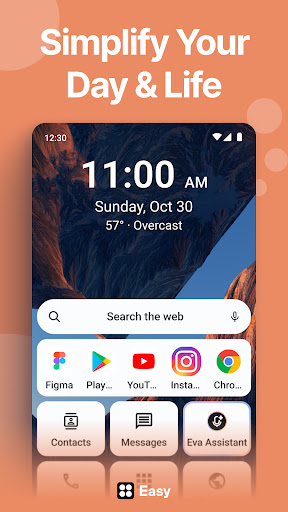
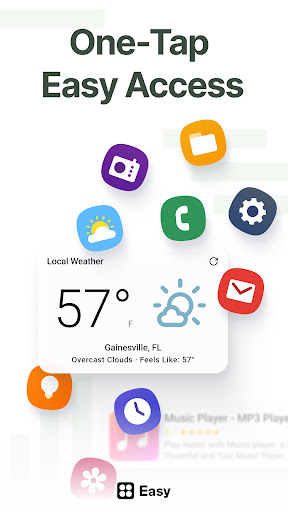
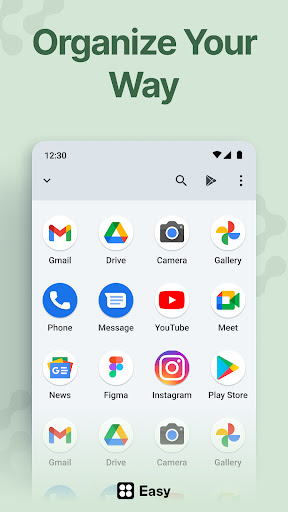
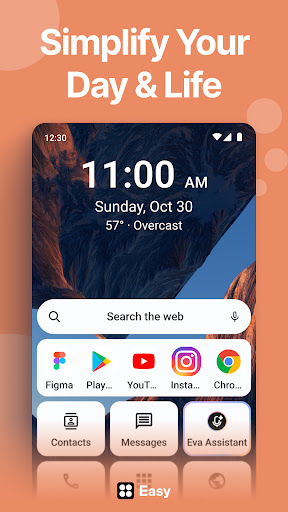
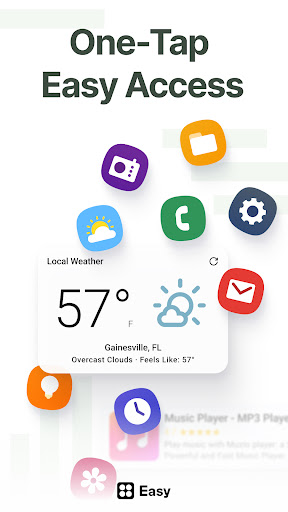
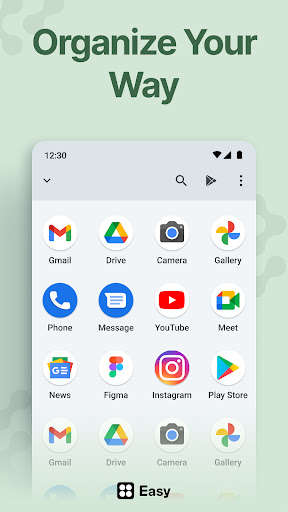
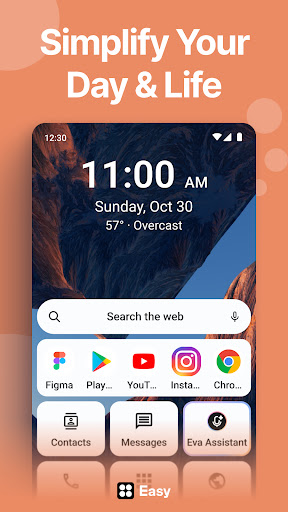
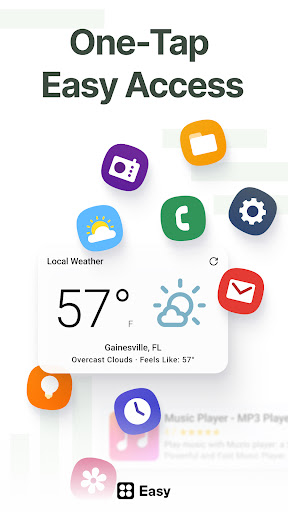
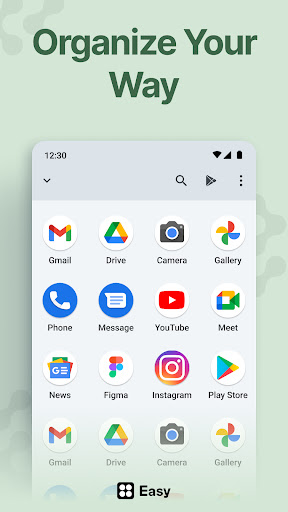
• Adaptability: The launcher intelligently adapts to your usage by displaying only your most frequently used apps and tools, hiding less relevant icons to keep your home screen tidy.
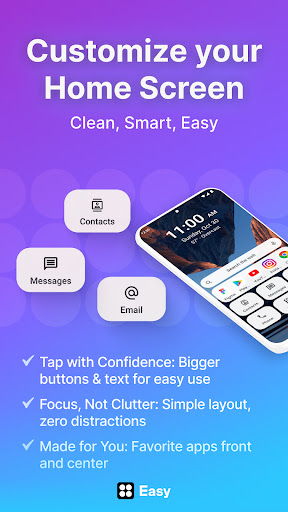
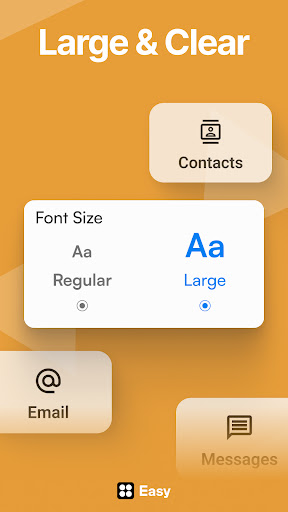
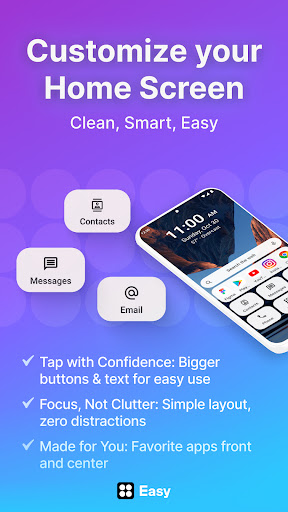
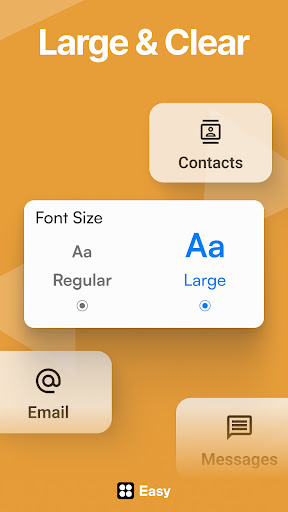
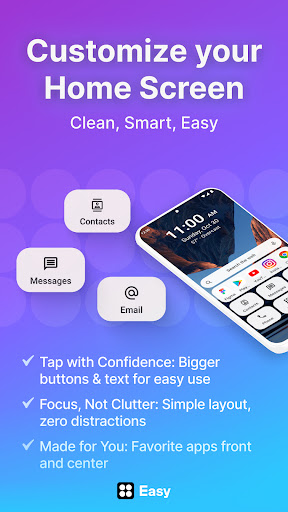
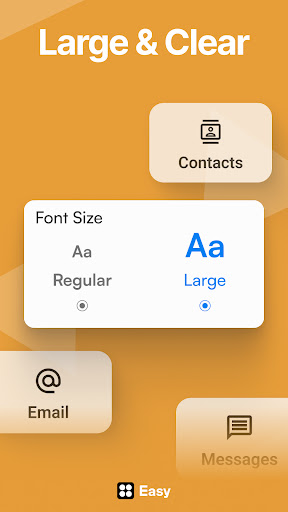
• Accessibility-first design: Features large fonts, big buttons, and an easy-to-type keyboard, making the interface accessible for users of all ages and abilities.
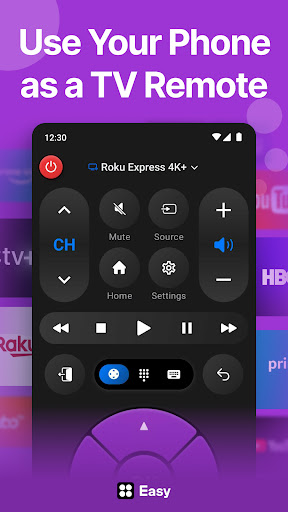
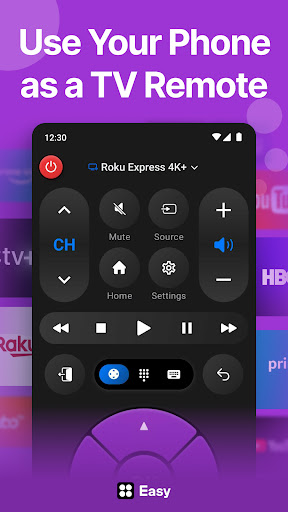
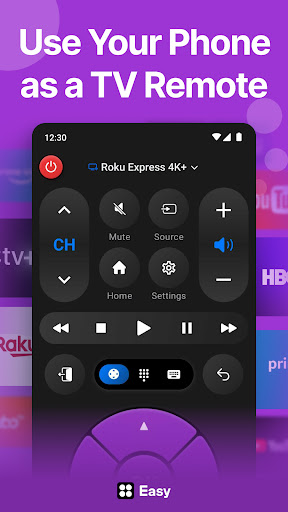
• Built-in essentials: Comes with useful tools like a universal remote, weather updates, and a large keyboard for comfortable typing.
• Minimalist and calming UI: Designed to reduce digital clutter, Easy Homescreen offers a peaceful, distraction-free experience that promotes focus and relaxation.
• Customization options: Personalize your device with your choice of fonts, themes, and app icons, helping you express your personal style—whether bold, playful, or professional.
Seamless Personalization and Easy Setup
Getting started with Easy Homescreen is straightforward, thanks to its user-friendly setup process. Upon installation, you’re greeted with an intuitive interface that guides you through customizing your home screen. Personalization options are abundant, from selecting your favorite themes to adjusting widget sizes and icon styles. The app’s drag-and-drop functionality makes repositioning apps and widgets effortless—like a game of Tetris, but more satisfying! Plus, you can create folders, hide unnecessary apps, or revert to previous layouts using the handy backup feature, ensuring your setup is always just right.
Widgets and Visual Enhancements
• Dynamic Widgets: Stay on top of your day with a suite of widgets such as weather forecasts, calendars, music controls, and quick contacts. These are not only functional but also customizable to match your aesthetic preferences.
• Lockscreen Widgets: Access important information directly from your lockscreen without unlocking your device, streamlining your daily routines.
• Live Wallpapers: Enhance your home screen with stunning live wallpapers that animate without draining your battery—perfect for bringing your device to life while maintaining performance.
Performance and User Experience
Performance is a crucial aspect of any launcher, and Easy Homescreen excels here. It is lightweight and optimized to run smoothly on various devices, avoiding the lag often associated with customization apps. Its minimalistic design ensures that your device’s resources are not overtaxed, providing a fluid experience. Additionally, the app’s interface is designed with users of all skill levels in mind, meaning even beginners can navigate with ease. Whether you want to quickly access your favorite apps or create complex setups, Easy Homescreen ensures simplicity without sacrificing functionality.
Why Choose Easy Homescreen?
In a sea of Android launchers, Easy Homescreen stands out because of its focus on *control*, *calm*, and *personalization*. Its adaptive features allow it to cater to your unique needs, providing a tailored experience that keeps your most-used tools front and center. Its accessibility features make it suitable for users with different abilities, while its aesthetic options allow for expressive customization. Whether you seek a clean, minimalist look or something more vibrant, Easy Homescreen accommodates your style. Ultimately, it’s designed to turn your smartphone into a comfortable, efficient extension of yourself—helping you stay connected to what matters most without the stress of cluttered screens.
Final Thoughts
If you're ready to **simplify your phone**, enhance accessibility, and showcase your unique style, Easy Homescreen is the perfect solution. Its combination of intelligent features, extensive customization options, and user-friendly design makes it ideal for everyone—from tech enthusiasts to casual users. With this launcher, your device becomes a calm, organized, and beautiful space that makes everyday interactions more enjoyable. Give your home screen a makeover and experience the joy of an intuitive, personalized mobile experience with Easy Homescreen—launch simplicity, customize freely, and live better.
Pros
- User-friendly interface
- Highly customizable widgets
- Seamless integration with applications
- Fast and responsive performance
- Low battery consumption
Cons
- Limited features in the free version
- Occasional advertisements in the free version
- Requires modern device specifications
- Limited variety of some widgets
- Updates are infrequent











