

Overview of Show Wifi Password: Wifi List App
Are you tired of forgetting your home WiFi password or struggling to manage multiple WiFi connections? Show Wifi Password: Wifi List is a powerful and user-friendly application designed to help you view, manage, and connect to WiFi networks effortlessly. This innovative Wi-Fi manager app provides a comprehensive suite of features that make reconnecting to your favorite networks, scanning nearby WiFi hotspots, and generating secure passwords simpler than ever before. Whether you're setting up a new device or assisting friends with their connectivity issues, this app is your go-to solution for seamless WiFi management.
Main Features of Show Wifi Password: Wifi List
WiFi Password Display
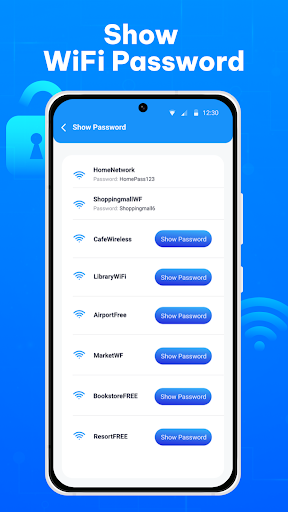
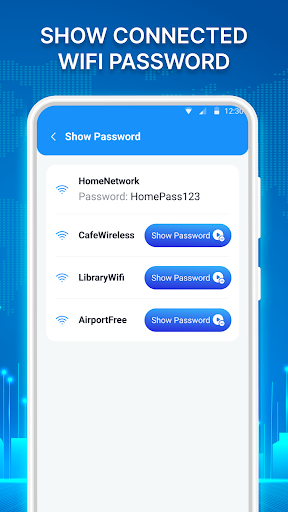
One of the standout features of our WiFi password app is the ability to view passwords for previously connected WiFi networks. Once you've connected to a WiFi network on your device, this tool allows you to quickly review and retrieve the stored password with just a few taps. This is especially helpful when you need to reconnect other devices or share the password reliably with friends and family, saving you from the hassle of resetting routers or searching for forgotten credentials.
WiFi List and Scanner
The app includes an intuitive WiFi scanner that displays all nearby WiFi networks in your vicinity. This feature simplifies the process of finding and connecting to available hotspots, making the connection experience faster and more efficient. Whether you're in a new location or at home, the WiFi list feature ensures you always have quick access to the best available networks.
Password Generator
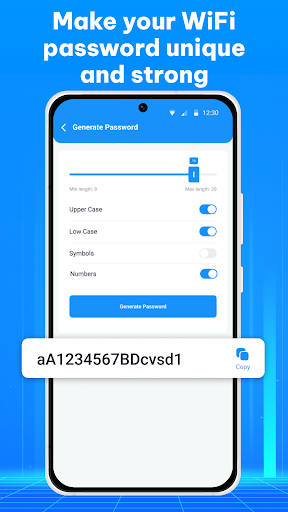
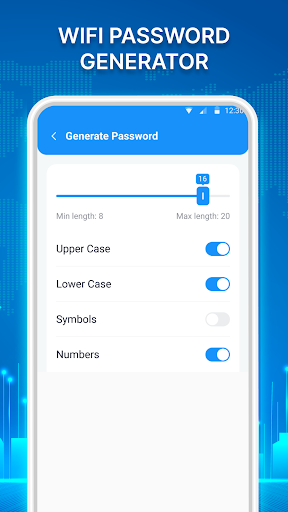
Generating strong, secure passwords is now easy with this app. You can select criteria including uppercase and lowercase letters, symbols, and numbers to create complex passwords of 8 or more characters. This feature helps users enhance their network security and avoid weak passwords, all within a simple interface that keeps you from memorizing or jotting down tricky credentials.
WiFi QR Code Connection
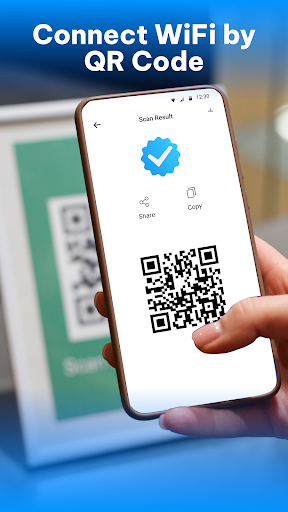
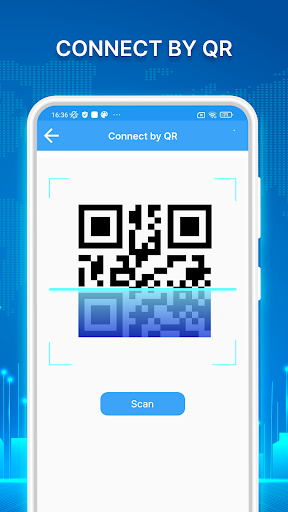
Connect to WiFi networks effortlessly using QR codes. This feature allows you to generate or scan QR codes to quickly establish a connection without manual password entry, streamlining the setup process for multiple devices or guest connections.
Internet Speed Test and Signal Strength
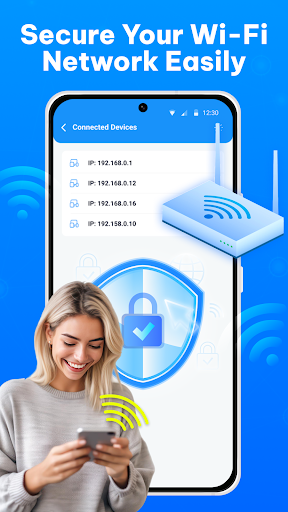
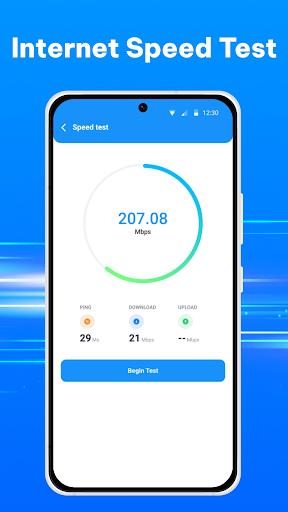
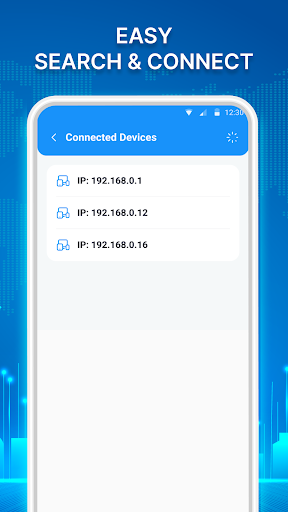
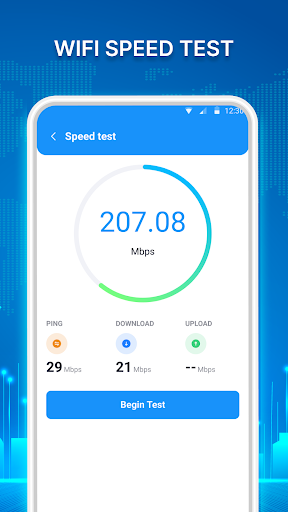
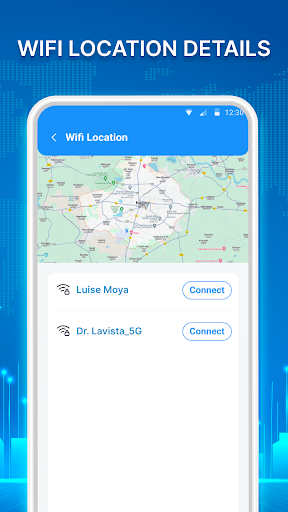
Monitor your network performance with just a few taps. The app provides real-time data on download and upload speeds, ping rate, and signal strength. Additionally, you can check connected devices, manage WiFi hotspots, and utilize features like WiFi maps, timers, and location tracking to optimize your connectivity experience.
Why Choose Show Wifi Password: Wifi List?
This Wi-Fi connection app is designed with simplicity and high security in mind. Whether you're managing multiple networks, setting up new devices, or helping friends troubleshoot WiFi issues, this tool makes network management straightforward. Forget the complicated processes or resetting routers—this app consolidates all essential WiFi functions into one convenient platform. Its ability to showcase saved WiFi passwords can save you time and effort, especially if you often forget your network credentials.
Furthermore, the app's intuitive interface and rapid scanning capabilities make it accessible to users of all tech levels. It’s perfect for setting up smart devices, sharing WiFi information securely, or simply maintaining better control over your network connections. By providing detailed signal strength analysis and speed testing, this Wi-Fi scanner app empowers users to optimize their wireless networks effectively.
Using this app responsibly and respecting network privacy are critical. It displays only the passwords stored on your device, ensuring your security remains protected while giving you quick access to your WiFi credentials whenever needed. Expand your WiFi management toolkit today with this robust and versatile application, and enjoy hassle-free connectivity every step of the way.
Pros
- Easily view saved WiFi passwords.
- Intuitive interface for quick navigation.
- Functions offline without internet connection.
- Supports multiple languages for international users.
- Lightweight application with minimal storage needs.
Cons
- Full features require device root access.
- Compatibility may vary across different Android versions.
- Customer support options are limited.
- Contains advertisements that may be disruptive.
- Accessing passwords may pose security concerns.











