


Photo Editor - Retouch Photos
Are you looking for a versatile and user-friendly photo editing app that helps you transform your dull images into stunning visual masterpieces? Photo Editor - Retouch Photos is an all-in-one solution packed with advanced editing tools designed for both beginners and professional photographers. Whether you want to add a touch of magic with light effects or perform intricate retouching, this app offers a comprehensive set of features to elevate your photo editing experience.
Creative Light Effects and Stylish Filters
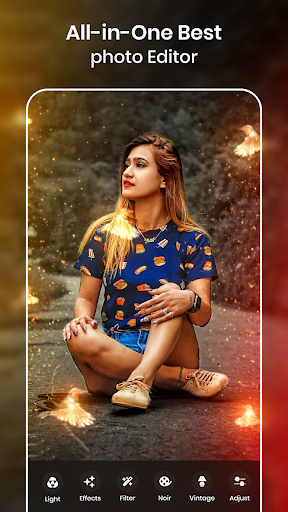
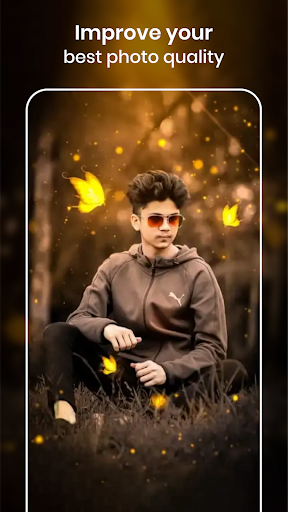
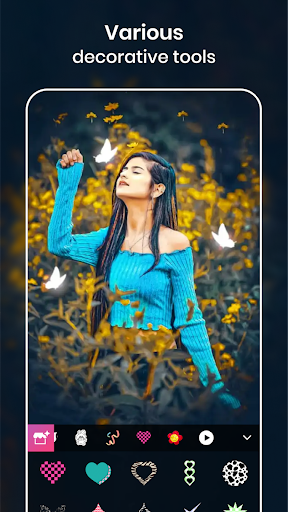
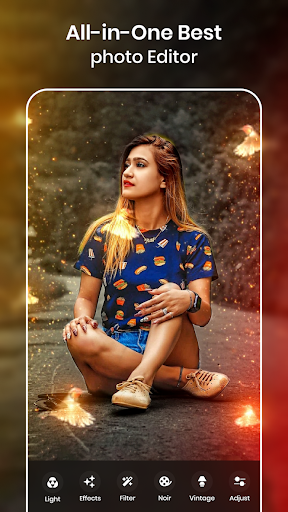
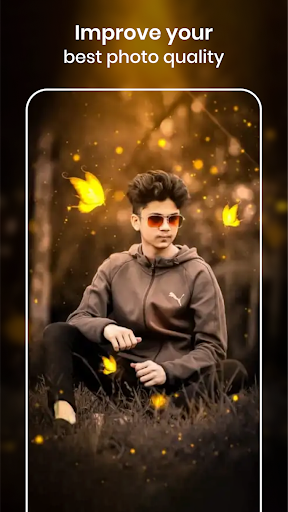
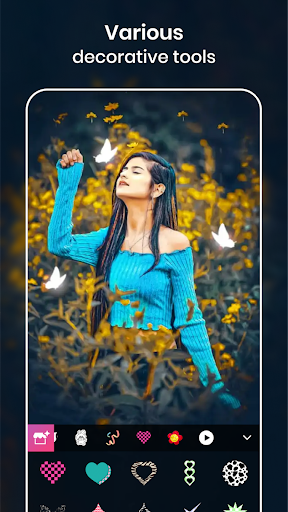
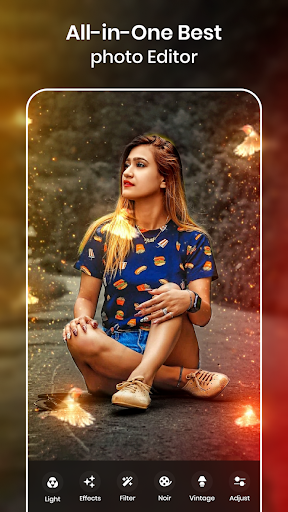
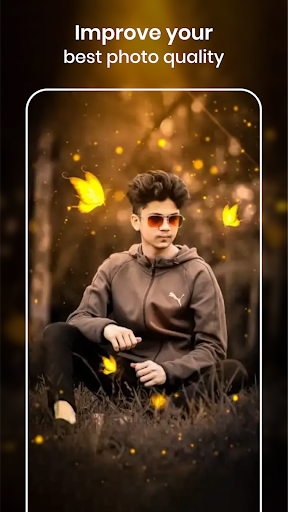
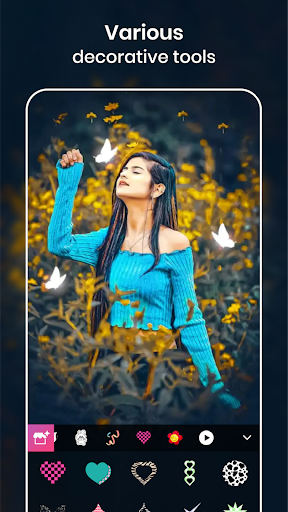
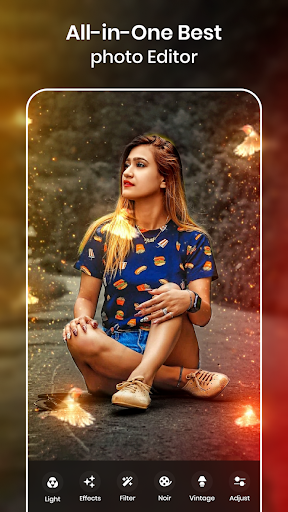
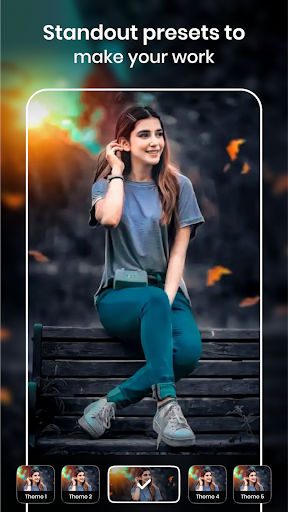
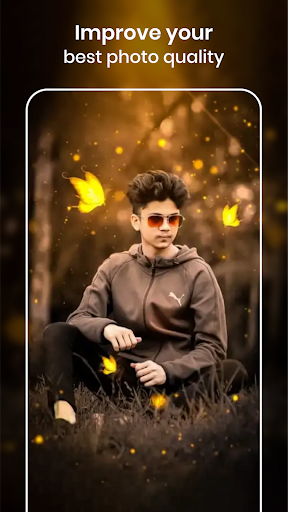
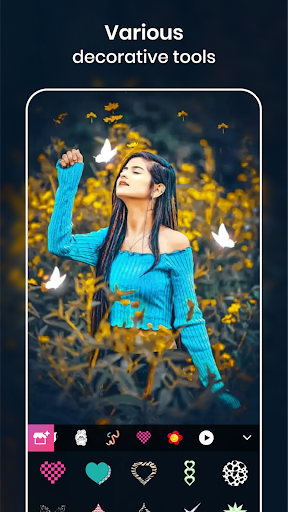
One of the standout features of Photo Editor - Retouch Photos is its extensive collection of •Light effects. You can easily add glowing crowns, rainbow effects, or colorful light overlays to make your images stand out. Want to look adorable or kawaii? The app provides hundreds of •light crown effects, including •light body crowns and •angle crowns, perfect for creating fun and stylish photos. Additionally, there are delightful stickers like •cat face, •dog face, •heart camera, •flower crown, and •rainbow camera that you can effortlessly add to your images.
Adding these effects is simple: choose a photo from your gallery or capture one using the camera, then select your favorite lights effects or stickers, position them on your photo, and finalize. The app offers a plethora of colorful and aesthetic effects to make your photos more artistic and appealing. With just a few taps, you can give your images a stylish and trendy look that’s perfect for sharing on social media platforms like Instagram, Facebook, WhatsApp, or Twitter.
Beyond light effects, the app also includes features like photo frames, text addition, and multiple sticker layers, allowing you to customize your images further. Whether you want to create a dreamy scene or a vibrant, colorful composition, Photo Editor - Retouch Photos makes it easy to achieve professional-looking results.
How to Use:
- Select a photo from your gallery or capture a new one
- Choose your preferred light effects and apply them
- Add a decorative photo frame to enhance your image
- Insert stylish or fun stickers, individual or multiple
- Easily save and share your masterpiece on social media
Powerful Photo Editing and Retouching Tools
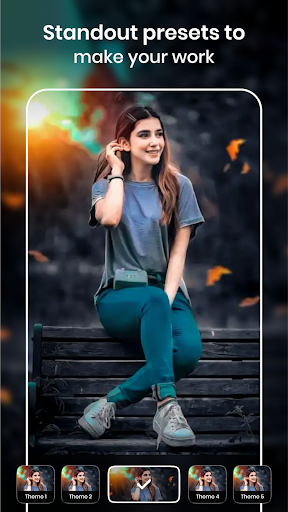
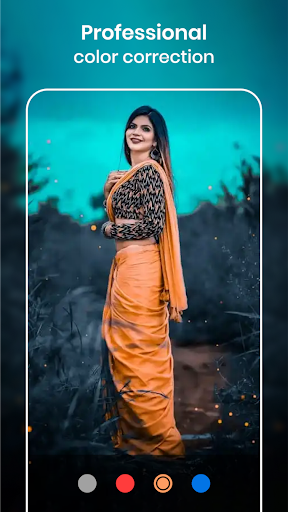
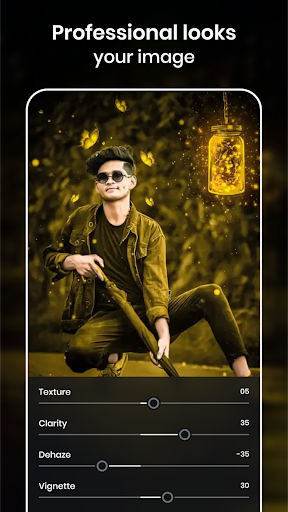
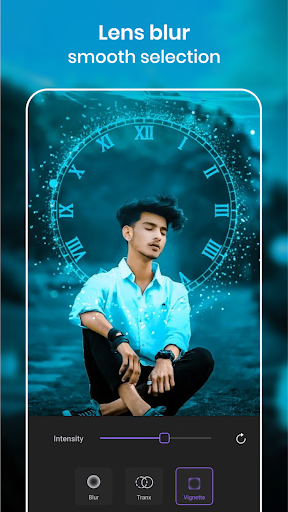
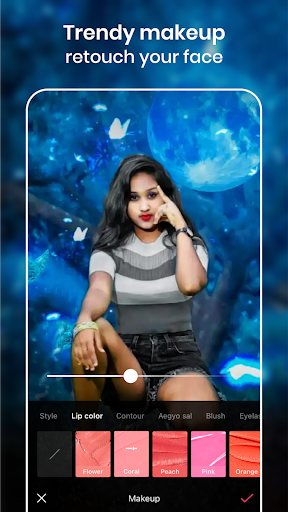
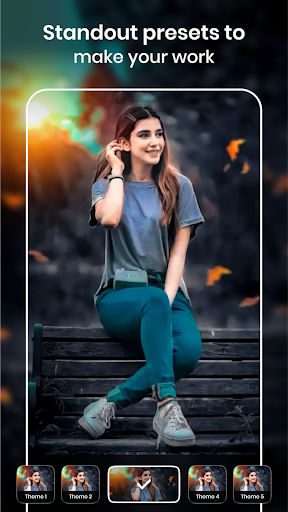
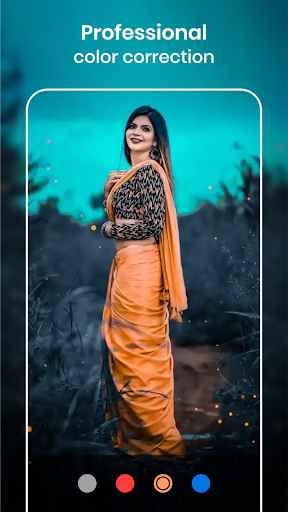
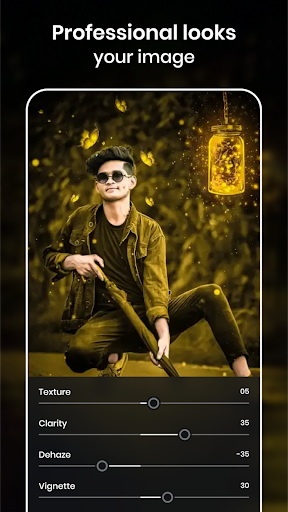
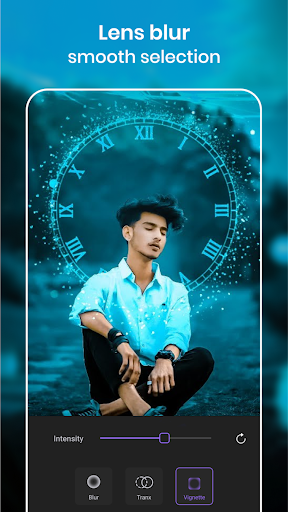
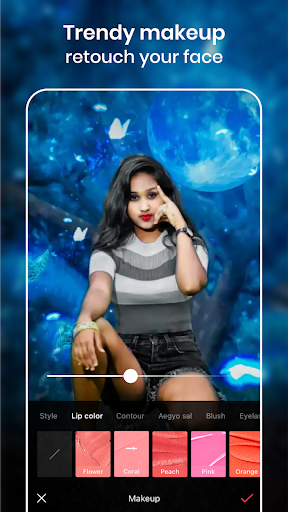
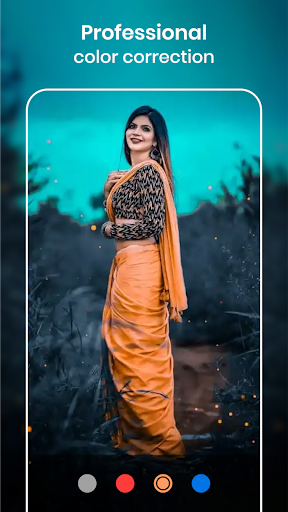
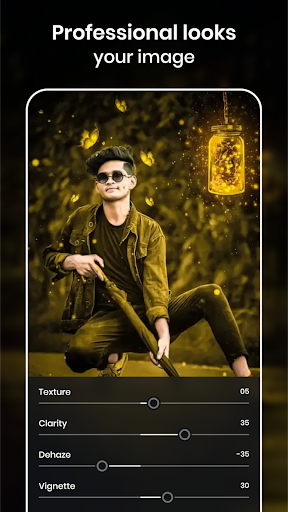
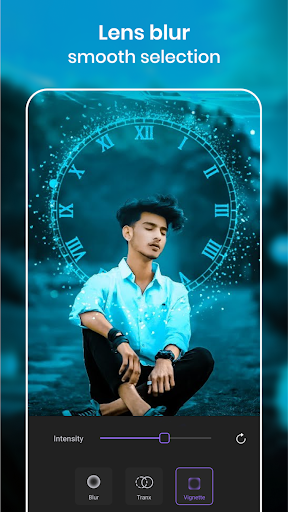
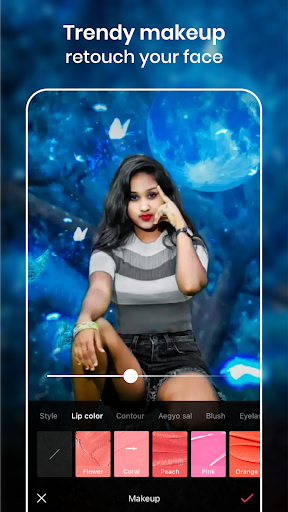
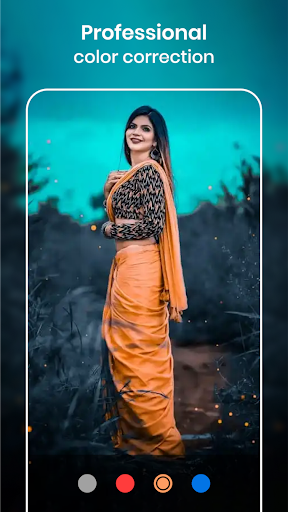
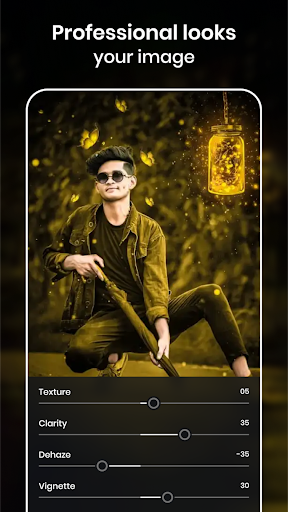
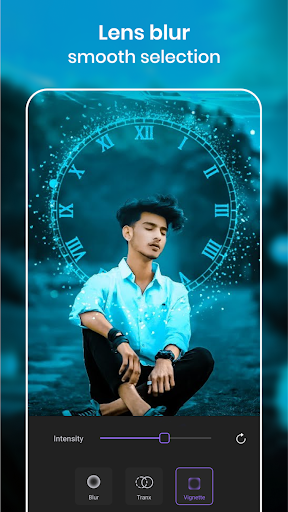
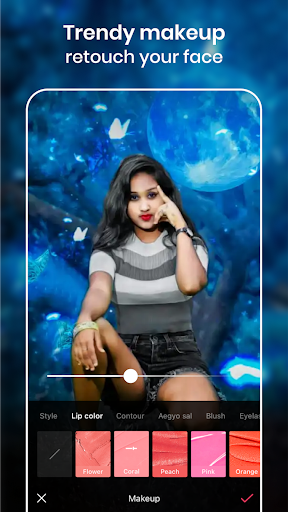
Photo Editor - Retouch Photos shines not only in creative effects but also as a professional photo retouching tool. Its intuitive interface allows users to effortlessly perform tasks like brightness, contrast adjustments, and background blurring. One of the app’s remarkable features is the AI-powered tools that automatically detect blemishes, smooth skin, and enhance colors, providing a seamless editing experience even for first-time users. The collection of filters offers vast choices, helping you set the perfect mood for your photos, whether it’s a warm sunset or a cool evening shot.
Moreover, the app supports multiple file formats such as JPEG, PNG, and RAW, giving you flexibility for different editing projects. Despite its powerful features, the app runs smoothly even on older devices, ensuring a frustration-free editing process. The quick saving feature allows you to save your edits without delay, making your workflow efficient and enjoyable.
Why Choose Photo Editor - Retouch Photos?
If you are passionate about photography or simply want to enhance your social media photos, this app combines simplicity with advanced functionalities to meet your needs. From basic edits to sophisticated retouching, it functions as a Swiss Army knife for photo editing. The variety of features, including AI enhancements, light effects, filters, stickers, and frames, makes it a complete toolkit for creating eye-catching images.
With its user-friendly design, everyone can indulge in creative photo editing without requiring professional skills or expensive software. The ability to instantly apply and preview effects saves time, allowing you to experiment and finalize your images quickly. Photo Editor - Retouch Photos empowers users to craft unique visuals, boost their creativity, and share their work with confidence across social media channels.
In conclusion, this app is a must-have for anyone eager to improve their photo editing skills and produce stunning images effortlessly. Its blend of intuitive controls, AI-powered tools, and diverse editing options positions it as one of the best photo editors available on Android devices. Try it today and experience how it transforms ordinary photos into extraordinary works of art!
Pros
- User-friendly and intuitive interface
- Extensive selection of filters and effects
- Supports editing high-resolution images
- Quick processing speeds for complex edits
- Regular updates introducing new features
Cons
- Presence of ads that may interrupt editing process
- Some features are behind in-app purchase paywalls
- Limited features available in the free version
- Occasional bugs in the latest version
- Internet connection required for complete functionality











