

Introduction to iDraw
iDraw is a versatile digital drawing application that caters to both children and adults, making it an ideal tool for developing interest in painting and artistic expression. Whether you're a young beginner or a seasoned artist, iDraw offers features that inspire creativity and provide a satisfying drawing experience. For children, the app places a strong emphasis on fun and learning, incorporating cartoon-themed interfaces and creative tools to foster a love for art from an early age. For more experienced users, iDraw transforms your device into a powerful artistic studio, packed with advanced features and tools to produce professional-quality digital artwork. Its user-friendly design ensures that everyone can quickly get started and enjoy creating without feeling overwhelmed. From exploring various brushes to managing complex projects, iDraw is built to support your artistic journey at every stage.
Features of iDraw
Child-Friendly Design and Creativity Tools
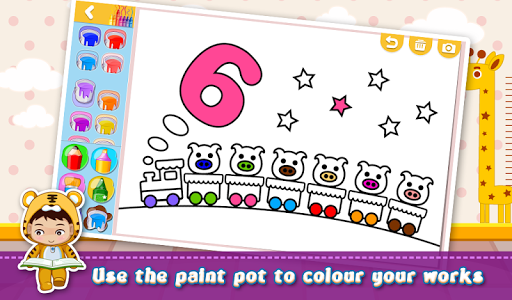
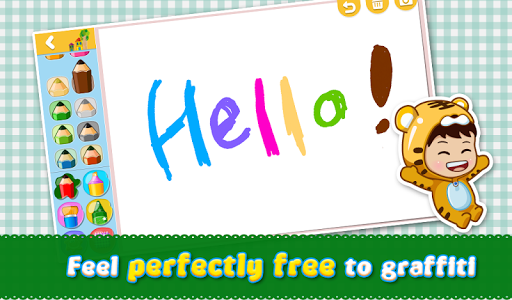
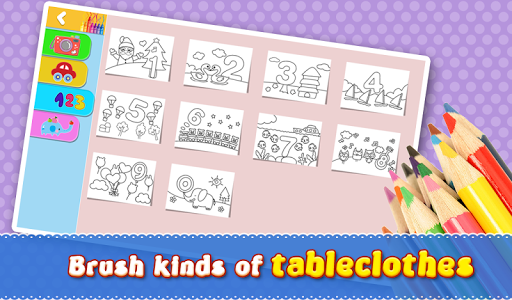
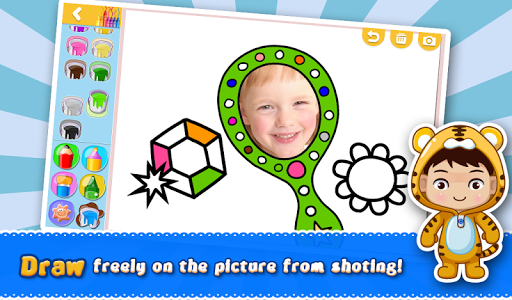
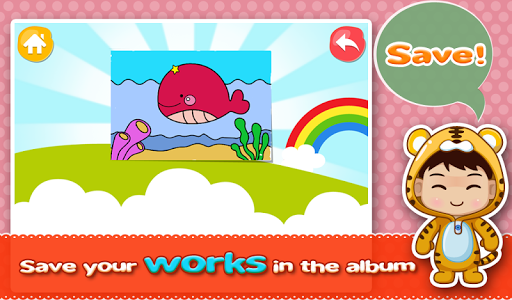
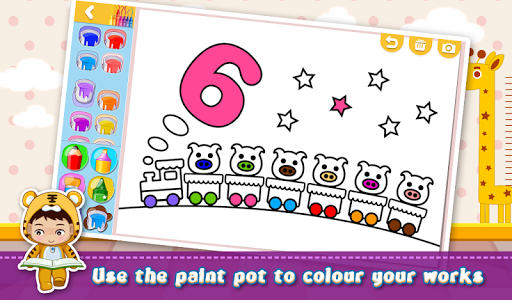
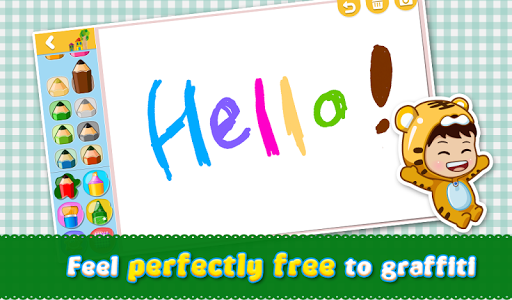
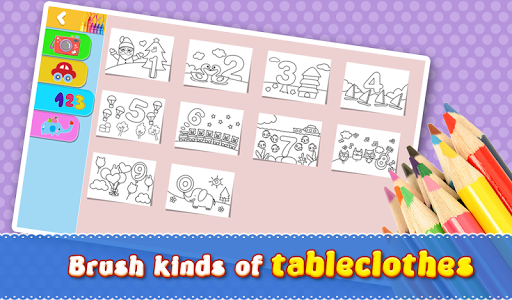
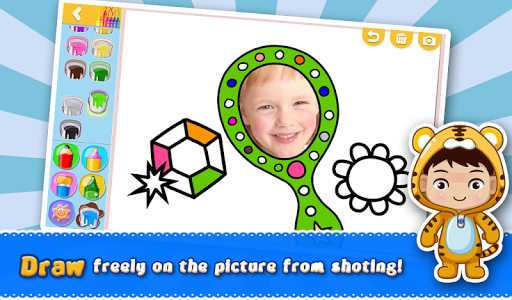
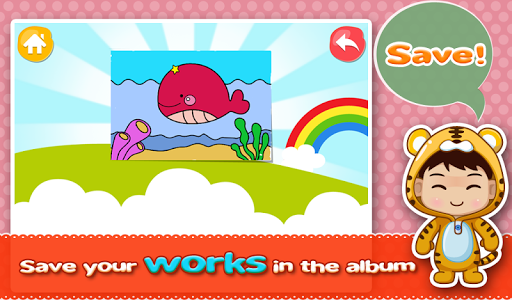
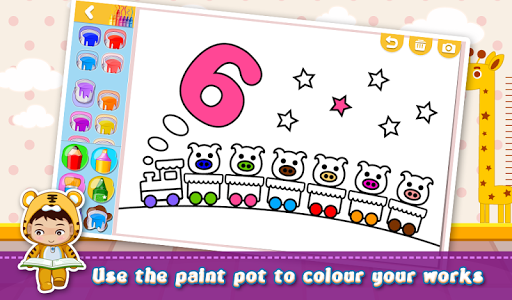
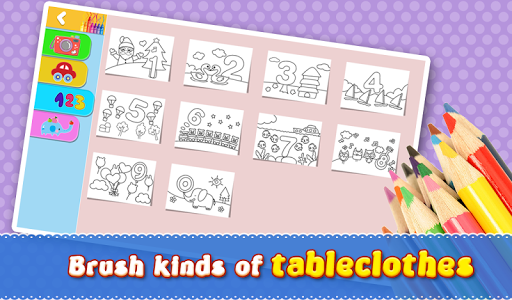
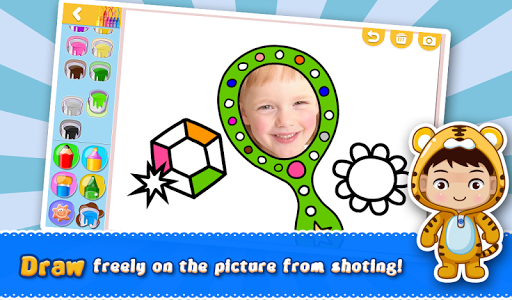
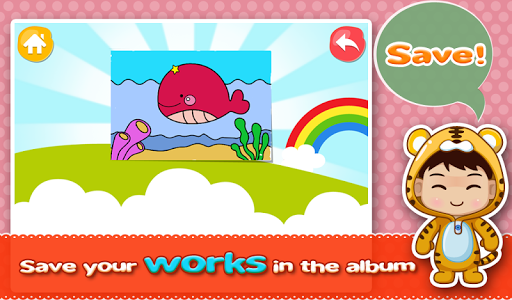
The app is specifically designed with children in mind, featuring a cartoon interface that is both engaging and easy to navigate. Children can experiment with a variety of artistic tools, including different kind of brushes and a rich collection of chartlets—pre-made drawings and patterns they can try out. The app also offers numerous tableclothes—decorative backgrounds and frames—to enhance their paintings. Managing their artworks is simple, thanks to intuitive sorting and organizing features. Another fun aspect is the inclusion of big head shots, which makes the artwork more entertaining and engaging for young artists, ensuring they gain confidence as they see their progress and enjoy the creative process.
For Doodlers and Artists
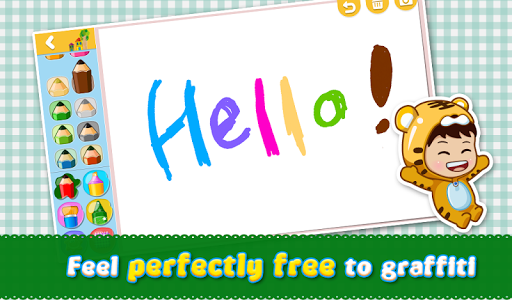
If you've ever found yourself doodling on a napkin or during a call, iDraw is the perfect app to elevate your casual sketches into gallery-worthy art. Its core strength lies in turning your mobile device into a robust digital drawing platform, eliminating the need for traditional sketchbooks. The app boasts an extensive selection of brushes, pencils, and color options that make creating everything from detailed designs to simple doodles effortless. Imagine having a full art studio right in your pocket, ready to bring your ideas to life anytime inspiration strikes.
Intuitive User Interface
iDraw excels in providing an easy-to-navigate interface that caters to all users, including those less familiar with digital art tools. The layout is straightforward, allowing quick access to essential features like adjusting brush opacity, choosing textures, and selecting colors. This intuitive design means you won’t waste time figuring out how to use the app—everything is just a few taps away. Even beginners will find themselves comfortable exploring various tools and techniques with minimal learning curve.
Advanced Artistic Features
For more serious artists, iDraw offers a suite of advanced features, such as layers, blending modes, and vector drawing. These tools provide a high level of precision and allow for complex, professional-grade artwork. The layer system helps artists organize different elements of their work, making editing and refining easier. Additionally, the app supports exporting artwork in multiple formats, facilitating sharing and publishing. For users who prefer a traditional drawing experience, the app's responsiveness to stylus input makes the process even more natural and satisfying.
Community and Sharing
Sharing your creations is a seamless experience with iDraw. The app integrates nicely with popular social media platforms, enabling artists to showcase their work with friends and followers. It also features a community gallery, where users can find inspiration from other artists' works and exchange tips and tricks. This collaborative aspect encourages continuous learning and growth, making iDraw not just a drawing tool but also a social platform for artists to connect and improve together.
Why Choose iDraw?
Whether you're looking for a fun way to introduce young children to art or seeking a powerful tool to create professional digital illustrations, iDraw is an excellent choice. Its combination of user-friendly design, rich features, and community support makes it suitable for users of all skill levels. Download iDraw today and unlock your creative potential—explore new artistic horizons and turn your ideas into reality with ease and confidence.
Pros
- User-friendly interface for straightforward navigation.
- Extensive selection of drawing tools provided.
- Supports exporting in multiple file formats.
- Regular updates introducing new features.
- Available on both Android and iOS platforms.
Cons
- Limited features in the free version.
- In-app purchases may be costly.
- Occasional lag on older device models.
- Requires internet connection for cloud functionalities.
- Steep learning curve for new users.











