
Discover the Power of TV Cast for Chromecast: Your Ultimate Screen Mirroring Companion
Are you tired of watching your favorite videos, photos, and music on a small screen? Look no further than TV Cast for Chromecast – a versatile and user-friendly app that transforms your mobile device into a powerful streaming and mirroring tool. Compatible with all Chromecast devices—including Chromecast, Chromecast Audio, Android TV, and Google TV—as well as AirPlay-enabled smart TVs, this app opens up a world of entertainment possibilities right on your big screen. Whether you want to stream online videos, showcase family photos at a gathering, or control your smart TV remotely, TV Cast for Chromecast makes it effortless and reliable.
Seamless Casting and Mirroring Features
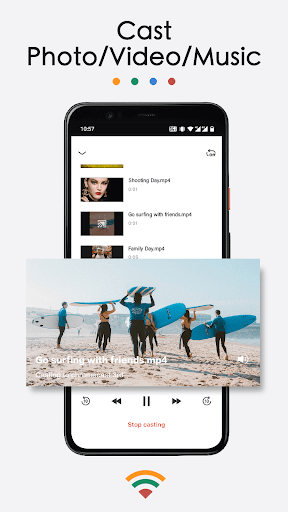
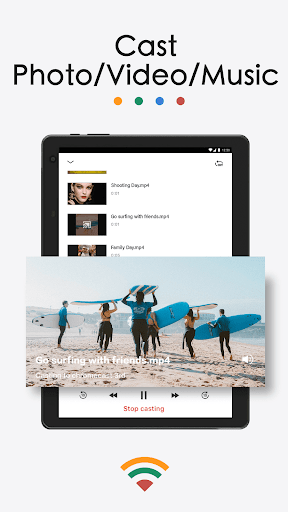
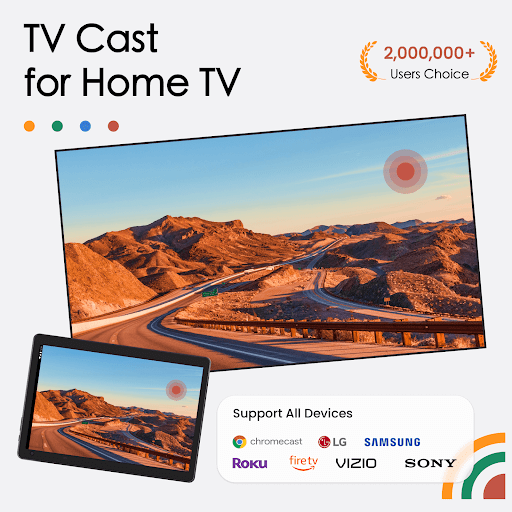
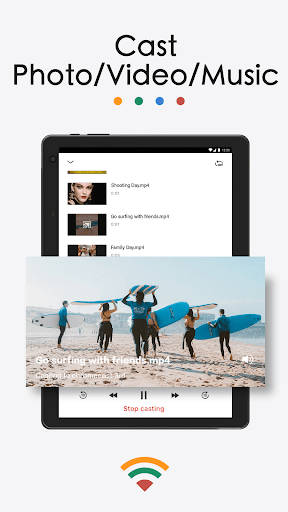
One of the standout features of TV Cast for Chromecast is its ability to easily mirror your phone or tablet screen to your TV. The app supports high-definition HD quality streams with smooth, lag-free performance thanks to its proprietary mirroring protocol. You can effortlessly cast local media files from your device—be it photos, videos, or music—to your TV, turning your living room into an instant media center.
Stream Your Favorite Content
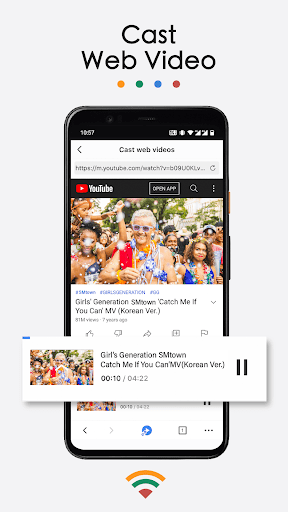
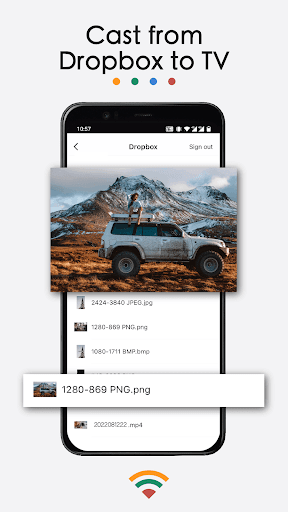
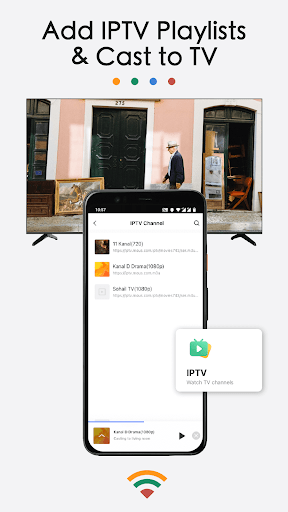
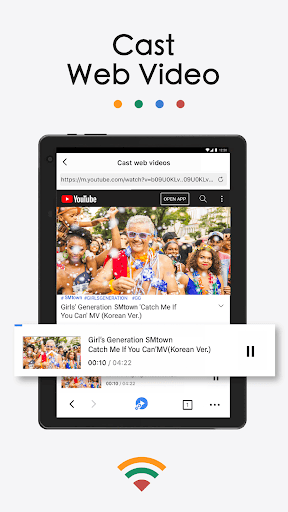
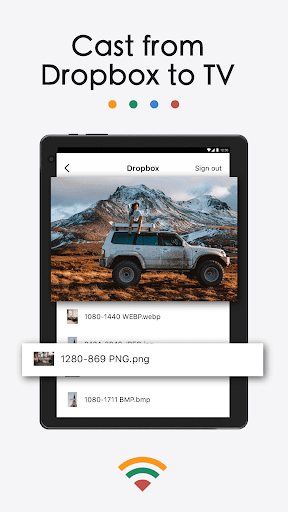
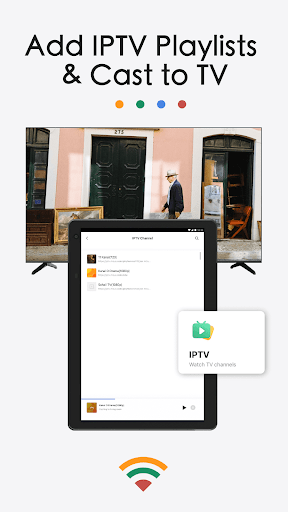
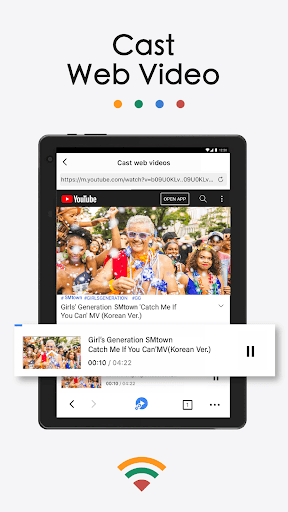
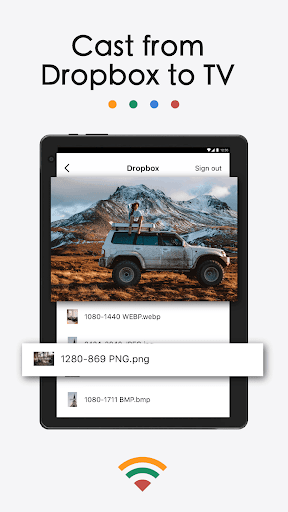
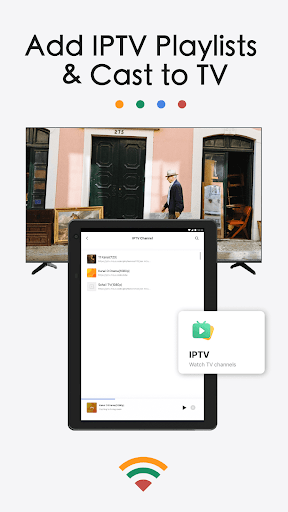
Beyond simple screen mirroring, the app excels in casting a wide range of media types. Want to watch a web video or online streaming content? Just select it within the app, and enjoy your favorite web videos on a big screen. The app also supports casting from popular platforms like Dropbox and Google Photos, giving you quick access to your stored media. Users can cast IPTV playlists (m3u/m3u8 files) directly to their smart TVs, making it ideal for streaming live channels and custom IPTV content.
Versatile Compatibility
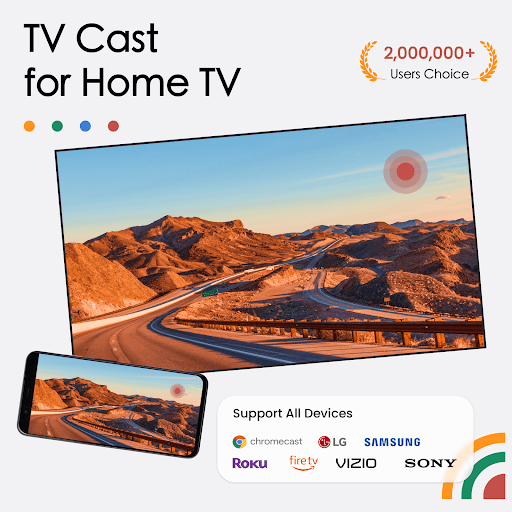
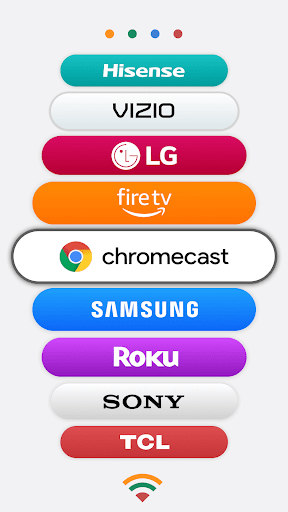
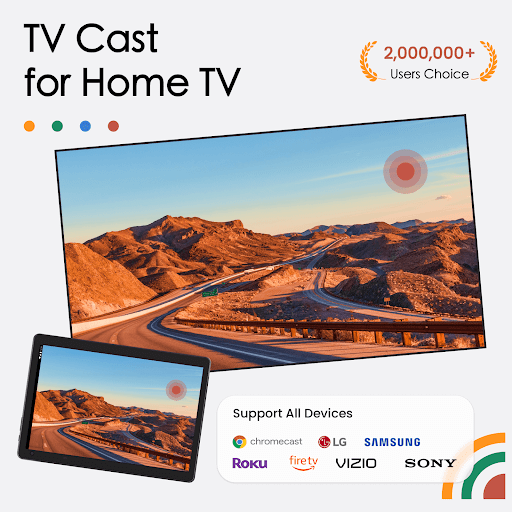
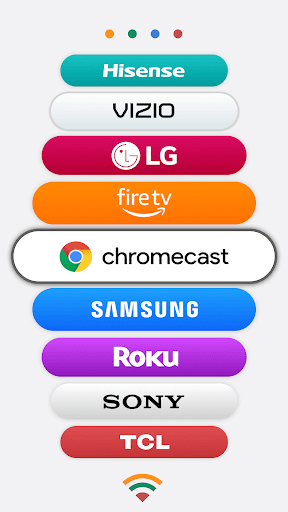
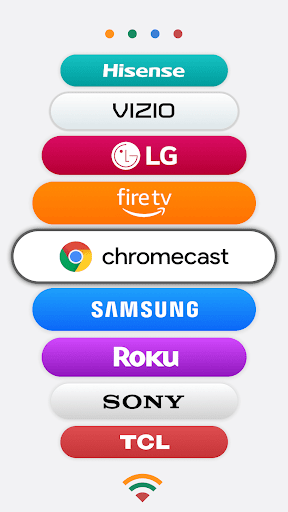
TV Cast for Chromecast supports a broad array of devices, including LG, Samsung, Roku, FireTV, Sony Bravia, Vizio, TCL, Hisense, Philips, Sharp Aquos, Panasonic Viera, Toshiba, JVC, RCA, and Grundig. It also enables AirPlay screen mirroring to Apple TV and compatible smart TVs, making it an all-encompassing solution for various devices. Whether you’re using a Chromecast-enabled device or an AirPlay-compatible television, the app provides seamless connectivity for all your media needs.
Easy Setup and User-Friendly Operation
Getting started with TV Cast for Chromecast is straightforward. Simply connect your phone and your Chromecast or smart TV to the same Wi-Fi network, launch the app, and select your device. The intuitive interface guides you through the process with just a few taps. You can start casting your media instantly—casting videos, photos, music, or even your entire screen—whether you’re at home, in the office, or anywhere with reliable internet.
Making Presentations and Sharing Content
This app is not just for entertainment; it’s perfect for professional and educational use too. Deliver impactful presentations, share teaching materials, or broadcast fitness videos to a Chromecast-enabled TV or projector. The ability to cast from local folders or cloud storage makes it a handy tool for educators and business professionals alike.
Extra Features to Enhance Your Experience
TV Cast for Chromecast offers a range of advanced features to elevate your media streaming experience:
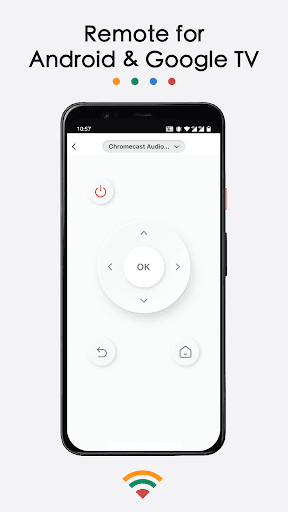
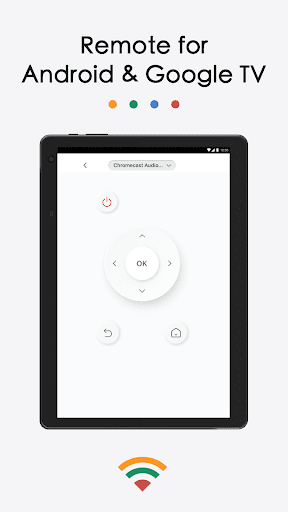
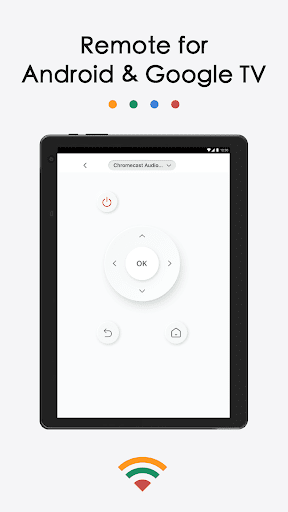
- Remote Control Functionality: Control playback, volume, fast forward, rewind, and power functions remotely without a physical remote.
- Bookmark Web Content: Save your favorite streaming sites within the app for quick access later.
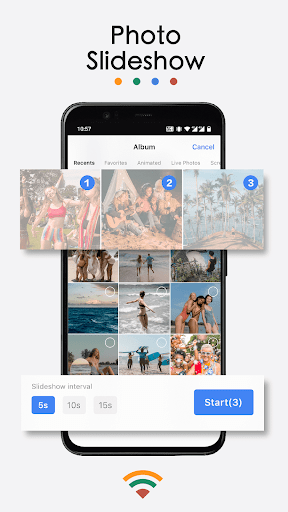
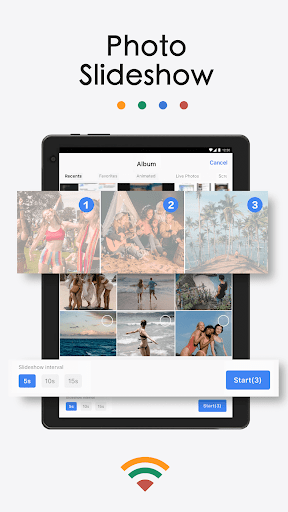
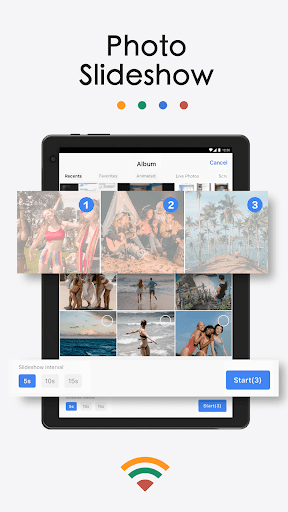
- Slideshow Casting: Display a slideshow of your photos during family gatherings or parties.
- Music Casting: Play music directly from your local library or cloud storage, with high-quality sound output.
Reliable Performance and Compatibility
Many users praise TV Cast for Chromecast for its reliable performance. It offers smooth, buffer-free streaming when connected to a stable Wi-Fi network. The app is regularly updated to enhance stability, compatibility, and user experience. Despite occasional ads in the free version, the extensive features and ease of use make it a small compromise for a comprehensive casting solution.
Conclusion: Your Go-To App for Screen Mirroring and Streaming
If you're seeking an efficient and versatile way to cast media from your phone to your TV, TV Cast for Chromecast is an excellent choice. It bridges the gap between your mobile device and big-screen entertainment, whether you want to watch the latest web videos, display photos, stream music, or give presentations. Its user-friendly interface and wide-ranging compatibility make it a top option for both casual users and professionals. Try TV Cast for Chromecast today and enjoy a seamless, enjoyable streaming experience that maximizes your home entertainment setup.
Pros
- Easy to connect to Chromecast
- Supports multiple video formats
- User-friendly interface
- No ads in the premium version
- Easily stream videos from the web
Cons
- Limited features in the free version
- Occasional connection problems
- Premium version is expensive
- Lacks subtitle support
- Requires a strong WiFi signal











