
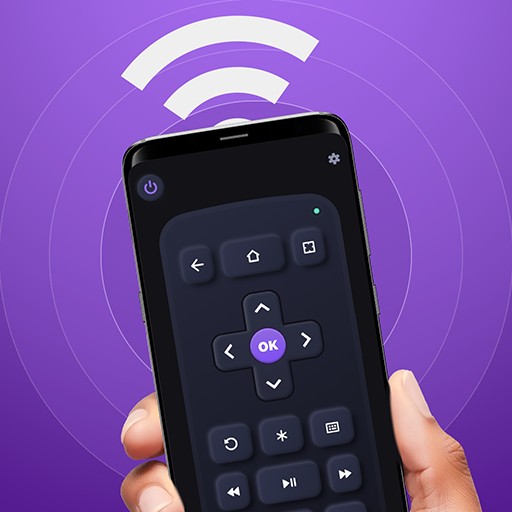

Remote for Roku: TV Remote - Your Ultimate Mobile TV Control Solution
Key Features of the Remote for Roku App
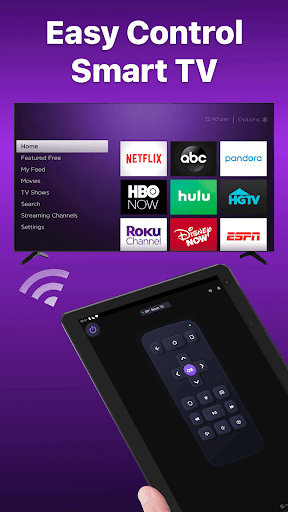
- Easy setup: Simply download the app and connect it to your Roku device over Wi-Fi. The app automatically detects your device, making the initial connection quick and straightforward.
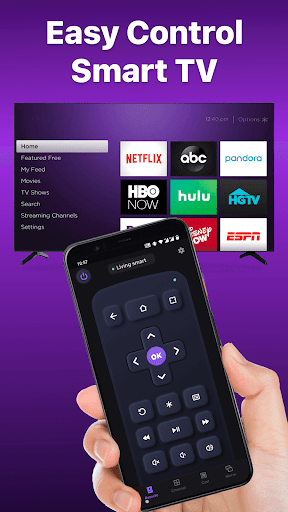
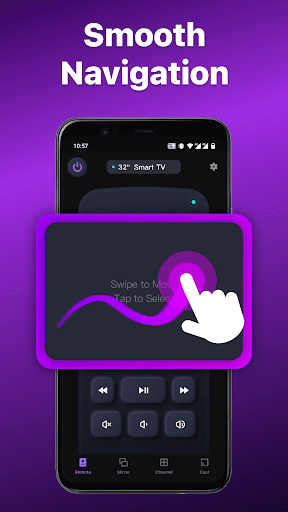
- Simple navigation: Navigate effortlessly through your Roku's interface using a touchpad that supports scrolling and swiping gestures.
- Playback controls: Control playback with buttons for Play/pause, fast forward, rewind, and volume adjustment—just like a physical remote.
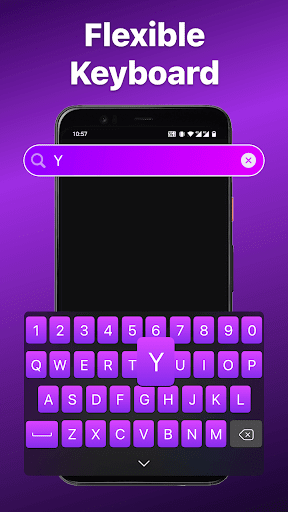
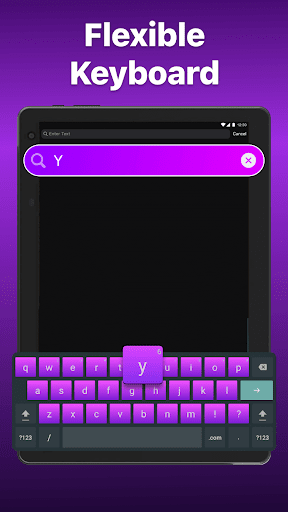
- Keyboard input: Use a virtual keyboard to search for content, enter passwords, or input text efficiently on your TV screen.
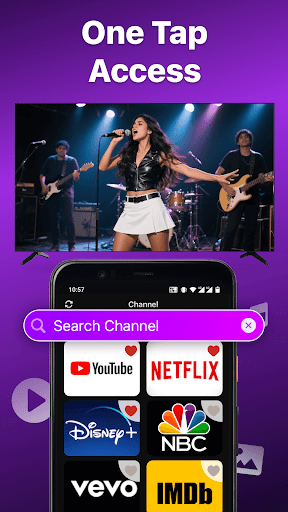
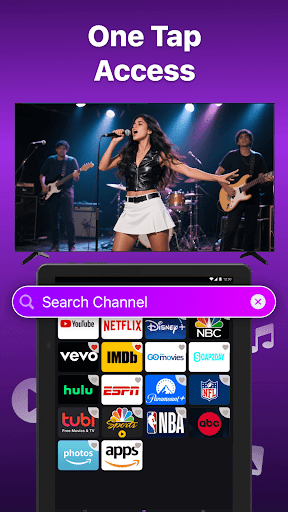
- Channel shortcuts: Create custom shortcuts for your favorite channels, enabling instant access with a single tap.
- Power ON/OFF: Turn your TV on or off remotely with a simple tap on your device.
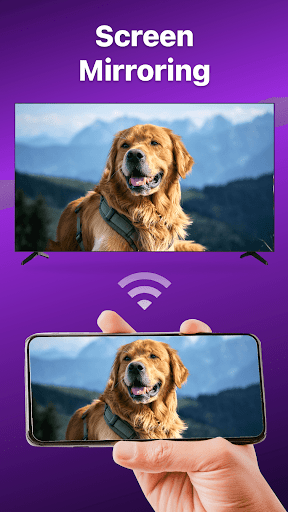
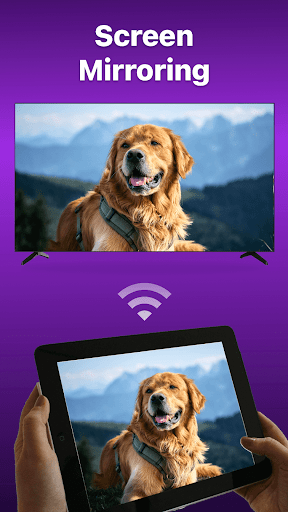
- Screen Mirroring: Share your device’s screen on your smart view-compatible TV using the mirroring feature.
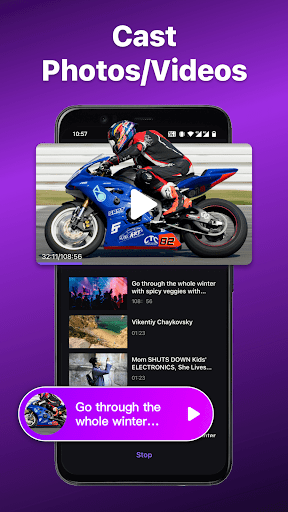
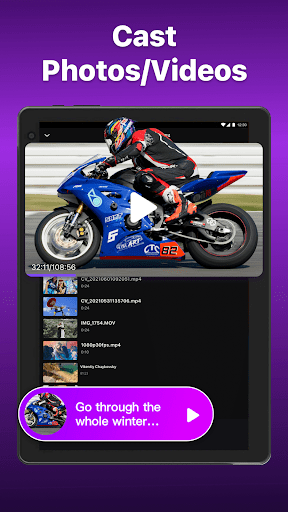
- Cast to TV: Stream local photos and videos directly from your phone to your large TV display, enhancing your viewing experience.
How to Connect Your Smartphone with Roku Device
- Ensure your Android smartphone is connected to the same Wi-Fi network as your Roku device.
- Download and launch the Remote for Roku app, then select your target device from the list of detected devices.
- Once connected, you can control your Roku device seamlessly using your phone's interface.
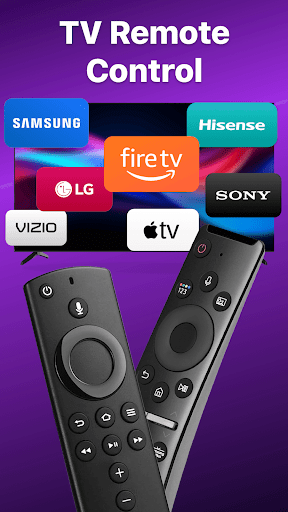
This app supports a wide range of Roku models, including Roku Express, Roku Streaming Stick, Roku Ultra, and more, along with smart TV brands like TCL, Hisense, Philips, and others.
Troubleshooting and Tips
- This app requires your phone and Roku device to be on the same Wi-Fi network for successful connection.
- If you experience connectivity issues, try reinstalling the app or rebooting your TV for better performance.
Why Choose the Remote for Roku: TV Remote App?
Say goodbye to the hassle of searching for your lost remote, and enjoy the convenience of managing your Roku streaming experience right from your phone. The Remote for Roku app combines simplicity with powerful features, making it an essential tool for every Roku user. Its intuitive design mimics a physical remote, but adds modern touches such as voice search capabilities, quick channel access, and customizable shortcuts.
Imagine controlling your favorite shows with a tap, playing content more comfortably, or even using voice commands to find that elusive film—it's all possible with this fantastic app. Plus, since your smartphone is almost always charged, you’ll never worry about remote batteries dying at the worst moment again.
Overall, Remote for Roku: TV Remote streamlines your streaming setup, provides quick access to your entertainment, and enhances your viewing pleasure. Whether you're seasoned with Roku devices or just starting out, this app promises to make your TV experience smarter, easier, and more fun.
Upgrade your home entertainment setup today and enjoy the seamless control that this app offers. No more remote hunting, just pure entertainment at your fingertips!
Pros
- Seamless integration with Roku devices.
- Intuitive interface for easy navigation.
- Quick access to favorite channels.
- Supports multiple devices for family use.
- Voice commands enhance user experience.
Cons
- Occasional delays in remote response.
- Advertisements can sometimes be distracting.
- Limited features in the free version.
- Requires a stable Wi-Fi connection.
- Certain features require in-app purchases.











