











Introduction to the Journal: Notes, Planner, PDFs App
Discover the Journal: Notes, Planner, PDFs application — a versatile tool designed to help you capture the essential moments of your daily life and manage your activities effectively. Whether you’re looking to create a personal journal, organize notes, or keep track of your schedule, this app combines multiple functionality sets into a single, seamless platform. It’s your perfect digital notepad, planner, and diary rolled into one, offering a comprehensive solution for students, professionals, and anyone eager to bring order to their busy lives.
Features of Journal: Notes, Planner, PDFs
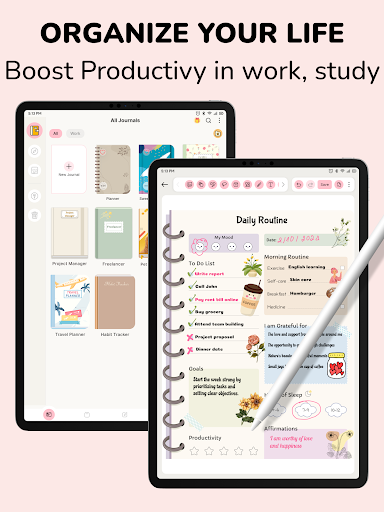
Effortless Organization and Personalization
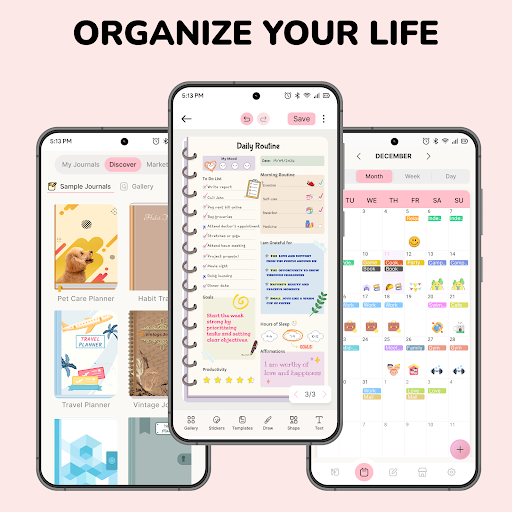
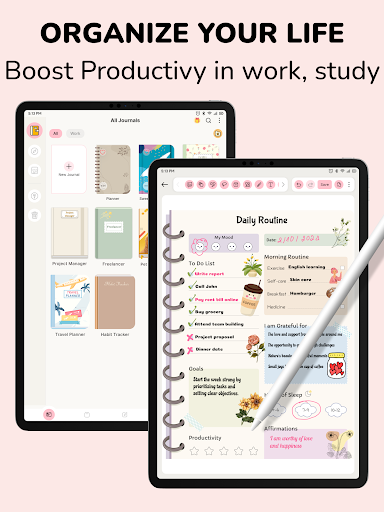
With the Journal: Notes, Planner, PDFs app, you get an intuitive interface that allows you to create and organize your personal journal, notes, and notepad effortlessly. Choose from a variety of themes to personalize your experience and keep your notebook neat and visually appealing. Designed to cater to diverse needs, it functions as your daily notebook where you can record your thoughts, emotions, or future plans.
Notes, Sketches, and Multimedia Support
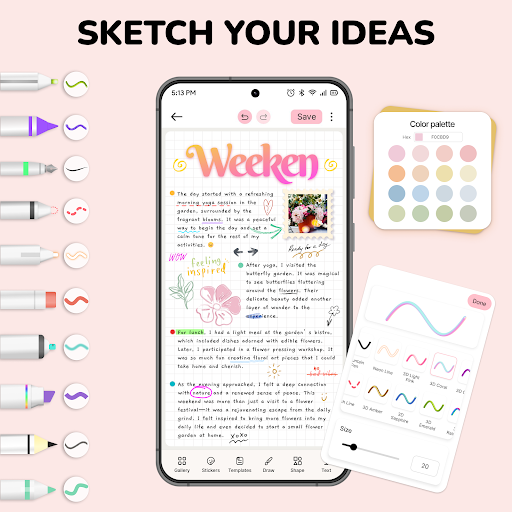
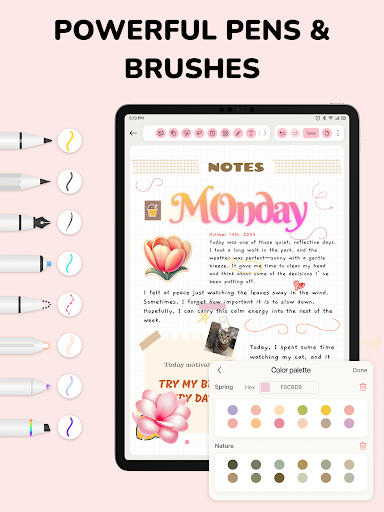
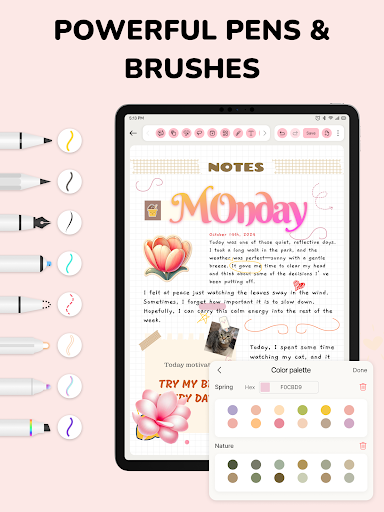
It serves as a traditional physical notebook, allowing you to take notes, brainstorm ideas, and write documents on virtual pages. You can use a range of customizable paper templates and capture your thoughts with multimedia tools such as pencil, highlighter, or text. These features enable a dynamic and interactive way to express yourself creatively.
Seamless PDF Import and Annotation
One of the standout capabilities is the ability to import and store PDF documents. You can directly annotate PDFs within the app, highlight key points, and even do exercises or sign documents. After editing, you can export notes back to PDF format, making it a powerful tool for managing digital documents on the go.
Template & Sticker Collections
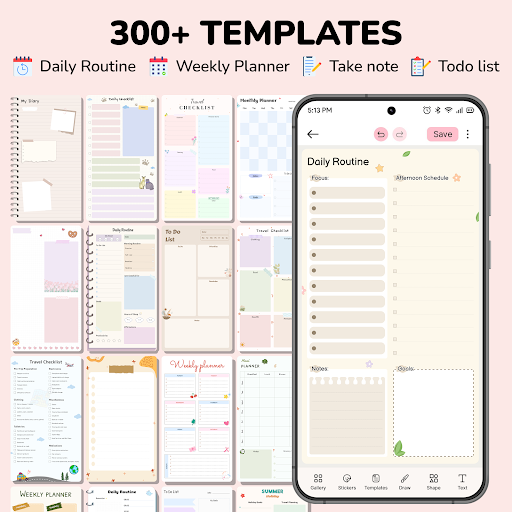
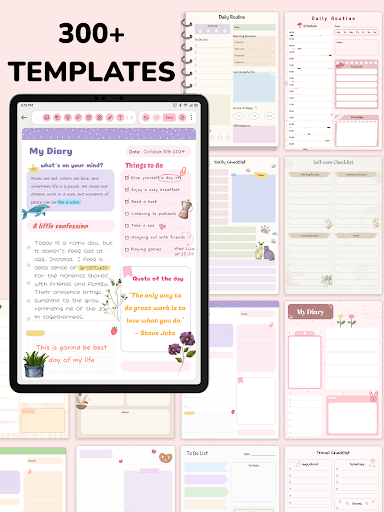
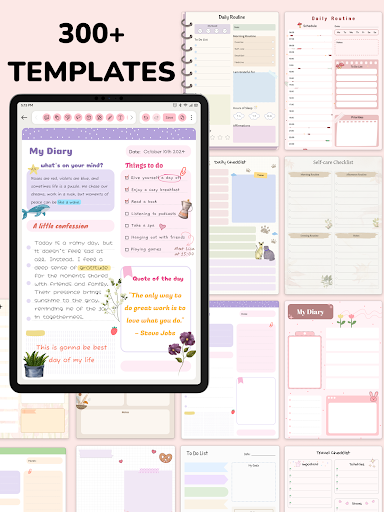
Enhance your note-taking and creative process with a rich library of over 300 templates covering various topics, alongside more than 1000 fun stickers. Whether you prefer structured organization or a more expressive style, these resources help you make your notes uniquely yours — whether you’re jotting quick ideas or sketching out designs.
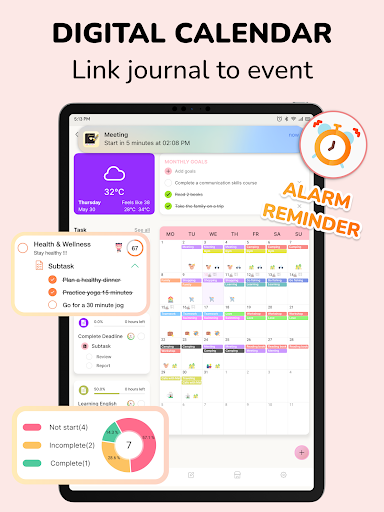
Integrated Digital Calendar & Scheduling
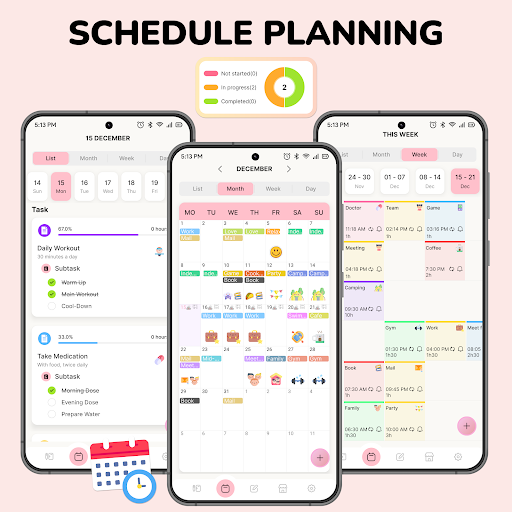
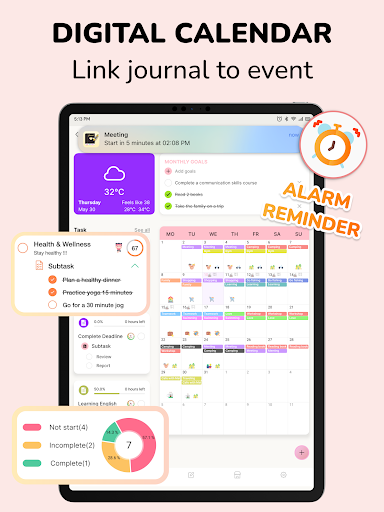
The app also features a digital calendar to create events, set tasks, and organize your schedule. This all-in-one approach provides an efficient way to manage your time and stay on top of important dates directly within your notes and journal environment.
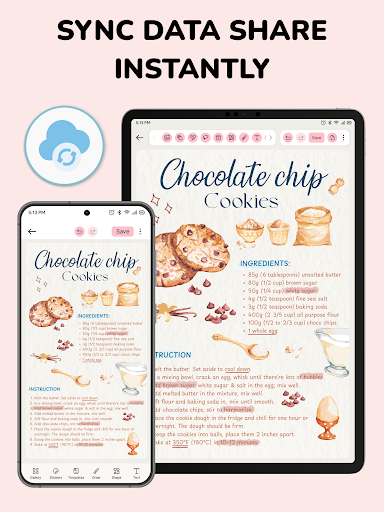
Synchronization & Sharing Capabilities
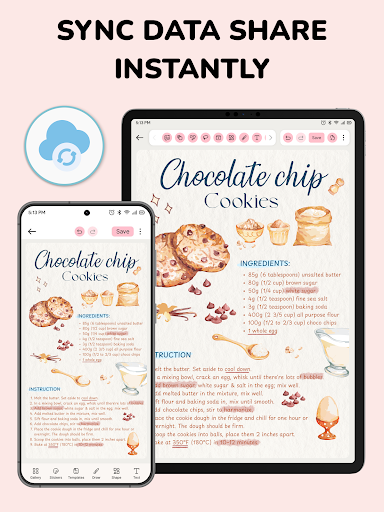
With device synchronization, you can keep your notebook, planner, and diary consistent across all your devices. The send & share feature ensures your content is always accessible, regardless of where you are, and helps you collaborate or share insights effortlessly.
Smart Reminders & Notifications
Never miss an important event or task with the smart reminders feature. You can schedule notifications that link your journal entries and appointments, helping you stay organized and productive every day.
Why Choose Journal: Notes, Planner, PDFs?
In a world crowded with productivity apps, the Journal: Notes, Planner, PDFs app stands out because it consolidates multiple functionalities into one streamlined platform. It is ideal for students, professionals, and creatives seeking a versatile tool that simplifies their workflow. Its user-friendly interface and rich feature set make it easier to organize, write, and visualize ideas all in one place.
Conclusion: Redefine Your Organization Experience
Embark on a transformative journey with Journal: Notes, Planner, PDFs. Whether you’re recording thoughts, managing tasks, or working with digital documents, this app offers a seamless blend of the tactile feel of a classic notebook and the digital efficiency of a modern notepad. Download now and start organizing your life with purpose and style — your perfect companion for productivity and creativity.
Pros
- Intuitive user interface
- Wide range of customization options
- Syncs across multiple devices
- Supports multimedia notes
- Secure encryption for privacy
Cons
- Limited free version features
- Requires internet for syncing
- Occasional ads in free version
- No handwriting recognition
- Can be resource-intensive











