

Microsoft Power BI Overview
Discover how Microsoft Power BI transforms raw data into meaningful insights through interactive reports and dashboards. Whether you're a small business owner or part of a large enterprise, Power BI offers a comprehensive suite of business intelligence and data visualization tools that help you make informed decisions quickly and efficiently. Available on both Android and iOS devices, this app ensures that you stay connected to your vital data anytime, anywhere.
Power BI Mobile App Features
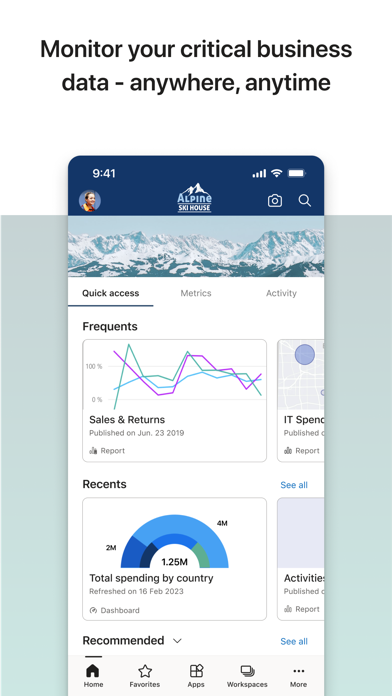
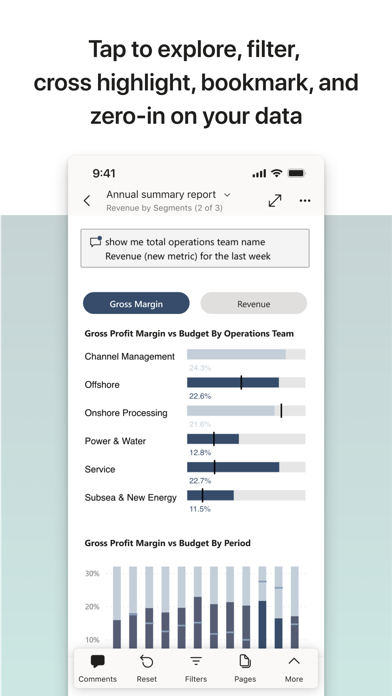
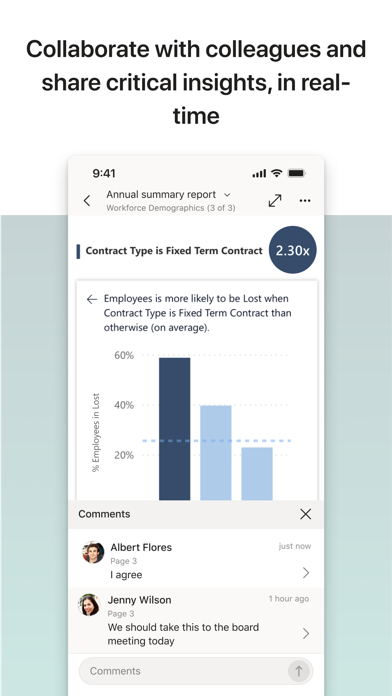
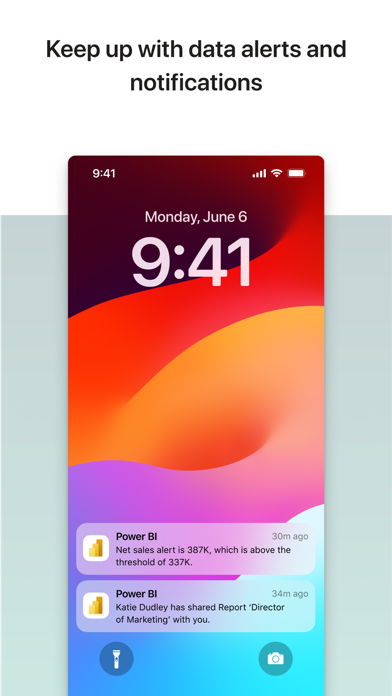
With the Power BI Mobile app, you can access your data on the go without any hassle. Its user-friendly interface allows you to view all your important data in one centralized location. You can seamlessly explore, filter, and focus on specific data points to gain clarity on your business operations. The app enables quick annotations and sharing of reports and visualizations, facilitating collaboration among team members.Stay ahead with real-time data alerts and notifications, ensuring you never miss critical updates. The app also provides secure access to on-premises data, allowing you to analyze sensitive information safely. One of the innovative features is the QR code scanner, which lets you retrieve real-world data in context instantly. Plus, with no complex setup required, you can start exploring your Power BI datasets immediately after installation.
Enhancing Decision-Making with Power BI
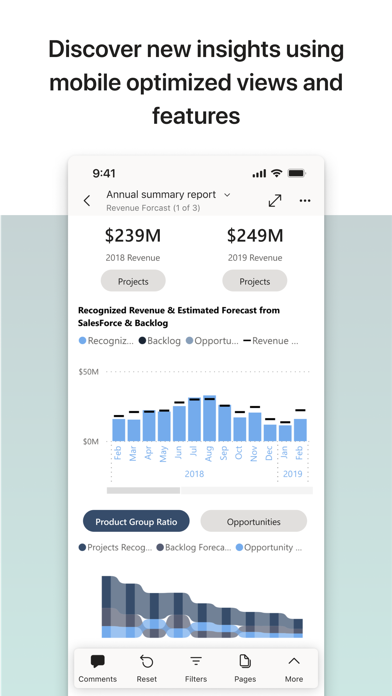
Power BI excels in turning complex datasets into visually appealing and interactive insights. Its advanced data analytics and visualization capabilities empower users to understand trends, discover hidden patterns, and forecast future outcomes effectively. The platform includes powerful AI features that suggest insights and highlight key trends, making data analysis accessible even for those without a technical background.The app supports integration with numerous data sources such as spreadsheets, cloud services, and databases, providing versatility for different organizational needs. Moreover, sharing dashboards and reports with colleagues fosters a culture of data-driven decision-making, enhancing collaboration across teams. Security is a top priority, with robust measures ensuring your data remains protected at all times.
Getting Started and User Experience
Setting up Power BI on your mobile device is straightforward. Once downloaded, you can connect to hundreds of data sources through an intuitive, drag-and-drop interface — no technical expertise required. Creating dashboards and reports feels natural and rapid, allowing you to visualize your data effortlessly. The app's ability to deliver real-time updates ensures you stay informed and responsive in dynamic business environments.The mobile app's design prioritizes ease of use, making it simple for users to navigate and customize their analytics experience. This means less time troubleshooting and more time focusing on drawing insights from your data, whether at the office, on the road, or remotely working.
Why Choose Power BI?
If you're seeking a business intelligence tool that combines powerful analytical features with mobile accessibility, Power BI is an excellent choice. Its industry-leading data visualization and AI capabilities provide a depth of insights that can ultimately influence strategic decisions and operational efficiencies. By consolidating multiple data streams into a unified view, Power BI helps you stay agile in a competitive landscape.From real-time dashboards to secure data access, Microsoft Power BI is designed to support all levels of organizational analysis. Its seamless integration across devices and platforms makes it an indispensable resource for modern data-driven businesses.
Pros
- User-friendly interface
- Reliable data connectivity
- Customizable dashboards
- Access to real-time data
- Comprehensive analytics tools
Cons
- Steep learning curve
- Limited free features
- Occasional performance issues
- Complex data modeling requirements
- Needs internet access










