

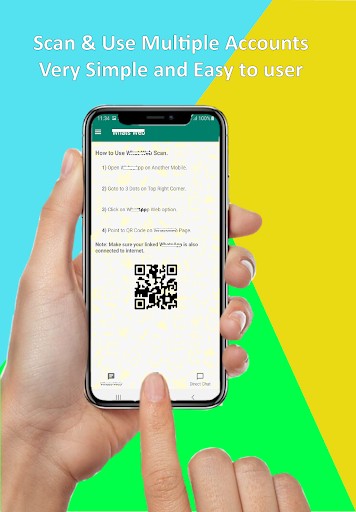
Overview of Multi Space - Web Scan & Sync
The Multi Space - Web Scan & Sync app is designed to simplify the lives of users managing multiple web chat accounts and devices. This versatile application offers features like app cloning, seamless web content synchronization, and organized management of various accounts — all within a user-friendly interface. Whether you're juggling personal and professional chats, handling multiple social media profiles, or keeping track of different accounts, this app streamlines the entire process, helping you stay connected and organized effortlessly.
Key Features of Multi Space - Web Scan & Sync
•Content Sync and Management
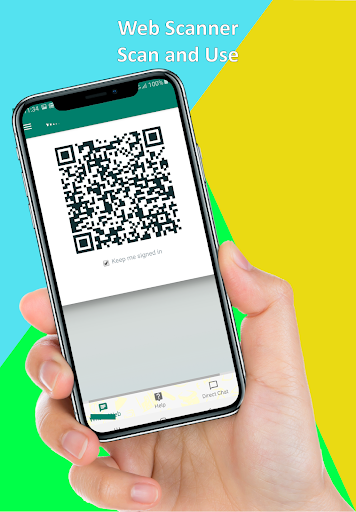
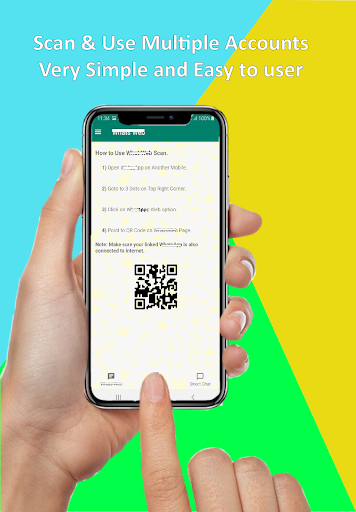
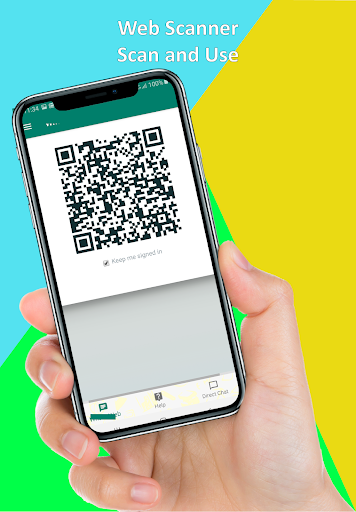
The app allows you to clone and manage multiple instances of popular apps, including web chat platforms. With its Web Scan & Sync feature, users can scan QR codes or web pages to synchronize their accounts across devices seamlessly. This ensures that your important links, messages, and content are always at your fingertips, whether you're on your phone or tablet.
•App Cloning
Ever needed to run multiple accounts without logging in and out repeatedly? The app’s cloning feature lets you duplicate your favorite apps, letting you operate two or more accounts simultaneously. This is perfect for social media managers, professionals managing work and personal profiles, or anyone needing quick access to separate accounts on the same device — like having twin phones in your pocket!
•Status Saver & Business Status Saver
One of the app’s standout features is its ability to download and save photos, videos, and GIFs from web chat status updates. You can easily preview, select, and save statuses directly to your device’s gallery. Whether it’s a memorable image from a friend or a promotional video from a business account, this feature ensures you can keep your favorite content forever and share it with others at any time.
•Unified Dashboard
The application provides a centralized interface for managing all your chat accounts, notifications, and messages. It simplifies navigation, making it easy to switch between accounts without any hassle. This organized management system makes multitasking straightforward and efficient, saving time and reducing confusion.
•Cross-Platform Sync
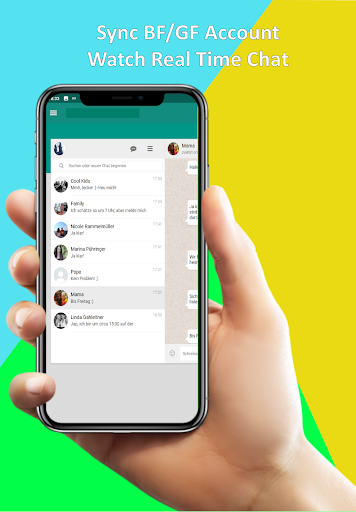
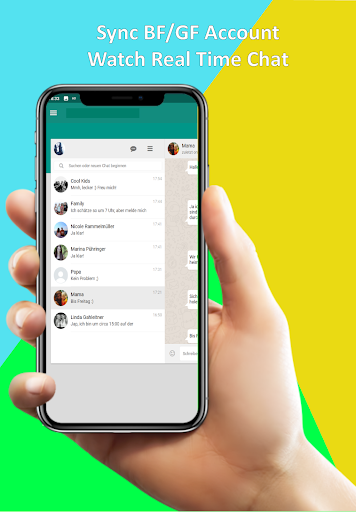
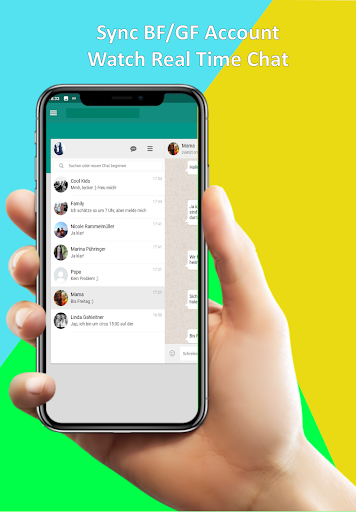
Stay connected across all your devices with real-time synchronization. Whether on your phone or tablet, you can access and manage your chats seamlessly. This ensures you never miss an important message or update, regardless of the device you're using.
•Easy Download & Offline Access
The app allows quick downloading of media files and statuses, which can then be viewed offline. Its intuitive gallery makes browsing saved content effortless, giving you instant access to your stored images, videos, and GIFs without needing an internet connection.
•User-Friendly Interface
Designed with simplicity in mind, the app boasts a sleek and easy-to-navigate interface. Installation and setup are quick, requiring only a few taps. It remains lightweight so your device’s performance isn’t compromised, making multitasking a smooth experience.
How to Get Started
Getting started with Multi Space - Web Scan & Sync is straightforward:
- Download and install the app from your preferred app store.
- Open the app and select the chat platform you want to manage.
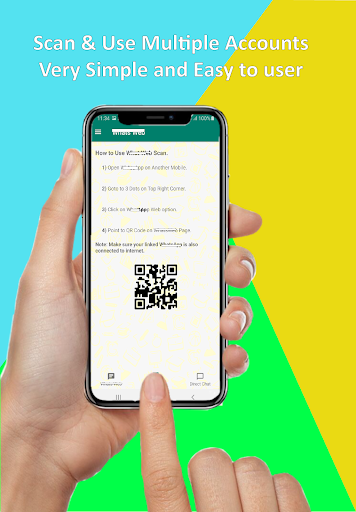
- Scan the QR code of each account you wish to sync, similar to the process within web chat applications.
- Switch effortlessly between accounts to stay connected across multiple chats and platforms.
To enhance your experience with status downloads, simply view the status in your chat app, open the Status Saver feature within the app, and select the media you want to save. Tap save, and your media will be stored on your device for easy access and sharing at any time.
Why Choose Multi Space - Web Scan & Sync?
This app offers a practical solution for users who need to manage multiple accounts efficiently. It eliminates the need for multiple devices or constant login switching, saving you valuable time and effort. Whether you're a professional managing work and personal chats, a social media enthusiast, or someone who simply wants to organize various profiles better, Multi Space - Web Scan & Sync provides a reliable, easy-to-use platform for all your multitasking needs.
Its features like app cloning and status saving make it a must-have tool to enhance productivity and social sharing. Plus, its lightweight design ensures your device runs smoothly without draining resources. This makes it perfect for users who demand efficiency without compromising device performance.
Pros
- Seamless synchronization across devices
- User-friendly interface
- Efficient performance
- Supports multiple platforms
- Secure data management
Cons
- Limited free features
- Occasional delays in synchronization
- Requires a stable internet connection
- May consume significant battery power
- Contains advertisements in the free version










