
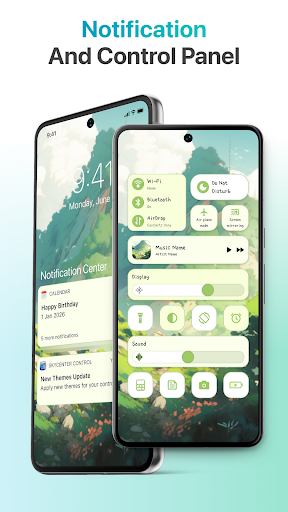
Discover the Power of SkyCenter Control: Customizable and User-Friendly Control Center App
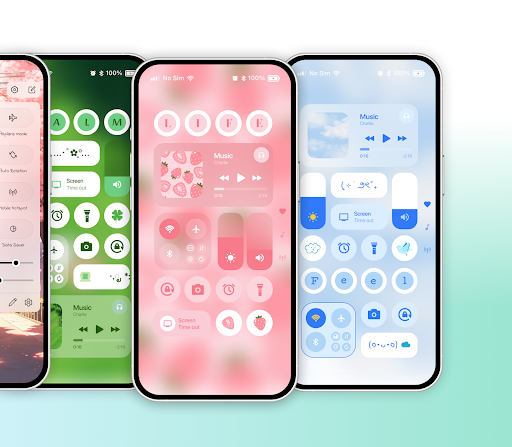
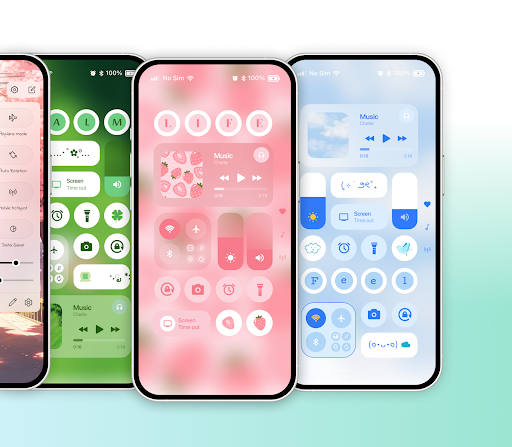
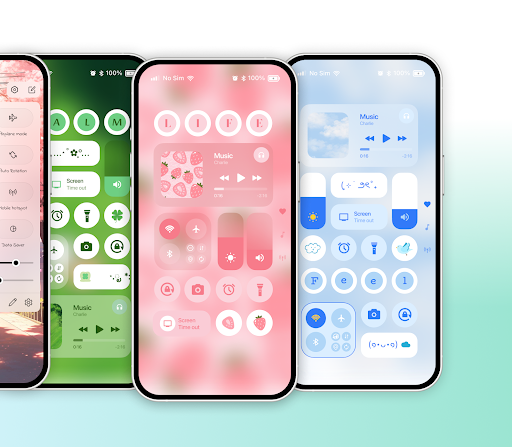
Are you still relying on the default control center with a basic layout? If you're looking to elevate your device experience with a unique and personalized interface, SkyCenter Control is the perfect solution. This innovative app offers an array of customization options, allowing users to refresh their control panel with themes like aesthetic, minimal, cute, and more. With its versatile features, SkyCenter Control transforms your device management into a visually appealing and highly functional experience.
Seamless All-in-One Features for Effortless Accessibility
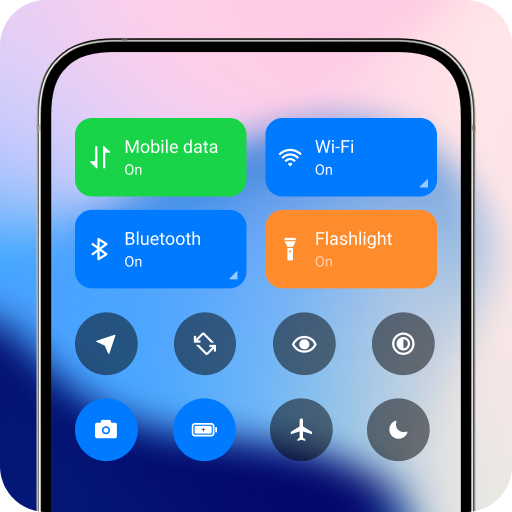
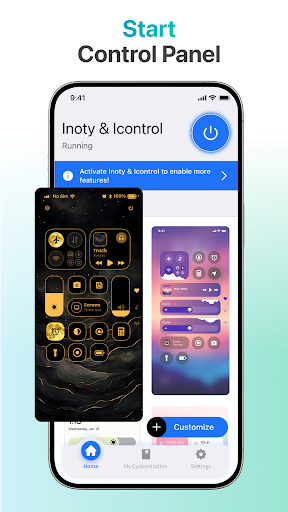
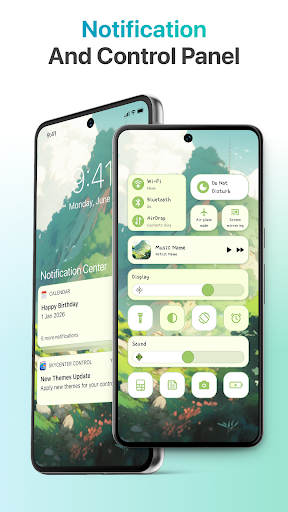
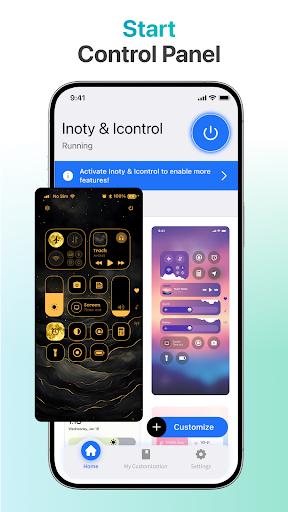
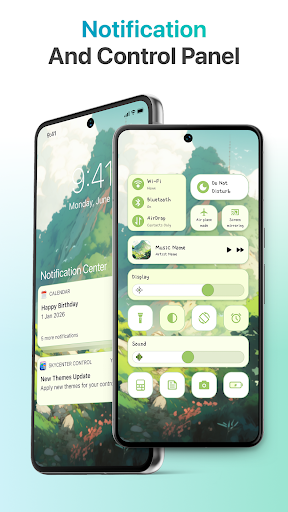
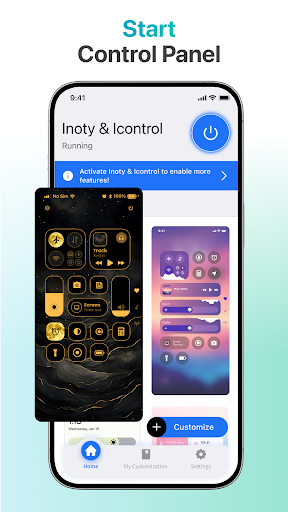
One of the key advantages of SkyCenter Control is that it consolidates essential functions into a single, easy-to-access panel. Instead of navigating through multiple menus, users can quickly reach often-used tools such as the flashlight, camera, Wi-Fi, mobile data, Bluetooth, and other important settings with just a few taps. The app's quick access tools enhance usability, making it simple to toggle features instantly, thereby saving valuable time and effort. Additionally, you can pin your most-used apps for even faster access, bringing your favorite functionalities right at your fingertips.
A Variety of Customizable Themes and Personalization
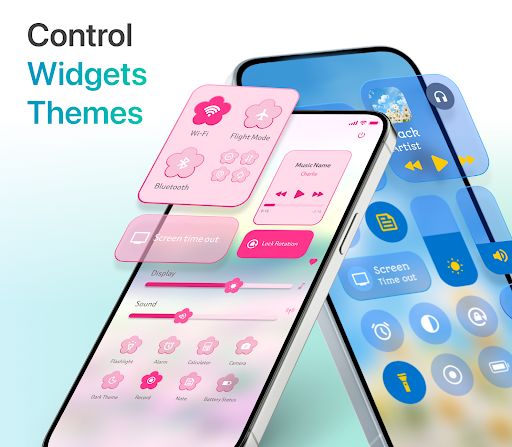
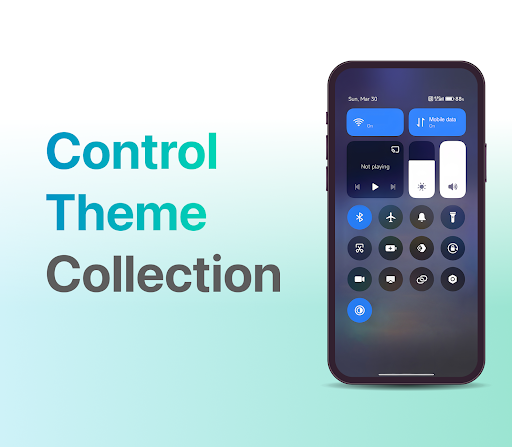
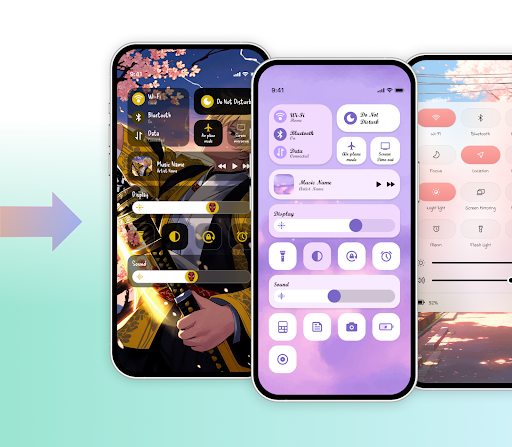
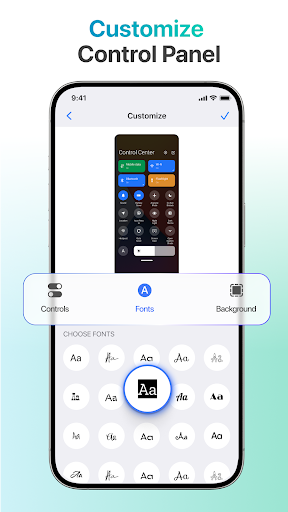
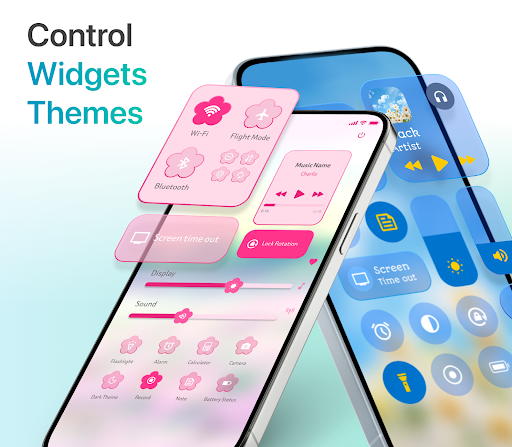
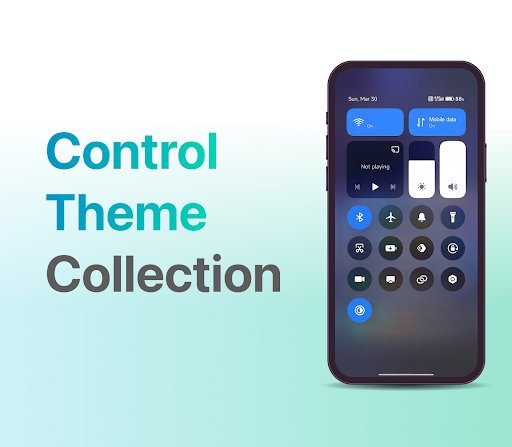
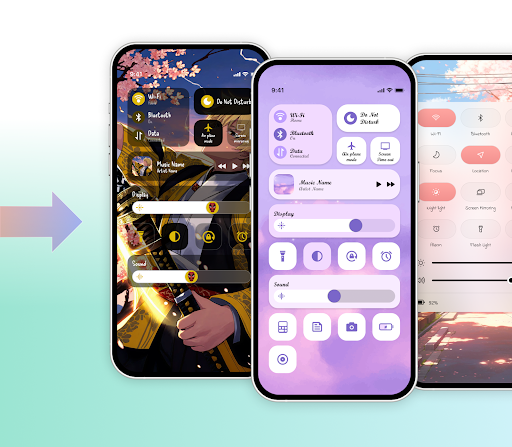
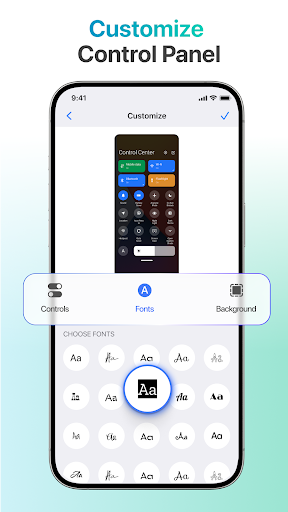
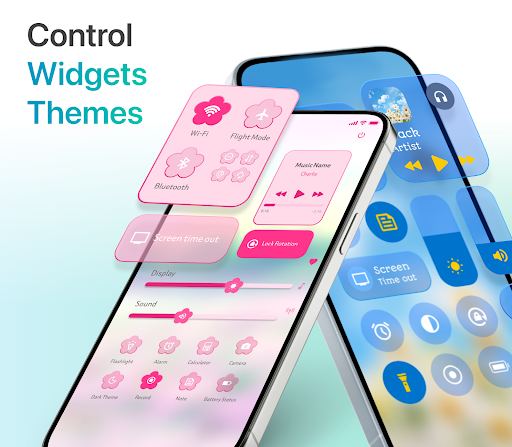
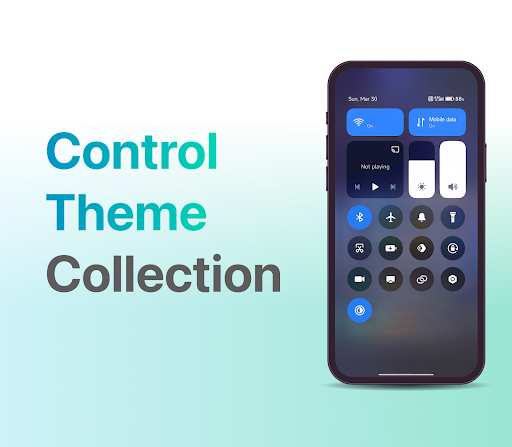
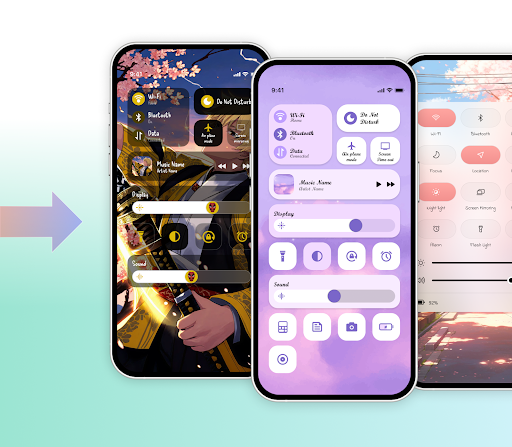
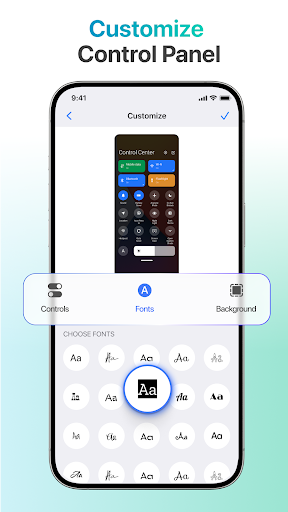
SkyCenter Control offers an extensive and regularly updated theme collection that caters to diverse aesthetic preferences. Whether you prefer a sleek, minimalist look or a vibrant, decorative style, there is a theme for everyone. Each theme comes with its own background, icons, and layout, allowing you to personalize your control panel visually. The app empowers you to modify numerous elements including backgrounds—such as images, blur effects, or gradient styles—and fonts, providing a truly unique appearance. Moreover, you can rearrange icons and adjust the overall layout to match your daily usage patterns.
Full Customization for a Unique User Experience
Beyond themes, SkyCenter Control allows for holistic customization of your control center elements. Change backgrounds with various image types, apply sleek blur effects, or choose gradient styles that suit your style. The app also supports adding decorative widgets, including text or images, to make your control center more personalized and engaging. You can add, remove, or rearrange icons and functions, ensuring that your control panel aligns perfectly with your preferences and routines. This high level of custom panel control ensures your device interface remains fresh, functional, and uniquely yours.
Enhanced Productivity and Security Features
Security and privacy are at the forefront with SkyCenter Control . It employs advanced encryption technologies to safeguard your personal and professional data, providing peace of mind while using the app. Whether managing sensitive information or everyday tasks, your data remains protected against unauthorized access.
Versatile Integration and Personalization Options
The app’s flexibility extends to its support for numerous third-party integrations, including collaboration tools like Slack and project management solutions such as Trello. This makes SkyCenter Control a versatile companion for both personal and professional use. Its customizable dashboard enables you to tailor your workspace exactly how you like, with options to choose widget layouts and themes, making your device truly reflect your personality and workflow.
Final Thoughts: An Essential Tool for Modern Device Management
For users seeking to streamline their digital lives while expressing their personality and style, SkyCenter Control stands out as a powerful and intuitive app. Its combination of customizable themes, quick access tools, and robust integration capabilities makes it an excellent choice for enhancing productivity and device aesthetics. Even with a minimal learning curve, the app’s user-friendly design ensures that you can quickly adapt and start enjoying a more organized, stylish, and efficient control center. Download SkyCenter Control today and transform your device management experience into something uniquely yours.
Pros
- User-friendly interface enhances accessibility.
- Real-time data updates improve decision-making.
- Comprehensive flight tracking for better management.
- Customizable alerts for critical incidents.
- Supports multiple languages for global users.
Cons
- Requires stable internet for optimal performance.
- Limited offline features for remote locations.
- Can be resource-intensive on older devices.
- Subscription needed for premium features.
- Occasional bugs may affect user experience.











