


Design Space: DIY with Cricut
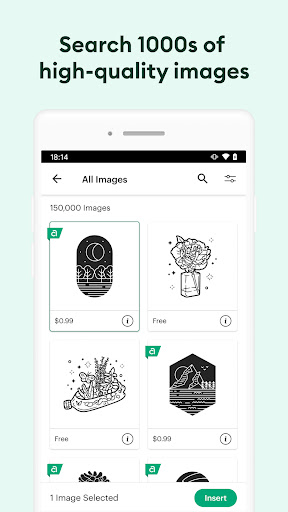
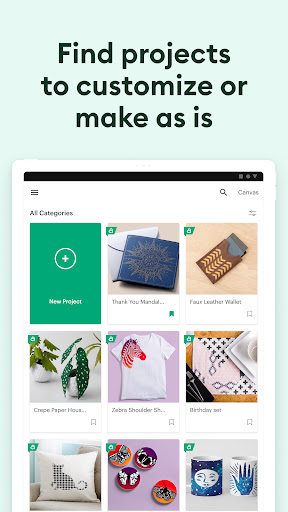
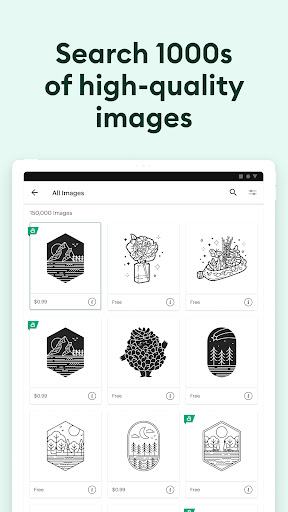
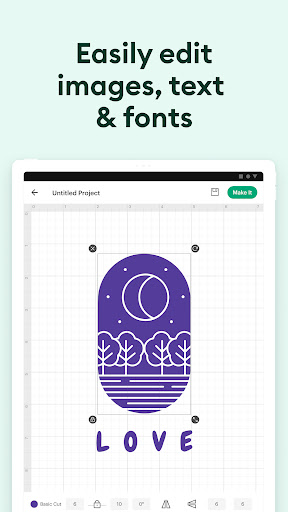
Enjoy total creative freedom over your next DIY project with Cricut Design Space™. This innovative app empowers crafters to design, cut, or draw by connecting seamlessly to Cricut Explore™ or Cricut Maker™ machines. Whether starting from scratch or exploring the vast Cricut Image Library, which features thousands of images, ready-to-make projects, and unique fonts, this platform offers endless creative possibilities. Thanks to its cloud-based syncing, you can create from anywhere at any time, ensuring inspiration is never out of reach, no matter where you are.
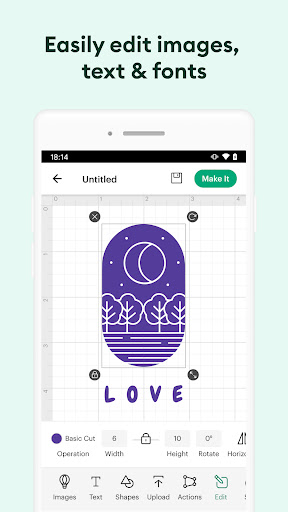
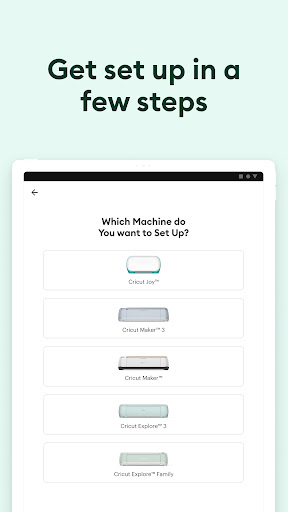
Connecting to your compatible Cricut machine is straightforward via Bluetooth® technology, ensuring a hassle-free, cordless crafting experience. Recent updates have introduced powerful features such as kerning, spell check, right-to-left text, and more—features that enhance your design precision. To access these features and enjoy optimal performance, simply upgrade your device to Android 9 or above. New to Cricut? No problem! Just activate your machine at cricut.com/setup to start your creative journey.
For any assistance, Cricut offers comprehensive support through chat, call, or email via Cricut Member Care. Keep in mind that usage of the Design Space app is subject to terms available at cricut.com/legal. Whether you're a beginner or a seasoned pro, the Design Space: DIY with Cricut app stands out as an essential tool for elevating your crafting experience.
Unleash Your Creativity with Cricut Design Space
Have you ever dreamed of creating a unique DIY project but felt overwhelmed by the variety of tools and options available? Design Space: DIY with Cricut is here to change that narrative. This app is a game-changer for craft enthusiasts of all levels, providing a comprehensive platform to bring your creative ideas to life. Whether you're just starting out or a seasoned craft lover, the app offers an intuitive and engaging experience designed to inspire and simplify every step of your crafting journey.
Getting Started Made Easy
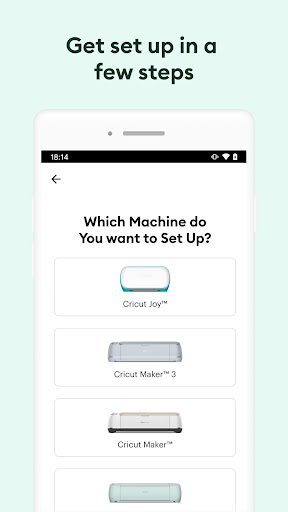
From the moment you open the app, you're greeted with a user-friendly interface that makes navigation straightforward. Setup is simple, even for those who aren’t tech-savvy. The app guides you through connecting your new Cricut machine, ensuring a smooth start. The clean design and intuitive layout mean you can jump right into your first project without hassle. This accessibility encourages new crafters to explore their creative potential with confidence.
Endless Possibilities at Your Fingertips
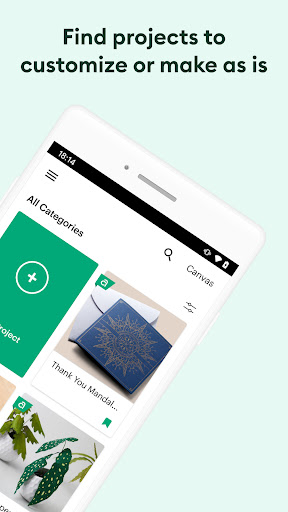
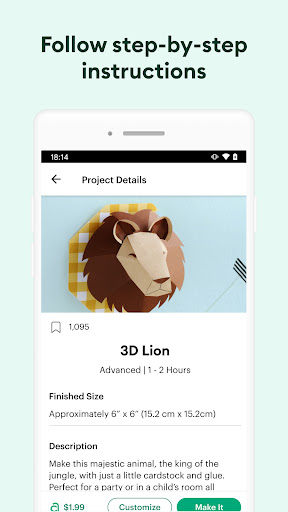
The app boasts a vast library of designs, fonts, and images, offering users countless options. You can select from thousands of ready-made projects or even create your own designs from scratch. The platform's flexibility allows full customization—upload your images, tweak designs, and personalize projects as much as you like. It's like having a mini design studio accessible right on your phone or tablet, perfect for crafting personalized items such as custom t-shirts, home decor, or thoughtful gifts.
Seamless Integration and Convenience
A key highlight of Design Space is its seamless integration with Cricut cutting machines via Bluetooth. This wireless connectivity means you can operate your Cricut from anywhere in your home—whether you’re sitting on the couch or working in your craft room. The app automatically saves your projects in the cloud, enabling you to start designing on one device and finish on another without missing a beat. This flexibility makes crafting more enjoyable and less restricted by hardware limitations.
Supportive Community and Resources
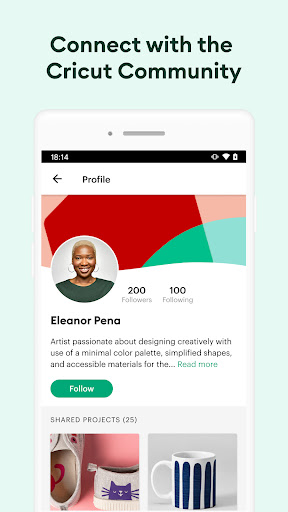
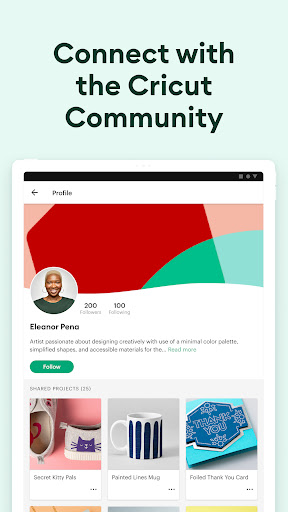
Beyond its technical features, the app fosters a vibrant community of crafters. Users can share tips, ideas, and inspiration, creating a collaborative environment that enhances your crafting experience. Additionally, the app provides access to tutorials and help resources so you can overcome any hurdles along the way. It’s like having a crafting buddy available 24/7 to guide and motivate you as you develop your skills.
Why Choose Cricut Design Space?
Ultimately, Design Space: DIY with Cricut is an essential tool for anyone looking to explore their creative side through DIY projects. Its diverse features make crafting accessible, fun, and highly personalized. Whether you're creating custom apparel, decorative home pieces, or memorable gifts, this app simplifies the process while inspiring innovation. Dive into the world of DIY crafting today and watch your ideas come to life with ease and style!
Pros
- User-friendly interface suitable for beginners.
- Extensive collection of design templates available.
- Smooth compatibility with Cricut machines.
- Provides regular updates introducing new features.
- Allows offline designing without internet connection.
Cons
- Some functionalities require purchasing a subscription.
- Reports of occasional application crashes.
- Limited number of free templates accessible.
- Large file sizes consume significant storage space.
- In-app purchases can be expensive.











