

Introduction to Node Video - Pro Video Editor
If you're searching for a powerful and versatile mobile video editing application, Node Video - Pro Video Editor stands out as an exceptional choice. This app transforms your smartphone into a professional editing studio, packed with innovative features that enable users to craft stunning videos with ease. Whether you're a beginner or a seasoned creator, Node Video offers a seamless editing experience complemented by advanced tools that can elevate your creative projects to new heights.
Main Features of Node Video
Multi-layer Timeline & Precise Editing
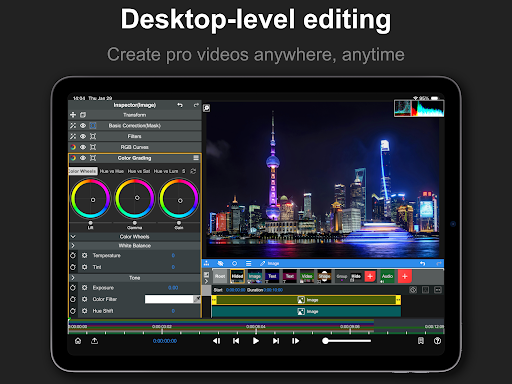
At the heart of Node Video lies a multi-layer timeline system, comparable to desktop-grade editing software. This allows you to stack multiple video clips, audio tracks, and effects, providing unlimited layers and groups for complex compositions. From basic cuts to intricate adjustments, the app offers precise video editing capabilities with rich possibilities, empowering users to bring their creative visions to life effortlessly.
Advanced Editing Tools
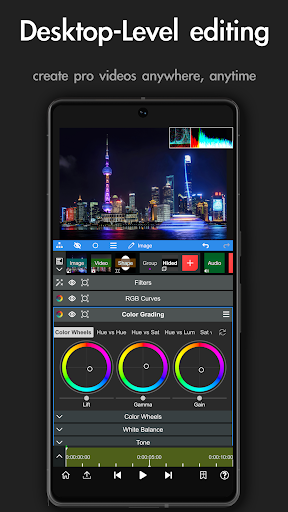
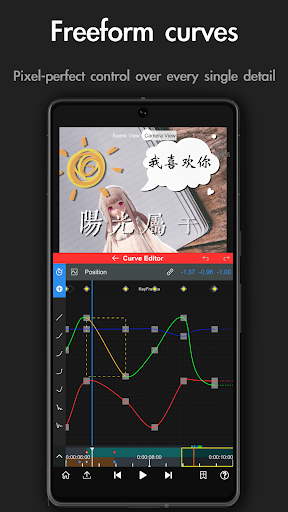
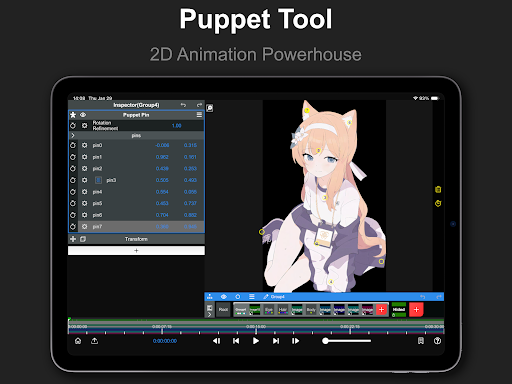
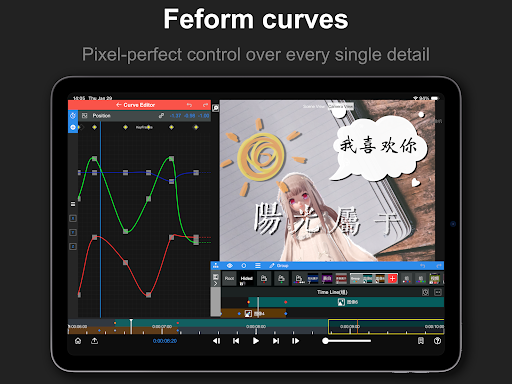
Node Video supplies an array of professional editing tools such as Timeline, Keyframe animation, Curve Editor, Masking, and Color Correction. These features give you granular control over every aspect of your video, enabling detailed adjustments and flawless effects application. Additionally, the app supports real-time super fast rendering, ensuring a smooth workflow even with complex projects.
Revolutionary Audio Features
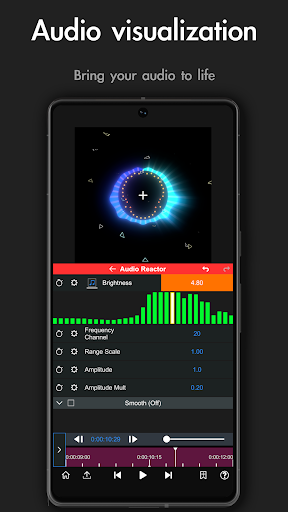
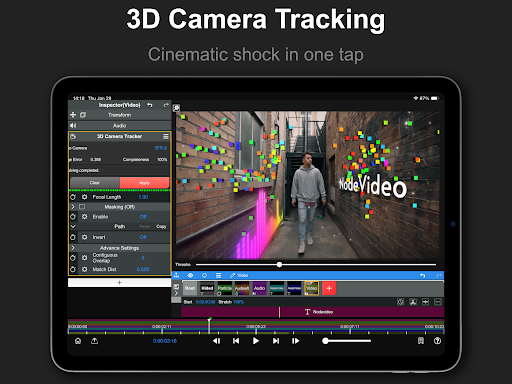
One standout aspect is the Revolutionary Audio Reactor, which visualizes your audio in stunning ways. Every parameter and effect is controllable through the audio spectrum, opening creative avenues for audio-responsive visuals. This feature makes syncing effects with soundtracks easier than ever, creating engaging videos that truly sync visual and audio elements perfectly.
AI-Powered Capabilities
Node Video incorporates AI-powered features that automatically separate humans from backgrounds in real time. This simplifies complex compositing tasks, saving you time and effort while delivering professional results. The app also offers upcoming features, promising continual enhancements to your editing toolkit.
3D Rendering & Models
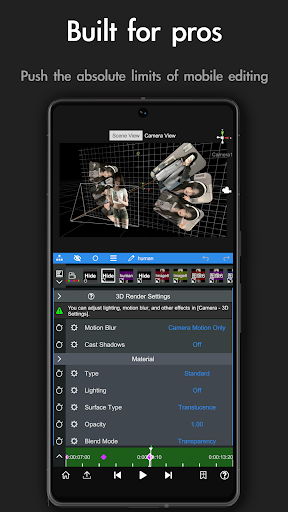
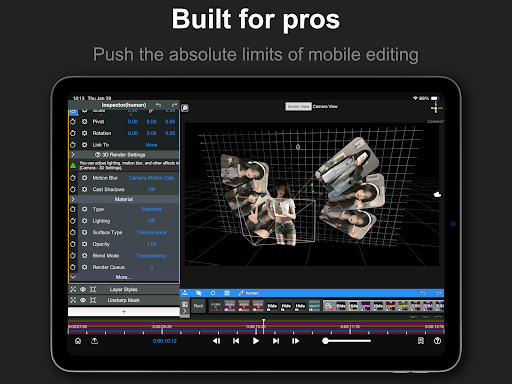
For those interested in 3D effects, the app supports 3D renderings. You can map videos and images onto 3D models, adding depth and dimension to your projects—particularly useful for creative intros, titles, and special effects that require a touch of three-dimensionality.
Exclusive Effects & Presets
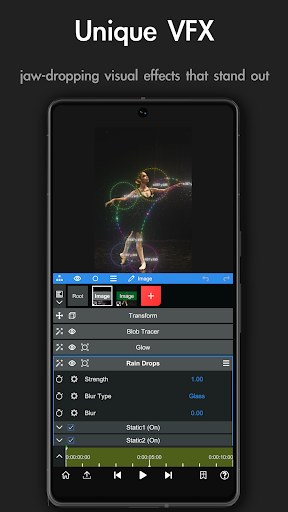
Node Video offers a variety of professional effects and presets that are updated regularly for Pro subscribers. Current effects include Blend Mode, Motion Blur, Luma Fade, Lens Flare, Fractal Noise, Time Remap, alongside essential color correction tools like Exposure, Contrast, White Balance. Additional effects such as Emboss, Color Gradient, Invert, Gaussian Blur, Cross Blur, Directional Blur, Radial Blur, Glow, and more are also at your fingertips to enhance visual storytelling.
Why Choose Node Video?
In a crowded market of mobile video editing apps, Node Video - Pro Video Editor truly shines due to its blend of powerhouse features and user-friendly design. It’s perfect for creating social media content, short films, or just experimenting with video effects. The app’s reliable performance, rapid rendering speed, and commitment to continuous updates make it a valuable tool for both beginners and professionals alike.
Additional Information & Legal
For terms of use and privacy policy details, please visit these links: Terms of Use and Privacy Policy.
Pros
- Advanced editing tools suitable for professional use
- Allows exports in 4K video resolution
- Supports real-time editing of video effects
- Features an intuitive and easy-to-use interface
- Provides regular updates with new features
Cons
- Steep learning curve for new users
- Demands a high-performance device for optimal operation
- Features in the free version are limited
- Occasional crashes have been reported
- In-app purchases can be expensive











