
Introduction to the iPhone Keyboard App
Key Features of the iPhone Keyboard
Sleek and User-Friendly Interface
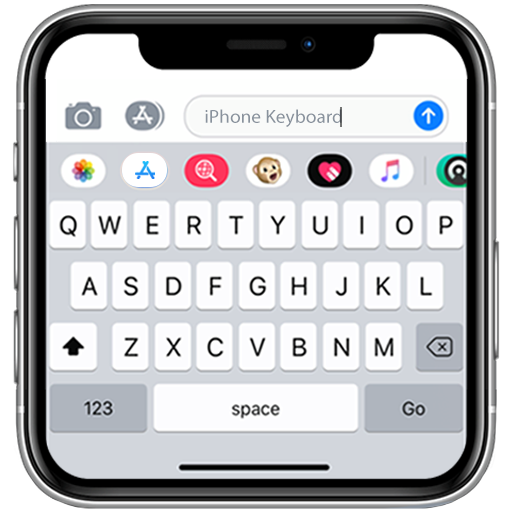
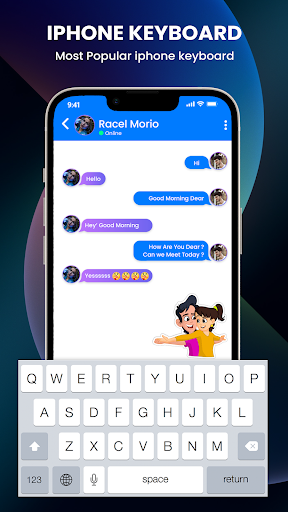
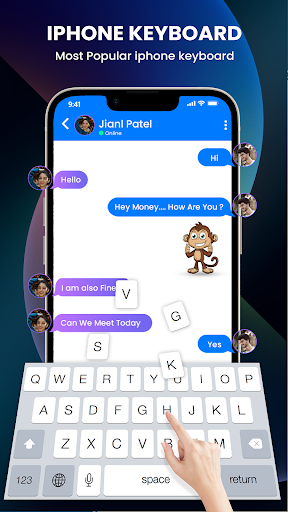
The iPhone Keyboard boasts an elegant and simplistic design, inspired by Apple's iconic aesthetic. Its well-spaced keys and intuitive layout ensure that both new and experienced users can navigate it with ease, providing a smooth typing experience every time.
Customization and Themes
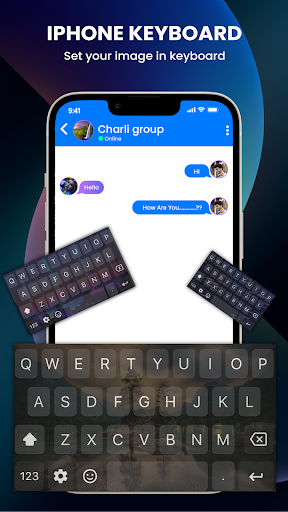
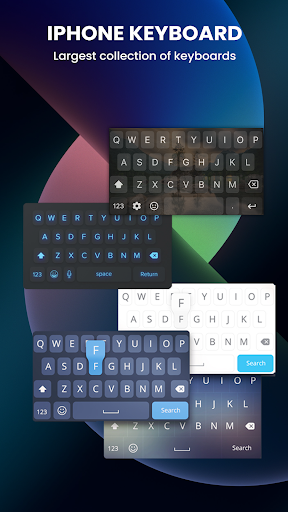
You can personalize your keyboard with a variety of themes to suit your style—from glitter and nature to cute, cartoon, or love-themed designs. The theme center makes it easy to browse and apply your favorite looks, ensuring your device reflects your personality. Additionally, users can set customized wallpapers and choose from a multitude of font styles, including fancy, cool, and creative options to make your texts stand out.
Emoji and GIF Integration
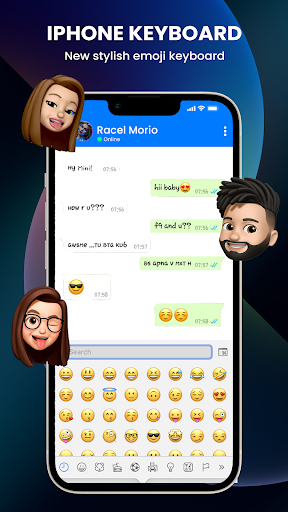
Enjoy a vast collection of emojis and GIFs, including those inspired by iPhone 11 emojis and emoticons. The predictive emoji feature suggests perfect emojis based on your typed words, adding emotion and clarity to your messages. Sharing GIFs is simple and quick, enhancing your chatting and social media interactions.
Advanced Typing Features
The keyboard supports voice typing, allowing you to speak and have your words transcribed automatically. It offers gesture typing for fast, one-handed typing without lifting your finger, as well as auto-correction and intelligent word predictions that speed up your message composition. These features work together to make your conversations more natural and efficient.
Enhanced User Experience
Variety of Themes and Fonts
With a diverse selection of keyboard categories including sports, flowers, love, and more, you can customize your messaging environment to match your mood or style. The app continuously updates its theme center, so new options are always available to keep your keyboard fresh and engaging.
Fun and Functional
This keyboard isn't just about aesthetics—it also enhances communication with features like auto-correct, predictions, and quick access to emojis and GIFs. Whether you're sending a quick text, replying to emails, or chatting on social media, this app ensures your typing experience is smooth, fast, and accurate.
Security and Reliability
While offering customization options, iPhone Keyboard maintains a focus on security and consistent performance across all applications. Its reliability ensures that your data remains protected, making it a trusted choice for everyday use.
Final Thoughts
Pros
- Highly responsive touch interface
- Customizable themes and layouts
- Built-in emoji support
- Predictive text feature
- Supports multiple languages
Cons
- Limited third-party app integration
- Occasional autocorrect errors
- No swipe typing feature
- Requires frequent updates
- Limited customization options











