
Overview of Notepad - Notes and Notebook
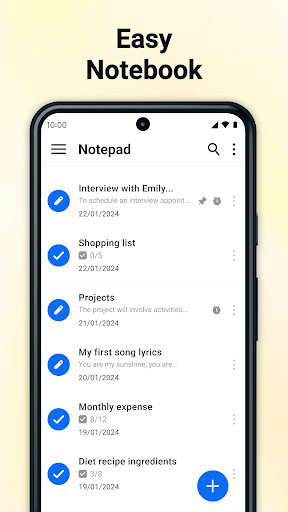
Notepad - Notes and Notebook is a user-friendly, fast, and dependable note-taking application designed for creating quick notes, checklists, and personal reminders. Whether you need a straightforward digital notebook for work, study, or personal organization, this app is crafted to keep your ideas and tasks efficiently organized. Its sleek interface and robust features make it an ideal choice for users seeking simplicity without sacrificing power.
Main Features of Notepad
Auto-Save Notes
With auto-save, your notes are instantly saved as you write and whenever you exit the app. This ensures that no information is lost, allowing you to focus on noting down your thoughts without having to manually save progress.
Create Unlimited Notes
One of the key advantages of unlimited notes is the freedom to jot down ideas for any purpose—be it work, school, or personal projects—without restrictions on number or length.
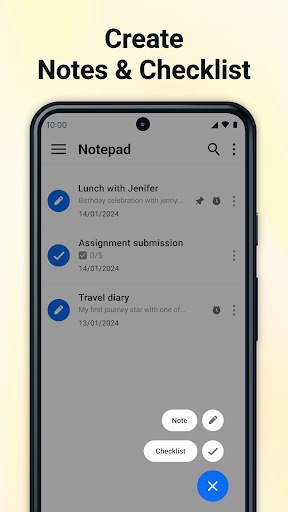
Checklists and To-Do Lists
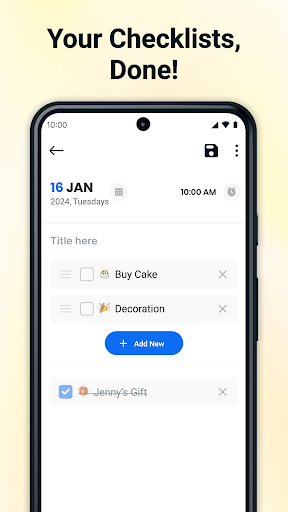
Easily create checklists with checkboxes for tasks such as grocery shopping, project milestones, or wish lists. Managing your daily responsibilities has never been simpler.
Call Features
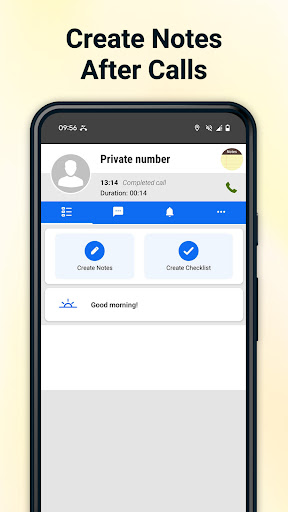
Integrate your notes seamlessly with your call activities by creating notes and checklists directly from the after-call menu. This feature streamlines your workflow and keeps important information at your fingertips.
Pinned Notes & Checklists
Keep your most critical pinned notes and checklists accessible at all times. This feature allows you to prioritize and quickly access vital information without searching.
Export Notes as PDF
Share your notes efficiently by exporting them as PDF files. This makes it easy to distribute, print, or archive your notes in a universally compatible format.
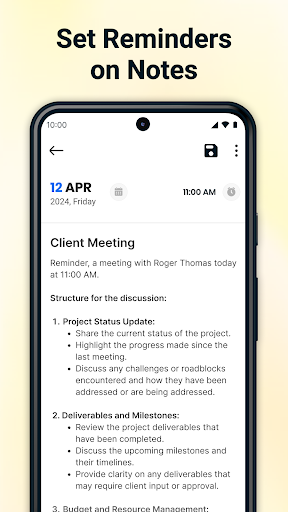
Note Reminders
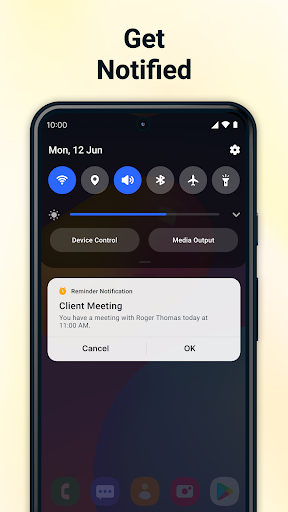
Set reminders for important tasks to ensure you never miss deadlines or appointments. This feature helps keep your schedule on track.
Trash Management
Manage your notes effectively through delete or restore options within the trash. This offers a safety net for accidental deletions and keeps your workspace clutter-free.
Calendar Integration
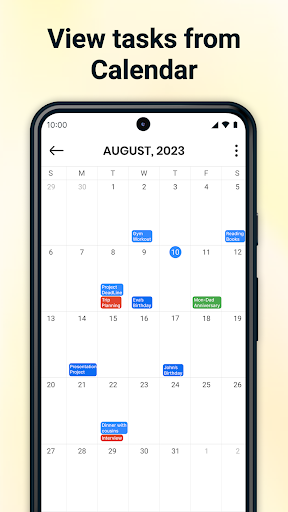
Add notes and tasks directly to your calendar for better planning and organization. Viewing your schedule alongside notes enhances productivity.
Why Choose Notepad?
Simplicity and Speed
Designed for quick access, Notepad - Notes and Notebook allows you to create and edit notes effortlessly, enabling you to stay focused and productive without distractions.
Organizational Features
Stay structured with options like checklists, reminders, and pinned notes. Such features make managing multiple notes and tasks straightforward and effective.
Secure Storage
All your notes are stored locally on your device, providing peace of mind regarding privacy and data security.
Calendar View
The calendar view helps you monitor upcoming tasks and important dates at a glance, making planning more intuitive.
Real User Experience with Notepad
Many users, including myself, find Notepad - Notes and Notebook to be a game-changer in daily organization. Its intuitive interface allows quick note creation, whether you're capturing fleeting ideas or detailed plans. The ability to categorize notes into different notebooks and color-code them makes organization effortless, especially for visual learners.
Synchronization across devices is another standout feature. Whether on your phone, tablet, or computer, your notes remain synced through cloud integration, ensuring access anytime and anywhere. This cross-platform flexibility is perfect for busy individuals on the go.
Customization options further enhance personalization. You can choose your preferred backgrounds, fonts, and even lock sensitive notes with a password for privacy. These features combine to create a versatile digital notebook tailored to your preferences.
Overall, Notepad - Notes and Notebook is more than just a simple note-taking app; it is a powerful tool designed to adapt to diverse needs—whether for brainstorming, planning, journaling, or personal reminders. Its combination of speed, organization, and security makes it an essential addition to your digital toolkit.
Pros
- User-friendly interface
- Sync across devices
- Rich text formatting
- Secure backup options
- Search functionality
Cons
- No collaboration feature
- Limited export options
- Ads in free version
- No handwriting recognition
- Limited theme customization











