

Overview of PDF Reader - PDF Converter
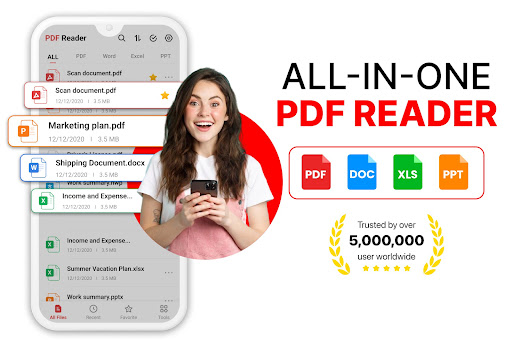
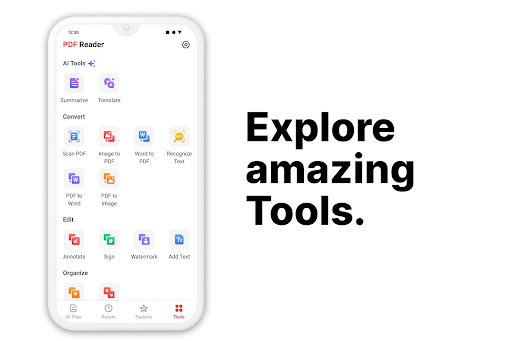
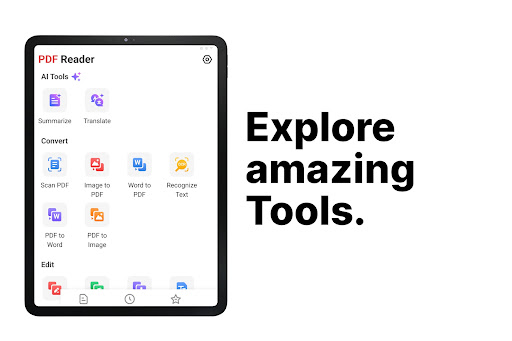
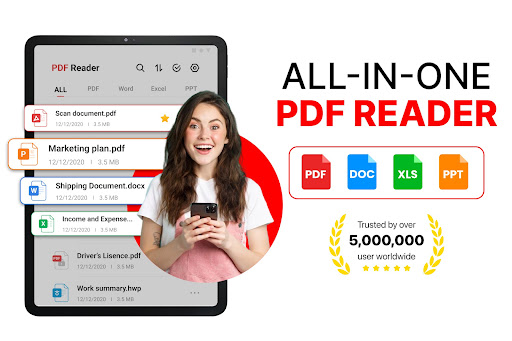
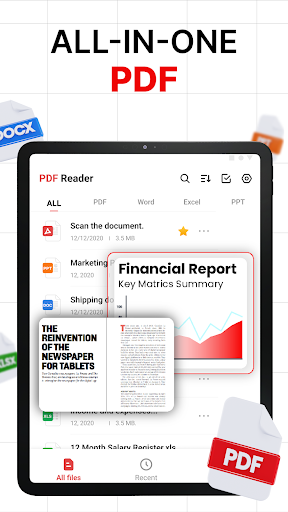
PDF Reader - PDF Converter is your comprehensive all-in-one application for seamlessly viewing, editing, and converting PDF documents. Designed with user-friendliness and efficiency in mind, this advanced PDF reader offers a suite of powerful tools that make managing your PDF files straightforward and hassle-free. Whether you're crafting professional documents, converting images into PDF format, or annotating files on the go, this versatile app simplifies your workflow and boosts productivity.
Boost Your Productivity with PDF Converter
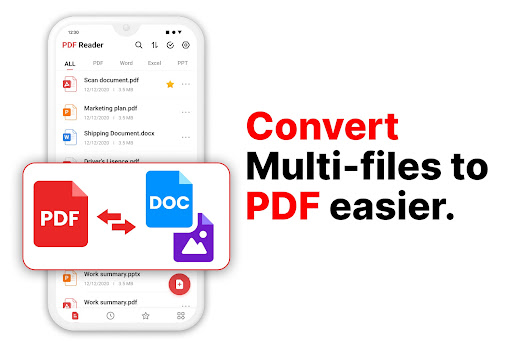
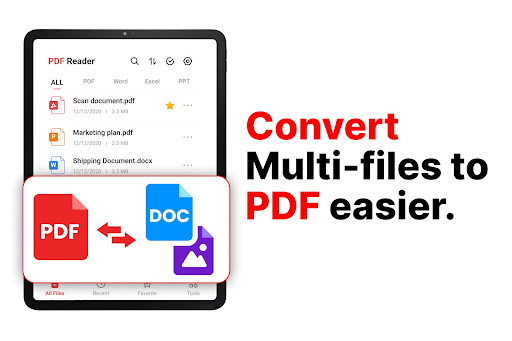
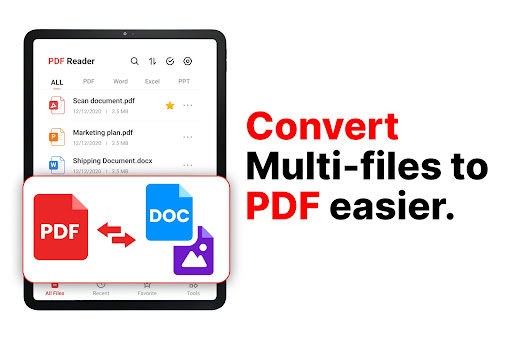
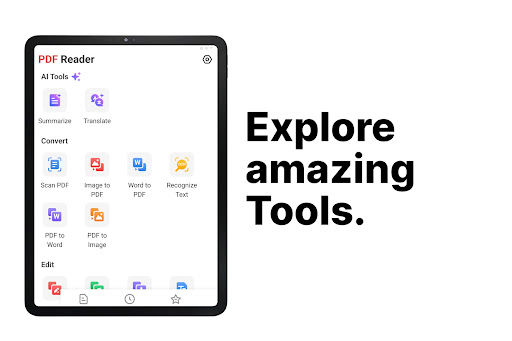
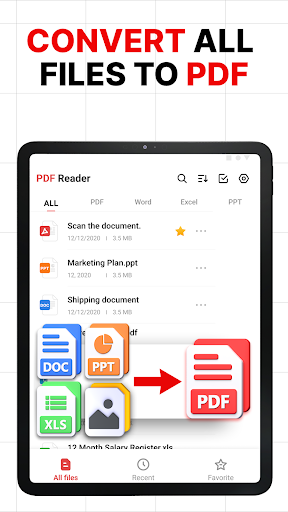
The smart PDF converter feature allows you to convert to PDF from popular formats such as Word, Excel, and images with just a tap. Need to turn a photo, scanned document, or handwritten note into a professional PDF? This application makes it effortless by providing high-speed playback and maintaining reliable formatting. Export your PDFs back to Word or other formats for editing and sharing — saving you precious time and effort. The convenience of instant conversions means you can focus more on your content than on technical hurdles.
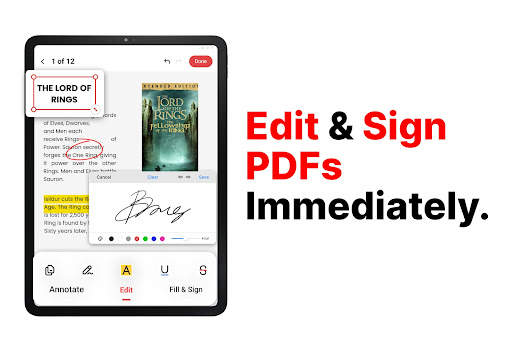
Edit PDFs on the Go
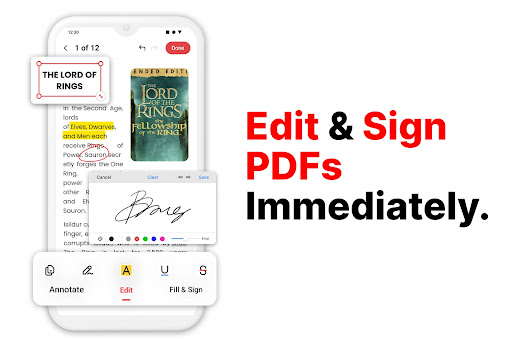
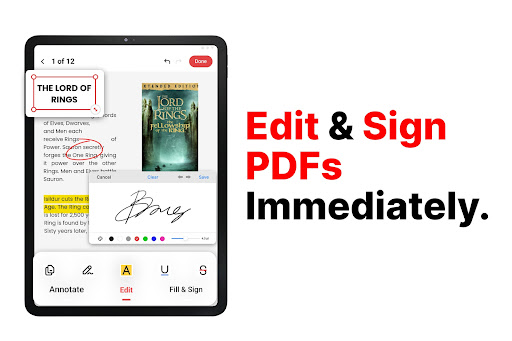
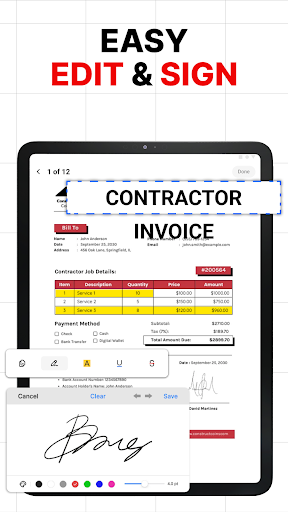
The integrated PDF editor empowers you to modify text, add highlights, insert annotations, and even include e-signatures directly within your PDF files. Whether dealing with contracts, scanned receipts, or reports, you can make quick edits without needing separate software. The editing features are designed to be intuitive, making it easy for both novices and professionals to enhance documents on the fly. When combined with the PDF converter capabilities, this app becomes an essential productivity tool for anyone working extensively with PDF files.
Enjoy Reading and Reviewing PDFs
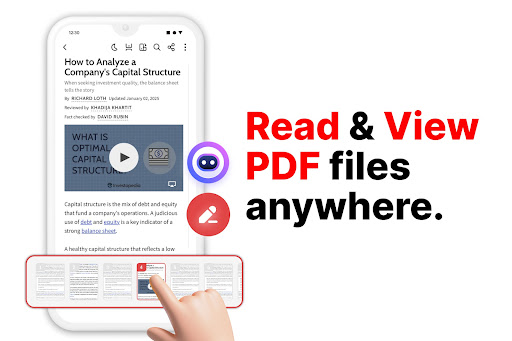
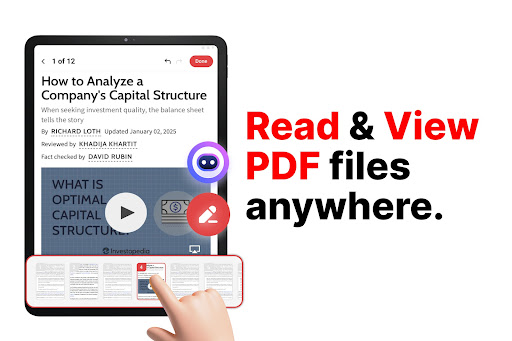
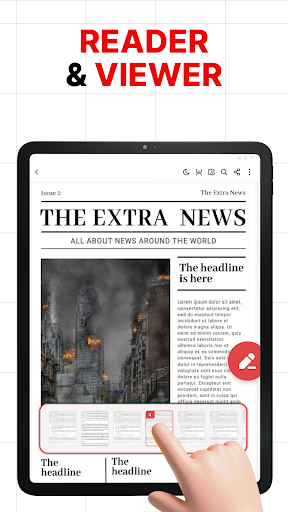
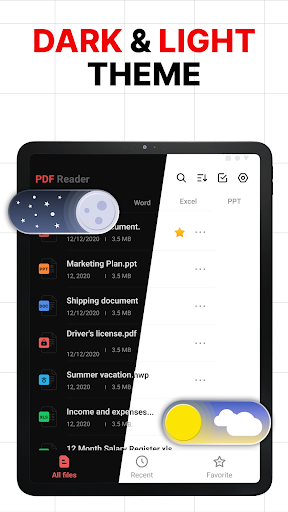
With its smooth and responsive PDF reader, users enjoy a distraction-free reading experience. Scroll effortlessly through lengthy documents, zoom in for detailed viewing, and organize content with built-in bookmarks. Whether you're reading an eBook, reviewing an invoice, or studying course material, the app ensures clarity and comfort during extended sessions. Its user-friendly interface promotes a seamless review process, making it easier to stay organized and focused.
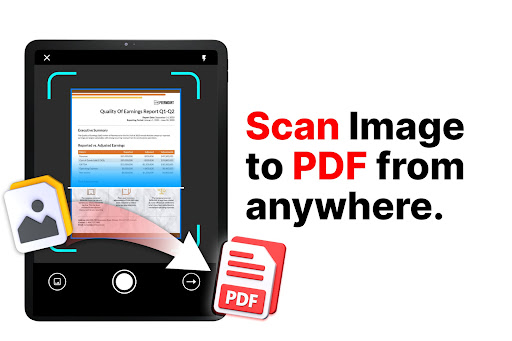
Convert Photos to PDF Instantly
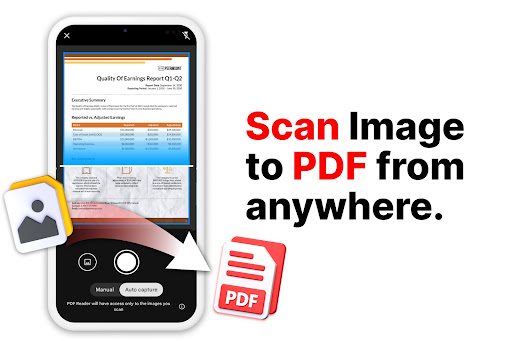
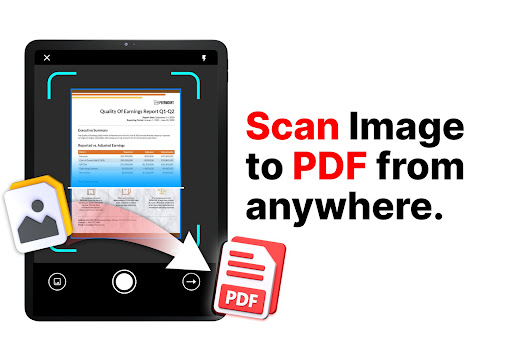
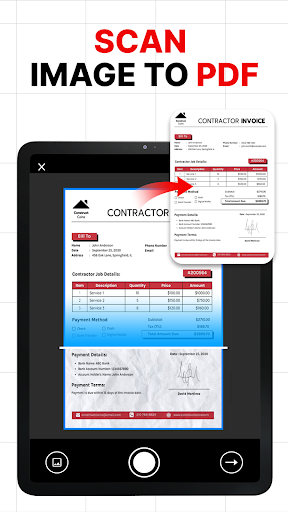
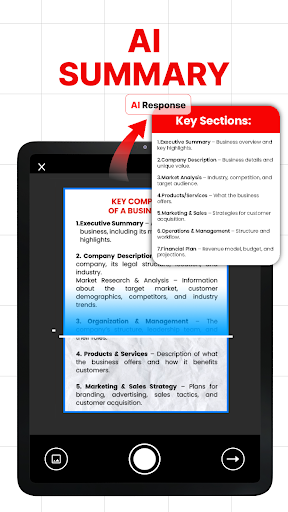
This application offers a quick and efficient way to turn any photo into a polished, professional-quality PDF. Using the photo to PDF or image to PDF feature, you can scan a document or select images from your gallery to create organized PDF files. This is especially useful for digitizing receipts, handwritten notes, or physical documents. The ability to instantly convert images into PDFs simplifies document storage and sharing, making it perfect for students, professionals, or anyone needing a digital archive.
Organize and Share Your Documents Effortlessly
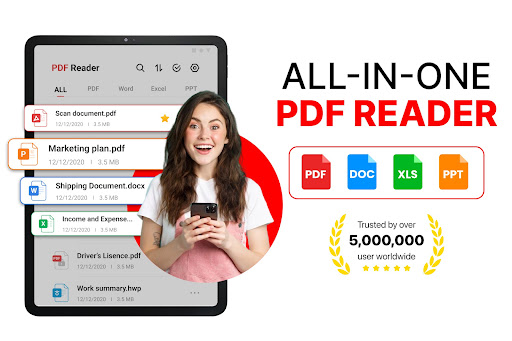
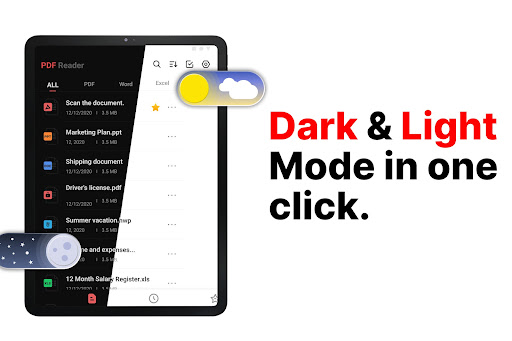
Manage all your PDF files within a centralized space. Easily rename, categorize, and search through your documents, ensuring you find what you need quickly. The app also supports direct sharing of PDFs — whether as photo to PDF or PDF to Word — via email, messaging apps, or cloud services. Its flexible tools cater to your day-to-day needs, whether you're collaborating with colleagues or keeping personal files organized.
Convert, Edit, and Export with Ease
The robust PDF converter allows users to export documents in multiple formats, enhancing their versatility. Create new PDFs or convert existing ones into editable formats like Word for further customization. The app's comprehensive functionalities—combined with its PDF reader and PDF editor—enable you to create, modify, and store documents seamlessly. Whether online or offline, you stay in control of your content without compromise.
Why Choose This PDF Scanner App?
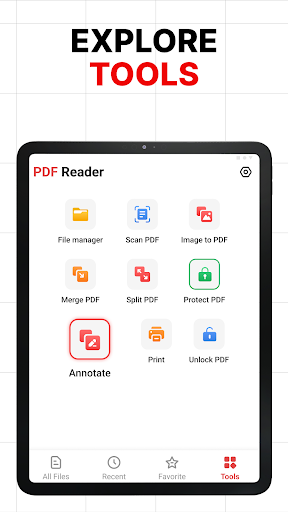
Perfect for professionals, students, and anyone who regularly works with digital documents, the PDF Scanner is reliable and versatile. It provides a comprehensive package of tools—combining a PDF reader, PDF editor, and PDF converter—all within a single convenient application. Transitioning your document workflow to this app can enhance efficiency and organization, making PDF management more accessible and less stressful. Whether you need to scan receipts, annotate reports, or convert files on the go, this app is your ideal partner.
Pros
- User-friendly interface improves reading experience.
- Supports multiple file formats with ease.
- Quick conversion speeds for large documents.
- Offline access to saved PDFs.
- Secure handling of files and privacy protection.
Cons
- Advertisements can be distracting during use.
- Most features require a subscription for free users.
- Occasional lag when processing large files.
- In-app purchases can accumulate rapidly.
- Frequent updates are needed to fix bugs.











