
Discover the Power of Minimalist Phone: Launcher
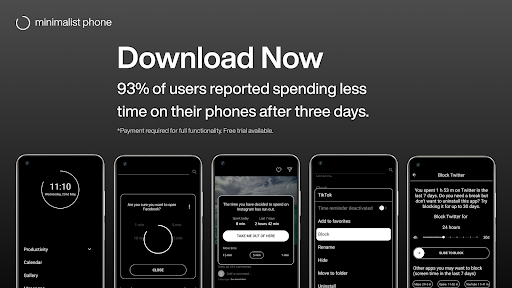
Are you overwhelmed by cluttered screens and endless app icons on your smartphone? Minimalist Phone: Launcher offers a refreshing approach to managing your digital life by transforming your device into a sleek, distraction-free environment. Designed with simplicity and productivity in mind, this app helps you take control of your screen time, enhance focus, and develop healthier digital habits. Whether you're seeking to reduce social media addiction, improve concentration, or create a more organized home screen, Minimalist Phone: Launcher is your ideal companion for a mindful smartphone experience.
Key Features for a Focused Digital Lifestyle
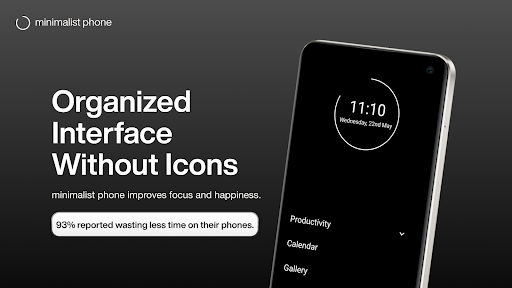
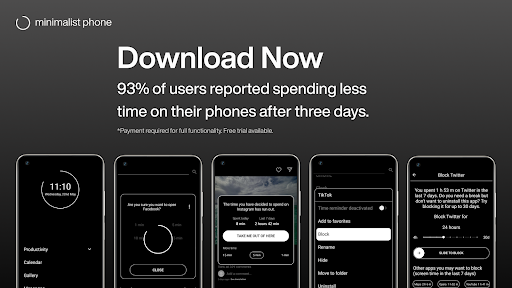
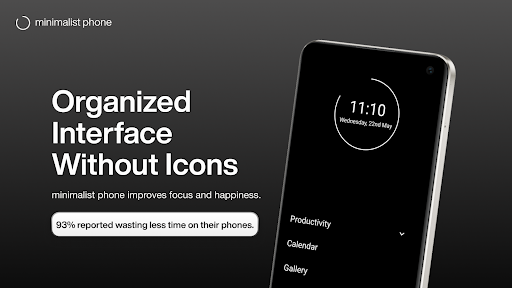
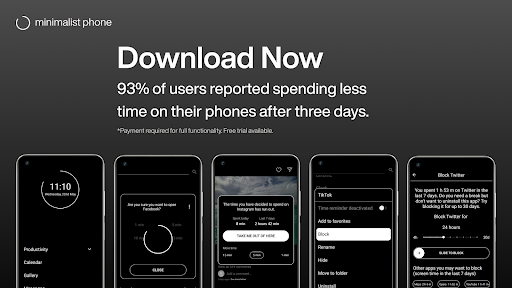
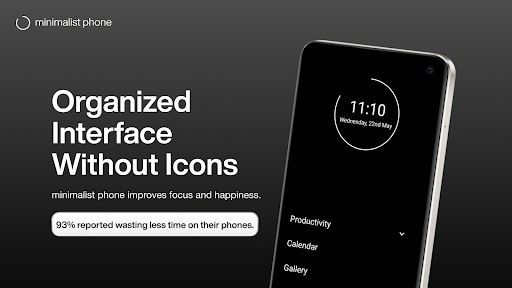
• Minimal or dumb phone interface supports productivity by stripping away unnecessary distractions. The clean, minimalist layout emphasizes only essential apps, enabling you to focus on what truly matters.
• Notification filter: Move unimportant notifications out of your sight to prevent interruptions and avoid procrastination. Filtering notifications helps maintain your concentration during work or personal time.
• Customizable color theme, font, and font size: Personalize your home screen with options like grayscale mode, color themes, and font adjustments to create a comfortable, tailored environment.
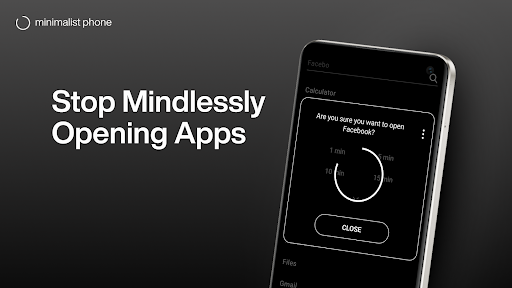
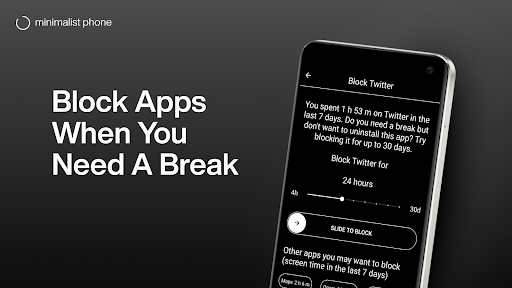
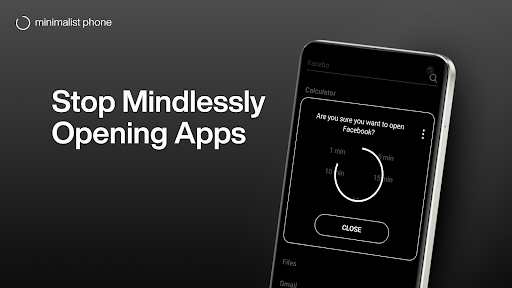
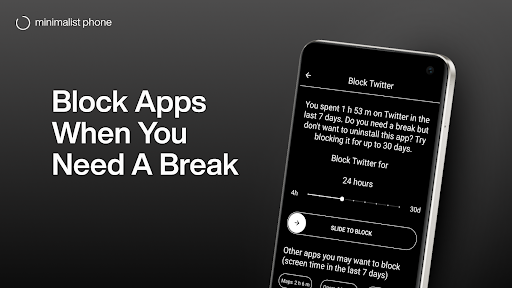
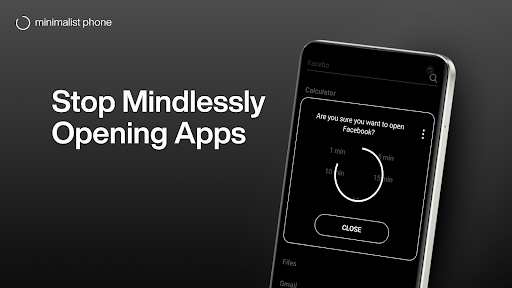
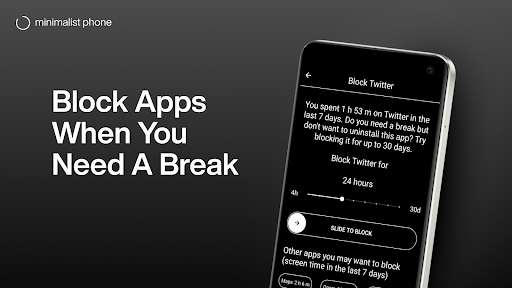
• App blocker: Restrict access to addictive or distracting applications by blocking them during designated times or permanently, encouraging healthier app usage habits.
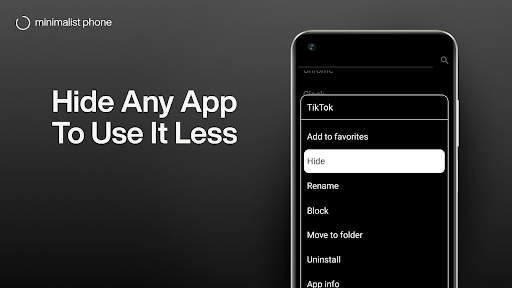
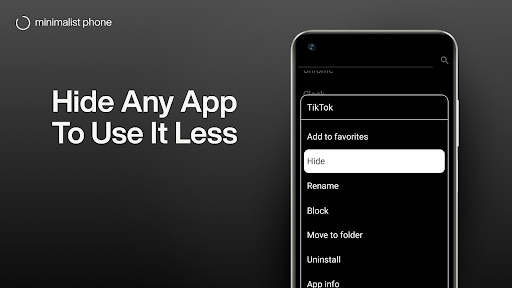
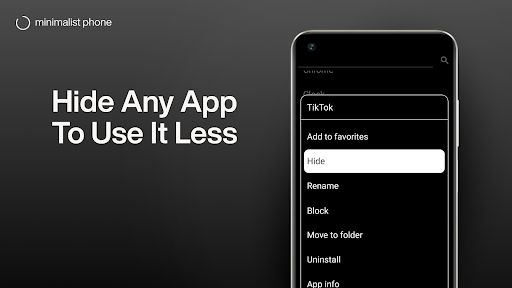
• Rename apps: Simplify or organize your app icons by renaming them, making your interface cleaner and easier to navigate.
• Blocking schedules: Set specific times to disable apps and notifications, facilitating dedicated periods of focus and productivity.
• Support for work profile apps: Install and customize apps separately in your work profile for enhanced organization between personal and professional life.
• Monochrome mode (similar to grayscale): View selected apps in black and white to reduce visual appeal and minimize temptation, especially useful for digital detox efforts — note that activation may require a PC.
Transform Your Digital Experience
By adopting Minimalist Phone: Launcher, you can foster a more mindful way of using your device. The launcher helps you open only the necessary apps, reducing unnecessary screen time and eliminating distractions from social media or notifications. With features like grayscale and blank spaces, you can develop habits that promote digital detox, leading to improved happiness, better focus, and healthier routines.
How It Supports Your Goals
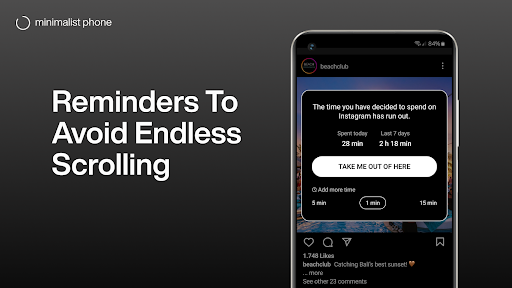
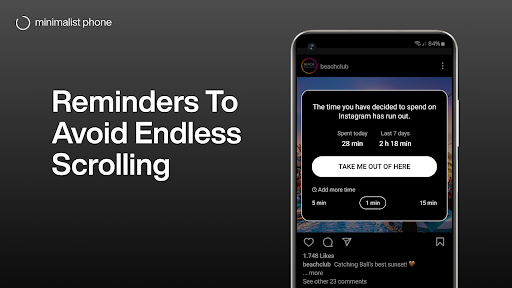
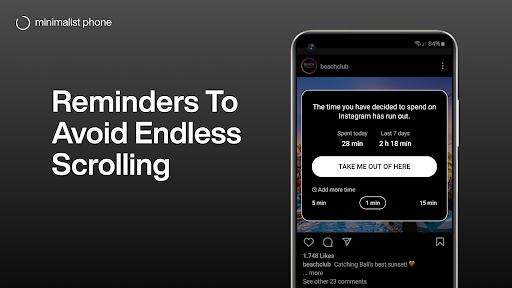
This launcher is more than just a visual style change; it’s a tool for digital detox. It helps you actively manage how and when you spend time on your phone. The app blocker and time limit features work together to encourage you to stay focused and avoid procrastination. By replacing your current home screen with this minimal launcher, you can effectively control screen time while enjoying a simple, distraction-free interface.
Ease of Use and Customization
Despite its powerful features, Minimalist Phone: Launcher remains easy to set up and customize. Start by replacing your existing launcher with this minimal one, then personalize it by choosing color themes, font sizes, or enabling monochrome mode. Its lightweight design does not compromise device performance, running smoothly even on older smartphones without draining battery or memory.
Why Choose Minimalist Phone: Launcher?
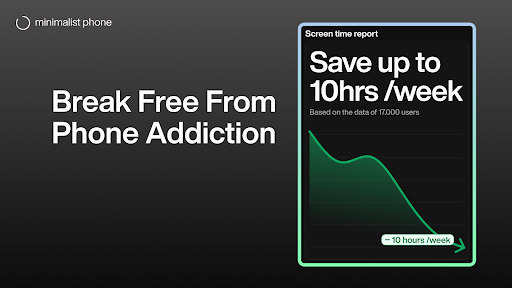
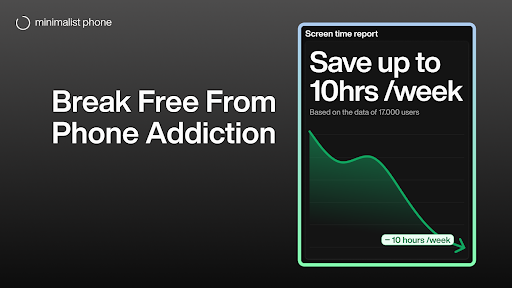
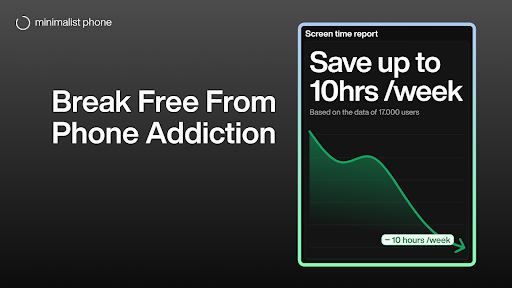
If you’re seeking to break free from digital clutter and cultivate positive habits, this launcher offers a compelling solution. It helps reduce screen time, improve concentration, and promote a happier, more organized digital life. Perfect for students, professionals, or anyone looking to embrace simplicity, Minimalist Phone: Launcher empowers you to take control of your smartphone use. Start your journey toward a mindful, productive, and distraction-free life today.
Plans and Compatibility
The app offers flexible plans including monthly, annual, and one-time purchase options, each with a free trial. To uninstall, simply click “Uninstall” in the Play Store to revert to your original home screen. Remember, the launcher may use Accessibility services for in-app reminders and app blocking, but it does not collect any personal information.
Pros
- User interface is clean and easy to navigate.
- Enhances phone performance by using minimal resources.
- Navigation is simplified for faster access.
- Home screen offers high customization options.
- Reduces distractions by minimal notifications.
Cons
- Offers limited widget support compared to competitors.
- Lacks advanced features for power users.
- Some third-party apps may not be compatible.
- Certain settings require manual adjustments.
- Advertisements are present in the free version.











