
Overview of Bitwarden Password Manager
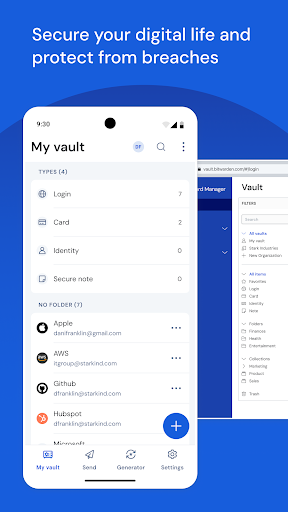
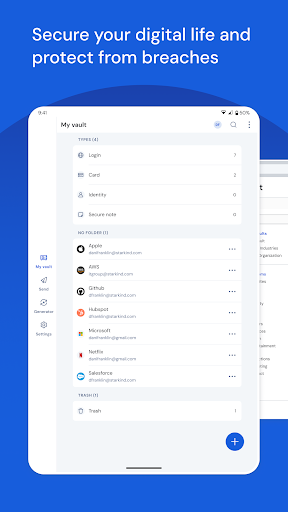
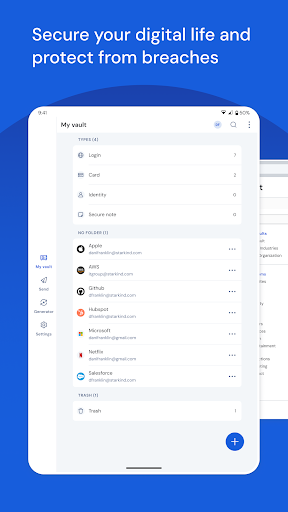
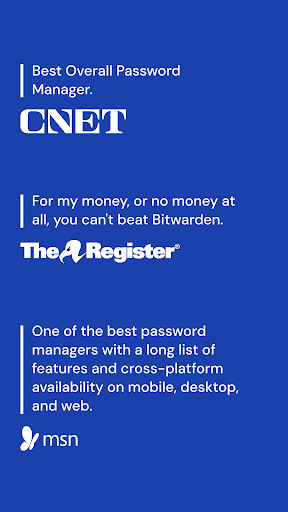
Recognized as the best password manager by PCMag, WIRED, The Verge, CNET, G2, and more! Secure your digital life and protect against data breaches by generating and storing unique, strong passwords for every account. All data is kept in an end-to-end encrypted password vault that only you can access, ensuring maximum security.
Access Anywhere, Anytime
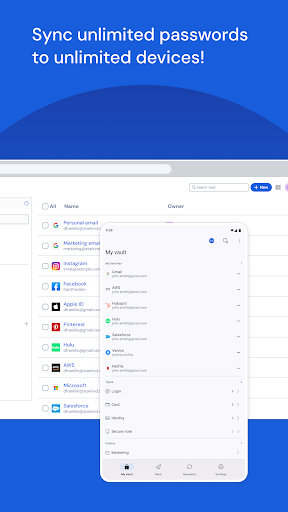
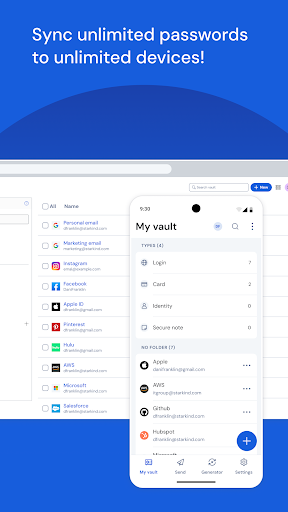
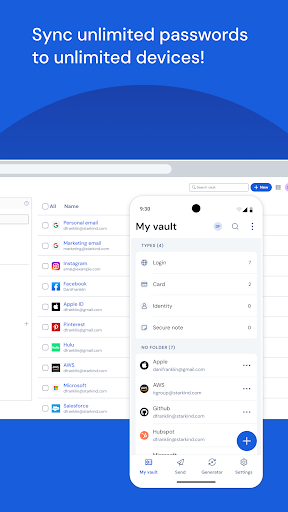
With Bitwarden, you can manage, store, secure, and share unlimited passwords and passkeys across unlimited devices without restrictions. Whether on your smartphone, tablet, or desktop computer, your sensitive information is always within reach. This cross-platform compatibility ensures a seamless experience, allowing you to use your passwords on iOS, Android, Windows, Linux, and more.
Passkeys and Passwordless Login
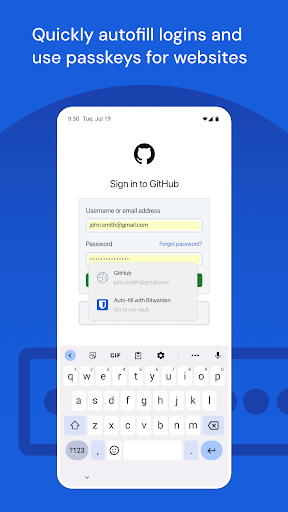
Create, store, and sync passkeys across the Bitwarden mobile app and browser extensions for a secure, passwordless login experience. This feature enhances security and convenience, allowing you to log in without remembering complex passwords—perfect for today’s fast-paced digital environment.
Empowering Users and Teams
Everyone should have the tools to stay safe online. Bitwarden offers a free, ad-free service that believes security is a right, not a privilege. For individuals looking for advanced features, premium plans are available. Additionally, business and enterprise plans provide professional tools such as SSO integration, self-hosting, directory integration, SCIM provisioning, global policies, API access, and event logs. These features help organizations protect and manage sensitive data efficiently while enabling secure collaboration among teams.
Security and Transparency
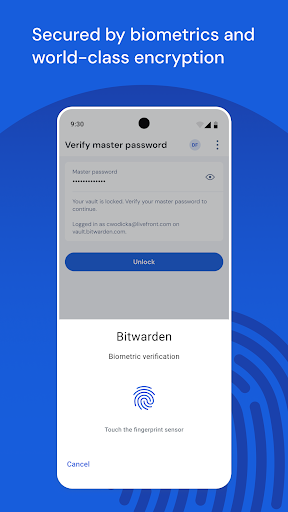
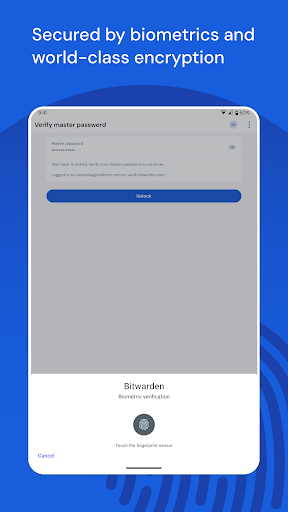
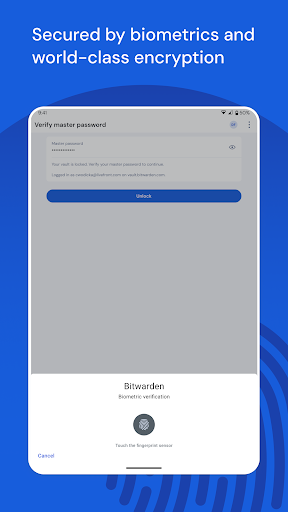
Security is at the core of Bitwarden. It employs world-class encryption using AES-256 bit, salted hashtags, and PBKDF2 SHA-256 to safeguard your data. The company undergoes regular third-party security audits conducted by reputable firms, including source code assessments and penetration testing, ensuring that vulnerabilities are promptly addressed.
Advanced Security Features
Protect your accounts with advanced two-factor authentication (2FA). Options include authenticator apps, email codes, and FIDO2 WebAuthn security keys or passkeys. These measures significantly enhance your account security, making unauthorized access nearly impossible.
Secure Data Sharing and Password Creation
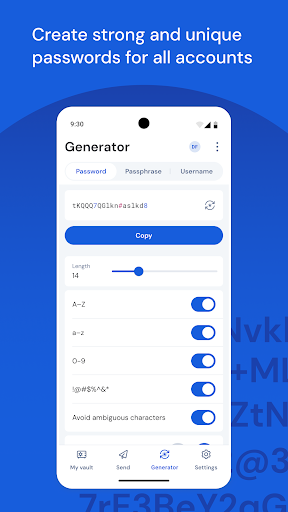
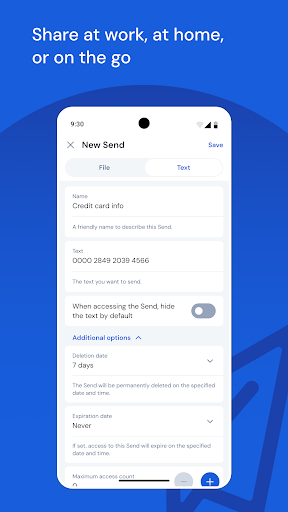
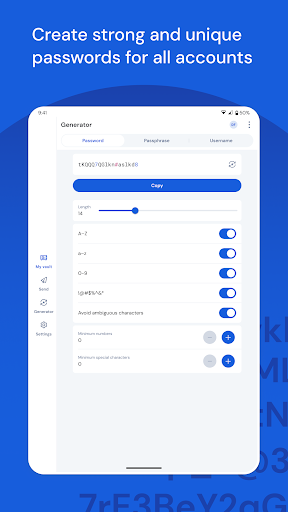
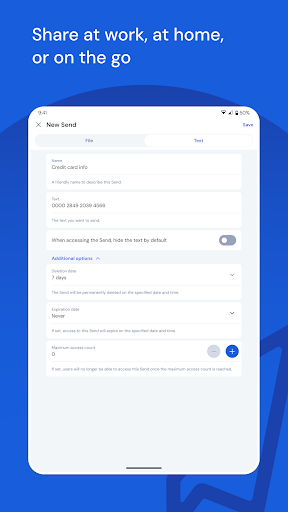
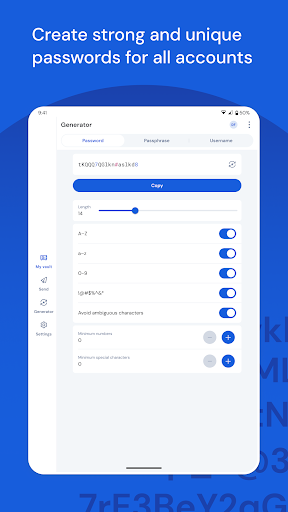
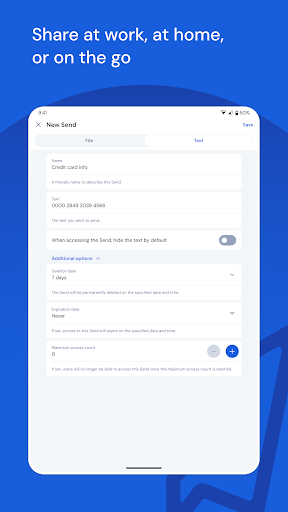
Bitwarden Send allows you to transmit data directly and securely to others while maintaining end-to-end encryption. The built-in password generator helps you create long, complex, and unique passwords for every site or service. Integration with email alias providers further enhances your privacy.
Global Accessibility and Translation
The platform supports more than 50 languages, making it accessible worldwide. Regardless of your preferred device or language, Bitwarden ensures a consistent and user-friendly experience everywhere.
Built-In Accessibility Features
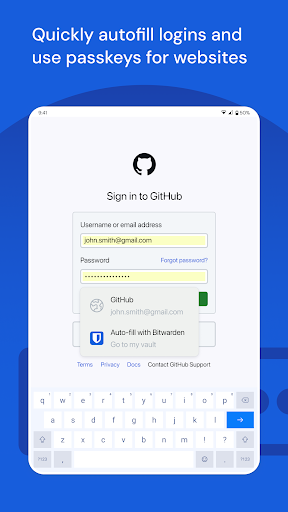
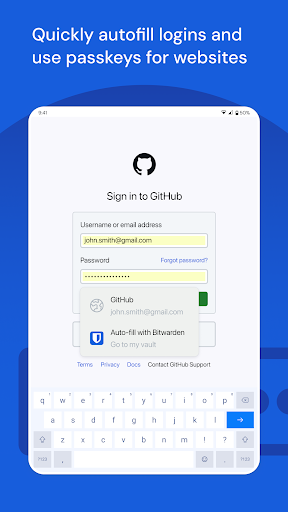
To assist users with older devices or autofill issues, Bitwarden offers an Accessibility Service. When enabled, it helps locate login fields and automatically inserts credentials for quick access. Importantly, when active, it only interacts for autofill purposes and does not store or control any on-screen elements beyond that.
User Experience and Personal Appeal
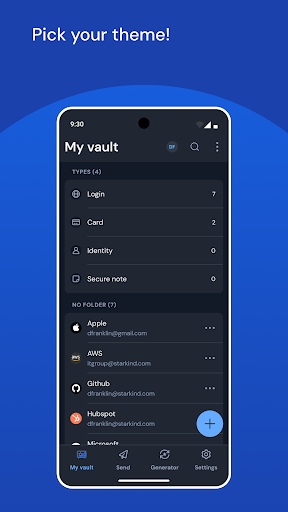
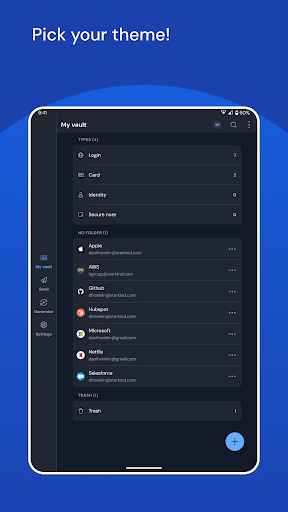
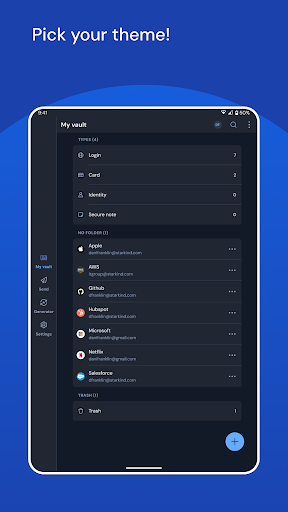
If you’ve ever felt overwhelmed by a mountain of passwords, Bitwarden might be your ideal solution. Its clean and straightforward design makes setup and organization effortless. You can create folders, add notes, and attach files—much like having your own personal assistant who never forgets. Security features like end-to-end encryption and two-factor authentication keep your data safe, giving you peace of mind.
Cross-Platform Convenience
The compatibility with various operating systems and integration with browsers means you can enjoy autofill forms, generate strong passwords, and synchronize your vaults seamlessly, whether on your mobile device or desktop. This flexibility ensures your passwords are always accessible and manageable from whatever device you use.
Final Thoughts
Bitwarden is more than just a password manager; it’s a comprehensive digital security tool. It simplifies password management while providing robust security measures that protect your sensitive information. The free version offers substantial features, making it an excellent choice for everyday users, while premium and business plans unlock advanced options suited for power users and organizations alike. If you’re serious about securing your digital life, giving Bitwarden a try could be a game-changing decision—once you experience its efficiency and security, you'll wonder how you managed without it!
Pros
- Open-source with transparent development.
- Available across multiple platforms, ensuring access from anywhere.
- Enhanced security with end-to-end encryption.
- The free version includes comprehensive features.
- User-friendly interface suitable for all skill levels.
Cons
- Passwords cannot be accessed offline.
- Customer support response times are limited.
- Access to premium features requires a subscription.
- Some functionalities may require technical expertise.
- Sometimes there are delays in synchronization between devices.











