







Introducing the Volume Booster - Equalizer: Enhance Your Audio Experience
Main Features of Volume Booster - Equalizer
Significant Volume Increase
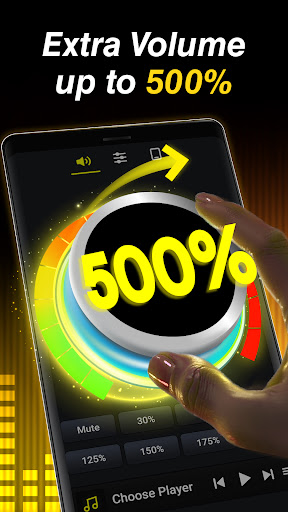
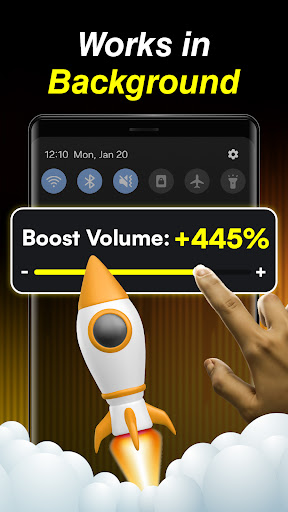
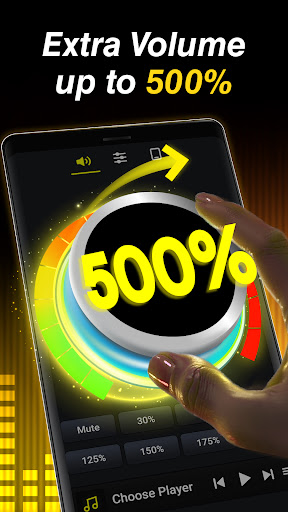
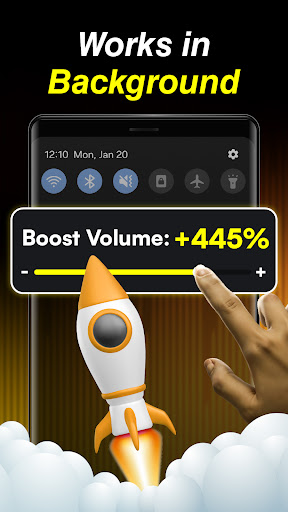
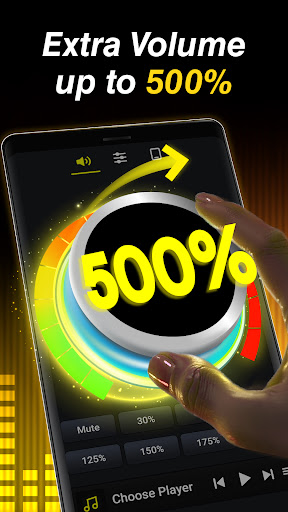
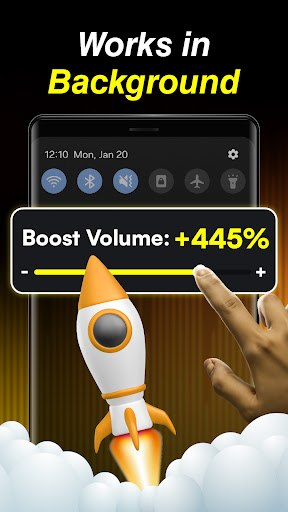
If you find yourself struggling to hear audio in noisy environments or want your media to sound louder, this volume booster for Android is your ideal solution. It allows users to quickly increase volume sound beyond the system default, ensuring your music, videos, alarms, and ringtones are heard clearly. The app can amplify audio levels by up to five times without distorting the sound quality, making it perfect for movies, music, or gaming.
Bass Boost and Equalizer Control
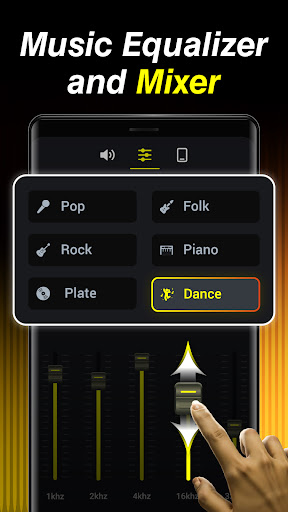
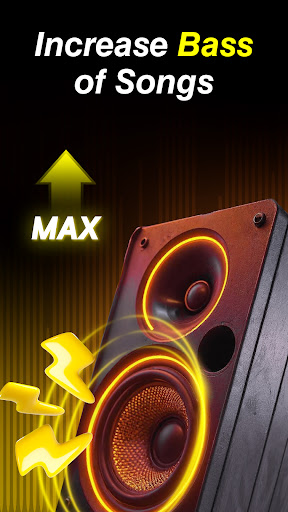
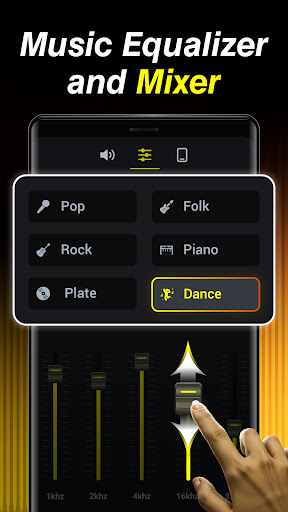
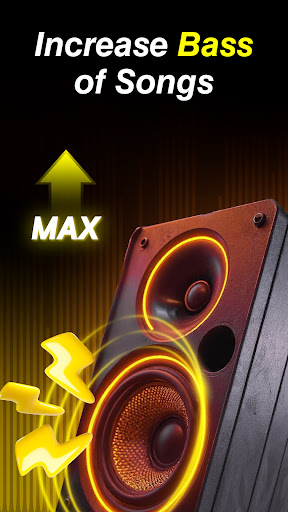
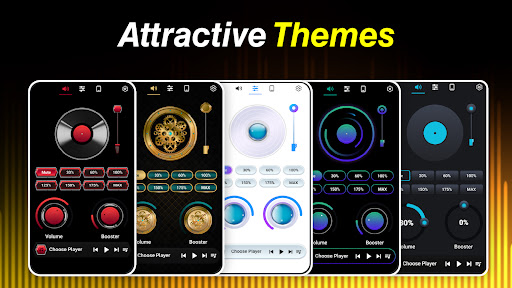
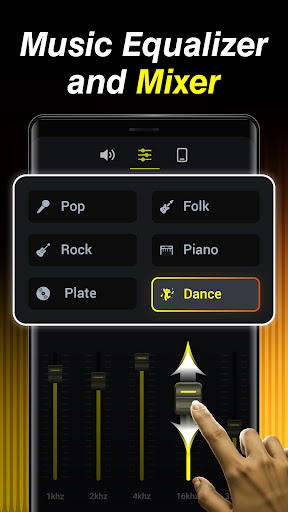
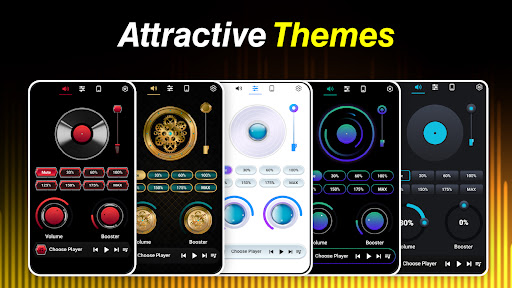
Sound enthusiasts will appreciate the app's ability to boost bass to the maximum, enriching the depth and richness of your favorite tunes. The built-in custom music equalizer provides multiple preset modes tailored for genres like jazz, rock, classical, and pop, or allows you to manually adjust tone controls for a personalized audio profile. Additionally, the virtualizer effect delivers a 3D music experience, making sound feel more dynamic and immersive, especially when using headphones or external speakers.
Support for Multiple Devices and Media
This sound booster app is compatible with various audio output devices, including speakers, Bluetooth headsets, and wired headphones. It enhances audio for all types of media, from videos and music to alarms and ringtones, ensuring an all-encompassing upgrade to your device’s sound output. The app even features a built-in music player with cover art, song titles, and artist info, along with controls to play, pause, and switch tracks seamlessly.
Custom Settings and Saving Presets
One of the app’s standout features is the ability to save multiple customized sound equalizer settings. This allows you to quickly switch between different audio profiles optimized for various genres or listening environments, making your audio experience truly personalized and versatile.
Why Choose Volume Booster - Equalizer?
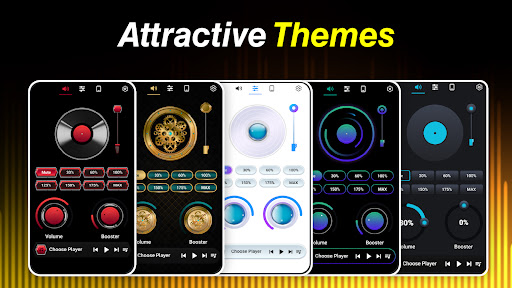
Simply put, Volume Booster - Equalizer isn’t just about increasing volume—it’s about maximizing your device's sound capabilities while maintaining pristine audio quality. With its intuitive interface and straightforward controls, even non-tech-savvy users can enjoy enhanced sound levels with minimal effort. The app’s powerful sound equalizer and bass booster features ensure that your music sounds richer, bass hits harder, and audio effects are more immersive than ever before.
Maximize Your Listening Pleasure
Enjoy the thrill of enhanced audio playback whether you're gaming, watching movies, or grooving to your favorite tracks. The app’s advanced sound booster technology creates a virtual surround sound environment, making music and sound effects in movies or games more realistic and engaging. For headphone users, the virtualizer effect enhances spatial awareness, allowing you to distinguish sounds from front, back, left, and right, elevating your overall audio experience.
Important Usage Disclaimer
While this sound amplifier offers impressive volume enhancements, it’s essential to use it responsibly. Playing audio at very high volumes over extended periods can damage your hardware or impair your hearing. Always adjust settings wisely and avoid prolonged exposure to intensely amplified sound.
Final Thoughts: Elevate Your Audio with Volume Booster - Equalizer
Pros
- Enhances audio quality significantly.
- User-friendly interface.
- Compatible with all media players.
- Offers customizable equalizer settings.
- Increases volume beyond system limits.
Cons
- May cause audio distortion at high volumes.
- Drains more battery power.
- Advertisements can be disruptive.
- Limited features available for free.
- Possible compatibility issues.











