



Introduction to Blur Video and Photo Editor
If you're seeking an easy yet powerful tool to add artistic flair or protect your privacy in videos and photos, Blur Video and Photo Editor is the perfect solution. This versatile app functions like a mini Photoshop right on your mobile device, offering a wide array of blurring and editing features that cater to both beginners and seasoned editors alike.
Key Features of Blur Video and Photo Editor
Fantastic Blur Capabilities
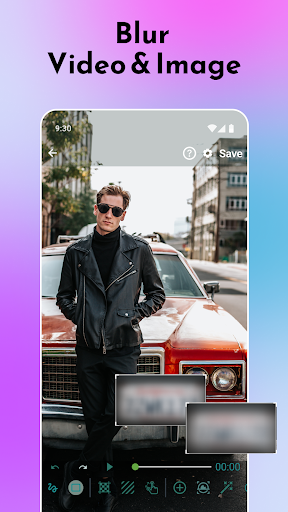
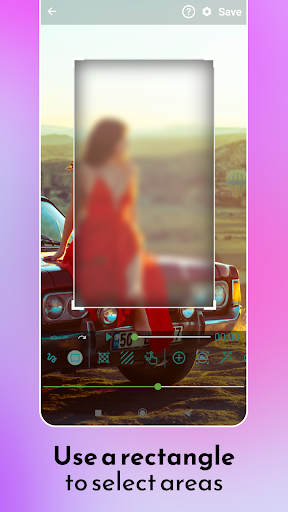
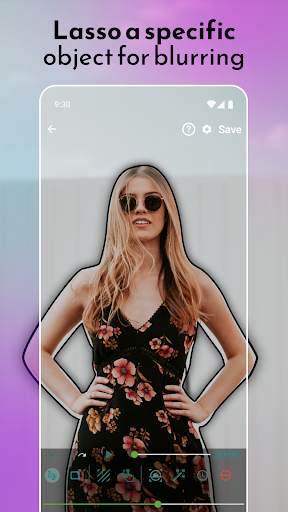
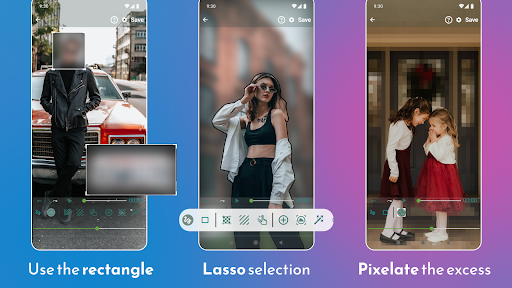
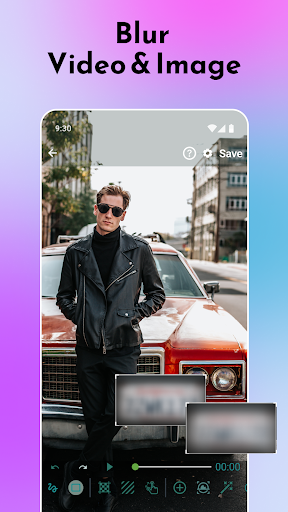
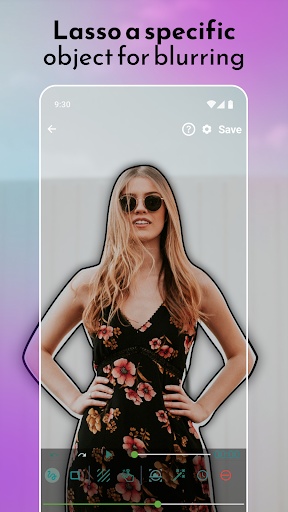
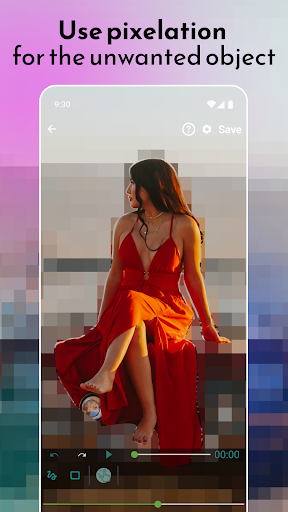
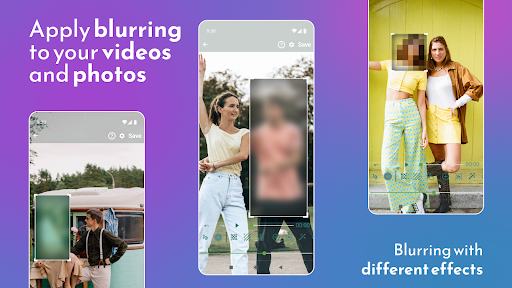
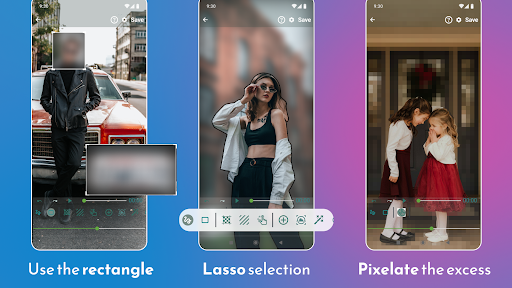
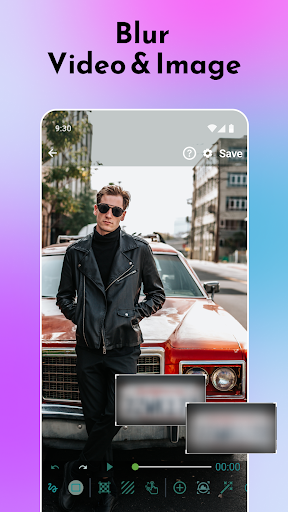
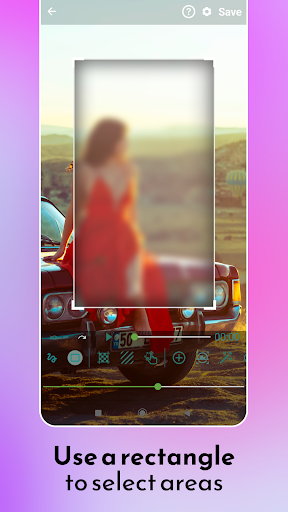
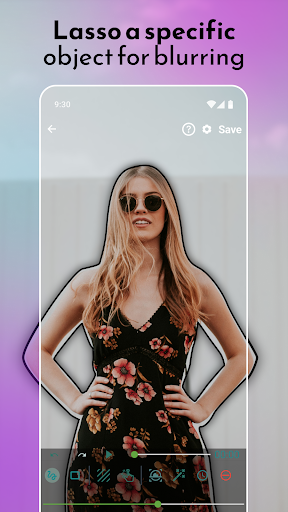
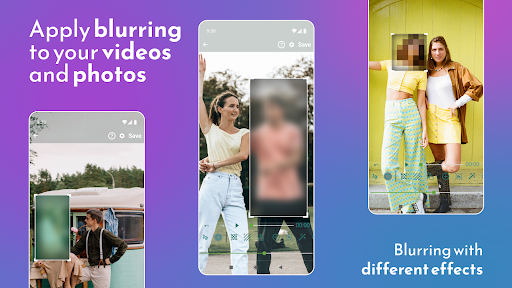
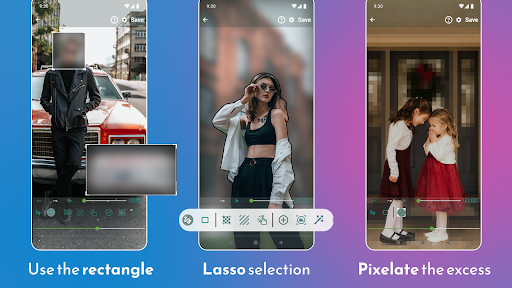
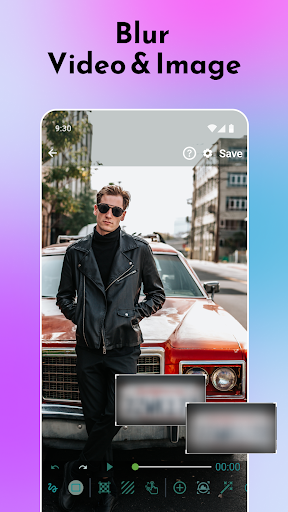
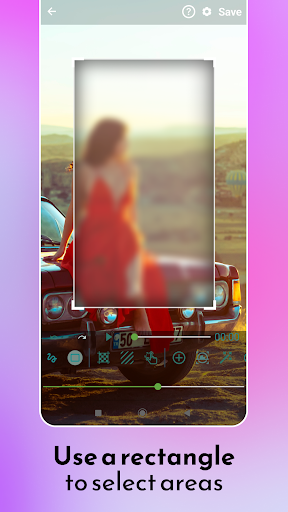
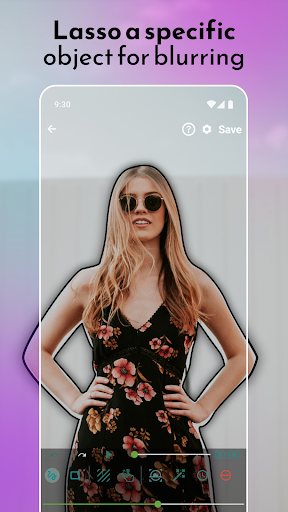
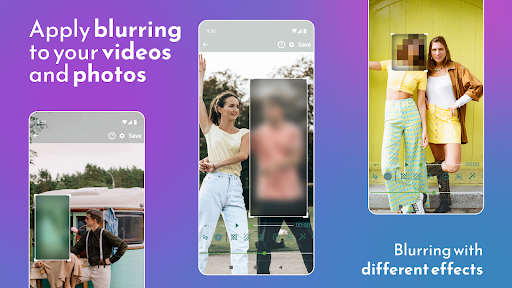
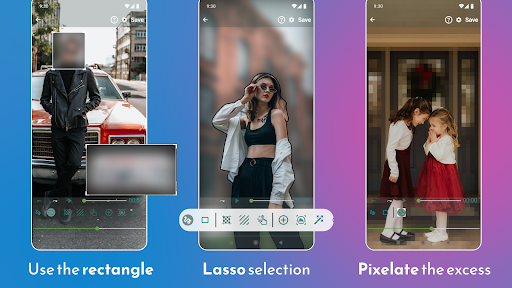
This app excels in providing blur effects to obscure faces, unwanted objects, or specific areas within your media. Whether you need to pixelate a face for privacy or hide distracting elements, Blur Video and Photo Editor allows you to define multiple areas to blur using rectangles or custom shapes designed with your finger. You can also apply a blur to moving objects dynamically, making it perfect for videos with motion.
Advanced Editing Tools
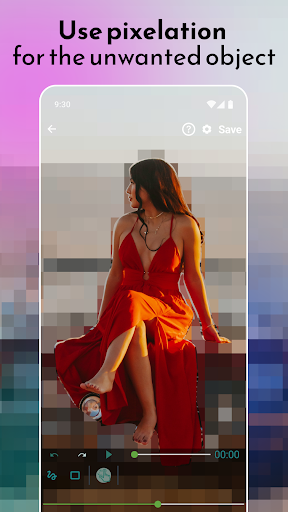
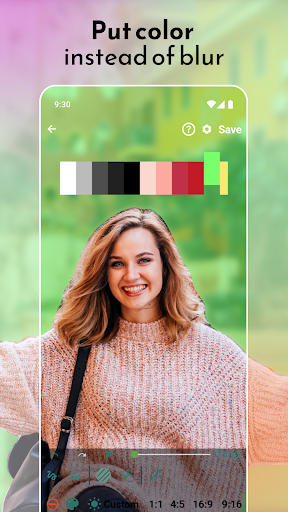
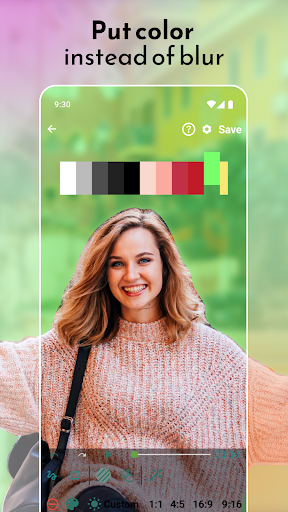
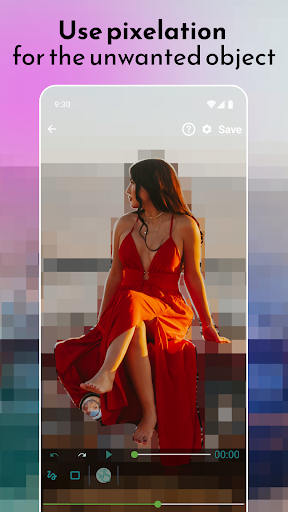
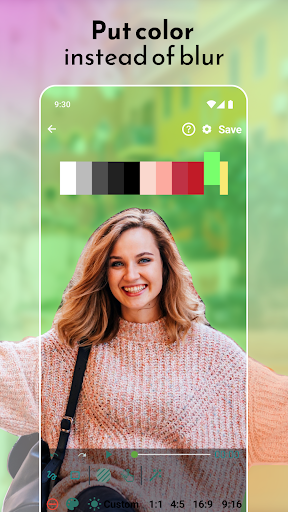
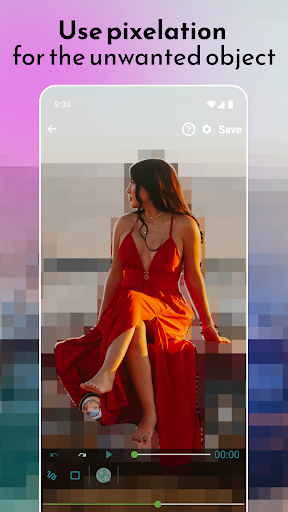
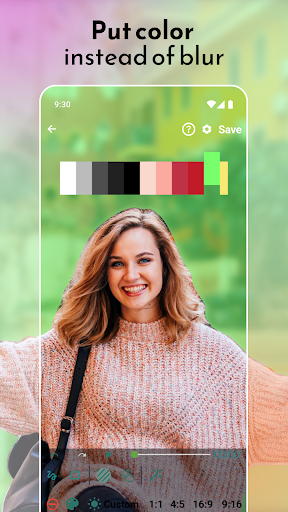
Beyond basic blurring, the app offers advanced features such as object tracking, enabling you to follow a specific object throughout a video with minimal effort. You can blur backgrounds to create professional-looking photos or videos, pixelate unwanted segments, and even apply color overlays instead of blurring for more creative editing. Additionally, editing options like adjusting the intensity and duration of the blur effects give you full control over your content.
User-Friendly Interface
The app boasts a simple and intuitive user interface, allowing users of all skill levels to navigate and utilize its features effortlessly. Starting with just a few taps, you can select media from your gallery or shoot new footage to begin editing. Quick access to professional tools, such as enabling object tracking or specifying multiple blur areas, makes editing both fast and satisfying.
Versatile and Customizable
With options to blur, pixelate, or color certain parts of your media, the app provides endless possibilities for creativity. The ability to blur faces and important objects ensures your privacy, while artistic effects can enhance the aesthetic appeal of your photos and videos. Adjust the aspect ratio, zoom into specific sections, and tweak the intensity to tailor your edits precisely to your liking.
How to Use Blur Video and Photo Editor
Getting started is seamless. Open the app and choose whether to edit a photo or a video. Select your media from the gallery or capture something new. Define the area you wish to blur using adjustable rectangles or custom shapes, or utilize object tracking for moving subjects. For further customization, you can specify the duration of each blur, adjust the blur strength, and even change the effect type—whether it’s a Gaussian blur, motion blur, or color overlay. The interface makes it easy to zoom into areas, modify aspect ratios, and process your edits swiftly, all within a few simple steps.
Why Choose Blur Video and Photo Editor?
According to user feedback, this app stands out as one of the best tools for editing videos and photos with professional-grade effects. It’s perfect not only for enhancing visual appeal but also for safeguarding sensitive information—blur faces, personal details, or any unwanted elements with ease. Whether you're editing TikTok videos, YouTube vlogs, or personal images, this app allows you to create professional-looking blur backgrounds and pixelated effects quickly.
Furthermore, its smooth performance on both Android and iOS devices means you won’t experience lag or crashes during your editing sessions. The high-quality output preserves the original resolution, ensuring your media looks sharp and polished. The combination of powerful features, ease of use, and efficient processing makes Blur Video and Photo Editor a must-have for anyone looking to elevate their media content with simple yet impactful editing techniques.
Pros
- User-friendly interface
- High-quality blur effects
- Supports various formats
- Fast processing speed
- Outputs without watermarks
Cons
- Limited free features
- In-app advertisements can be intrusive
- Requires internet connection for premium features
- Lacks advanced editing tools
- Occasional application crashes











