
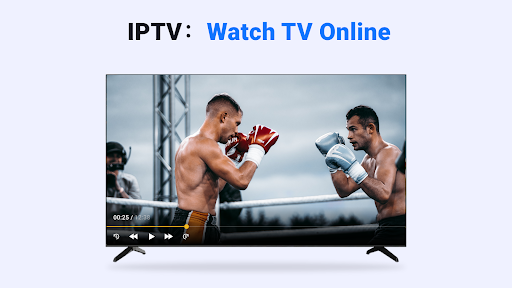
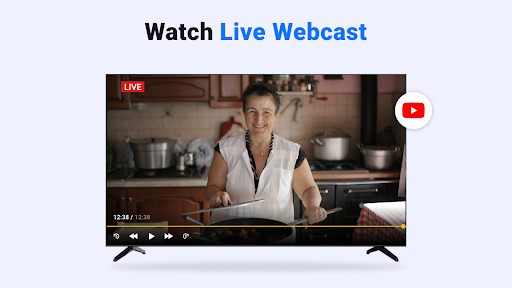
Discover the Power of IPTV Player: Watch Live TV
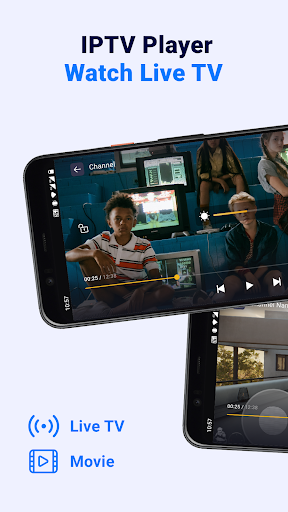
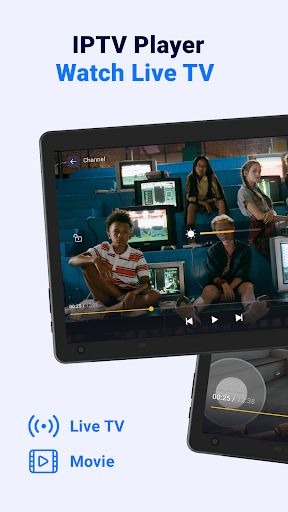
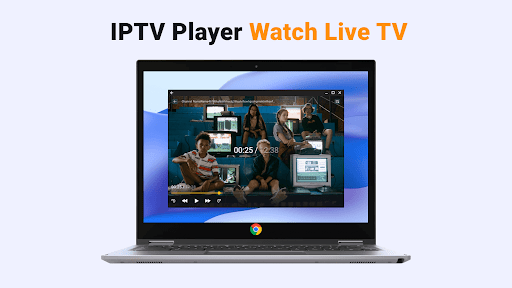
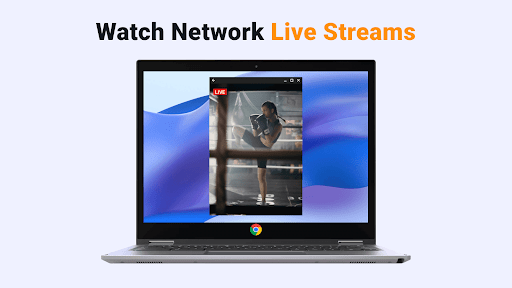
Imagine having your personal television in your pocket, available anytime and anywhere. IPTV Player: Watch Live TV is a versatile media application designed to transform your mobile device into a comprehensive streaming platform. Whether you're at home or on the go, this app provides seamless access to live TV streams, movies, series, and more—delivering an entertainment experience tailored to your preferences.
Intuitive Interface and Easy Setup
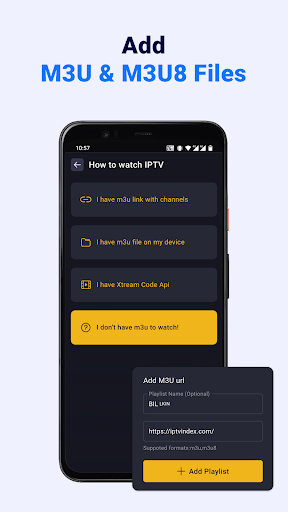
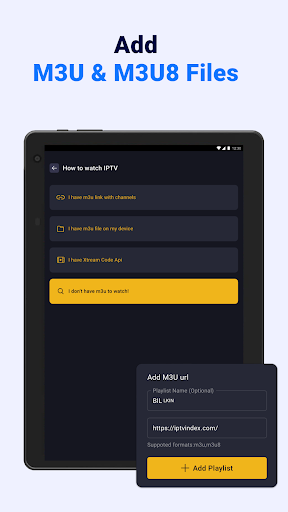
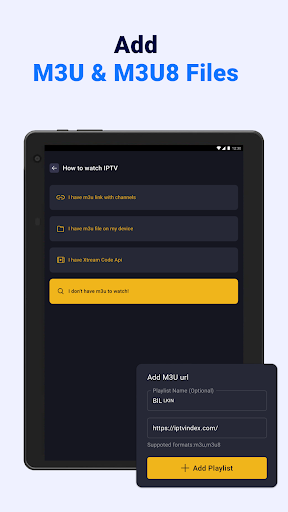
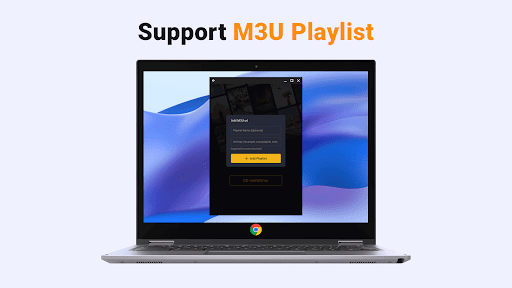
Getting started with IPTV Player is straightforward and user-friendly. After installing the app on your smartphone, tablet, or Android TV, simply add your online or local M3U & M3U8 files or input your Xtream Code Api details. The clear and organized layout enables quick navigation, enabling even non-technical users to set up their playlists with minimal effort. The app's support for various formats ensures compatibility across different sources, making it a flexible choice for diverse streaming needs.
Rich Features Enhancing Your Streaming Experience
This smart IPTV stream player boasts numerous features that elevate your viewing experience:
Unlimited Playlist Support
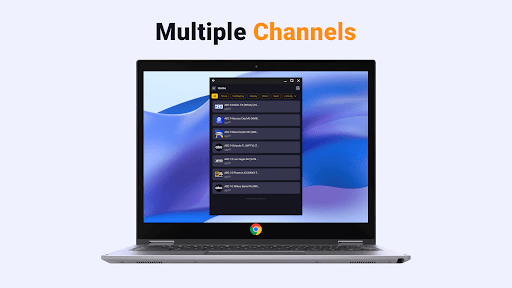
Easily add unlimited M3U/M3U8 streaming playlists and Xtream Code Api to access multiple channels and sources. Whether you’re a casual viewer or a hardcore streamer, manage all your content effortlessly within a single app.
EPG and Content Analysis
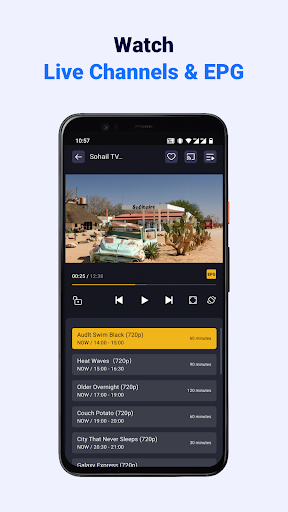
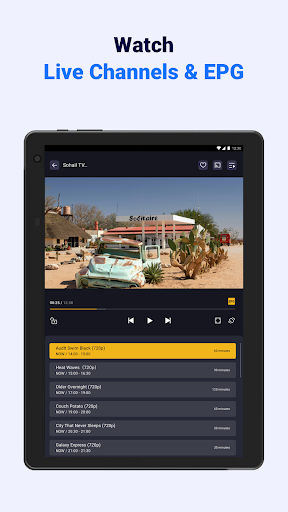
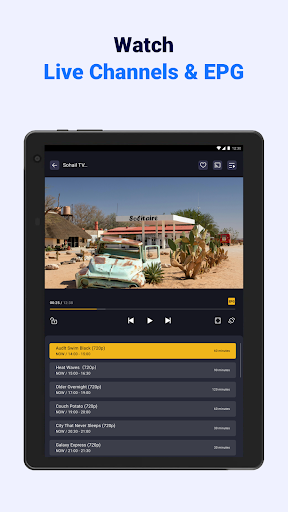
Enjoy detailed EPG (Electronic Program Guide) information to see current and upcoming shows. The app analyzes formats for optimal playback, ensuring you stay updated on your favorite broadcasts.
Cast to Smart TV & Customization
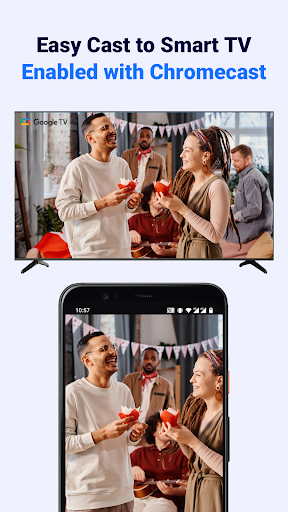
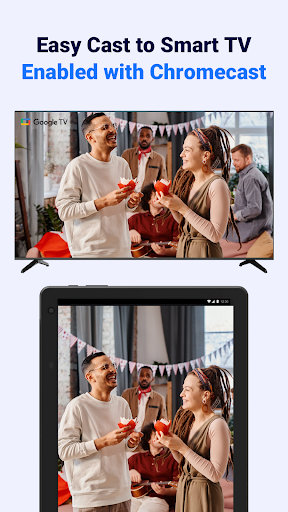
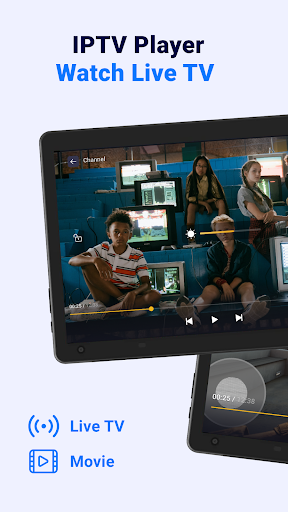
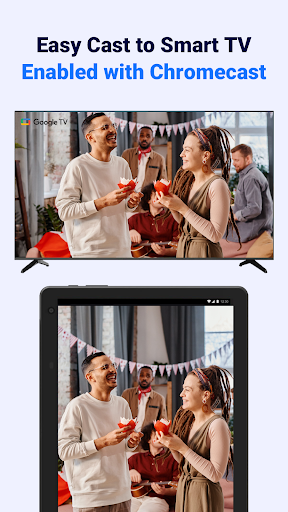
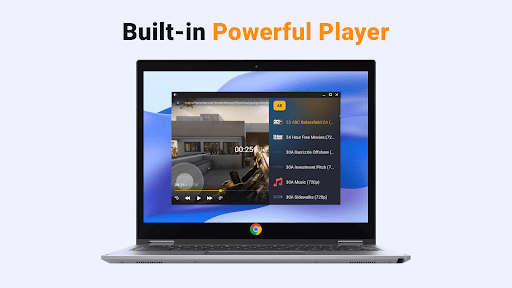
Seamlessly cast content to Chromecast-enabled smart TVs and enjoy HD quality streaming on a larger screen. Customize playback ratio, volume, and brightness to match your viewing habits for a personalized experience.
Quick Search & Favorites
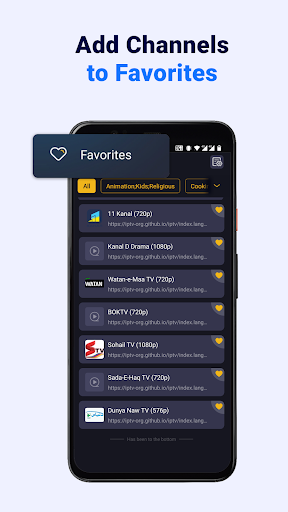
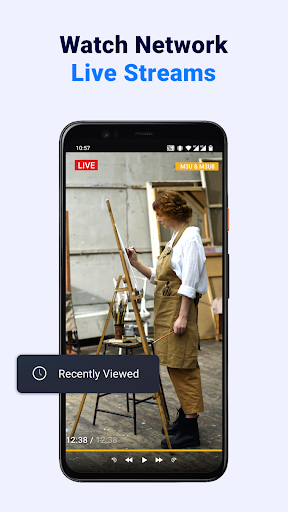
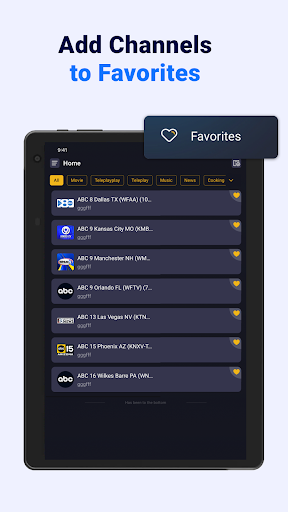
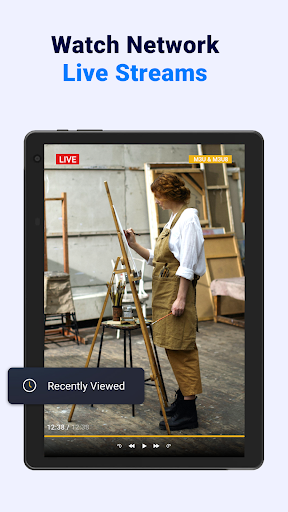
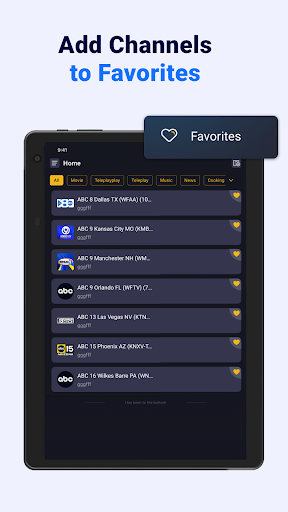
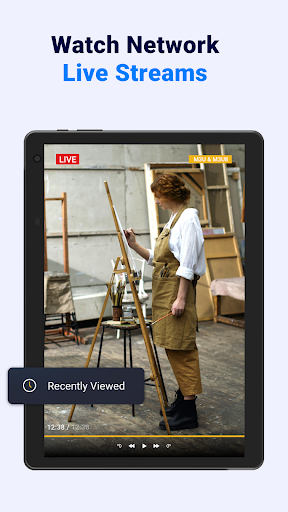
Search for your preferred channels rapidly and add favorites with just one tap. Easily access recently watched shows to continue watching without hassle.
Automatic Playlist Updates
The app automatically updates your IPTV playlist, keeping your channels current without manual intervention.
How to Add Your Streaming Files
To add M3U/M3U8 files:
- Tap the "Add" button on the playlist page.
- Select "Add M3U link" and enter your link in the provided input box.
- Wait for the loading process to complete, then start enjoying your live TV content.
Advantages That Make IPTV Player Stand Out
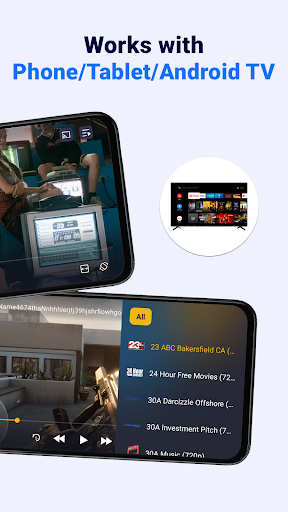
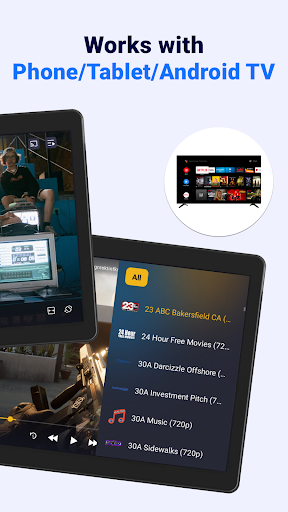
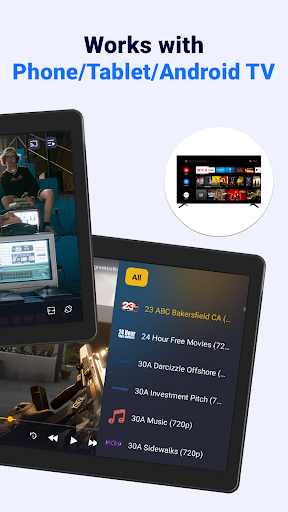
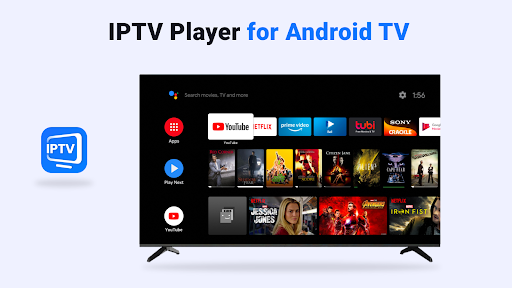
- Compatible with phones, tablets, and Android TV for versatile viewing options.
- Supports both M3U and M3U8 playlists, including online sources and local folders.
- Allows streaming from multiple IPTV sources using the Xtream Code API.
- Provides detailed program information, including current and next shows, broadcast times, and durations.
- Cast HD streams effortlessly to Chromecast-enabled devices for an enhanced viewing experience.
- Customize your playback settings—ratio, volume, brightness—for optimal comfort.
- Powerful search capabilities help locate channels swiftly and streamline your favorite content organization.
- Save and manage your favorite programs and resume watching easily from recent views.
- High definition quality with fast buffering ensures an enjoyable streaming experience.
- User-friendly design and intuitive controls make mastering the app quick and effortless.
Important Notes & Disclaimers
Please note that IPTV Player: Watch Live TV does not supply or host any media content. Users must provide their own playlists containing the channels they wish to view. This application does not offer IPTV subscriptions or streaming of copyright-protected content. You should have proper rights to access and view the streams. Some links may expire or face server issues; in such cases, updating your playlist or contacting your content provider is recommended.
Final Thoughts
If you seek a powerful, versatile IPTV player that works smoothly across multiple devices, this app is a compelling choice. Its support for various playlist formats, easy setup, and rich feature set make it perfect for users who want full control over their streaming experience. Whether you're a casual viewer or a dedicated IPTV enthusiast, IPTV Player: Watch Live TV can turn your device into a mini television hub—delivering countless hours of entertainment just a tap away.
Pros
- Intuitive interface allowing quick navigation.
- Supports a variety of streaming formats.
- Delivers high-quality video playback on most devices.
- Offers customizable channel listings based on user preferences.
- Provides fast loading times with minimal buffering.
Cons
- Contains advertisements that may interrupt viewing experience.
- Limited options for offline viewing.
- Requires a stable internet connection for optimal use.
- Certain features are accessible only through a paid subscription.
- May experience occasional crashes on older devices.











