

Maps Driving Directions: Your Ultimate Navigation Companion
Ever found yourself in a new city, clueless about the streets and the best route to your destination? Well, Maps Driving Directions comes to the rescue, serving as your personal GPS right in your pocket. Whether you're driving, biking, or walking, this app simplifies navigation, ensuring you reach your destination with ease and confidence.
Getting Started with Maps Driving Directions
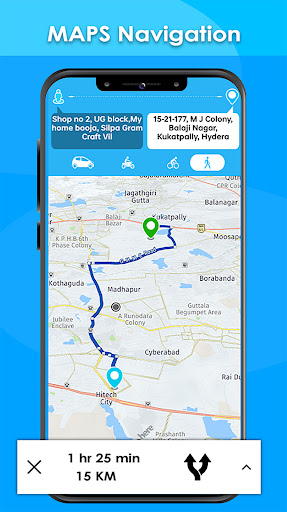
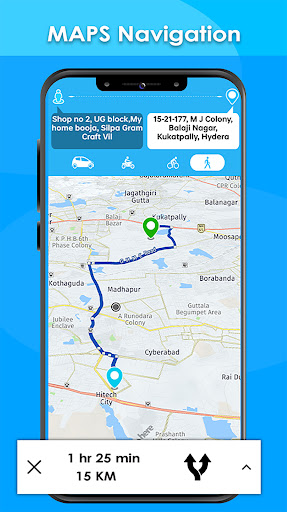
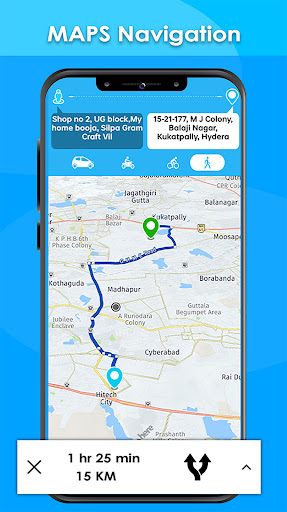
The first thing you'll notice about Maps Driving Directions is its user-friendly interface. You don't need technical expertise to get started—simply launch the app, and you'll see a clean map view displaying your current location. Enter your desired destination, and within seconds, you'll receive multiple route options to choose from, making navigation hassle-free.
Features That Make It Stand Out
Real-Time Traffic Updates
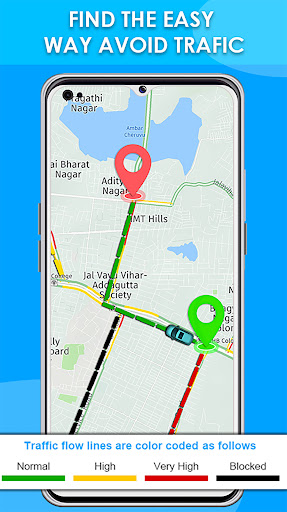
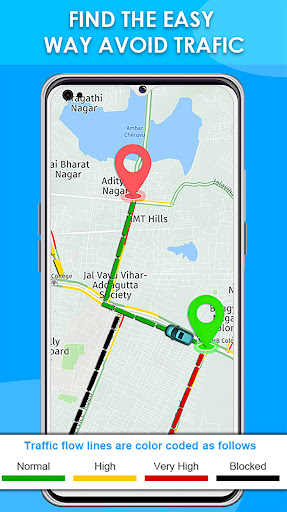
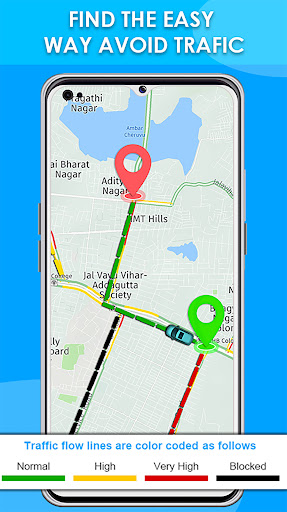
One of the most impressive features is real-time traffic updates. Imagine being stuck in traffic and receiving live suggestions about which routes are congested and which are clear. It's like having a virtual traffic cop guiding you to the fastest route, saving valuable time and reducing stress during your commute.
Voice-Guided Navigation
The app offers voice-guided navigation so you can focus on the road instead of checking your device. Listen to calm, clear instructions that guide you turn by turn. This feature is especially helpful if you want to keep your eyes on the road, making driving safer and more convenient.
Discover Nearby Places
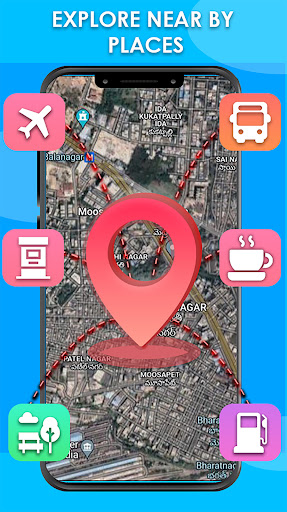
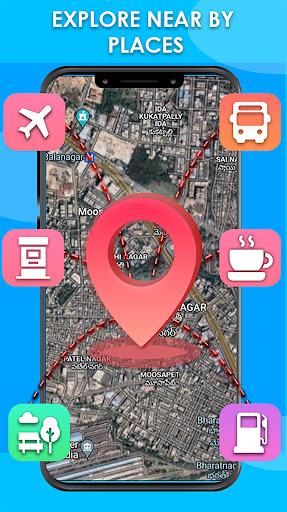
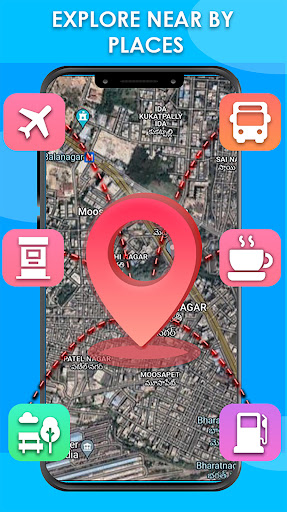
Beyond just navigating from point A to point B, Maps Driving Directions helps you explore nearby attractions, restaurants, gas stations, ATMs, and more. Whether you're on a road trip or exploring a new city, this feature helps you find essential stops quickly, enhancing your travel experience.
Offline Maps for Seamless Navigation
Worried about losing internet connectivity? Don’t be. The app allows you to download maps offline. Load maps for different countries, including detailed India maps and world maps, before your trip. This way, you can navigate without an internet connection, making it perfect for remote areas or international travel.
Additional Features
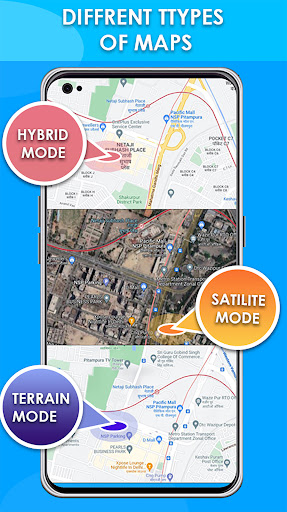
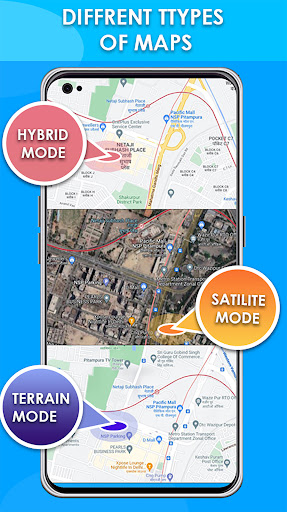
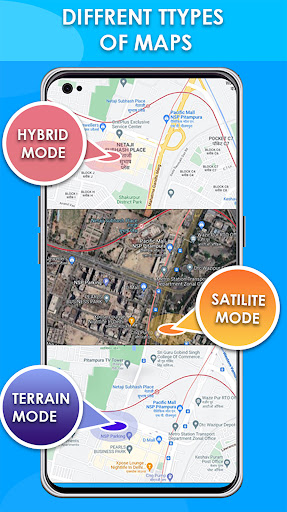
Other valuable features include multiple route options, live traffic overlays, and weather updates. You can even share your live location with friends for safety or coordinate meetups easily. The app supports various transportation modes like driving, biking, walking, and public transit, providing comprehensive directions suited for your preferred method of travel.
Advanced Navigation and Route Planning
Maps Driving Directions offers advanced route planning tools, allowing you to find the shortest and most efficient paths. Its route map of pointed locations helps you plan your journey well in advance. The app also provides options to share live location with friends or family, ensuring safety and coordination during your travels.
Weather and Travel Planning
Stay prepared with real-time weather updates and forecasts—covering today, tomorrow, next week, or even the next 15 days. This integration of weather information helps you plan your trips better and avoid unexpected weather-related disruptions.
Why Choose Maps Driving Directions?
This app is a comprehensive travel companion designed for all travel enthusiasts. Its offline maps feature ensures seamless navigation anywhere in the world. The intuitive interface ensures that users of all technical levels can navigate easily. Real-time traffic and weather updates keep you informed at all times, making your journeys smoother and more efficient.
Conclusion
Experience stress-free travel with Maps Driving Directions, the most complete app for driving, biking, and walking directions. Whether you're commuting daily, embarking on a road trip, or exploring unfamiliar territory, this app provides the fastest routes, offline capabilities, and essential travel tools you need. Download it now and turn your device into the ultimate navigation tool—your personal guide to the world!
Pros
- User-friendly interface
- Real-time traffic updates
- Offline map availability
- Multiple route options
- Voice-guided navigation
Cons
- Consumes high battery
- Requires internet for updates
- Ads in free version
- Occasional GPS lag
- Limited customization options










