

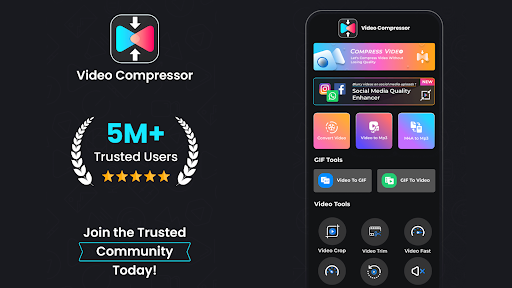

Introduction to the Video Compressor & Converter App
Main Features of Video Compressor & Converter
Comprehensive Video Compression and Conversion Tools
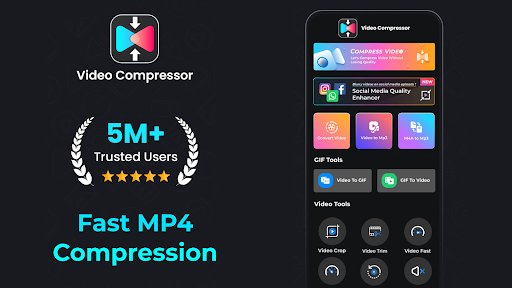
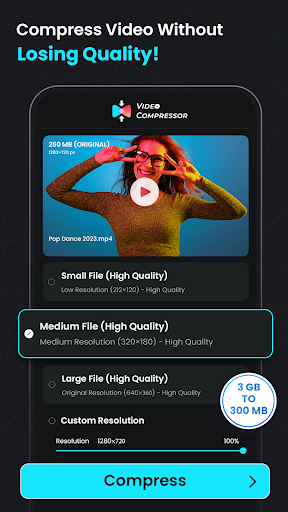
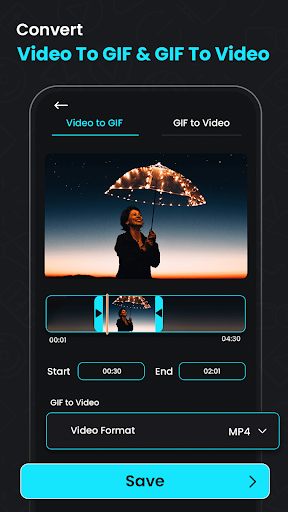
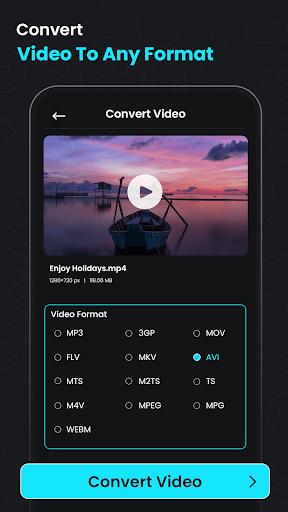
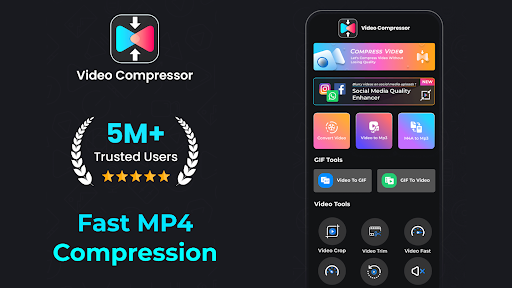
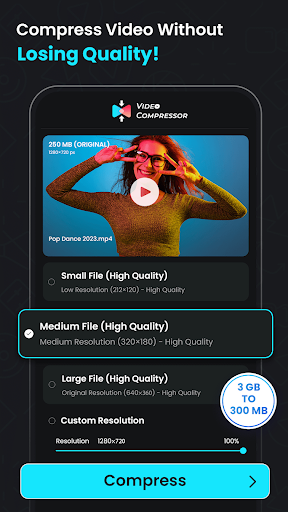
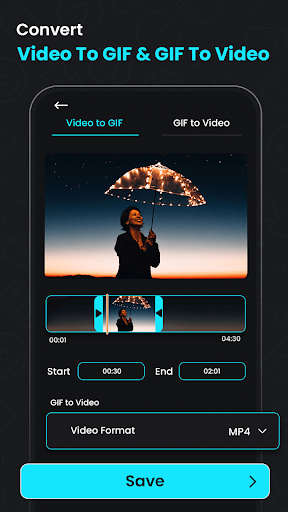
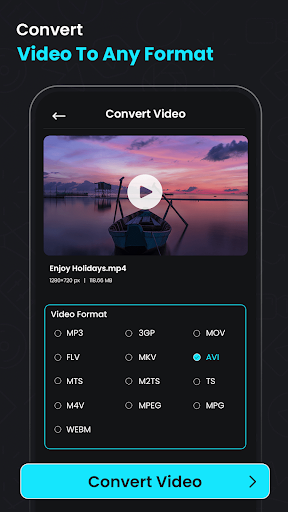
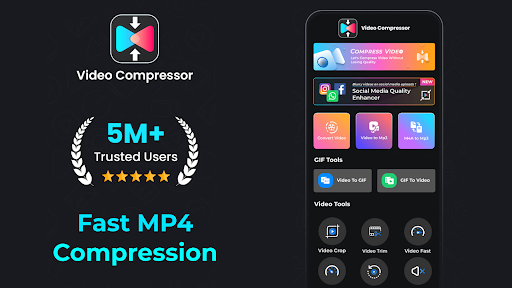
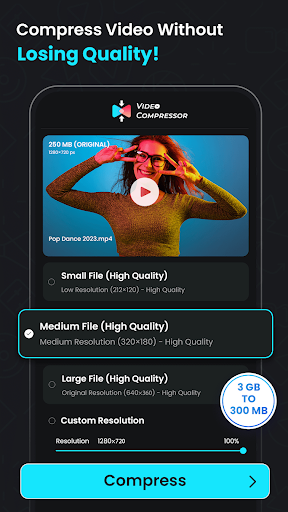
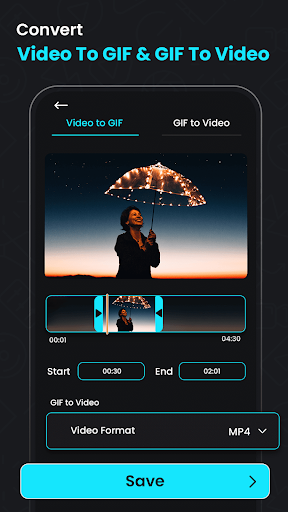
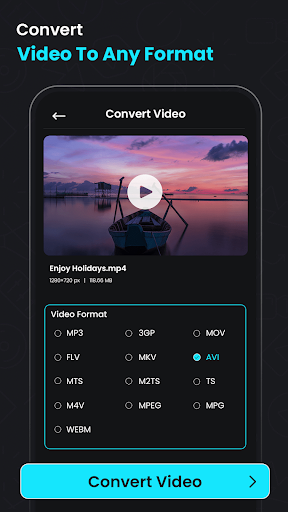
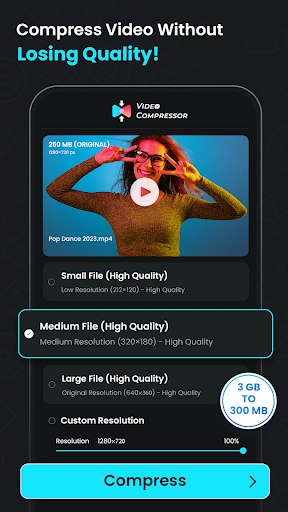
One of the standout capabilities of this app is its ability to compress videos efficiently while maintaining excellent quality. Whether you're converting MP4 to MP3 or reducing large clips to more manageable sizes, the tool ensures minimal quality loss. It supports popular formats like MP4, MKV, AVI, and more, making it highly compatible with various devices and platforms.
Audio Extraction and Format Conversion
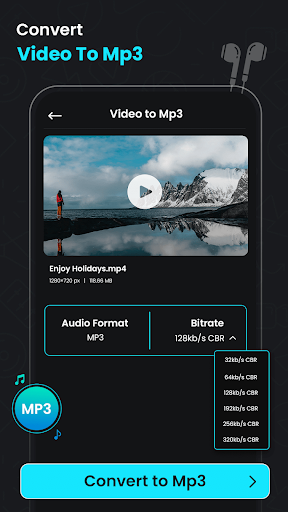
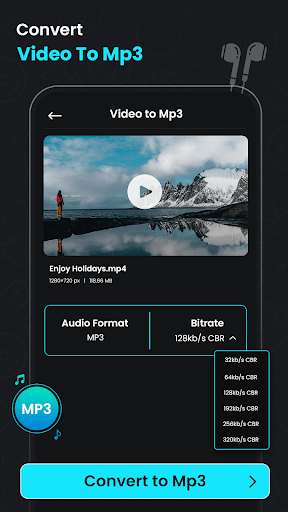
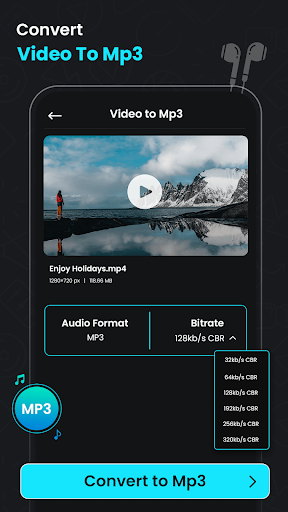
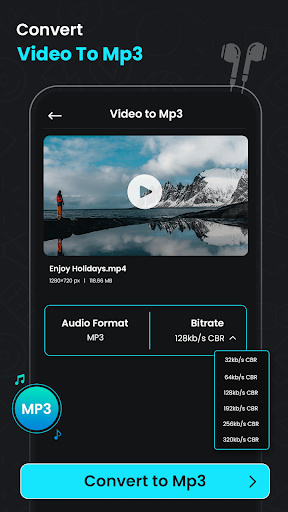
With features such as extract audio from videos, users can easily convert their favorite clips into high-quality audio files, including MP3. This is perfect for creating music playlists, soundtracks, or simply grabbing audio content from videos for podcasts or lectures. The app also offers a video to audio converter and size reducer, giving you flexible options to optimize your media files for different uses.
Advanced Editing and Enhancement Features
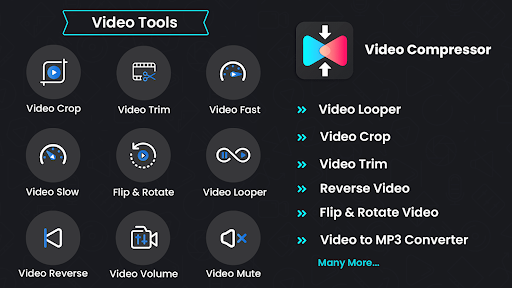
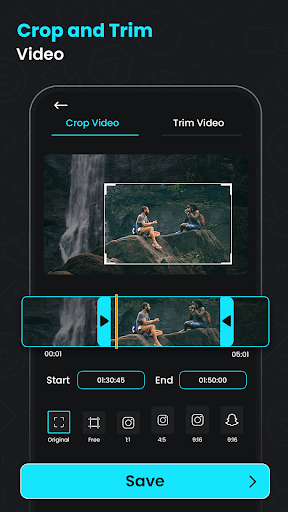
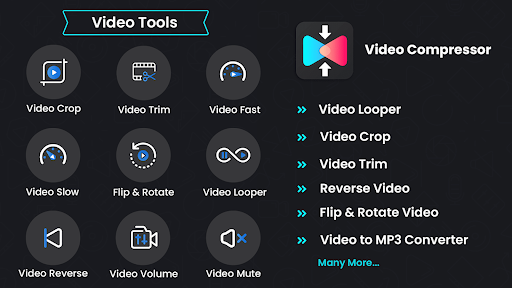
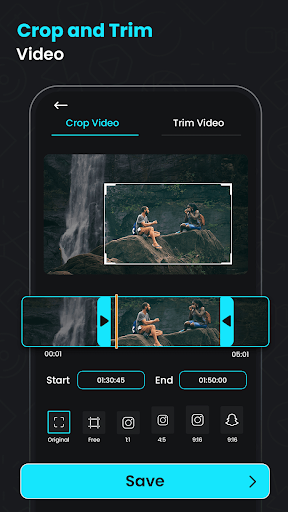
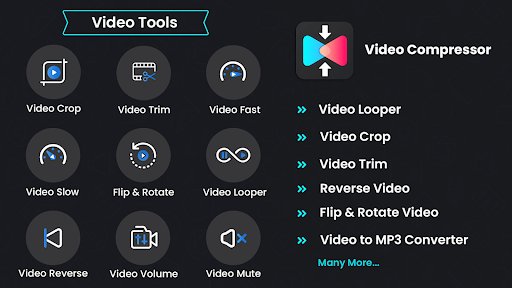
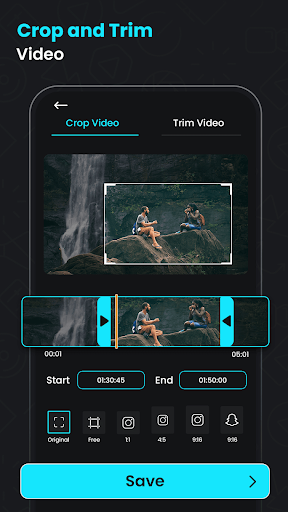
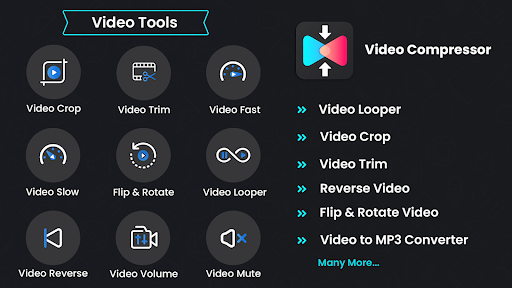
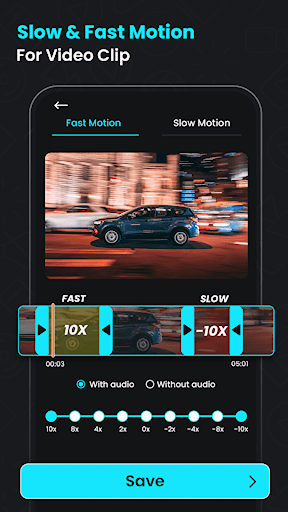
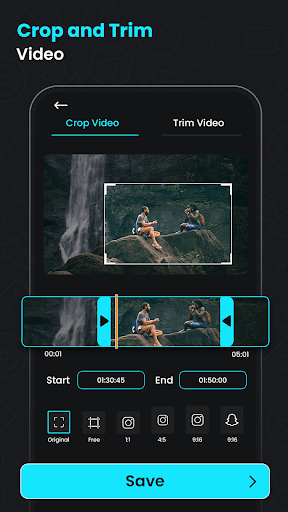
The video quality enhancer feature allows you to improve visual clarity before compression. Additionally, the app supports cropping and resizing videos to fit specific aspect ratios or dimensions. You can also utilize the reverse video editor to add creative perspectives by reversing clips, and the mute button to remove audio for a cleaner presentation.
Trim, Cut, and Rotate for Precise Editing
The built-in trimmer and cutter enable precise editing, perfect for creating short, impactful clips for social media or quick sharing. Needs to rotate a clip? The app offers rotation tools to ensure your videos appear exactly as intended.
Batch Processing for Efficiency
If you have multiple large files, the batch processing feature lets you compress or convert several videos simultaneously, saving you valuable time and effort.
Why Choose Video Compressor & Converter?
In today’s digital world, sharing videos seamlessly can make all the difference. This app provides a seamless experience for compressing and converting large media files without sacrificing quality. Its intuitive interface ensures that even users with limited technical skills can effortlessly navigate through the process—from selecting files to choosing customization options.
Performance-wise, the app is optimized for speed and stability. It handles multiple files smoothly without crashing or slowing down your device. Plus, the ability to customize resolution, bitrate, and aspect ratio means you can tailor output files to meet specific bandwidth or storage requirements.
Whether you want to reduce video size for quick sharing, extract audio for creating playlists, or convert formats to ensure compatibility across different devices, Video Compressor & Converter is your reliable partner. Its versatility makes it suitable for personal use, content creators, or professionals who need quick, quality media management tools.
Final Thoughts
If you're looking for a comprehensive solution to manage your media files — from compressing videos to converting formats and enhancing quality — the Video Compressor & Converter app is designed to meet all these needs. Its blend of powerful features, ease of use, and efficient performance makes it an essential tool in your digital toolkit. Simplify your media workflow and enjoy high-quality, space-saving files that are easy to share with friends, colleagues, or across social platforms. Give this innovative app a try today and experience the difference it can make in your media management experience.
Pros
- User-friendly interface
- Easy navigation
- Supports various video formats
- High-quality compression output
- Fast processing speed
- Batch processing available
Cons
- Limited features in free version
- Occasional crashes on older devices
- Requires internet for some features
- Ads in free version
- Limited editing tools











