

Introduction to Slideshow Maker Photo Video
Are you looking to transform your favorite photos and videos into captivating slideshows? Slideshow Maker Photo Video is an all-in-one app designed for users who want to create stunning visual stories effortlessly. Whether you're a beginner or an experienced editor, this app offers a user-friendly platform packed with powerful features to help you craft memorable slideshows, complete with music, effects, and stylish themes.
Key Features of Slideshow Maker Photo Video
Ease of Use and Intuitive Interface
Getting started with Slideshow Maker Photo Video is quick and simple. The app’s minimalistic design ensures that users of all skill levels can navigate through the editing process seamlessly. Upon launching, you'll find clear options guiding you step-by-step—from selecting photos to adding music and effects, making the entire process enjoyable and frustration-free.
Creative Templates and Themes
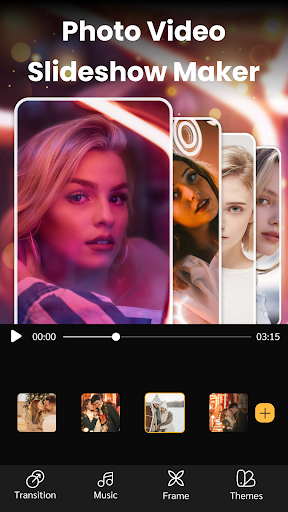
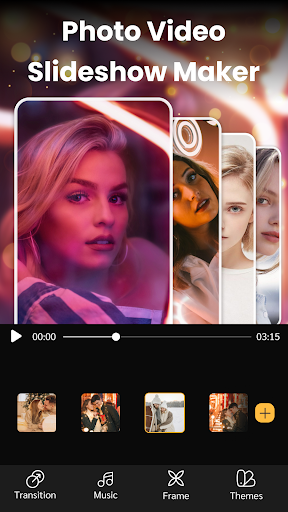
The app provides a variety of • slideshow themes and templates that make creating a professional-looking video quick and effortless. Whether you're preparing a birthday tribute, travel memories, or special events, you can choose from numerous stylish layouts to match your mood, with videos generated in just seconds.
Music Library and Custom Sound
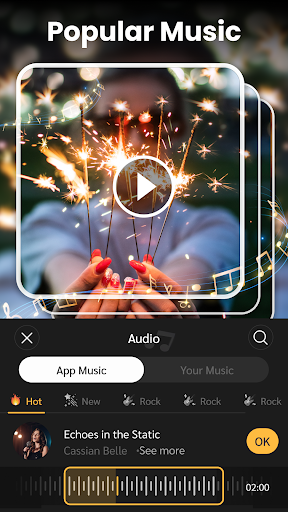
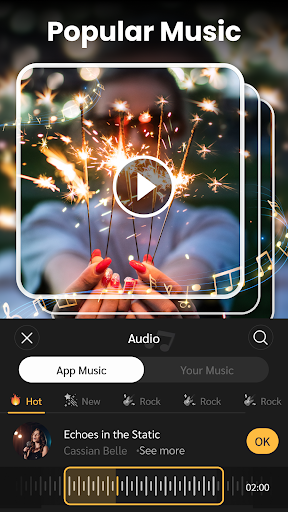
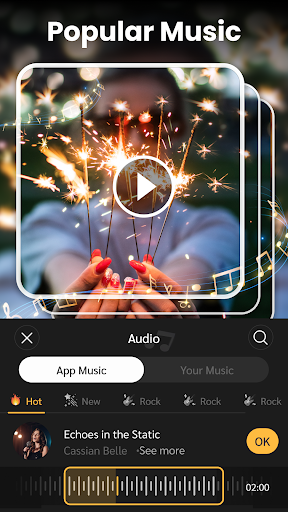
Enjoy access to a • hot slideshow music collection that is frequently updated, covering multiple genres to suit your style. Additionally, you can add your own music or sound clips, ensuring your slideshow perfectly complements your personal story or mood.
Advanced Editing Tools
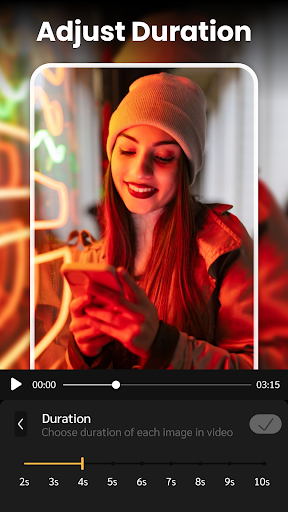
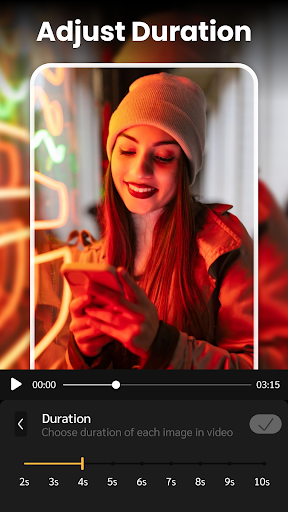
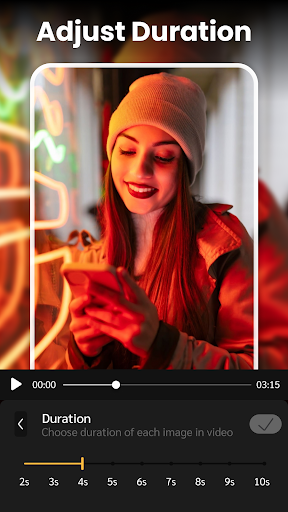
The app includes essential editing features such as cropping photos, adjusting the duration of each slide, trimming songs, and customizing background blurs. These tools help you personalize your slideshow and make it truly unique.
Transition Effects and Decorations
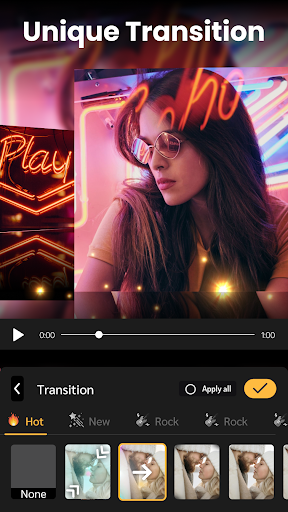
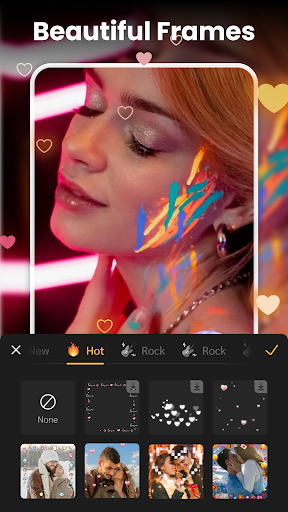
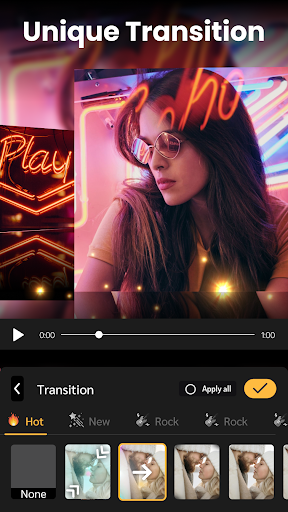
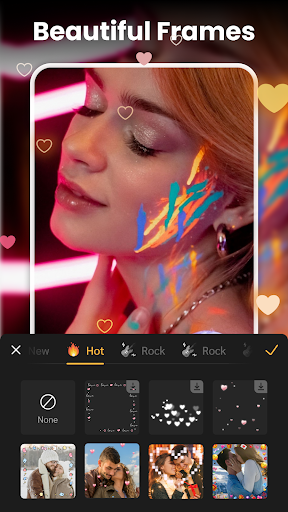
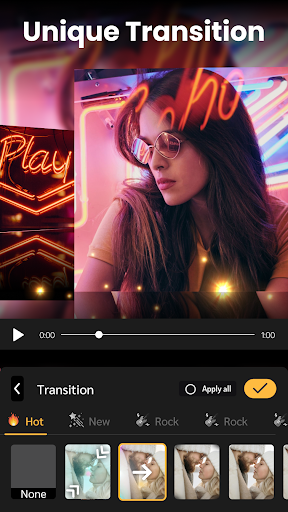
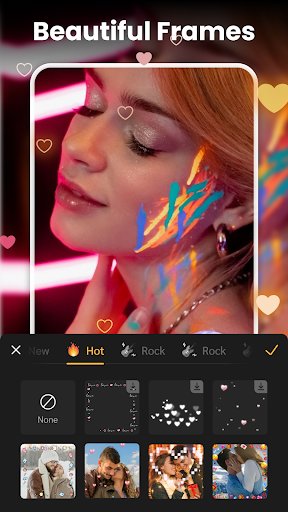
Make your slideshow more engaging with fantastic transition effects that ensure smooth flow between slides. You can also add text, stickers, and decorative frames to enhance visual appeal and add a personal touch.
High-Quality Output and Sharing
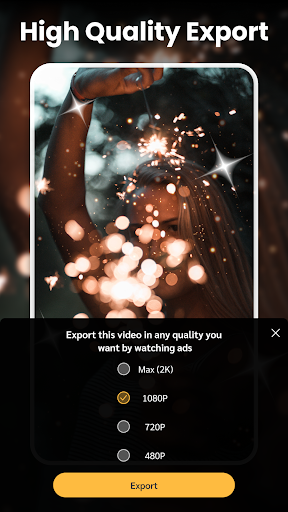
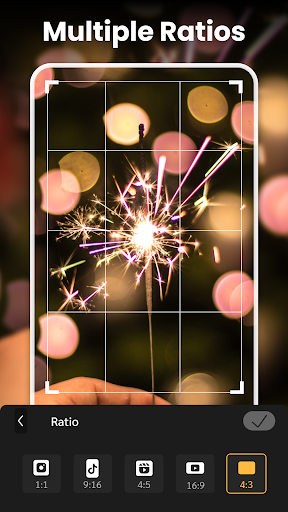
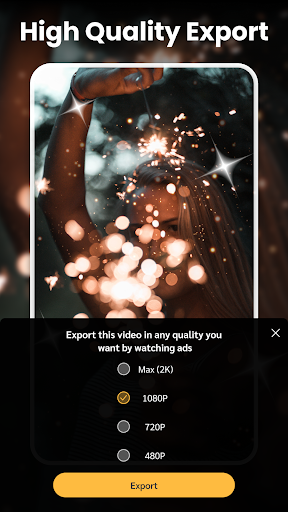
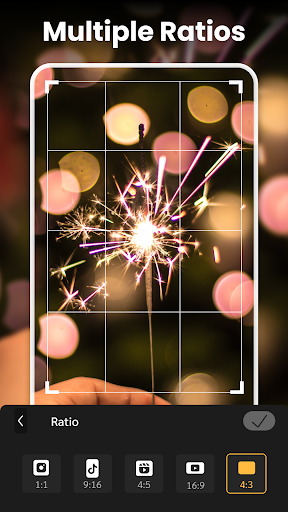
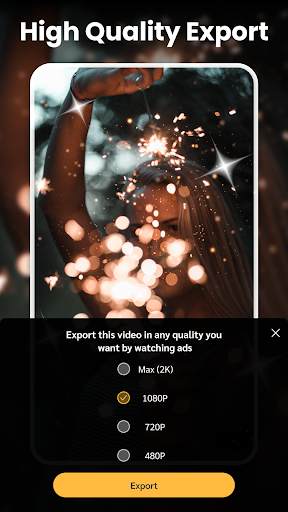
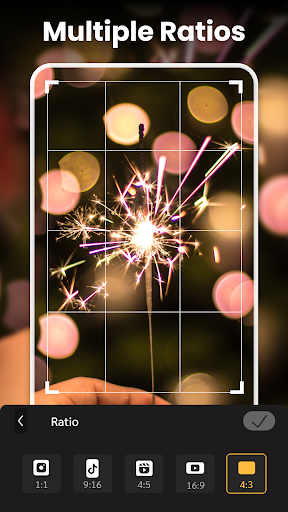
Export your creations in high resolutions, including 720p, Full HD 1080p, and even 4K. The app supports multiple aspect ratios suitable for popular social media platforms like TikTok, Instagram, Youtube, and Facebook. Plus, no watermark is applied, so your videos look professional.
Lightweight and Compatible
Designed to be lightweight, the app runs smoothly on all devices without consuming excessive storage or resources, ensuring a stable editing experience regardless of your device's specifications.
How to Create a Stunning Slideshow with Slideshow Maker Photo Video
Creating your personalized slideshow is straightforward:
- Select your favorite photos and videos to include.
- Choose an attractive • slideshow theme or template that matches your project's vibe.
- Add background music from the app's library or your own collection, then adjust the length to sync perfectly with your slideshow.
- Customize with text, stickers, and effects to add a creative flair.
- Preview your slideshow and make adjustments if necessary.
- Save the high-quality video and share it directly to social media platforms like Instagram, Youtube, and TikTok.
Why Choose Slideshow Maker Photo Video?
This app is a versatile, powerful, and easy-to-use solution for anyone wanting to turn their visual memories into fun, engaging slideshows. Its comprehensive features, combined with a simple interface, make it an excellent choice for both casual users and seasoned content creators. Plus, with support for multiple languages and no watermark output, you can confidently produce professional-looking videos without any hassle.
Whether you're creating a heartfelt gift for loved ones or professional social media content, Slideshow Maker Photo Video provides all the tools you need in one compact app. Download it today and start transforming your photos and videos into beautiful slideshows that will impress everyone!
Pros
- User-friendly interface for easy navigation.
- Wide selection of music and effects available.
- High-quality video export options.
- Supports various photo and video formats.
- Customizable templates for creating unique slideshows.
Cons
- Contains in-app purchases and advertisements.
- Limited free features available.
- Occasional app crashes reported.
- Requires significant storage space.
- Some features require an internet connection.











