

Discover the Power of Button Mapper: Remap Your Keys
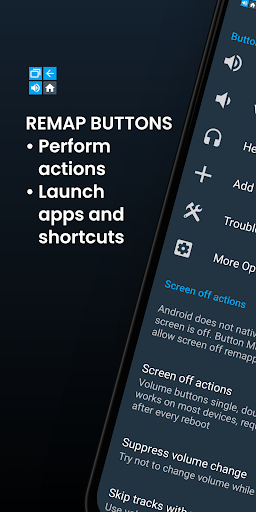
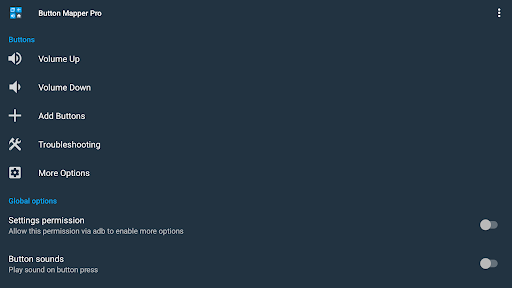
Are you looking for a way to enhance your smartphone’s usability and tailor it to your personal preferences? Button Mapper: Remap your keys is an innovative app designed to give you full control over your device’s physical and capacitive buttons. With this powerful tool, you can assign custom actions to your volume buttons, home, back, recent apps keys, and even buttons on gamepads, remotes, and other peripherals. Whether you want to launch your favorite app, toggle the flashlight, or run custom scripts, Button Mapper makes it simple and intuitive to do so—without needing root access in most cases.
Unlock New Possibilities for Your Smartphone
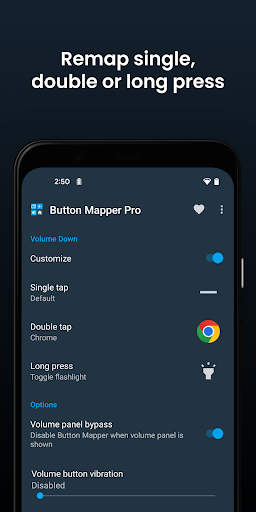
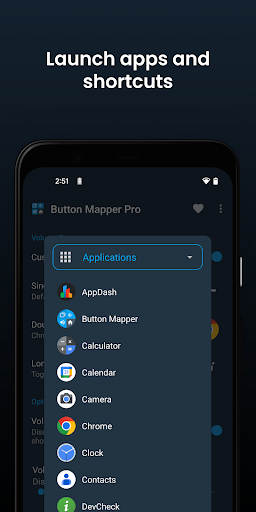
Imagine transforming your device’s hardware buttons into shortcuts that save you time and effort. With Button Mapper, the scope of what your phone can do is virtually unlimited. You can remap a long press on your volume up button to toggle your flashlight, or set a double tap on your home button to open a specific app or shortcut. Want to quickly broadcast custom commands or run scripts? The app supports these advanced features in its pro version. It can also remap buttons on game controllers, remotes, and other peripherals, turning your gaming or media experience into a customized and seamless one.
Simple Setup and User-Friendly Interface
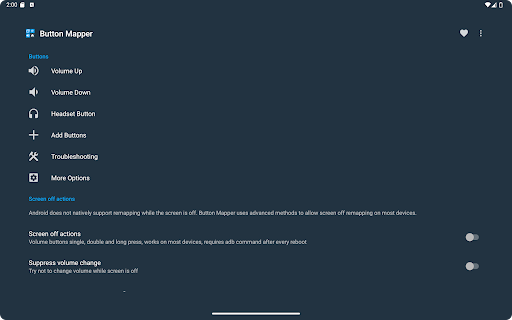
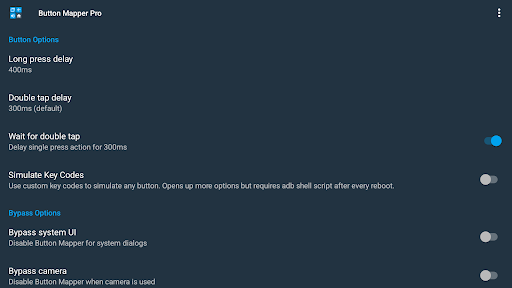
Getting started with Button Mapper is straightforward and requires no extensive technical knowledge. Once installed, the app guides you step-by-step through the setup process via an intuitive interface. You can assign new functions to your buttons with just a few taps, making your smartphone feel like a personalized device that reflects your workflow and entertainment habits. For example, customize long presses or double taps to perform different actions, or adjust the duration of these presses for optimal responsiveness.
Key Features That Boost Your Device’s Functionality
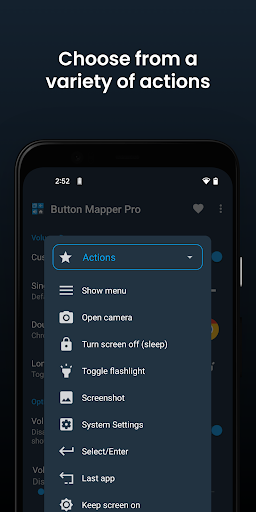
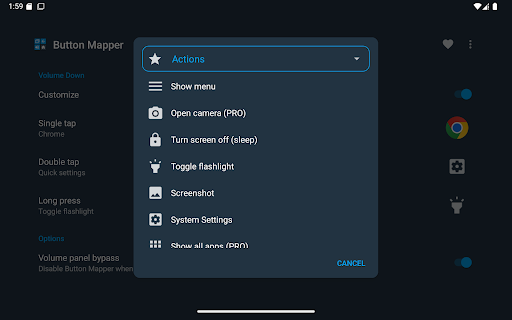
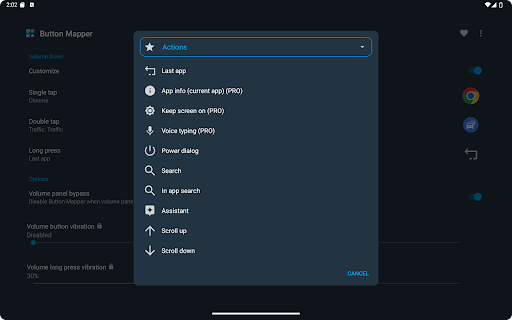
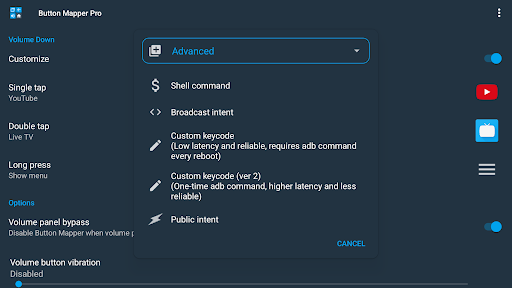
One of the standout features of Button Mapper is its support for creating custom actions tailored to how you press each button. You can set a long press to toggle "do not disturb" mode, double tap to launch an app, or remap hardware keys to control brightness, music, or even execute scripts. The app supports a wide array of actions, including:
- Launch app or shortcut
- Disable button
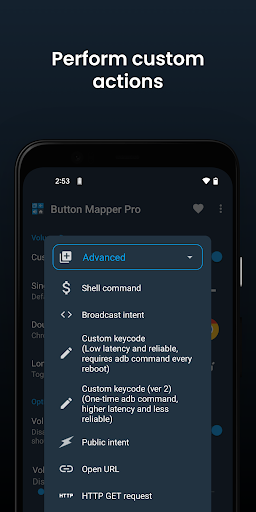
- Record broadcast intents or run scripts (PRO)
- Toggle flashlight, WiFi, Bluetooth, rotation
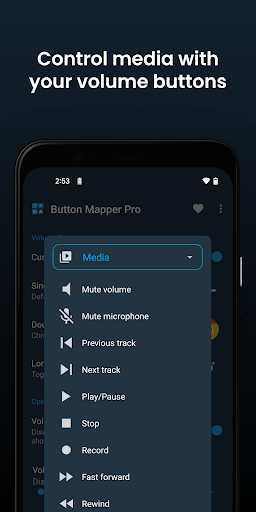
- Take screenshots, control media, adjust volume
- Show notifications, power menu, split screen
Supported Buttons and Devices
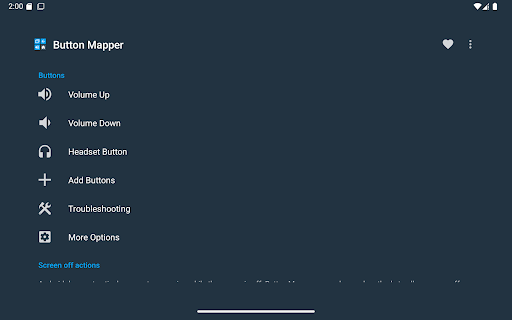
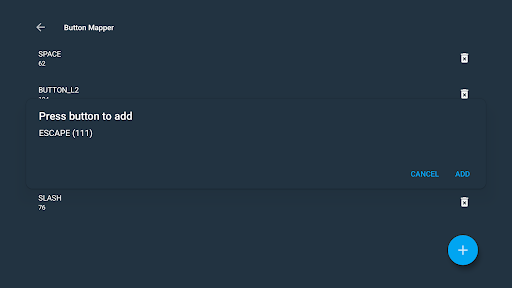
Button Mapper is compatible with a wide range of hardware buttons, including:
- Physical home, back, and recent apps buttons
- Volume up and down
- Many camera, headset, and custom buttons
- Active, mute, or other custom peripheral buttons
Additional Benefits and Pro Features
The free version of Button Mapper offers robust customization options, but the pro version unlocks even more advanced features such as:
- Simulating keycodes (via adb or root)
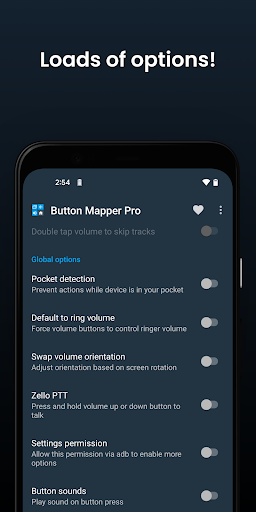
- Swapping volume keys on orientation change
- Pocket detection and themes
- Changing back and recents buttons
- Haptic feedback customization
- Performing root commands and root-only actions
Privacy and Permissions
Your privacy is protected with Button Mapper. The app uses the accessibility service to detect button presses securely and does not collect or share your personal information. It requires the Accessibility permission to function properly, and for certain actions like turning off the screen, it uses the Device Administrator permission. If you choose to uninstall the app, these permissions can be easily revoked. Note that Button Mapper does not work with soft keys or the power button, only physical or capacitive buttons.
Enhance Your Smartphone Experience Today
If you’ve ever wished your phone could do more with a simple press of a button, Button Mapper: Remap your keys is the perfect solution. It transforms your device into a highly customizable tool tailored to your daily routines and entertainment needs. Whether you want to assign quick access to apps, toggle system settings, or launch scripts, this app simplifies the process and offers a sleek, user-friendly interface. Discover new ways to interact with your smartphone and make it truly yours—start remapping today and let your buttons do the talking!
Pros
- Easy customization of device buttons
- Supports a wide variety of button functions
- Functions without requiring root access
- Enhances device accessibility
- Boosts user productivity
Cons
- May cause increased battery drain
- Limited functionality on certain devices
- Occasional intrusive advertisements
- Not all buttons are customizable
- Some features need in-app purchases











