

Discover the Ultimate Fake GPS Location-GPS JoyStick App
Are you looking for a fun and powerful way to simulate your device's GPS location? The Fake GPS Location-GPS JoyStick app is your perfect solution. Designed for both casual users and tech enthusiasts, this innovative app allows you to spoof your location effortlessly, making it ideal for testing location-based applications, playing augmented reality games, or just having a little fun with friends. Whether you want to emulate being in New York, London, or anywhere across the globe, this app provides a wide array of features that make location manipulation easy and entertaining.
Key Features of Fake GPS Location-GPS JoyStick
This app is packed with features that make location spoofing seamless and customizable. With its intuitive interface, you can instantly change your GPS coordinates, create routes, or control movement with the virtual joystick. Let's explore some of its standout capabilities:
- Instant GPS location changes: Overwrite your current location with just a tap or click, allowing your apps to think you're anywhere in the world.
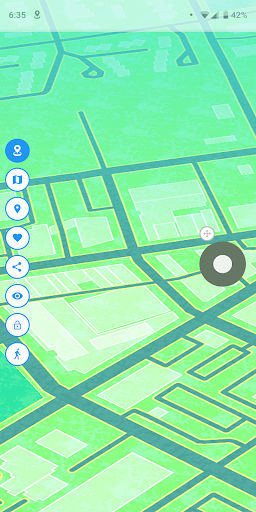
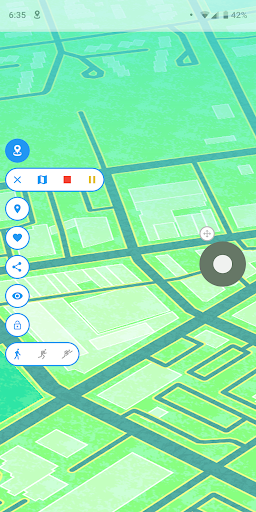
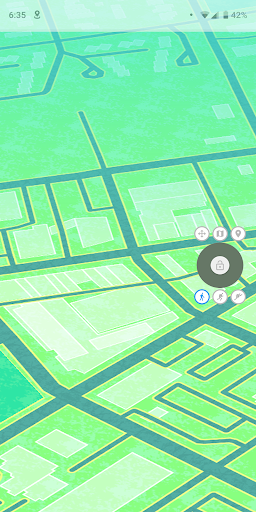
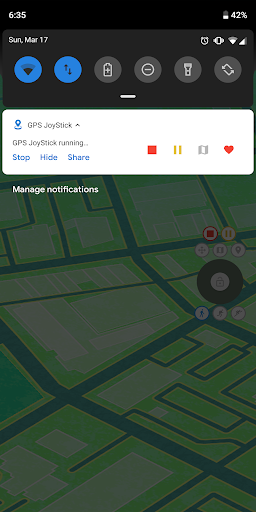
- Joystick control: The app’s unique joystick feature makes it simple and fun to navigate your simulated location in real-time—perfect for augmented reality games or AR testing.
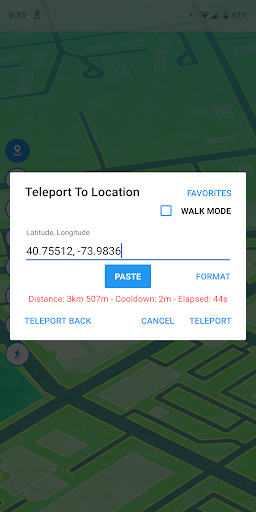
- Direct coordinate entry: Input latitude and longitude directly to teleport to precise locations with ease.
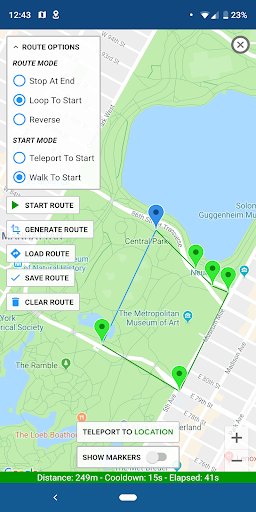
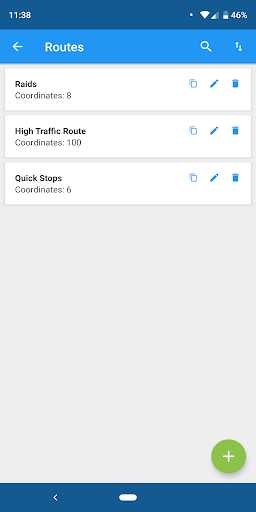
- Route creation and automation: Plot multi-point routes on the map, save them, and simulate walking, driving, or cycling along these paths automatically.
- Route customization: Use loop or reverse modes to repeat routes continuously or walk backward.
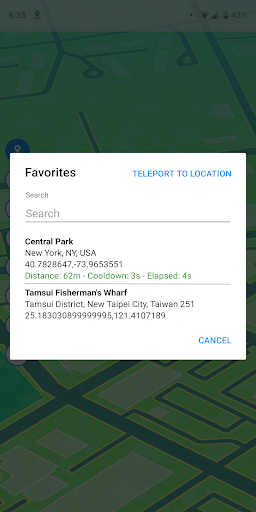
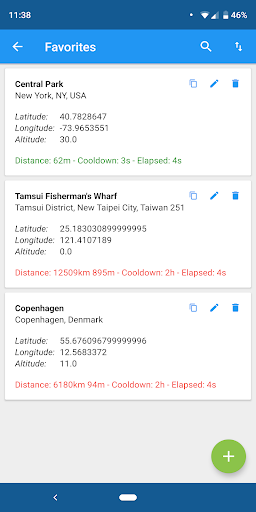
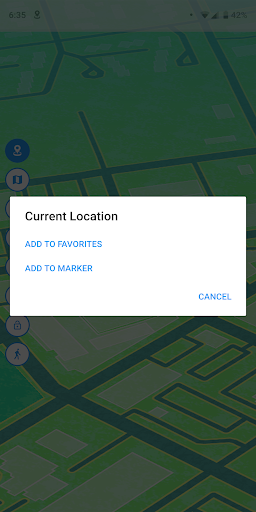
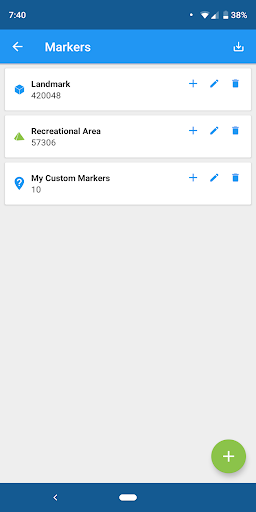
- Favorite spots and route management: Save your preferred locations and routes for quick access future use.
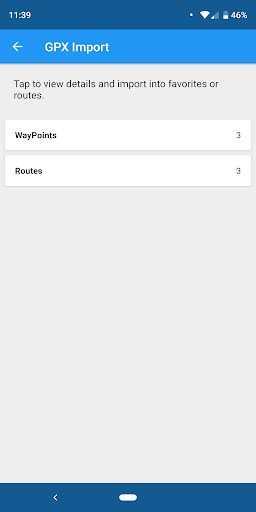
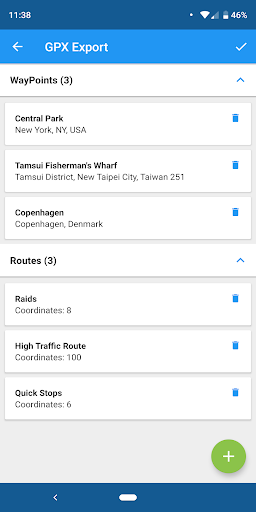
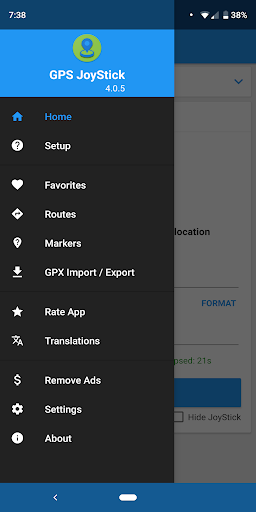
- GPX file import/export: Easily share and load routes or markers through GPX files, enhancing your customization options.
- Realistic simulation algorithms: The app uses advanced algorithms to provide highly realistic GPS signals, with variation settings for authenticity.
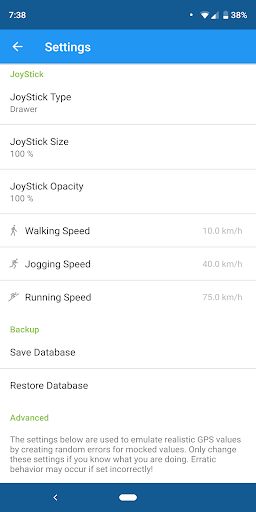
- Comprehensive settings: Adjust size, opacity, speed, and other parameters for complete user customization, ensuring the best experience for your testing or entertainment needs.
How to Set Up and Use the Fake GPS Location-GPS JoyStick
Getting started with this GPS spoofing app is straightforward. After downloading, you’ll be guided through enabling "mock locations" in your device settings — a step necessary for the app to function correctly. The user-friendly interface ensures you can quickly access features like location selection on the map or use the joystick for dynamic movement. Whether you want to jump to a specific coordinate or simulate walking around a city, this app makes it effortless to manipulate your device's location.
Why Use Fake GPS Location-GPS JoyStick?
If you've ever wished to teleport yourself to a new place without leaving your couch, this app is perfect. It’s especially useful for testing location-based apps, playing augmented reality games, or accessing region-locked content. The joystick feature enhances the experience by offering real-time control, giving you the ability to mimic natural movements such as walking, driving, or cycling. You can even create detailed routes and simulate traveling along them, making your fake GPS experience more immersive.
Enhance Your Device’s Capabilities with Customization
The Fake GPS Location-GPS JoyStick app isn't just about simple location spoofing. It allows extensive customization, including setting different movement speeds (with three customizable options), modifying the size and Opacity of the joystick, and choosing how your simulated location updates appear to your device. This flexibility ensures your testing or entertainment activities remain realistic and tailored to your preferences.
Final Thoughts
In a digital world where location can determine what content you access or how you play your favorite games, having control over your GPS is invaluable. The Fake GPS Location-GPS JoyStick app merges powerful functionality with user-friendly controls, making it a top choice for both developers and casual users. Whether you're looking to prank friends, test app functionalities, or explore new virtual locations, this app provides all the tools you need to navigate the world — virtually. Experience the power of location manipulation today and unlock new possibilities with this versatile and fun GPS spoofing tool.
Pros
- User-friendly interface for easy navigation.
- Enables location spoofing without the need for rooting.
- Supports customizable location settings and speeds.
- Compatible with both Android and iOS platforms.
- Regular updates enhance app reliability.
Cons
- May consume battery more quickly than usual.
- Can disrupt the functionality of location-based applications.
- Some features require in-app purchases.
- Not accessible in all countries.
- Potential risks associated with misuse for illegal activities.











