








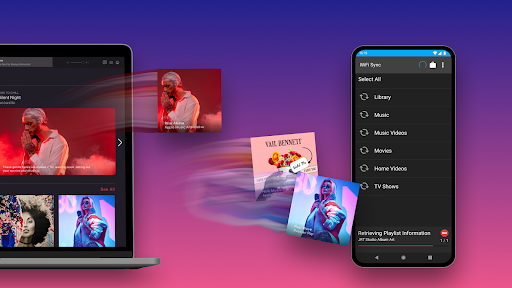
Introduction to iSyncr: Seamless iTunes to Android Music Sync
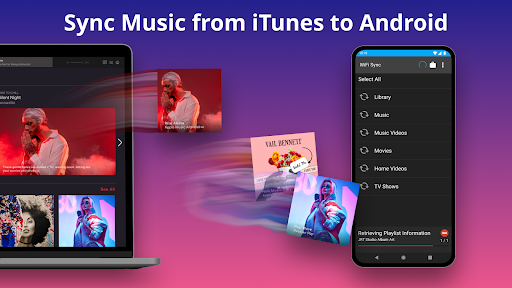
Are you a music enthusiast who dreams of effortlessly syncing your iTunes library with your Android device? Look no further than iSyncr, an innovative app designed to bridge the gap between iTunes and Android platforms. Whether you're transferring playlists, albums, podcasts, or videos, iSyncr makes the process smooth, simple, and efficient, empowering you to enjoy your music library anytime, anywhere.
Key Features of iSyncr
Music Sync and Transfer
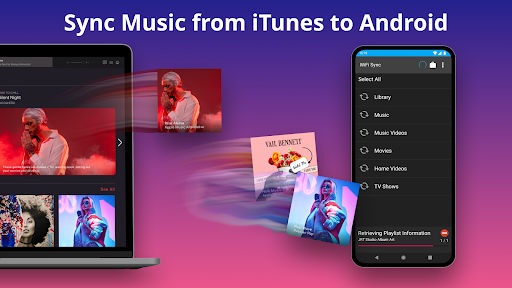
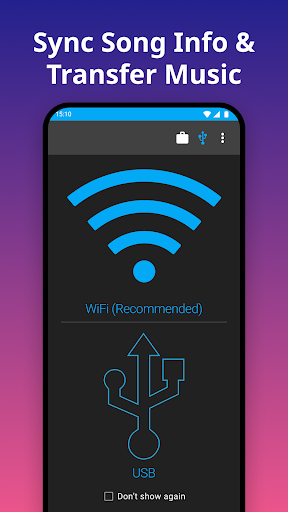
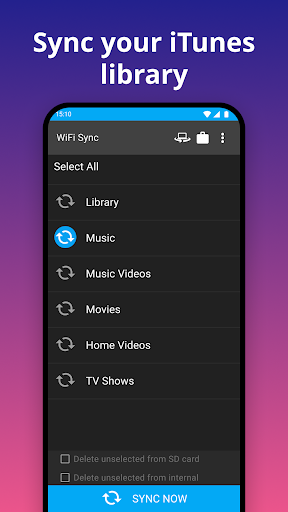
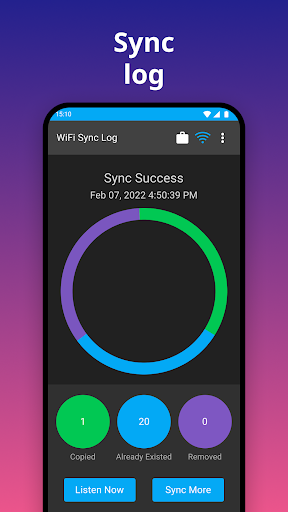
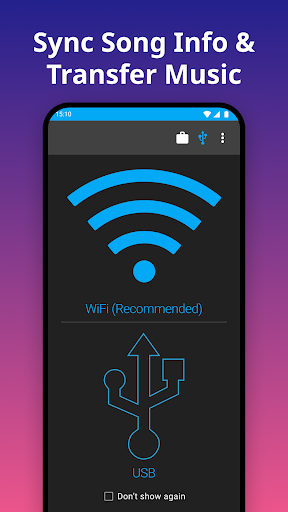
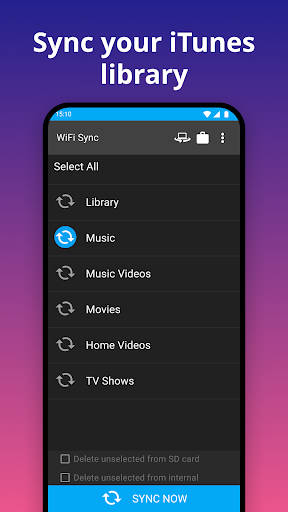
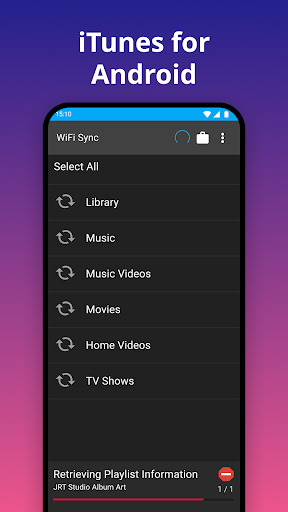
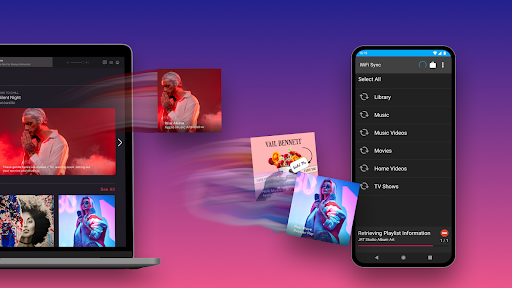
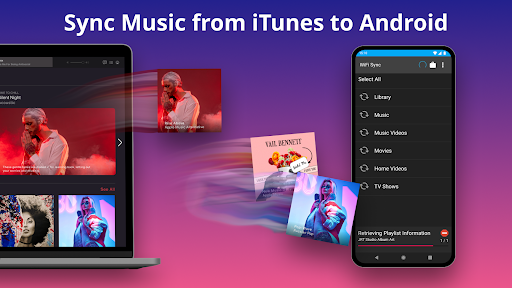
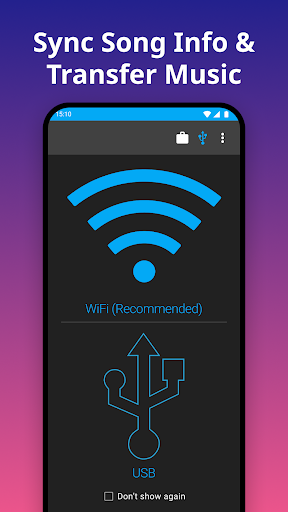
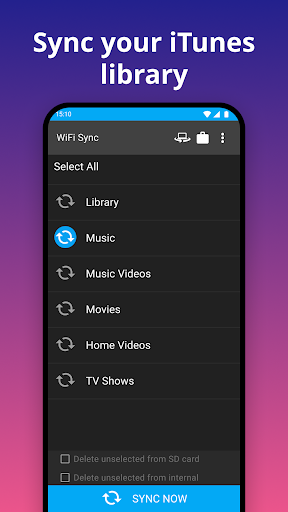
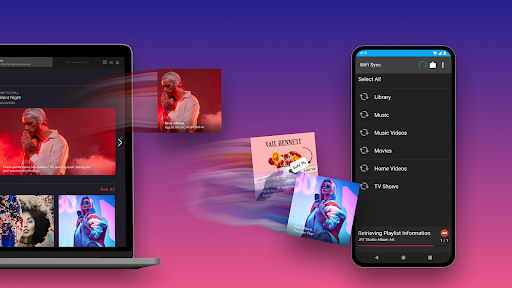
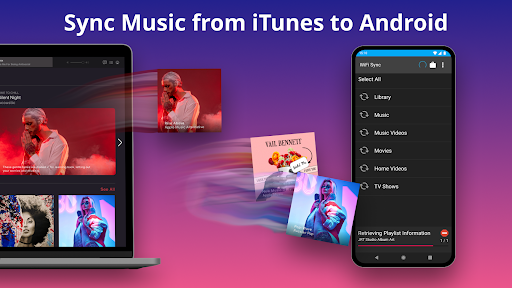
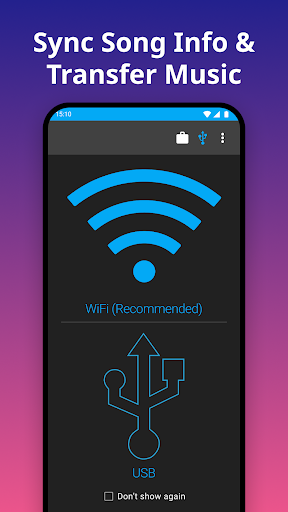
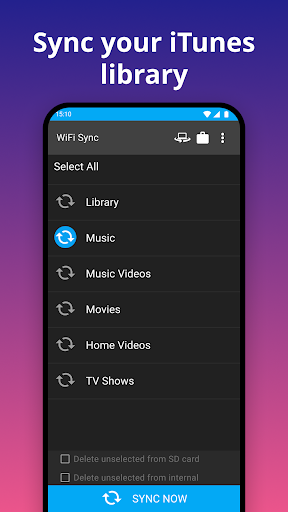
iSyncr allows you to sync your entire iTunes library from a PC or Mac directly to your Android device. This includes your playlists, songs, podcasts, and compatible videos. The app provides the flexibility to transfer media to either internal storage or an SD card, and supports syncing over both USB and WiFi connections, accommodating your preferred method of data transfer.
Comprehensive Metadata Synchronization
Beyond just music files, iSyncr also syncs detailed song information such as album art, ratings, play counts, last played, and last skipped. This ensures that your songs appear exactly as they do in iTunes, preserving your listening preferences across devices.
Podcast and Video Support
In addition to music, you can sync your podcasts and videos from your iTunes library, making iSyncr a versatile tool for all your media needs.
How Does iSyncr Work?
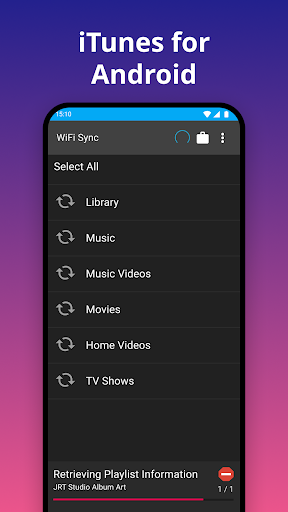
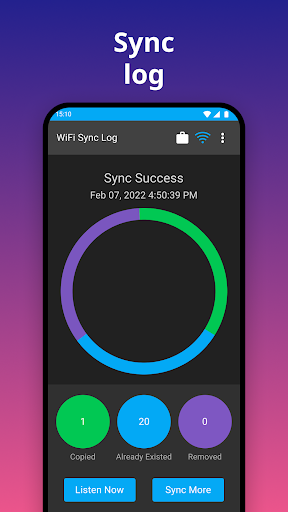
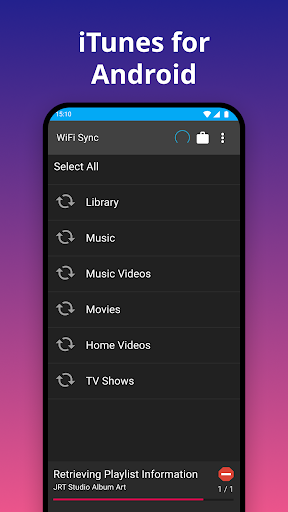
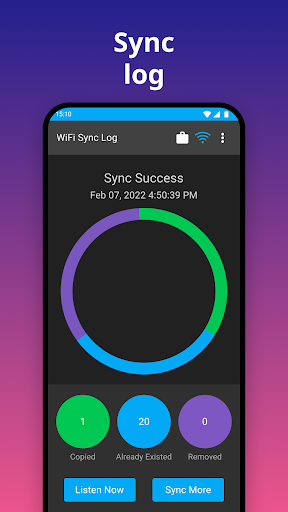
Using iSyncr is straightforward. First, you need to install the iSyncr Desktop application on your computer—available for free. This desktop app facilitates synchronization between your iTunes library and your Android device. Once set up, you can initiate the syncing process over USB or WiFi, depending on your preference.
The app supports syncing multiple playlists and handles large media libraries efficiently. However, it's important to note that iSyncr does not sync copy-protected DRM content. If your library contains such protected media, it will alert you accordingly.
Additional Benefits and User Experience
One of the standout features of iSyncr is its ability to transfer not just media files but also the associated metadata. This means your album artwork, song ratings, and playback history are preserved during transfer, offering a seamless listening experience on your Android device.
The user interface is intuitive and easy to navigate, making it accessible even for those who aren't tech-savvy. Customer support is readily available to help troubleshoot any issues, ensuring a smooth and reliable user experience.
Performance-wise, iSyncr demonstrates speed and stability. It handles large libraries efficiently, completing synchronizations quickly without crashes or bugs—a reliable companion for managing your media collection.
Conclusion: Why Choose iSyncr?
If you're searching for a practical solution to sync your iTunes library with Android, iSyncr is undoubtedly one of the best options available. It combines powerful features such as playlist and metadata transfer, user-friendly operation, and flexible connection options. Although it requires the desktop application to function, the overall experience is streamlined and effective, making it the ideal tool for music aficionados wanting to enjoy their iTunes content on Android devices.
So, don't let platform limitations hold back your music enjoyment. With iSyncr, your favorite tunes, podcasts, and videos are just a few taps away—ready to keep you entertained everywhere you go.
Pros
- Seamless synchronization of iTunes music to Android devices.
- Supports the creation and management of playlists.
- Includes features for ratings.
- Tracks play counts.
- Operates wirelessly or via USB connection.
- Compatible with multiple Android devices.
- Features easy setup and an intuitive user interface.
Cons
- Requires installation of iTunes on the computer.
- Free version offers limited features.
- Some users experience occasional delays during synchronization.
- Consumes battery power during wireless transfers.
- In-app purchases can be expensive.











