






Overview of the TD Bank (US) App
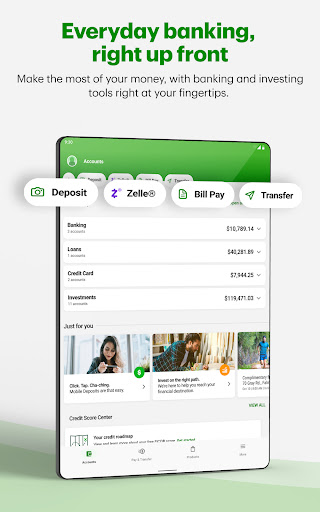
The TD Bank app for personal and business accounts offers users a seamless and convenient way to manage their finances on the go. With a revamped user interface, the app provides quick access to a wide range of banking features, making it easier than ever to stay connected to your accounts from anywhere, at any time. Whether you're checking your account balances, making payments, or depositing checks, this mobile banking solution is designed to enhance your banking experience with ease and security.
Key Features of the TD Bank (US) App
Account Management and Monitoring
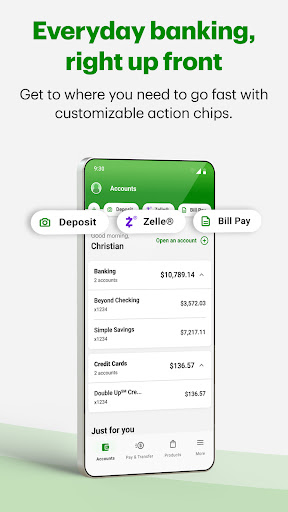
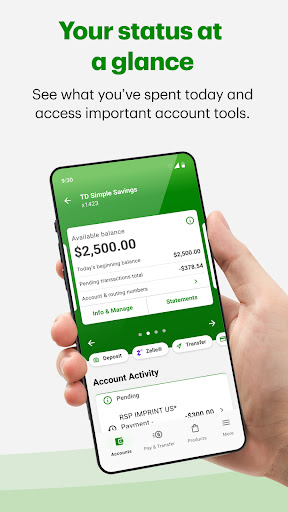
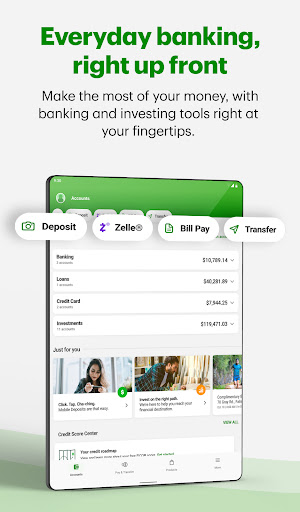
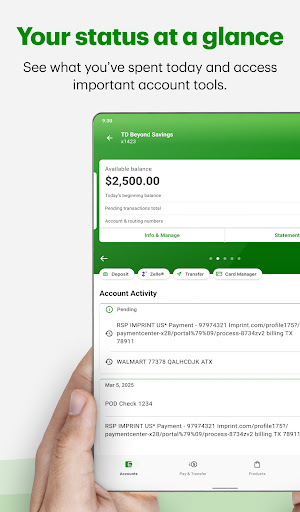
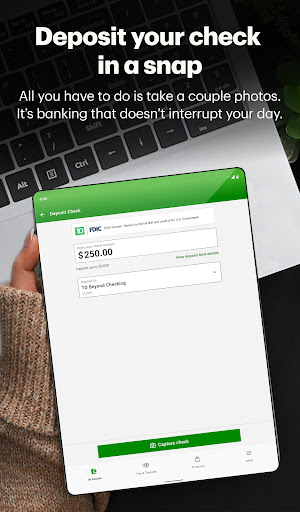
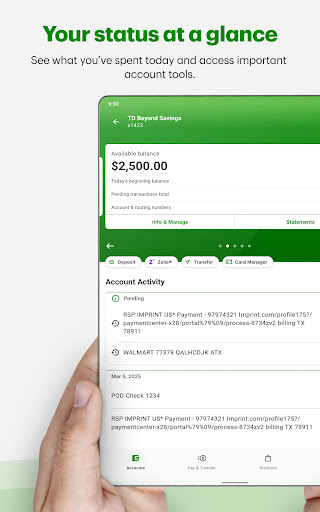
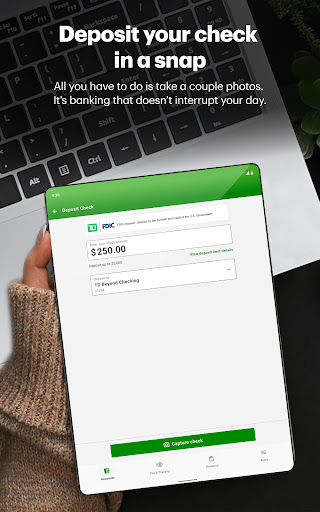
With the TD Bank app, you can view account balances and activity with just a few taps. Easily review statements for your accounts and credit cards to stay updated on your financial transactions. The app also allows you to securely deposit checks anytime by simply snapping two quick pictures, eliminating the need to visit a branch.
Payments and Transfers
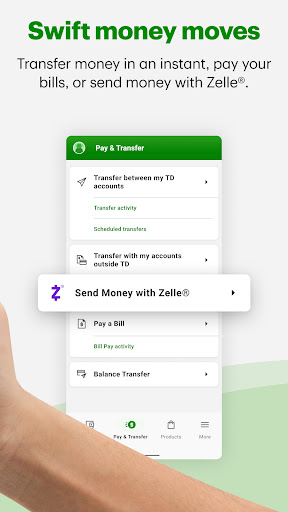
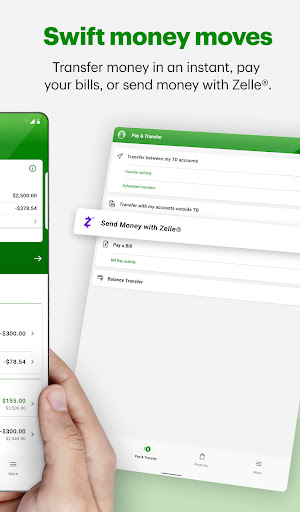
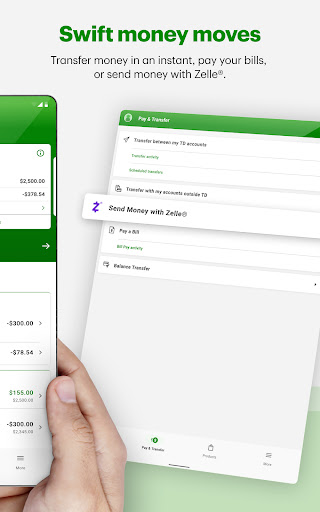
Paying bills has never been easier. The app enables you to pay bills to credit cards, companies, and individuals. You can also send money with Zelle® to family and friends within minutes, or transfer money between your own accounts seamlessly—providing total control over your finances right at your fingertips.
Security and Card Management
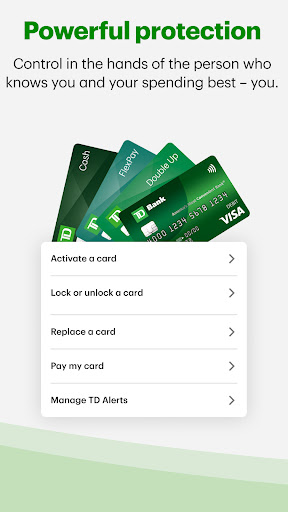
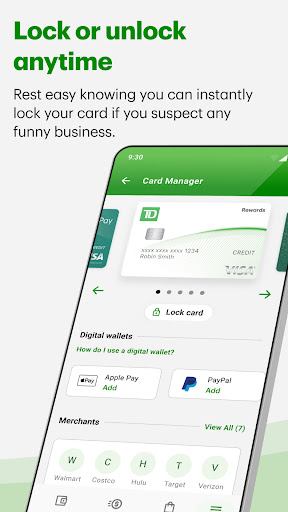
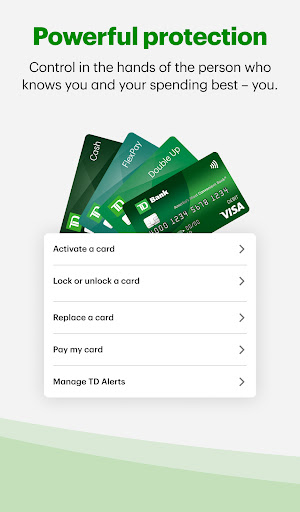
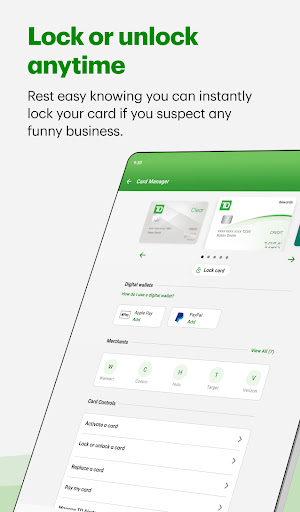
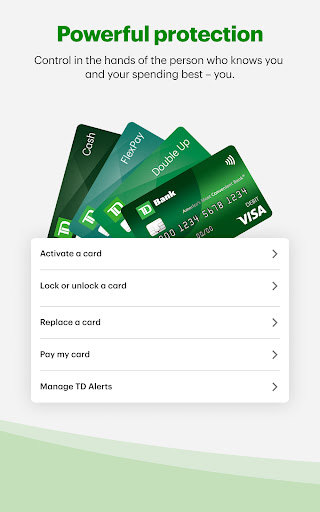
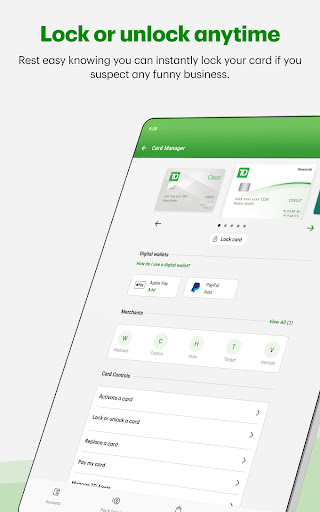
Security is a top priority, and the TD Bank app offers features such as lock and unlock for your credit, debit, and ATM cards to prevent unauthorized use. Additionally, you can add your cards to your Digital Wallet for quick and contactless payments. Customize TD Alerts to stay informed about your account activity and set personal preferences for notifications.
Account Opening and Personalization
Explore and open new accounts directly through the app, providing a user-friendly pathway to expand your banking options. For a personalized experience, access TD for Me, which offers tailored account insights, updates on upcoming events, banking tips, and access to special offers.
Customer Support and Assistance
The app provides 24/7 access to customer support via multiple channels, including Call Us, a Virtual Assistant, secure messaging, and appointment booking. This ensures assistance is always available whenever you need help with your accounts or banking needs.
User Experience and Personal Insights
Ease of Setup and Navigation
Installing the TD Bank US app is straightforward—simply download from your app store, and you’re ready to start managing your finances. The user interface is intuitive, making navigation simple even for those who are not tech-savvy. As a user, I found it immensely helpful for keeping my financial matters organized without any hassle.
Comprehensive and Convenient Features
This app truly functions like a full-service bank in your pocket. From checking balances to making transfers, paying bills, and depositing checks, the range of features simplifies day-to-day banking. I particularly appreciate the alert system that informs me of suspicious activity, providing peace of mind. The built-in budgeting tools automatically categorize spending, aiding in maintaining financial discipline—it's like having a personal accountant.
Security and Customer Support
Given the importance of security, the app employs multi-factor authentication for safe login practices. If your device is lost, you can remotely disable access, ensuring your data remains protected. Customer support is easily accessible, with options to chat or contact support personnel promptly. My own experience with support was positive; issues were resolved efficiently, reinforcing trust in the app’s reliability.
Final Thoughts
Overall, the TD Bank (US) app stands out as a highly effective tool for modern banking. Its user-friendly design, feature-rich platform, and strong security measures make it suitable for anyone looking to manage their finances more effectively. Whether you're paying bills, transferring money, or keeping track of your spending, this app elevates the banking experience while offering peace of mind. I highly recommend giving it a try to enjoy more control and convenience in your financial life.
Pros
- User-friendly interface
- Quick and simple account setup
- Extensive features for mobile banking
- Secure login using fingerprint and Face ID
- Available customer support around the clock
Cons
- Requires frequent app updates
- Limited functionality without internet connection
- Occasional login problems
- Some features are accessible only via web
- Navigation within the app can be confusing











