
All Document Tools: Your Ultimate Document Management Companion
In today’s fast-paced world, managing various document formats seamlessly is essential for professionals, students, and anyone who frequently deals with digital files. All Document Tools emerges as a comprehensive solution designed to simplify your document workflows, making it easier, faster, and more secure to handle all your file needs right from your smartphone.
Main Features of All Document Tools
Smart Scan
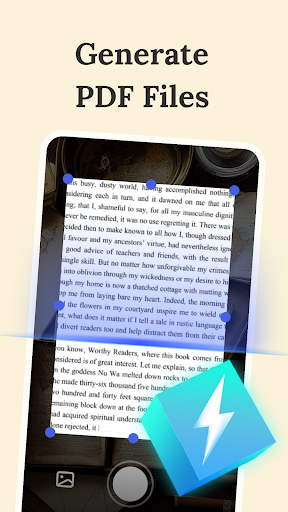
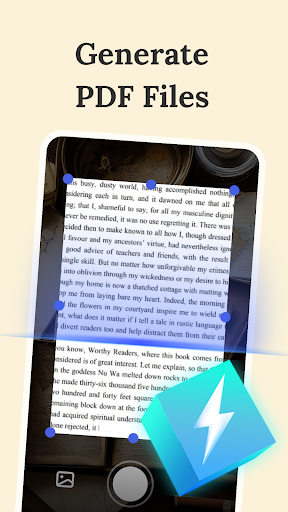
One of the standout capabilities of All Document Tools is its Smart Scan feature. Utilizing advanced image recognition technology, this function converts paper documents into high-quality, editable PDFs. It preserves the original layout and formatting, ensuring that your scanned documents look professional and are ready for editing or sharing without loss of information.
All-round Reader
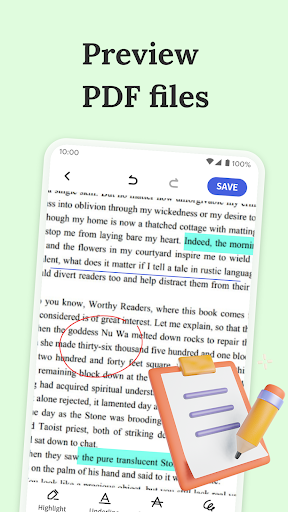
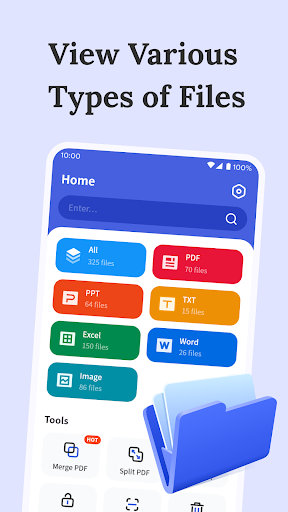
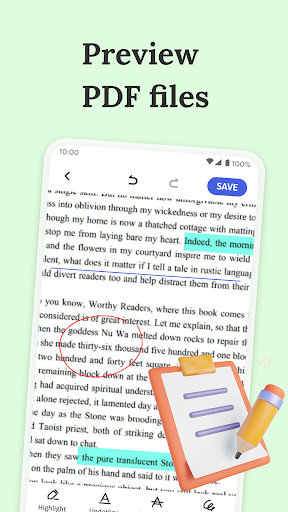
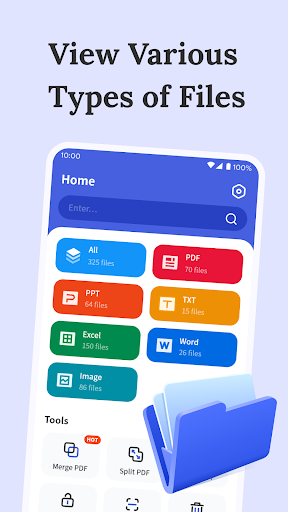
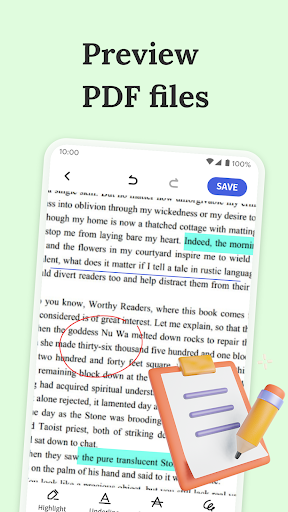
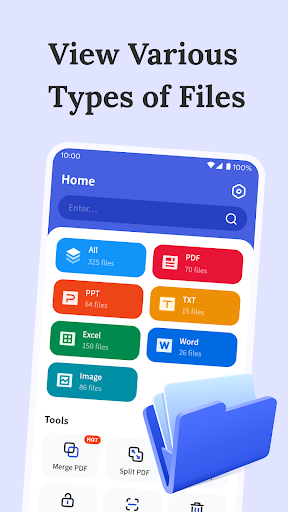
This app provides an all-round reader experience, allowing you to browse a wide range of document formats such as PDFs, Word documents, PPTs, Excel sheets, TXT files, and JPG images effortlessly. Whether you're in the office, at school, or on the go, reading and navigating through your documents has never been easier. Moreover, All Document Tools enables editing capabilities for PDF files, letting you make precise adjustments and improve your document professionalism directly within the app.
Secure Encryption
Security is a top priority for any document management tool. All Document Tools provides robust encryption features, ensuring that your sensitive information remains protected. You can encrypt your files with passwords, adding an extra layer of security against unauthorized access.
Flexible File Management
Organizing your documents is simplified with Flexible File Management. You can merge multiple PDF files into a single document or split a large PDF into smaller, manageable parts with just one click. This flexibility makes it easier to maintain a well-organized document library tailored to your specific needs.
Smart Search
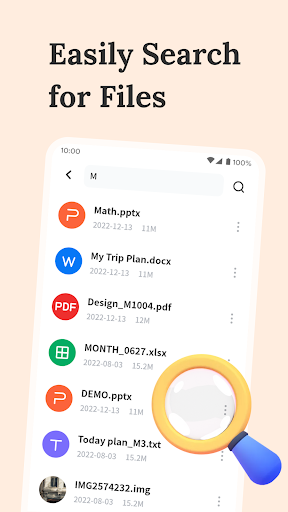
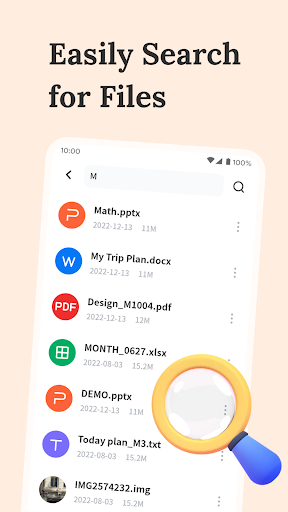
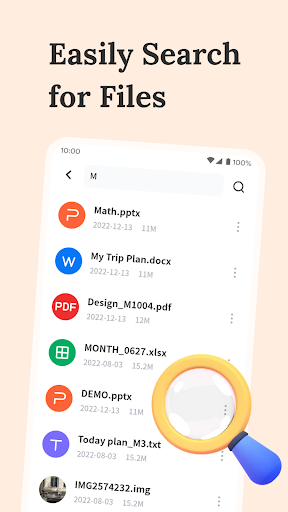
The Smart Search feature allows for quick retrieval of keywords and phrases within your documents. This targeted search capability dramatically improves productivity, especially when dealing with large files or numerous documents, saving you valuable time.
Why Choose All Document Tools?
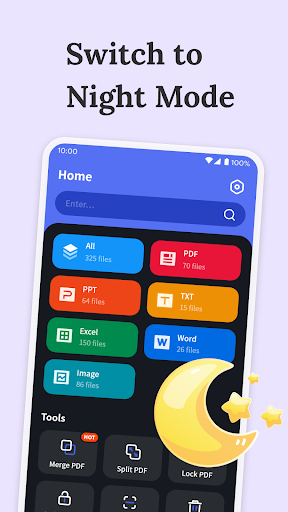
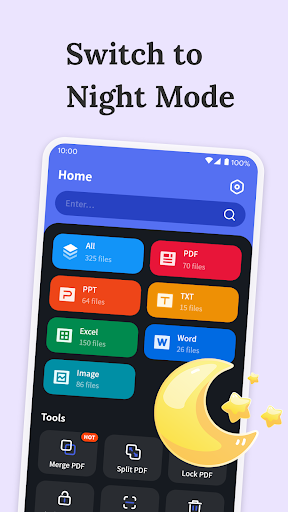
Have you ever found yourself juggling multiple apps just to perform simple document tasks? All Document Tools consolidates all essential functions into a user-friendly interface, transforming your smartphone into a powerful portable office. The app's intuitive design ensures easy navigation and rapid access to its broad feature set. From opening and editing documents swiftly to converting file formats without hassle, this app is crafted for efficiency.
Its performance is both smooth and reliable, supporting cloud synchronization so you can access your files across different devices. Security features like password protection safeguard your critical documents, giving you peace of mind wherever you are.
Whether you're converting Word files to PDFs, editing presentations, or organizing your document library, All Document Tools is built to streamline these processes. It is a versatile app suitable for students who need quick access to materials, professionals who require reliable document editing on the go, or anyone keen on maintaining well-organized digital files.
In Conclusion
As document management becomes increasingly sophisticated, having a dependable, all-in-one tool is invaluable. All Document Tools combines a range of features like Smart Scan, format conversion, editing, file encryption, and intelligent search into one seamlessly integrated app. This powerful tool turns your smartphone into a portable office, helping you boost productivity, enhance document security, and keep your files organized effortlessly. Experience the convenience and efficiency of All Document Tools today and take your document management to the next level!
Pros
- Intuitive user interface
- Supports a wide range of document formats
- Fast processing of documents
- Offers cloud integration
- Regular updates and improvements
Cons
- Some features require upgrading to the premium version
- Occasional bugs when handling large files
- Limited offline functionality
- Advertisements present in the free version
- Customer support may be slow











