





Introduction to the Webex App
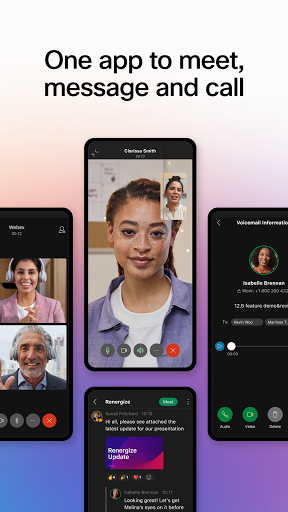
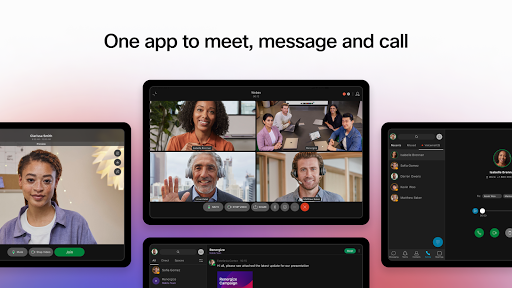
The Webex App is an innovative solution designed to enhance virtual collaboration in today’s fast-paced digital world. Bringing together communication, collaboration, and productivity tools in one secure and user-friendly platform, the Webex App enables teams to connect seamlessly—whether working remotely or in the office. This all-in-one collaboration software is equipped with features for meetings, messaging, and calling, making it a vital tool for modern organizations aiming to boost efficiency and foster inclusive teamwork.
Key Features of the Webex App
Meet
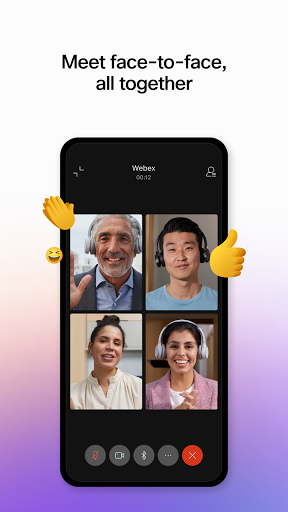
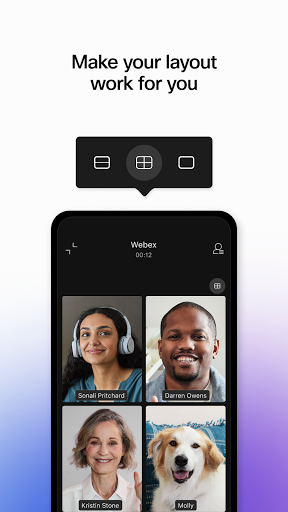
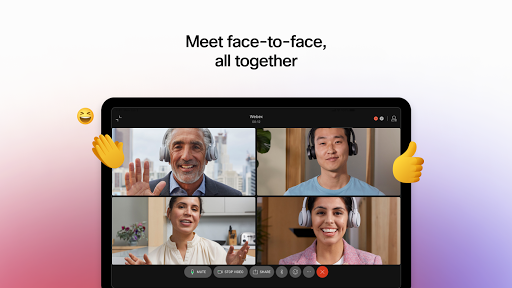
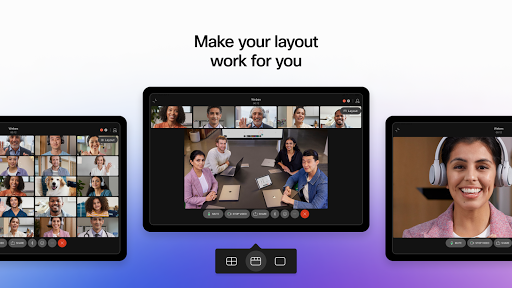
The Webex App offers advanced meeting features designed to make virtual gatherings as effective as face-to-face interactions. One standout capability is real-time translation of over 100+ languages, breaking down language barriers and facilitating seamless global collaboration. Participants can enjoy personalized meeting layouts that suit their preferences and benefit from background noise removal technology, which ensures everyone can see and hear each other clearly regardless of their environment. Whether you’re joining from a bustling café or a quiet home office, the Webex App ensures your voice is heard and your video is visible.
Message
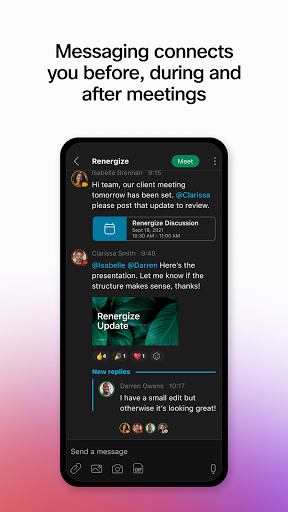
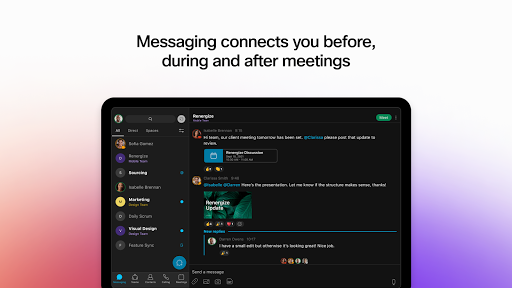
Communicating efficiently before, during, and after meetings is made effortless with Webex messaging. The platform supports real-time messaging for instant conversations, allowing teams to collaborate in 1:1 or group chats. Sharing files securely using just an email address simplifies teamwork with internal colleagues as well as external partners. This persistent chat history fosters continuous collaboration and helps keep everyone on the same page, regardless of time zones.
Call
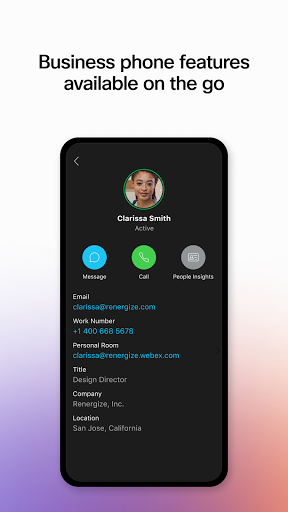
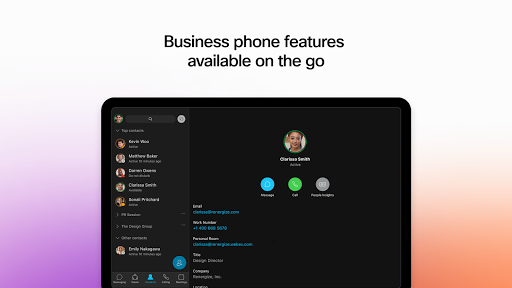
The call features integrated into the Webex App emulate the functionalities of a full-fledged business phone system. Users can effortlessly start impromptu conversations, access visual voicemail, and enjoy high-quality audio calls from any device or location. The app’s design emphasizes ease of use, so handling your communications—be it a quick call or a scheduled conference—is simple and accessible whenever needed.
Security and Reliability
Security is a top priority for Webex. The platform employs end-to-end encryption to safeguard all communications, giving users peace of mind that sensitive information remains private. Known for its reliable performance, Webex ensures minimal outages or glitches, supporting business continuity. Moreover, it seamlessly integrates with other productivity tools and applications, such as calendar apps and project management software, streamlining workflows and reducing the need to switch platforms.
Why Choose Webex?
User-Friendly Interface
One of the first things users notice about Webex is its intuitive and modern interface. The platform is designed to be straightforward for both novices and tech experts, with a clean dashboard and easy navigation. This accessible design helps teams to quickly adopt the platform and focus on productive collaboration without unnecessary complexity.
Advanced Collaboration Tools
Webex's suite of features—such as real-time translation, noise cancellation, and high-definition video quality—ensures that virtual meetings are smooth, inclusive, and effective. These tools are especially beneficial for multinational teams, remote workers, and organizations seeking to enhance their digital communication.
Security and Integration
With its strong security measures and broad integration capabilities, Webex fits seamlessly into existing business ecosystems. This means users can enjoy secure messaging and calling while connecting with a variety of other apps to maximize productivity.
Final thoughts
In today's competitive digital landscape, choosing the right collaboration platform is crucial. Webex stands out as a comprehensive solution that combines ease of use, advanced features, and top-tier security. Whether you're hosting large webinars, fostering teamwork through group chats, or making business calls, the Webex App provides all necessary tools to elevate your remote work game. As the platform continues to evolve, it remains a dependable partner for businesses aiming to thrive in the digital era.
Pros
- High-quality video conferencing
- Compatibility with multiple devices
- Strong security features
- Integration capabilities with other tools
- Ability to customize meeting layouts
Cons
- Occasional connectivity problems
- Complicated interface for new users
- High data consumption during calls
- Limited features on the free plan
- Unreliable performance of mobile app











