

Introduction to DScanner - Camera Scanner
DScanner - Camera Scanner is an all-in-one mobile application designed to transform your smartphone into a powerful document management tool. This versatile app allows users to effortlessly scan documents, convert images into high-quality PDFs, extract editable text via advanced OCR technology, and edit files with comprehensive editing features. Whether you're a student, professional, or casual user, DScanner simplifies digital document handling and enhances productivity on the go.
Main Features of DScanner
Camera Scanner
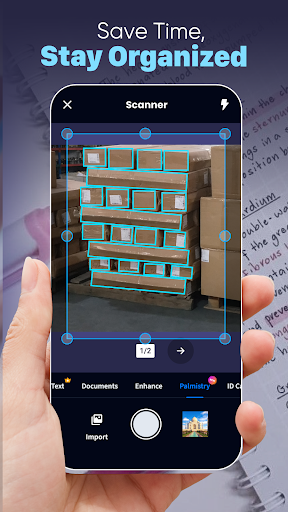
• Smart Document Scanner: With DScanner, you can digitize all kinds of paper documents with ease. The app's intelligent camera detects document edges automatically, ensuring precise alignment and sharp clarity in every scan. Supporting a variety of formats such as PDFs, text files, Excel sheets, and images, it makes capturing complex or simple documents seamless. Upload your existing files or scan in real time to create digital copies effortlessly.
Fast PDF Reader and Converter
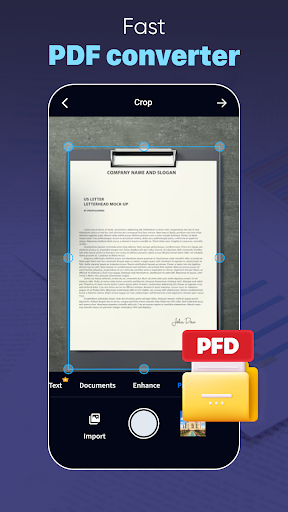
Our app is not just a scanner but also a robust PDF tool. You can open, view, and navigate through PDFs with smooth scrolling and zoom functionalities. Additionally, DScanner enables quick conversion of scanned images into PDFs, helping streamline your workflow and save time. Whether you need to compile multiple images into a single PDF or extract content for editing, this feature supports your productivity needs efficiently.
Image to Text Scanner
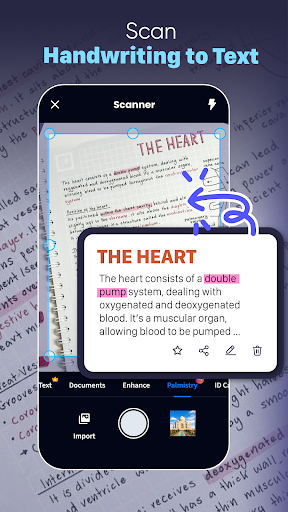
Leveraging cutting-edge OCR technology, DScanner allows you to convert images into editable text quickly. Scan printed reports, handwritten notes, or book pages and have them transformed into digital, editable documents in just a few taps. This feature is invaluable for students and professionals who need quick access to text content from physical sources without manual retyping, enhancing accuracy and saving valuable time.
Comprehensive Document Editor
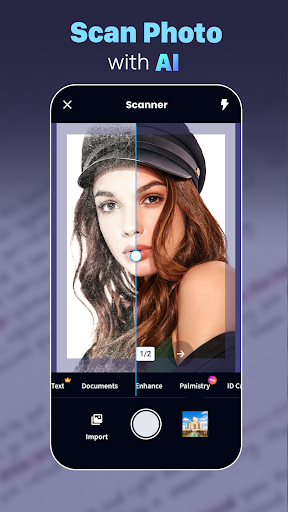
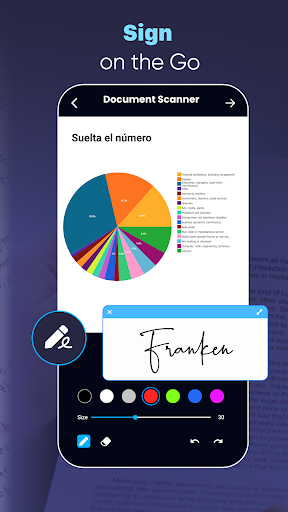
After scanning your documents, take advantage of the app’s robust editing tools. You can modify text for accuracy, change content, or add your signature effortlessly. The editor supports editing in color, grayscale, or black and white, with options to crop, rotate, and enhance images. Easily import signatures or draw directly on documents. The ability to rotate, scale, and adjust contrast ensures your digital files are polished and professional before sharing. Organize your scans with thumbnail or list views, and sort by date or title for easy retrieval.
Enhanced Workflow and File Sharing
Once your documents are scanned and edited, DScanner makes sharing simple. Save your files locally or export them via email, social media, or upload directly to cloud services like Google Drive or Dropbox. Keep your digital workspace organized by creating folders and tagging files, ensuring quick access whenever needed. The app prioritizes security, offering password protection features to safeguard sensitive information—giving you peace of mind while managing your documents digitally.
Why Choose DScanner for Your Document Needs?
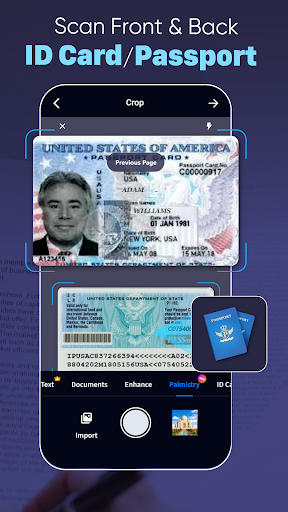
DScanner stands out as a comprehensive, efficient, and user-friendly document management solution. Its advanced features such as automatic edge detection, multiple scan modes, OCR text extraction, and robust editing tools make it ideal for both personal and professional use. Whether capturing receipts, contracts, ID cards, or handwritten notes, this app handles diverse document types with ease. By streamlining your workflow and enabling seamless sharing and organization, DScanner helps increase productivity and maintain a professional digital environment.
Embrace the convenience of a portable scanner with DScanner and experience how effortless digital document management can be. Give it a try today and elevate your productivity to new heights!
Pros
- Rapid scanning and processing speeds.
- Compatible with various file formats.
- Intuitive and easy-to-navigate interface.
- Produces high-resolution output.
- Cloud integration for convenient access.
Cons
- Limited options for editing.
- Occasional application crashes.
- Advertisements in the free version.
- Subscription needed to access premium features.
- Privacy concerns regarding document storage.











