




Introduction to Genius Scan - PDF Scanner
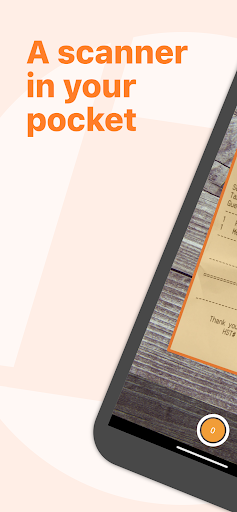
Genius Scan is a revolutionary scanner app that transforms your mobile device into a powerful portable scanner. Designed to make document management effortless, this app allows you to quickly scan paper documents anytime and anywhere, exporting them as high-quality multi-page PDF files. With over 20 million users and thousands of small businesses relying on Genius Scan, it has established itself as a must-have productivity tool. The app replaces traditional desktop scanners, providing a seamless and convenient solution for digital document handling without sacrificing quality or security.
Main Features of Genius Scan - PDF Scanner
Smart Scanning Capabilities
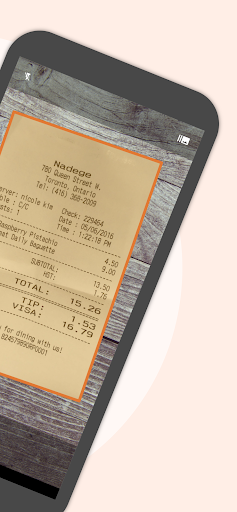
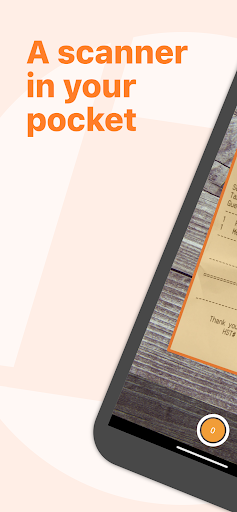
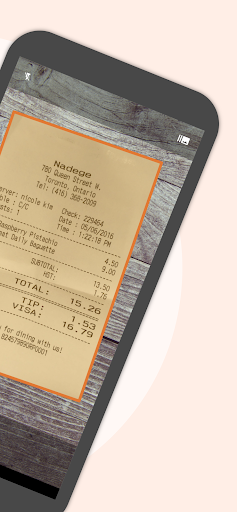
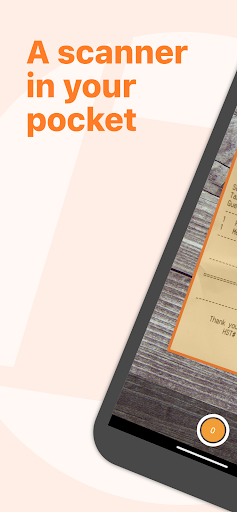
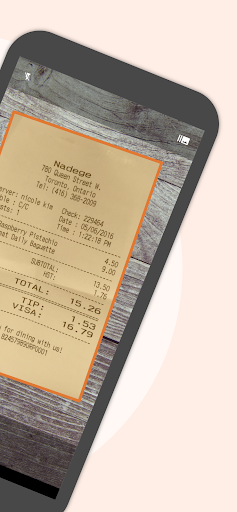
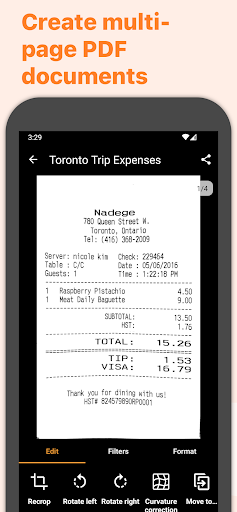
The core strength of Genius Scan lies in its intelligent scanning features, designed to produce crisp, professional-quality images. It automatically detects document edges, removes backgrounds, and corrects distortions, ensuring each scan appears clean and accurate. The app handles challenging scenarios such as shadows or defects by providing effective cleanup tools. Whether you need to scan a single page or multiple pages, Genius Scan efficiently manages batch scanning, turning physical documents into cohesive multi-page PDFs.
PDF Creation and Editing
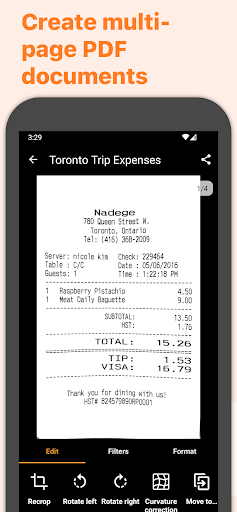
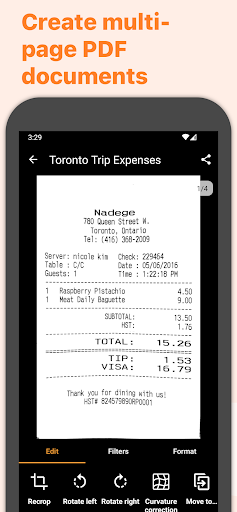
Genius Scan excels as a comprehensive PDF scanner. Beyond converting papers to images, it allows users to merge, split, and organize scans into well-structured PDF documents. You can create multi-page PDFs effortlessly and even perform editing tasks to customize your documents, making this app suitable for both personal and professional use.
Privacy and Security
Understanding the importance of data protection, Genius Scan prioritizes user privacy through on-device processing, which means your documents are never uploaded to external servers without permission. Additional security features include biometric unlock options and PDF encryption to safeguard sensitive information, making it a reliable tool for confidential document handling.
Organizational Tools
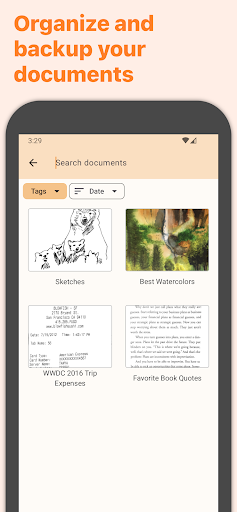
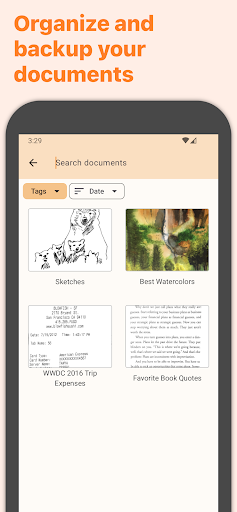
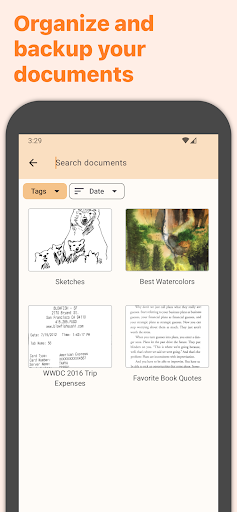
Organizing your scanned documents is simple with Genius Scan. The app offers features like document tagging, metadata addition, and content search, enabling quick retrieval of files. It also supports smart document renaming using custom templates. For even better management, users can backup scans and synchronize across multiple devices seamlessly.
Flexible Export Options
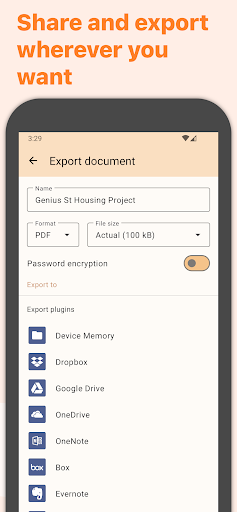
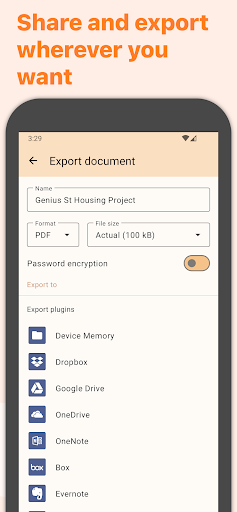
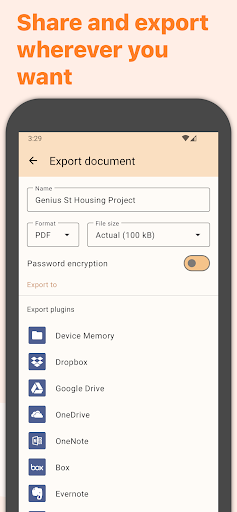
Sharing your scans is straightforward with a range of export choices. Send files via email, save to cloud services such as Dropbox, Google Drive, OneDrive, or upload to other platforms like Evernote and Expensify. Moreover, the app supports FTP and WebDAV services, providing versatility for professional workflows.
OCR and Text Recognition
For advanced usability, Genius Scan offers Optical Character Recognition (OCR) which can extract text from scanned documents. This feature enables creating searchable PDFs, greatly enhancing productivity for users who need to organize or quickly find information within their documents.
Why Choose Genius Scan - PDF Scanner?
Developed by The Grizzly Labs in Paris, France, Genius Scan stands out for its commitment to quality and privacy. Its intuitive interface makes scanning simple for users of all skill levels, whether you need to digitize a single receipt or organize an entire archive of paper documents. The app's intelligent features, like perspective correction and shadow removal, ensure your scans are professional-looking, saving you both time and effort.
Furthermore, Genius Scan's robust security features — including document encryption and biometric unlocking — provide peace of mind when handling sensitive information. Its seamless integration with cloud storage services allows for effortless backup and multi-device access, making it ideal for busy professionals and small business owners.
The continual updates and proactive customer support from the development team signal a reliable and evolving product. With versatile export options and advanced OCR capabilities, Genius Scan - PDF Scanner is truly a comprehensive solution for anyone seeking an effective way to manage documents digitally.
In summary, whether you are looking for a powerful PDF scanner app, a secure document organizer, or a multi-functional tool for paperless workflows, Genius Scan offers a perfect blend of simplicity, security, and advanced features. Embrace the future of document management and experience how this innovative app transforms your daily productivity. Once you start using Genius Scan, you'll wonder how you ever managed without it!
Pros
- User-friendly interface.
- High-quality scan results.
- Rapid processing speed.
- Functionality available offline.
- Scans are free of watermarks.
Cons
- Limited features in the free version.
- App may occasionally crash.
- Contains advertisements in the free version.
- Consumes significant battery power.
- Does not offer advanced editing capabilities.











