

Introduction to the PDF Reader: Edit & Convert PDF App
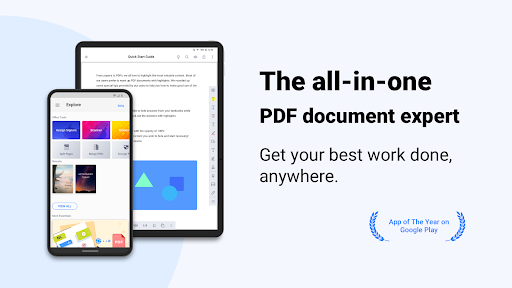
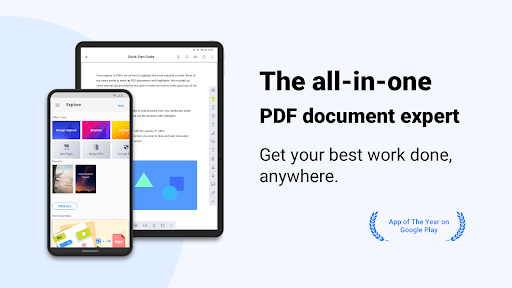
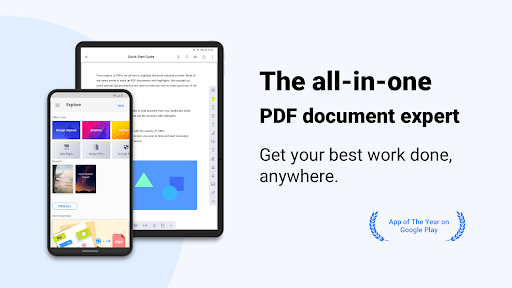
Discover the ultimate all-in-one solution for managing your digital documents with the PDF Reader: Edit & Convert PDF. This powerful application offers a comprehensive suite of features designed to enhance your productivity and streamline your workflow across multiple devices including smartphones, tablets, and PCs. Whether you need to view, annotate, sign, scan, or convert PDFs, this app has got you covered. Its user-friendly interface and robust capabilities make it an indispensable tool for students, professionals, and anyone who regularly works with digital documents.
Main Features of PDF Reader: Edit & Convert PDF
Creating and Accessing Files
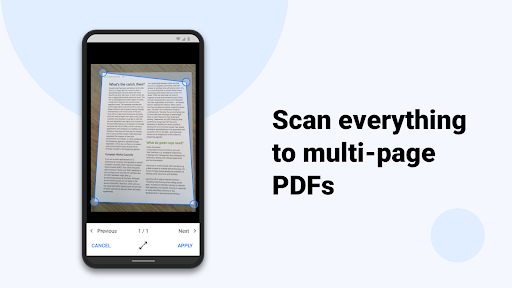
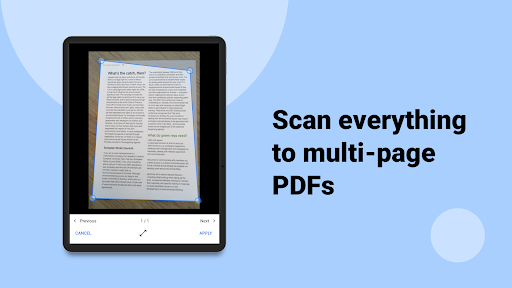
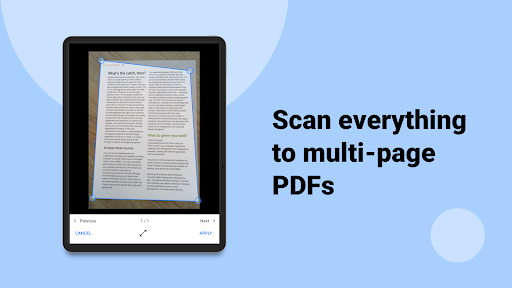
Start managing your documents effortlessly by creating and combining scans into multi-page PDFs. Import files from your computer, cloud storage, or other apps to keep all your documents in one place. You can also store files from the web or email attachments and access all files conveniently from local folders. The app ensures that your files are always at your fingertips for quick editing or viewing.
Annotate and Review PDFs
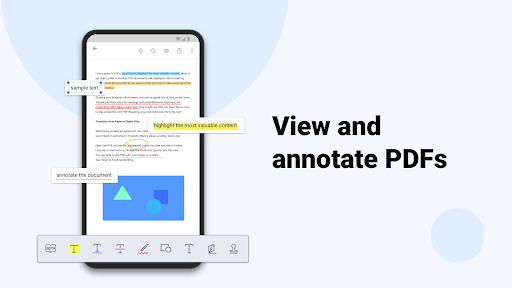
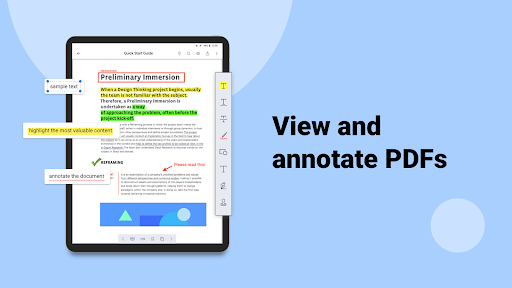
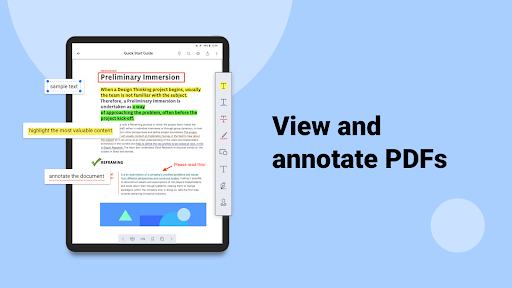
Enhance your document review process with powerful annotation tools. Highlight, underline, or strikeout text to emphasize important information. Add predesigned stamps such as Approved, Sign Here, or Confidential. You can insert shapes and text boxes directly into PDFs, making it easy to customize your documents. Additionally, convert text to speech in Text Reflow mode for an accessible reading experience.
Sign Documents Directly on Your Screen
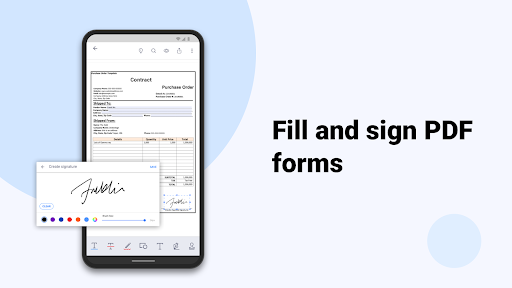
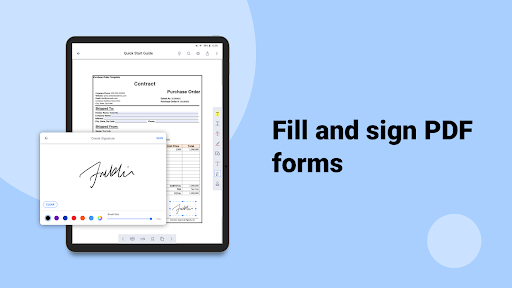
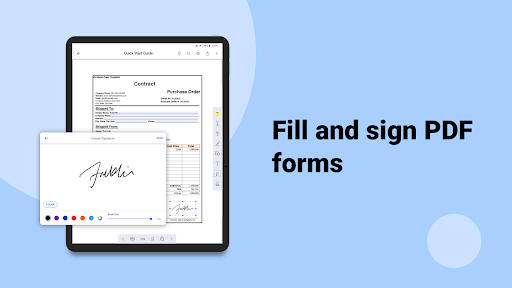
Sign contracts, agreements, or any form electronically with ease. Store and manage multiple signatures within the app’s library, allowing for quick application of your signed images on any PDF document. This feature simplifies the signing process without printing or scanning physical documents.
Edit Text and Correct Errors
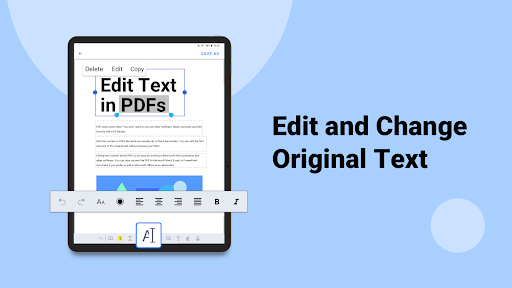
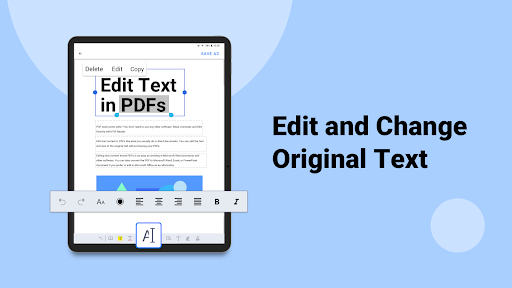
Easily correct or update text and fix typos directly within your PDFs. This feature is ideal for making quick edits on documents without needing to recreate or convert files repeatedly, saving you valuable time and effort.
Viewing and Navigating Files
The app supports various formats including PDF, text, ePub, and images. Utilize features like Text Reflow, horizontal/vertical scrolling modes, jump to page, and text search. You can also organize your documents with bookmarks, outlines, and thumbnail views for easy navigation.
File Management and Compression
Manage your document library efficiently by zipping and unzipping files, renaming files and folders, and keeping your digital workspace organized. These features are designed to help you handle large volumes of files with simplicity and ease.
Writing and Handwriting on PDFs
Use your finger or stylus to create handwritten notes directly on your PDFs. This feature is perfect for personal annotations, signatures, or quick sketches, making your document interaction more flexible and natural.
Upgrade with Document 365
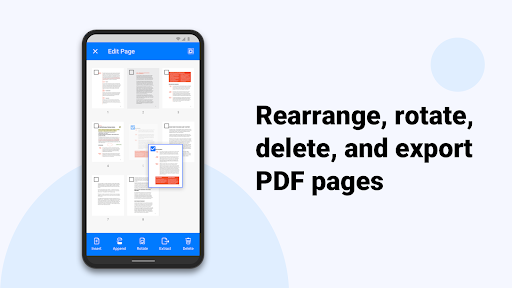
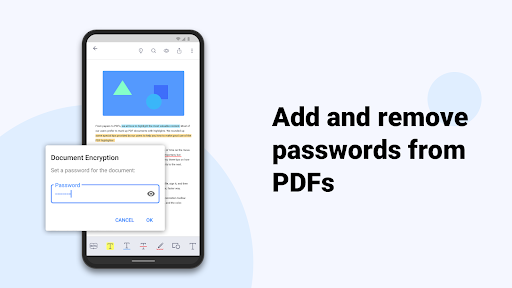
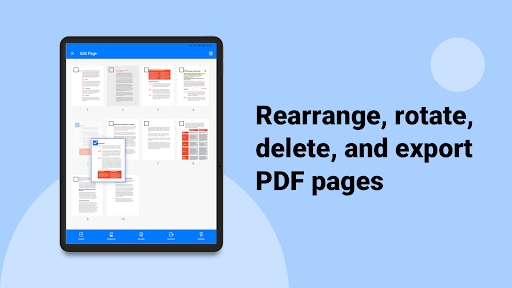
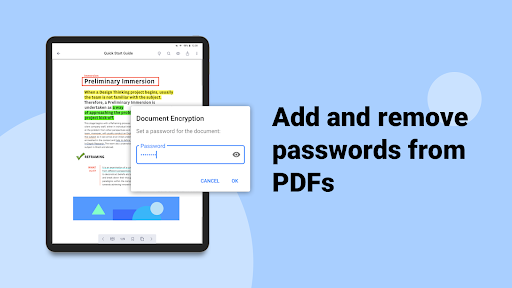
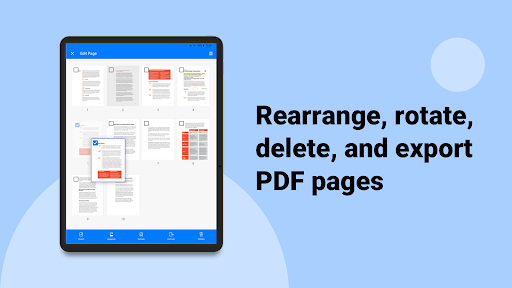
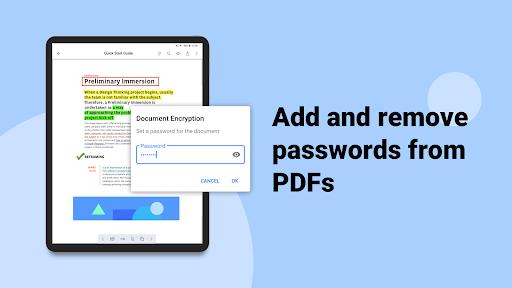
For enhanced capabilities, Document 365 offers a comprehensive, cross-device document management solution. It includes all features of KDAN PDF Reader across Android, iOS, Windows, and Mac, along with additional tools such as online converting and faxing services. With Document 365, you can unlock full access to all features, control app security with passwords, switch to night viewing mode, and manipulate your PDFs extensively by rotating, reordering, adding, or deleting pages. It also provides 1 TB of cloud storage, seamless file sharing, and the ability to send faxes directly from your devices.
Supported Languages and Policies
The application supports 11 languages, including English, Traditional Chinese, Simplified Chinese, Japanese, Italian, German, Spanish, French, Portuguese, Russian, and Korean. For detailed terms of service and privacy policies, visit the official links provided within the app or on their website.
Additional Support and Resources
If you need help, check out the tutorials and FAQ available at the official support site. You can contact the support team via email or visit their social media pages for further assistance. This dedicated support ensures you get the most out of your PDF management experience.
Why Choose PDF Reader: Edit & Convert PDF?
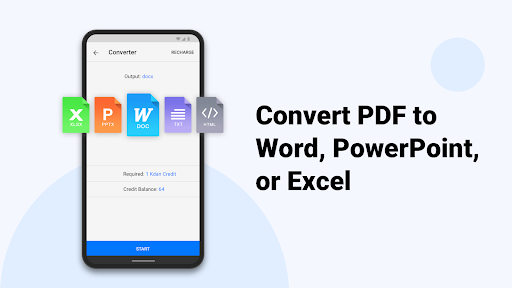
In conclusion, the PDF Reader: Edit & Convert PDF app is an essential tool for anyone dealing with digital documents. Its combination of advanced editing, seamless conversion, and user-friendly design makes document handling more efficient than ever. Whether you’re editing on the go, converting files for specific use cases, or securely signing documents, this app provides all the features you need in one integrated platform. Elevate your productivity and make managing PDFs simpler—download and explore this versatile app today!
Pros
- User-friendly interface simplifies navigation.
- Supports a wide variety of file formats.
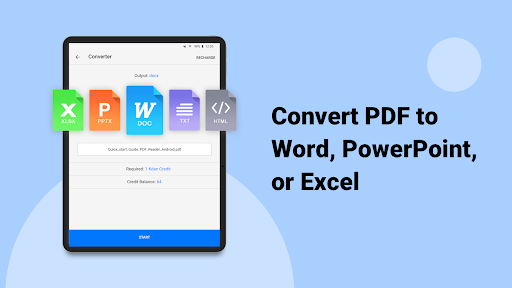
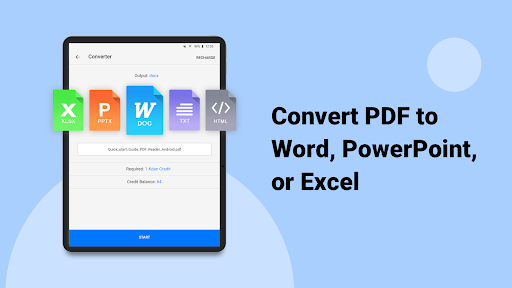
- Provides quick and efficient PDF conversion.
- Offers comprehensive editing tools.
- Facilitates easy file sharing and collaboration.
Cons
- Limited features in the free version.
- Occasional advertisements may disrupt workflow.
- Requires a subscription for access to premium features.
- Some functionalities depend on internet connectivity.
- May encounter compatibility issues on older devices.











