

Introduction to Clip Studio Paint
Clip Studio Paint is a powerful digital art application that has rapidly gained popularity among both professional artists and beginners. Designed to cater to a wide range of creative needs, this versatile app offers an extensive suite of tools that make drawing, painting, and comic creation seamless and enjoyable. Its intuitive interface, combined with robust features, allows artists to bring their ideas to life with ease. Whether you’re creating character art, illustrations, or full webcomics, Clip Studio Paint provides everything you need for high-quality digital artwork.
Getting Started with Clip Studio Paint
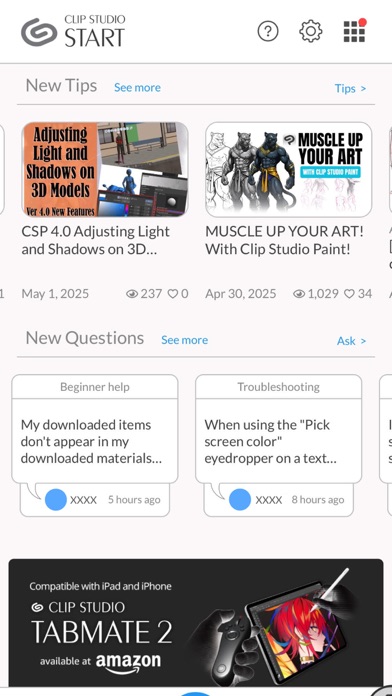
Starting your digital art journey with Clip Studio Paint is straightforward. The app is available on both Android and iOS devices, ensuring flexibility to create on the go. Downloading and installing the app is quick, and the user interface is designed to be user-friendly, even for those new to digital art. The workspace features a clean layout with easy-to-access tools and menus, so you can jump straight into your projects without a steep learning curve.
Flexible Trial Options for Artists
You can experience the creative potential of Clip Studio Paint with a free 30-day trial. On tablets, a subscription plan is required to save or export your artwork, with options for monthly or annual plans, and up to 3 months free when you subscribe to your first plan. For smartphone users, the app offers a 30-hour free trial each month, accessible without ads, giving ample time to explore all features. Subscribing enables access to the latest tools, materials, and cloud storage (10 GB), providing a complete platform for digital art creation.
Powerful Tools and Features for Creative Excellence
One of the defining aspects of Clip Studio Paint is its comprehensive set of tools tailored for professional and hobbyist artists alike. The app allows you to:
- Create up to 10,000 layers for detailed and complex artwork;
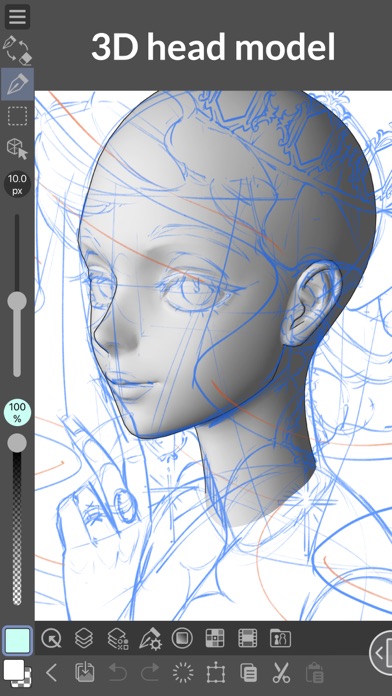
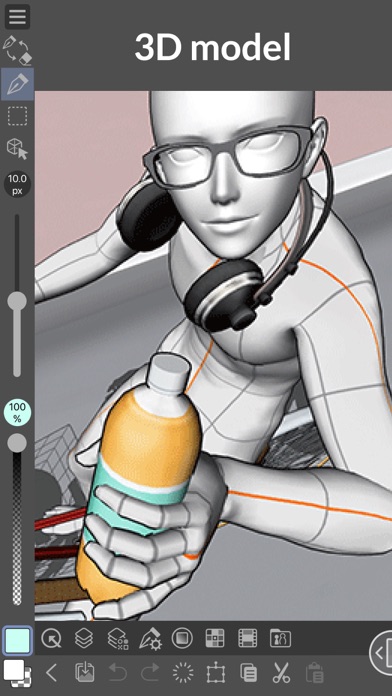
- Pose 3D models to draw difficult angles and perspectives;
- Apply Liquify effects across multiple layers instantaneously;
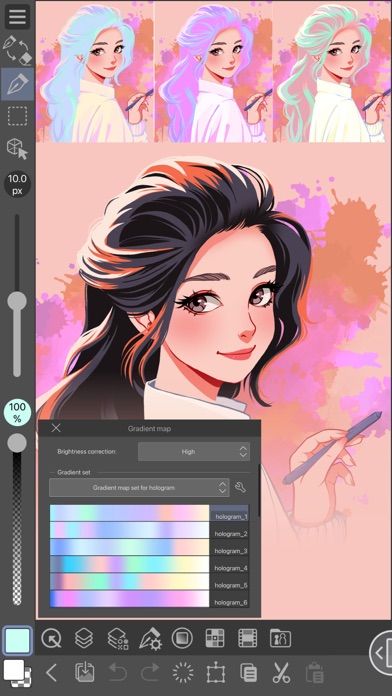
- Utilize Gradient maps for refined color control;
- Capture challenging hand poses with live video reference;
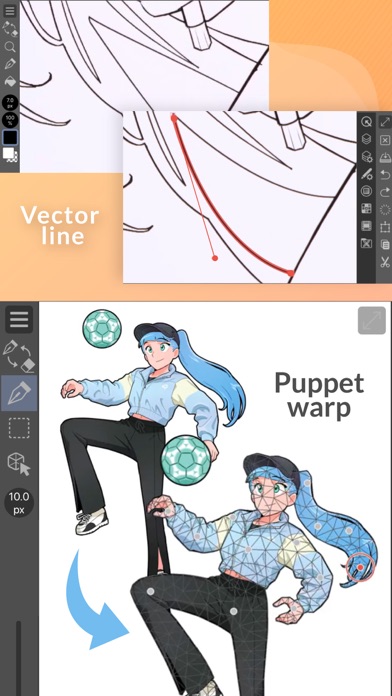
- Use Puppet warp for fine adjustments;
- Employ snap guides to quickly align objects; and
- Record timelapse videos to showcase your process and share on social media.
Inspiring Drawing Tools and Creative Assets
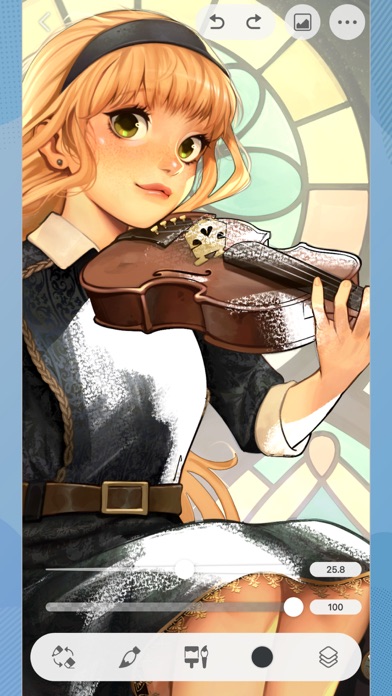
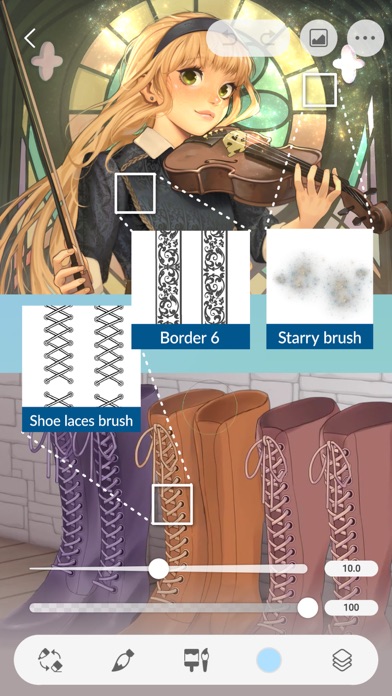
To keep your creative juices flowing, Clip Studio Paint offers a vast library of over 270,000 free and premium materials, including textures, brushes, and templates made by artists around the world. You can customize brushes by adjusting textures, shapes, and effects like spray and color mixing, creating your perfect toolset. The app also supports vector layers for scalable, high-quality line art that can be smoothed and corrected with control points. Drawing in vectors allows for precise lines that can be resized without losing quality, making it ideal for professional illustrations and comics.
Advanced Drawing and Coloring Capabilities
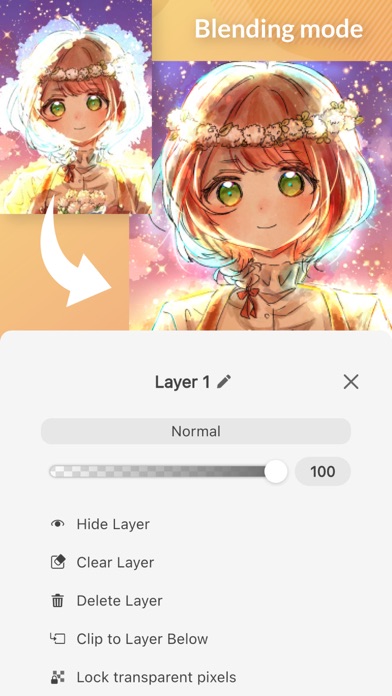
Clip Studio Paint excels in realistic rendering and smooth line art. Features like Line Stabilization ensure smoother lines, while the smart fill tool simplifies flat coloring. The app can automatically snap lines to perspective guides, making background creation quick and accurate. Additionally, the perceptual color mixing mimics real paint blending, giving your digital artwork a traditional feel. With 28 layer effects, you can enhance your artwork with shadows, highlights, and textures.
Ideal for Comics, Manga, and Animation
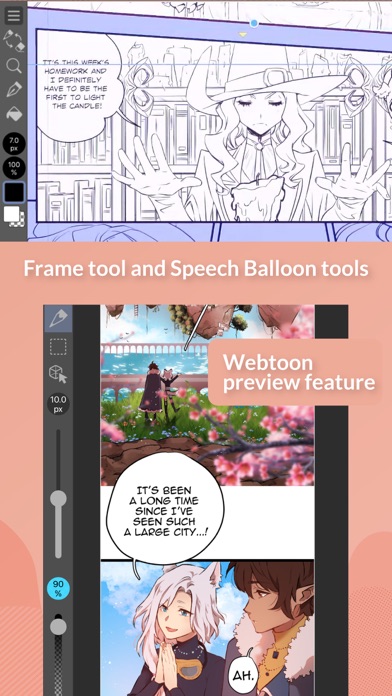
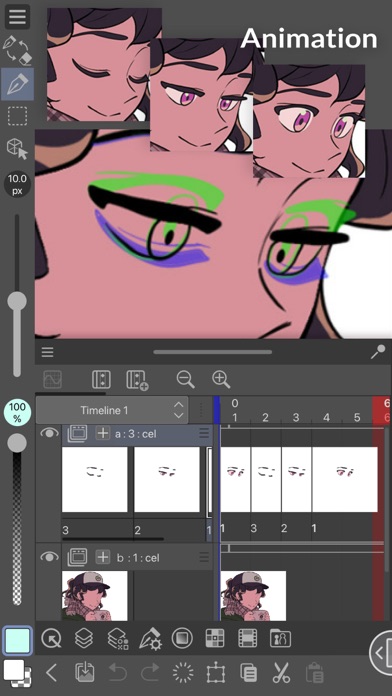
This app is a favorite among comic, manga, and webtoon creators. It enables you to craft speech bubbles, action lines, and custom character faces effortlessly. You can manage multi-page projects (EX version) and preview your webtoons on your smartphone. For animators, Clip Studio Paint supports creating GIFs and full-length animations, complete with sound, camera movements, and tweening – perfect for bringing characters and stories to life.
Device Compatibility and System Requirements
To enjoy advanced features like 3D tools and handling large files smoothly, it’s recommended to use devices meeting certain specs. The app also supports Chromebook and Samsung DeX mode with compatible plans. Detailed system requirements and supported devices are available on the official website.
Conclusion
Whether you’re an aspiring artist or a seasoned professional, Clip Studio Paint offers an all-in-one platform to cultivate your creativity. Its combination of intuitive design, extensive feature set, and supportive community make it a top choice for digital art, comic creation, and animation. Ready to elevate your artwork? Try the free trial today and discover why countless artists worldwide consider Clip Studio Paint their go-to digital art studio.
Pros
- Highly customizable user interface
- Compatible across multiple platforms
- Large library of brushes
- Regular updates and improvements
- Supports 3D models and assets
Cons
- Hard learning curve
- Costly subscription plan
- Requires significant resources on older devices
- Complicated licensing arrangement
- Restricted features in free version











