
Floor Plan Creator icon

Floor Plan Creator

130.17K
4
Installs
10.00M
Version
3.7
Advertisement
Floor Plan Creator screenshot
Advertisement

Overview of the Floor Plan Creator App

The Floor Plan Creator app is an innovative tool designed to help users craft detailed and accurate floor plans with ease. Whether you're a homeowner envisioning a remodel, an interior designer planning a space, or a professional architect needing quick sketches, this application offers a comprehensive set of features to bring your ideas to life. Its user-friendly interface, combined with powerful functionalities, makes space planning accessible to everyone, even those without technical expertise. With options to view your projects in 3D and add furniture for interior visualization, the app serves as a digital architect in your pocket.

Main Features of Floor Plan Creator

Detailed Floor Plans and Room Calculation

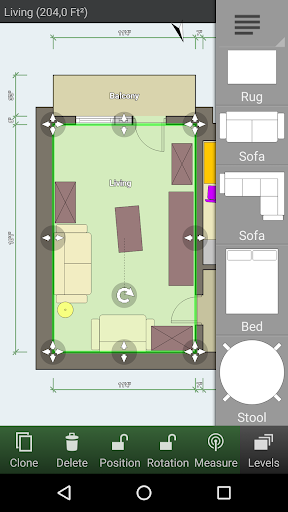
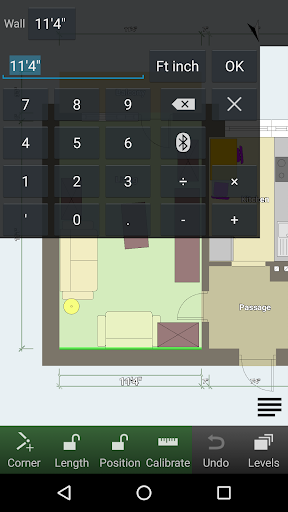
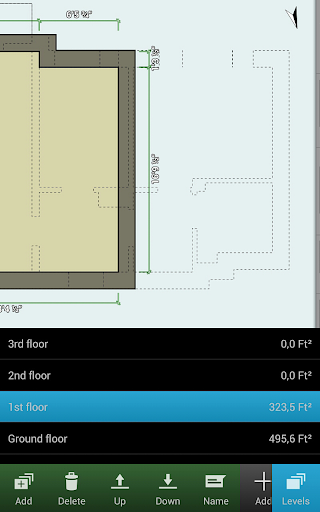
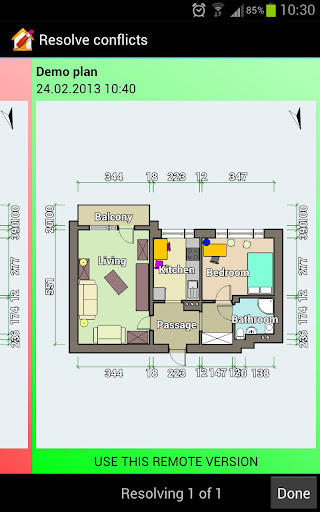
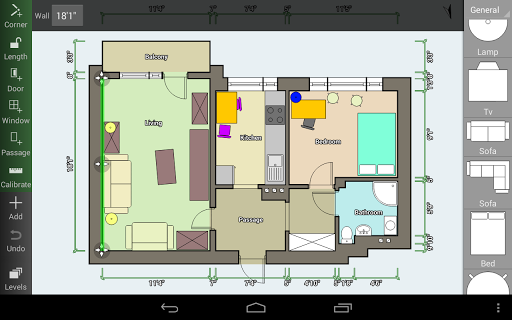
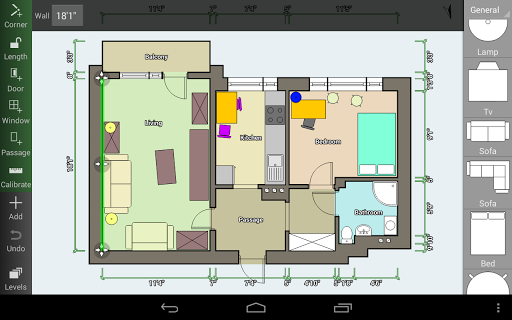
Create detailed and precise floor plans with rooms of any shape within the app. It supports multiple floors and can handle rooms with straight walls only. The app automatically calculates the area of rooms, walls, and levels, along with the perimeter and counts of symbols like doors and windows. This ensures accurate space measurement essential for renovation planning or furniture placement.

3D Visualization and Simulation

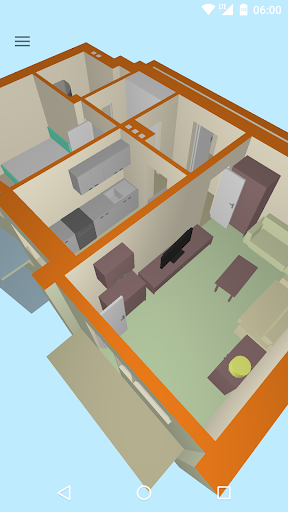
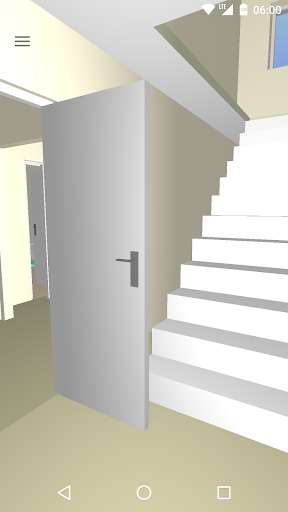
Switch seamlessly between 2D plans and a 3D tour mode that allows you to virtually walk through your design. This immersive feature is particularly useful for visualizing space and layout before executing physical changes, giving you confidence in your design decisions.

Furniture and Symbol Library

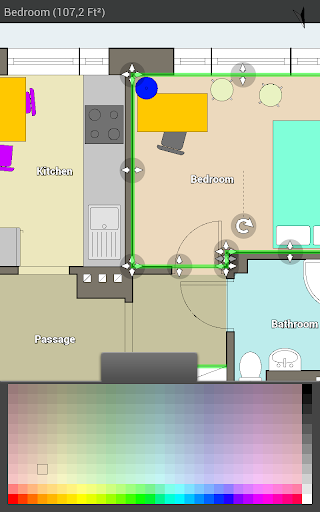
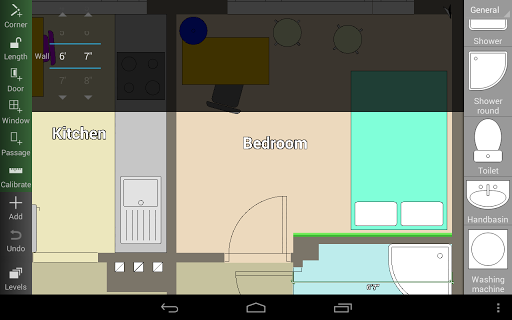
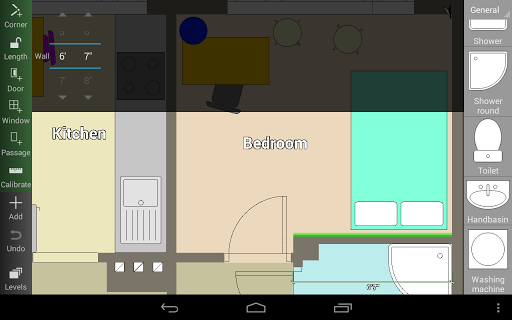
The app provides a comprehensive symbol library including doors, windows, furniture, electrical fixtures, and fire safety symbols. You can add and customize these elements to see how furniture and appliances will fit within your space, making it easier to plan for real-world interior design or renovation projects.

Custom Measurements and Cloud Support

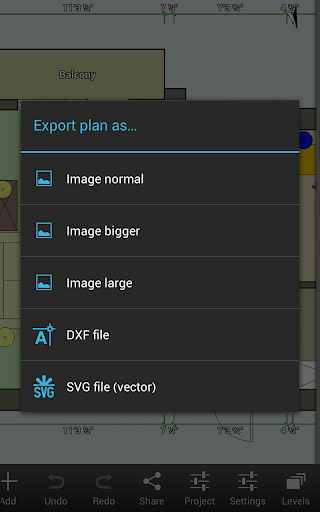
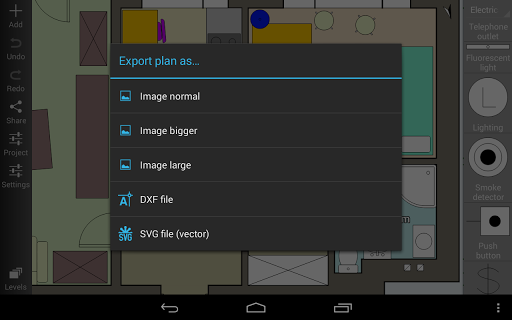
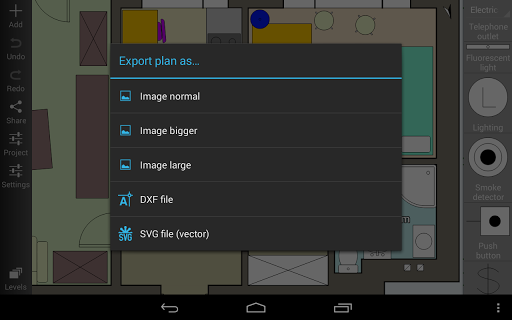
Use user-defined dimension lines to show and adjust distances and sizes directly on your plan. Cloud synchronization allows you to automatically backup and share plans between devices, and you can edit cloud-uploaded plans via the online platform. Export options include images, PDFs, DXF, SVG, and printing to scale, supporting both metric and imperial units.

Compatibility and Integration

The app supports integration with various laser measurement tools such as Bosch, Hersch, Hilti, Leica, and Stabila, among others. This ensures that measurements are precise, directly transferred from professional laser meters for accurate plan creation.

Why Choose Floor Plan Creator?

Have you ever tried to reimagine your space by rearranging furniture conceptually and ended up frustrated? Floor Plan Creator simplifies this process by providing a virtual platform to design, visualize, and plan layouts efficiently. Its intuitive touch controls and support for mouse inputs make it accessible whether you're on a smartphone, tablet, or computer.

User Experience and Benefits

Users appreciate the app’s straightforward navigation, powerful features, and ability to create complex multilevel projects effortlessly. The tutorials and a supportive community help new users get started quickly, while professionals benefit from advanced tools for detailed planning. Exporting projects in multiple formats makes collaboration with contractors or sharing ideas with clients seamless.

Final Thoughts

In summary, Floor Plan Creator stands out as a versatile, powerful, and easy-to-use tool for anyone interested in space planning and interior design. Its ability to generate accurate, detailed plans combined with immersive 3D visualization and seamless sharing options makes it an essential app for homeowners, designers, and architects alike. Whether you're sketching a new home layout or simply exploring ideas for your renovation, this app equips you with the tools needed to visualize and execute your vision effectively. Embrace your inner architect today and transform your space with Floor Plan Creator—your perfect planning partner.

Pros

  • User-friendly interface for straightforward navigation.
  • Supports both metric and imperial measurement units.
  • Allows exporting in various file formats.
  • Offers a comprehensive library of symbols.
  • Autosave feature helps prevent data loss.

Cons

  • Limited functionalities available in the free version.
  • May experience occasional crashes on older devices.
  • Ads may be intrusive during usage.
  • Some features require an internet connection.
  • Steep learning curve for advanced tools.

Advertisement

You May Like





