

Discover the Ultimate Drawing App: Draw, Sketch Pad
Are you passionate about digital art and looking for a powerful yet user-friendly drawing app? Draw, Sketch Pad is quickly gaining popularity among artists of all levels, thanks to its extensive features and intuitive interface. Whether you’re a beginner eager to doodle or a professional aiming to perfect your craft, this app offers everything you need to create stunning digital artwork right on your phone, tablet, or iPad. Let's explore what makes Draw, Sketch Pad such a standout choice for digital drawing enthusiasts.
Key Features of Draw, Sketch Pad
One of the main reasons artists love this app is its versatile toolkit and comprehensive approach to digital art creation. The app offers five dedicated digital art pads, each tailored to different artistic needs:
Pro Digital Art Pads
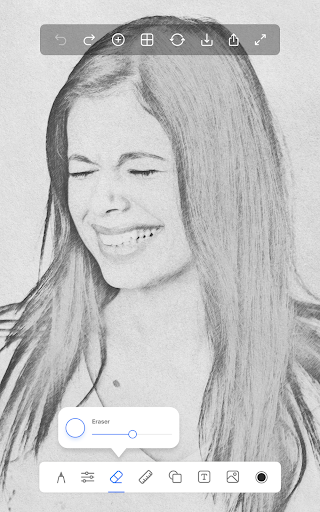
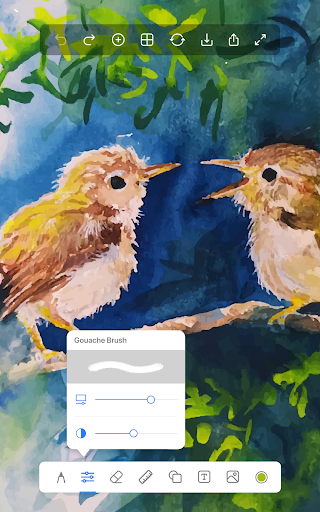
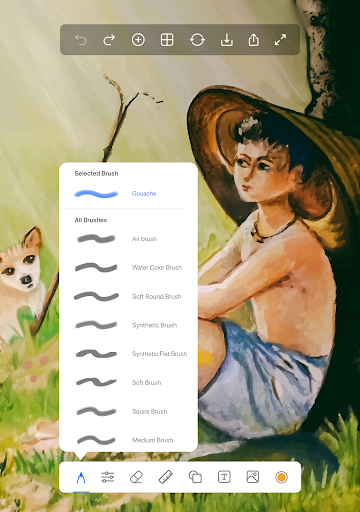
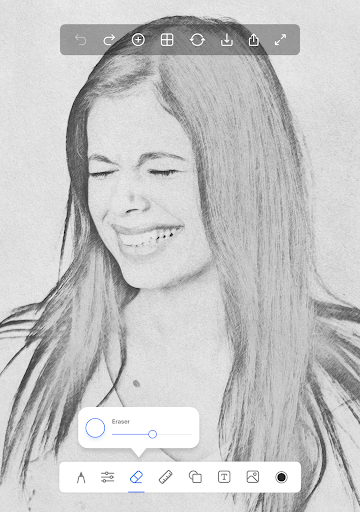
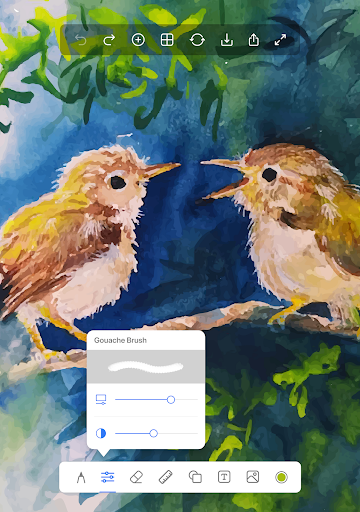
Sketch Pad: This feature supports multiple layers, allowing for complex compositions. Equipped with professional sketching tools like pencils, crayons, pens, watercolor brushes, fill buckets, and rollers, it empowers artists to experiment with various media.
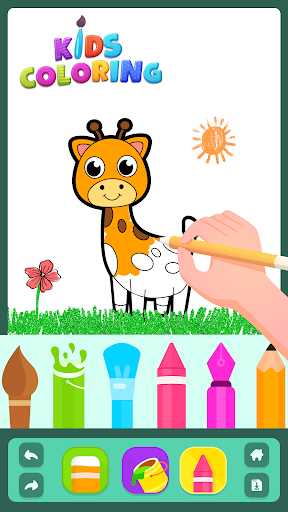
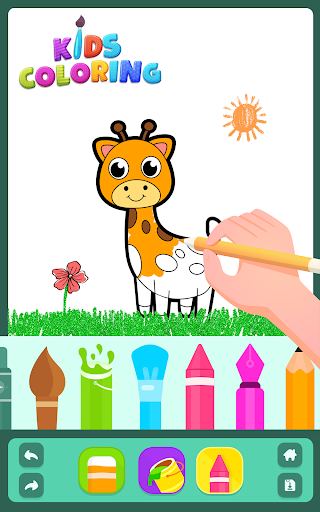
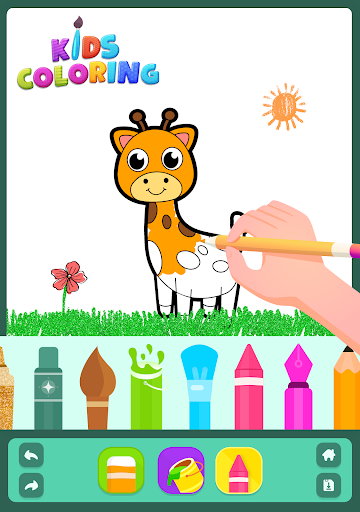
Kids Pad: Designed for young artists, this pad makes drawing fun with features like Color Fill, Fun Paint, Glow Pen, and Number Paint, encouraging creativity in a playful environment.
Coloring Pad: Equipped with a fully featured color palette, it includes over 500 coloring pages of animals, alphabets, numbers, and fruits, suitable for both kids and adults to relax and create.
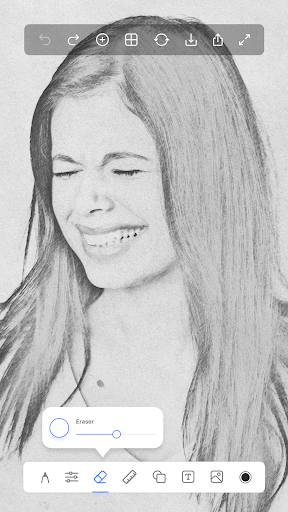
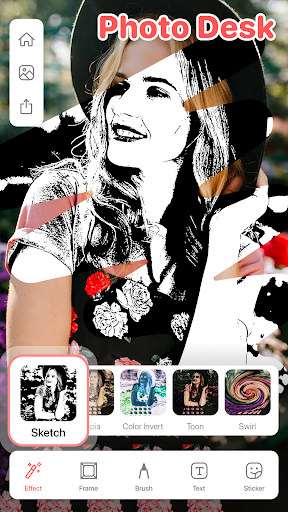
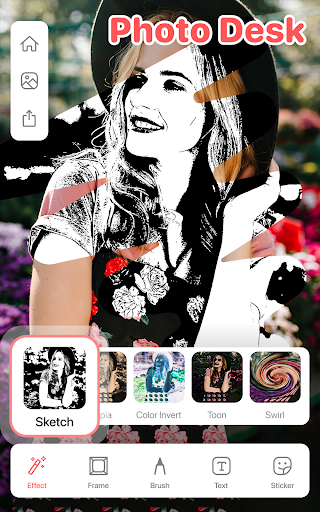
Photo Pad: Allows you to import photos and draw over them using a variety of brushes, making it perfect for photo sketches or learning to draw by tracing images.
Doodle Pad: Provides a simple, minimalistic surface to doodle freely. You can fill your doodles with different brush sizes and strokes for more expressive art.
Additional Features and Tools
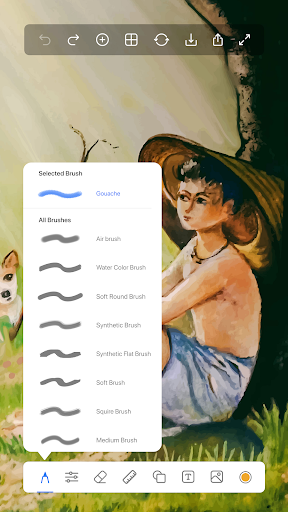
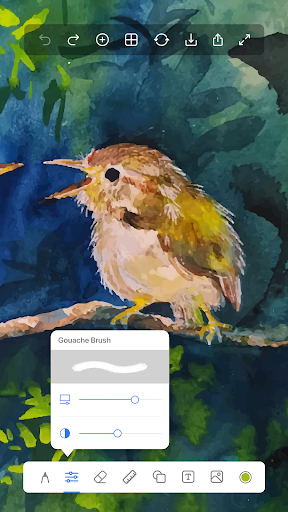
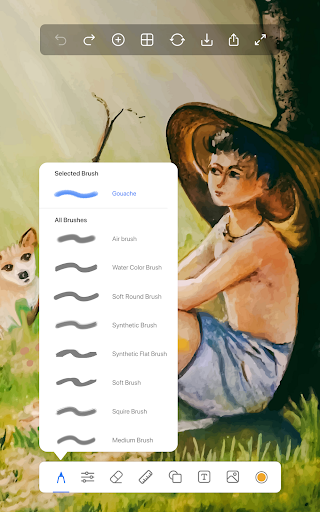
The app functions seamlessly both offline and online, enabling quick sharing directly from the interface. A broad selection of over 40 brushes offers varied textures and styles, making every stroke distinct—ideal for sketching, shading, coloring, and more. You can take notes in handwriting mode, save your sketches, and revisit them later to refine your artwork.
Customization and Precision Tools
Choose from different canvas sizes, including options for 7-inch tablets, landscape, portrait, iPad, iPad Pro, square formats, and large postcards, giving you flexibility based on your project. The app also includes:
- Ruler: Perfect for creating straight lines and precise line art, great for sketching or technical drawings.
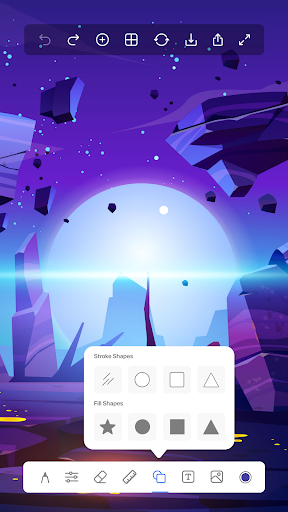
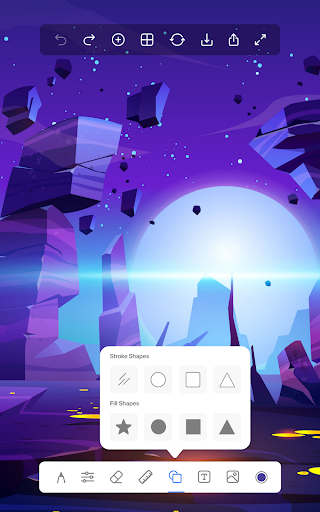
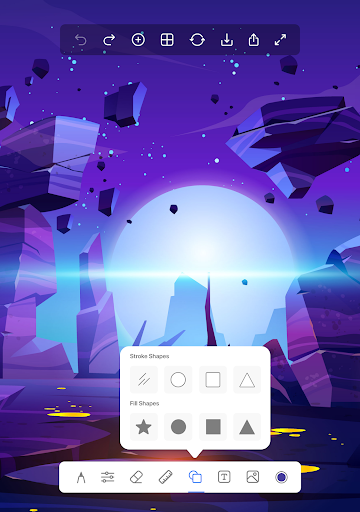
- Shape Tool: Easily draw perfect circles, squares, rectangles, or ovals, with options for filled or unfilled shapes.
- Draw on Photos: Import images and trace or embellish them, ideal for learning or digital art projects.
- Text on Photos: Add text with customizable fonts, colors, and backgrounds for creating personalized images or social media content.
Why Choose Draw, Sketch Pad?
Compared to other digital drawing apps, Draw, Sketch Pad stands out with its user-friendly interface, extensive tools, and adaptability for artists of all skill levels. Whether you're into sketching, coloring, photo editing, or note-taking, this app offers a comprehensive suite of features:
- Multiple canvas sizes tailored to different devices and project needs.
- A rich collection of professional brushes** — including Pencils, Pens, Fountain Pens, Chalk, Tattoo Ink, Markers, Watercolors, Pattern Brushes, and Glow Brushes — to suit every artistic style.
- Tools like Ruler and Shape Tool for precise drawing and geometric shapes, aiding in both artistic and technical projects.
- Ability to draw on photos and add text, perfect for creating customized images and social media content.
Community and Sharing
Once your artwork is complete, you can easily share your masterpieces with friends and family directly from the app. The social sharing features enable exporting artworks to various formats suitable for social media or printing. Additionally, the app fosters a vibrant artist community, where you can receive feedback, gain inspiration, and collaborate on creative projects. This interactive environment makes Draw, Sketch Pad not just a drawing tool but a platform to grow your artistic skills.
Final Thoughts
Whether you’re venturing into digital art for fun or pursuing professional projects, Draw, Sketch Pad offers a comprehensive, easy-to-use solution that combines powerful features with a straightforward interface. Its diverse range of tools, customizable options, and supportive community make it an ideal choice for artists looking to unleash their creativity anywhere, anytime. Download this versatile drawing app today and start turning your ideas into beautiful digital artworks!
Pros
- User-friendly interface suitable for all ages.
- Offers a wide variety of brushes and tools.
- Supports high-resolution canvas editing.
- Includes layers feature to boost creative flexibility.
- Available in offline mode.
Cons
- Limited features in the free version.
- Occasional app crashes have been reported.
- Advertisements may disrupt workflow.
- Premium features may be expensive.
- Lacks direct sharing to social media platforms.











