

Introduction to the 3D Modeling App: Sculpt & Draw
The 3D Modeling App: Sculpt & Draw is an innovative and versatile application designed for artists, designers, engineers, and hobbyists who want to create stunning 3D models, artwork, and CGI graphics directly from their mobile devices. With its intuitive interface and powerful set of tools, this app makes 3D modeling accessible and enjoyable for users of all skill levels. Whether you're looking to craft intricate 3D sculptures, design detailed models for professional projects, or pursue creative sketches, this app offers a comprehensive platform to bring your ideas to life on the go.
Key Features of Sculpt & Draw
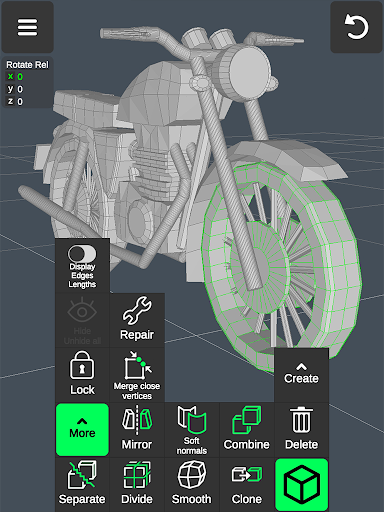
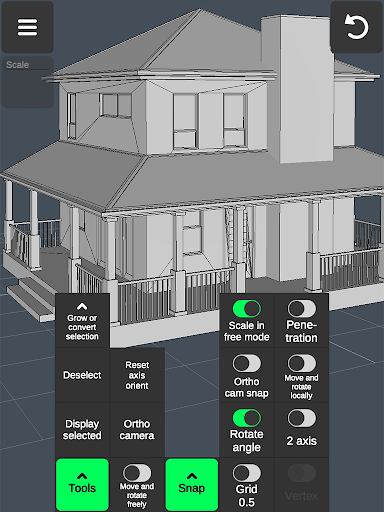
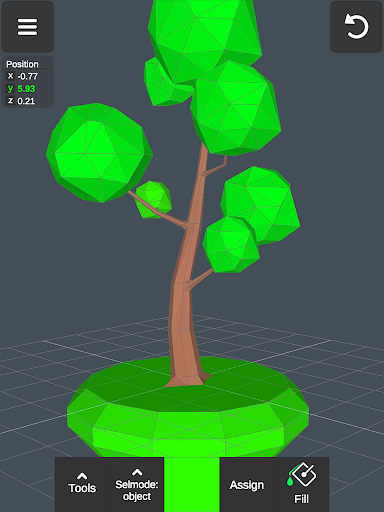
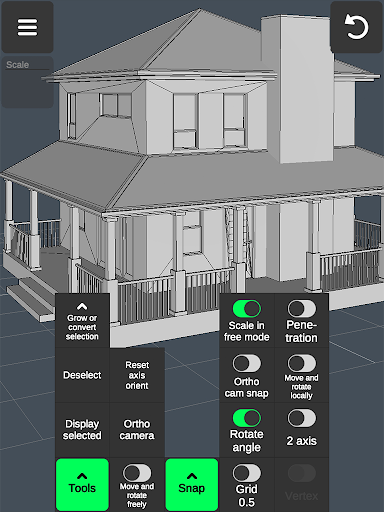
The app stands out with its wide array of features tailored for different creative and professional needs. It allows users to effortlessly make 3D models, create art, render CGI graphics, and even develop 3D characters and 3D games. Thanks to gesture-based controls, users can manipulate models by moving, rotating, and scaling objects smoothly, making the workflow seamless and efficient. Moreover, the application supports high-poly editing, enabling detailed sculpting and precise adjustments without lag—ideal for professional use in industries like automotive design, industrial design, furniture creation, and landscape architecture. For craftsmen and digital artists, Sculpt & Draw acts as a comprehensive digital canvas, suitable for 3D pen work, sketching, and painting. It offers a variety of brushes and painting tools, including support for vertex color painting. Artists who prefer working with stylus pens will also find compatibility, as the app supports external drawing tools for enhanced precision. For those interested in 3D sculpting, the app provides tools for pushing, pulling, smoothing, and moving mesh surfaces. It functions effectively as a 3D model maker and object creator, enabling rapid design cycles. Additionally, game developers can craft detailed characters, test physics, and design environments using built-in tools for model importing, exporting, and integration with popular 3D software.
Workflow and Toolset
Streamlined Workflow
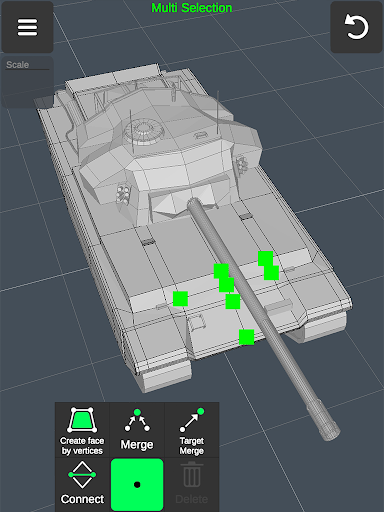
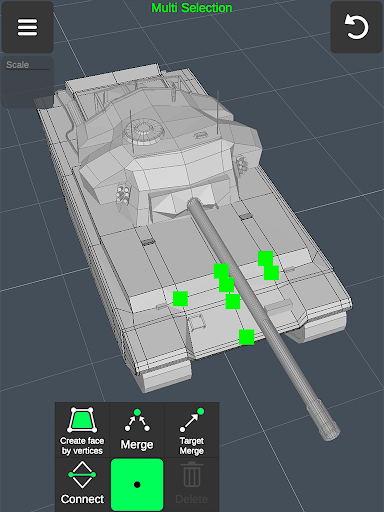
The app emphasizes a fast workflow with intuitive controls. Moving, rotating, and scaling models and camera views are gesture-based, allowing for quick adjustments. Users can easily switch between tools and modes, making the creative process smooth and uninterrupted. Multi-selection of vertices, edges, faces, and objects is simple—long pressing or drawing frames selects multiple elements simultaneously.
Advanced Modeling Tools
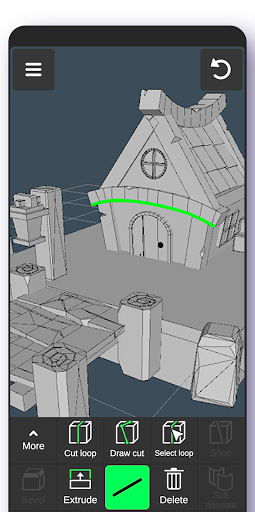
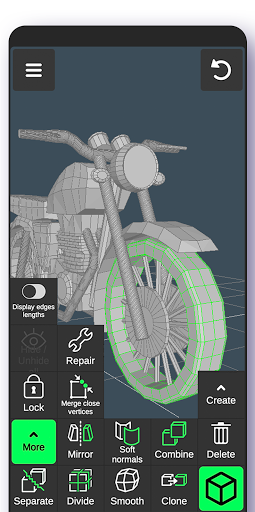
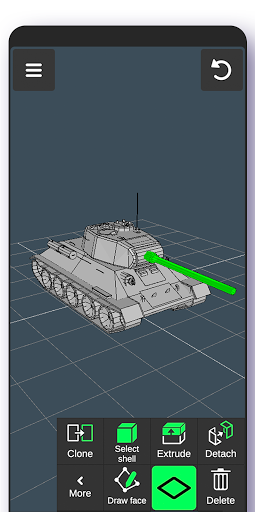
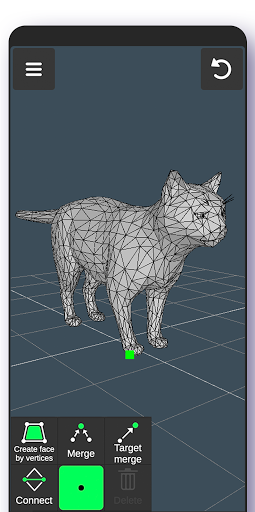
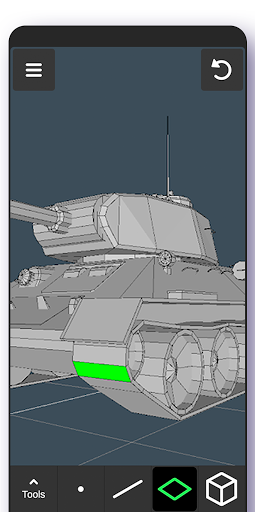
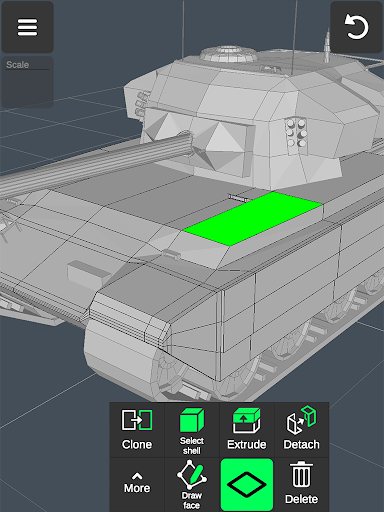
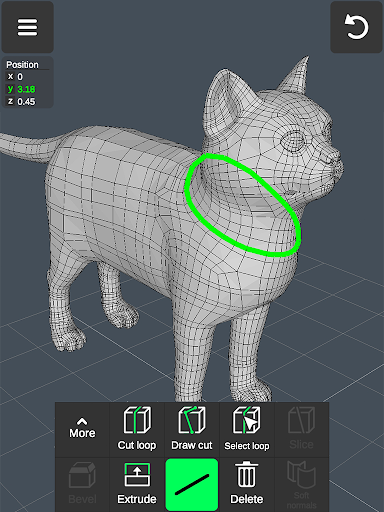
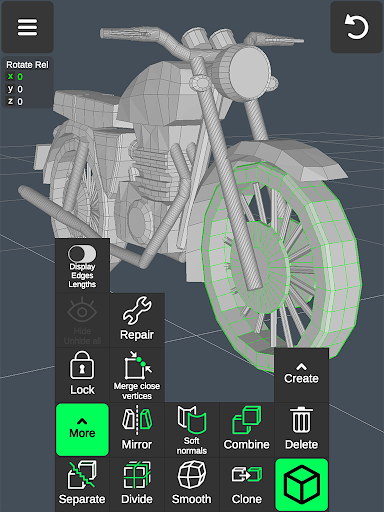
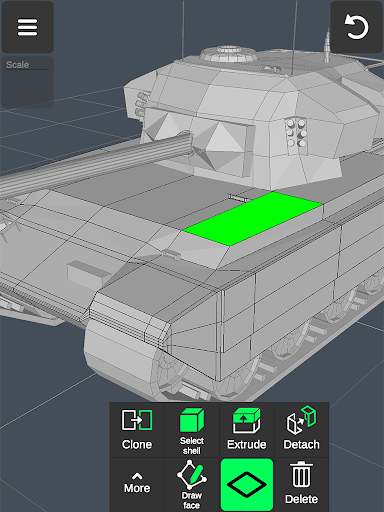
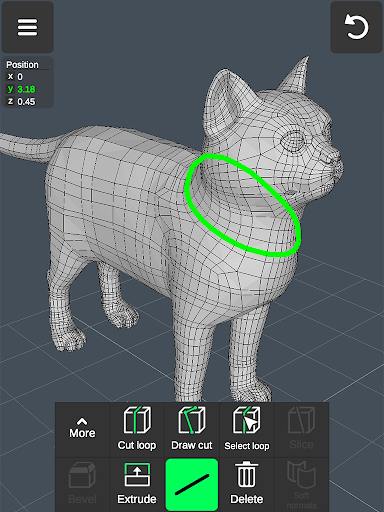
The app includes comprehensive vertex tools such as merging, connecting, and creating faces. Edge tools enable drawing cuts, creating loops, extruding, and deleting edges, facilitating complex topology editing. Face tools permit extruding, cloning, detaching, and reversing faces, providing detailed control over surface modeling. Object manipulation features include combining, cloning, mirroring, smoothing, and normal adjustments for refined models.
Sculpting and Painting
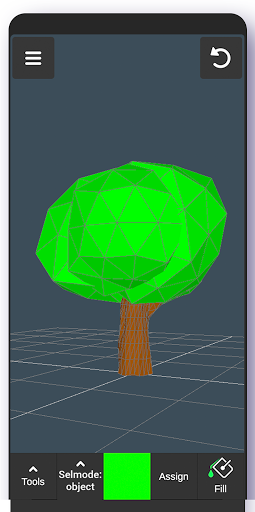
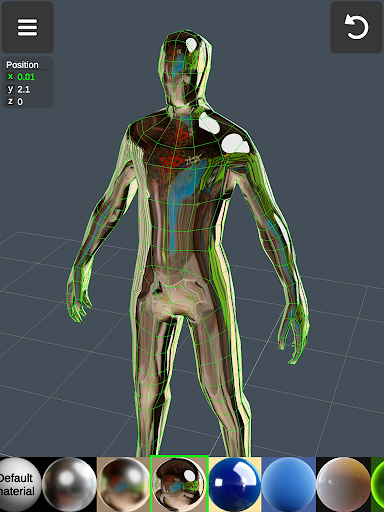
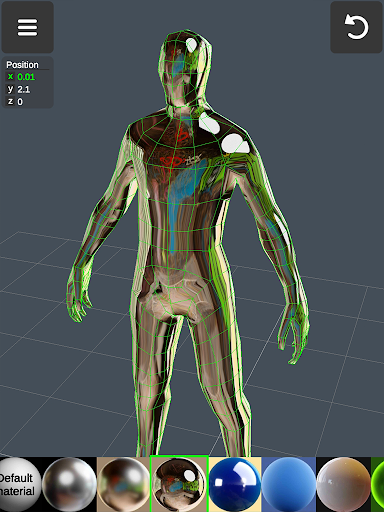
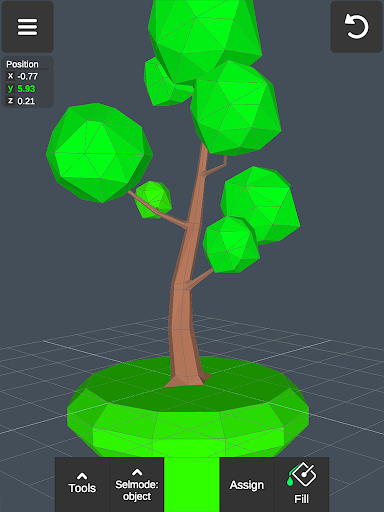
Sculpt directly on your models using tools for moving, pushing, pulling, and smoothing meshes. Brush size and strength are adjustable to achieve desired levels of detail. Additionally, vertex coloring allows for detailed surface textures and shading effects.
Display and Measurement Tools
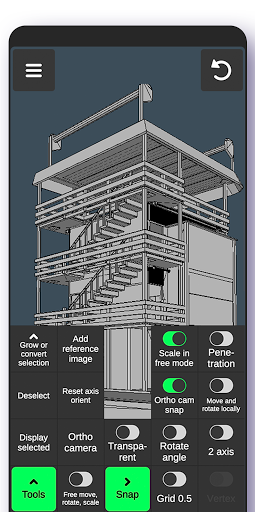
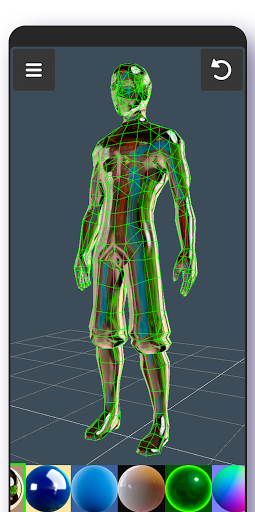
You can configure the ground grid with settable size and snapping functions. Real-time display information such as triangle count, vertex distances, and edge lengths helps optimize models. Viewing options include wireframe, shaded, shadowed, and axis overlays.
Exporting, Importing, and Compatibility
The app supports importing and exporting .obj files, compatible with major 3D modeling software like 3ds Max, Maya, Blender, Zbrush, and Cinema 4D. It also integrates with CAD programs including AutoCAD, SolidWorks, Fusion 360, and more, making it useful for professional design workflows. For advanced applications, models can be converted to formats like IGES, STEP, STL, FBX, and others through third-party converters, facilitating seamless transfer across different platforms and tools for further refinement or 3D printing.
Performance and User Experience
Designed to run smoothly on both Android and iOS devices, Sculpt & Draw offers stable performance without lag, even with complex, high-poly models. The interface is user-friendly, supported by tutorials and tips for beginners, making it easy to evolve from novice to expert. Real-time rendering and instant feedback enable creative experimentation, whether you’re working on a detailed sculpture, a 3D game character, or a professional industrial design.
Ideal Users and Use Cases
Sculpt & Draw is perfect for a wide spectrum of users—digital artists, game developers, 3D print enthusiasts, educators, and engineers. Its robust feature set caters to professional needs like 3D modeling for manufacturing, car design, or architecture visualization. Hobbyists and crafters can also enjoy creating artistic sculptures, custom jewelry, or unique 3D illustrations with no external stylus required, though support for stylus pens is available for those who prefer a more natural drawing experience.
Conclusion
If you’re seeking a powerful yet accessible 3D modeling and drawing app, Sculpt & Draw is an excellent choice. Its blend of professional tools, user-friendly interface, and versatile capabilities make it a go-to application for unleashing creativity on mobile devices. Whether you’re sculpting detailed models, designing characters for games, or exploring 3D art for fun, this app provides the features and performance needed to turn your ideas into reality—anytime, anywhere.
Pros
- User-friendly interface for simple navigation
- Extensive selection of modeling tools provided
- Supports multiple file formats for exporting work
- Provides real-time rendering capabilities
- Compatible across different platforms
Cons
- Steep learning curve for beginners
- Reports of occasional application crashes
- Limited features in the free version
- Consumes significant system resources
- Requires in-app purchases for full functionality











