
Frequently Asked Questions
What is Stickman: Draw Animation Maker?
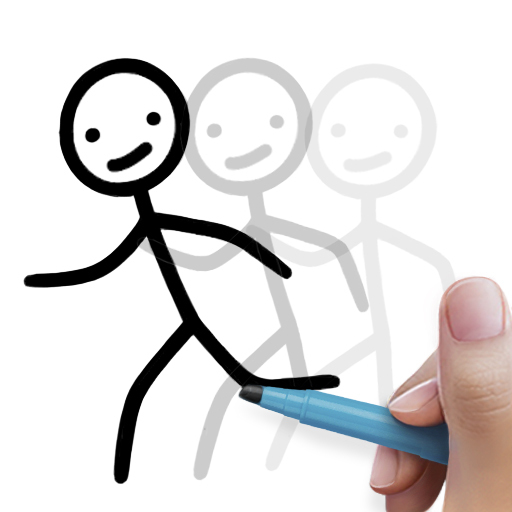
Stickman: Draw Animation Maker is a creative application designed for both amateur and professional animators to create simple yet engaging stickman animations. It offers a comprehensive set of tools for drawing frames, adjusting motion paths, and adding details. The app is available on Android and iOS, making it accessible to a broad user base.
Can I use Stickman: Draw Animation Maker without any prior animation experience?
Yes, the app is user-friendly and suitable for beginners. It includes intuitive controls and tutorials that guide users through the animation process. Even those with no experience can start creating animations by following step-by-step instructions, experimenting with tools, and learning as they go. Advanced users can utilize more sophisticated features to enhance their work.
What features does Stickman: Draw Animation Maker offer?
The app provides various features such as a frame-by-frame animation editor, customizable brushes, multiple export formats, and a library of pre-made characters and objects. Users can add sound effects and background music. It supports both basic and advanced animation techniques to cater to different skill levels.
Is Stickman: Draw Animation Maker free to use?
Yes, there is a free version with basic features suitable for casual users and beginners. A premium version is also available, offering additional features like advanced tools, extra character packs, and ad removal. Users can select the version that best fits their needs and budget.
How can I share my animations created with Stickman: Draw Animation Maker?
After creating an animation, you can share it directly from the app. The app allows exporting animations in formats such as GIF or MP4, which can be shared on social media, via email, or through messaging apps. This makes it easy to showcase your creations to friends and followers.
You May Like

Canva: AI Photo & Video Editor
Art & Design
4.9
FlipaClip: Create 2D Animation
Art & Design
4.6
AI Photo Editor: BG Remover
Art & Design
4.1
Adobe Capture: Illustrator,Ps
Art & Design
4.6
Photo Editor - Retouch Photos
Art & Design
3.8
ArtPic: Photo & Video Editor
Art & Design
3.8
Figma: view. comment. mirror.
Art & Design
4.3
VistaCreate: Graphic Design
Art & Design
4.7
AR Drawing : Trace Anything
Art & Design
4.6
Draw Anime: Paint & Sketch App
Art & Design
4.4
Anime AI - Photo Enhancer
Art & Design
3.4
Paint
Art & Design
4