
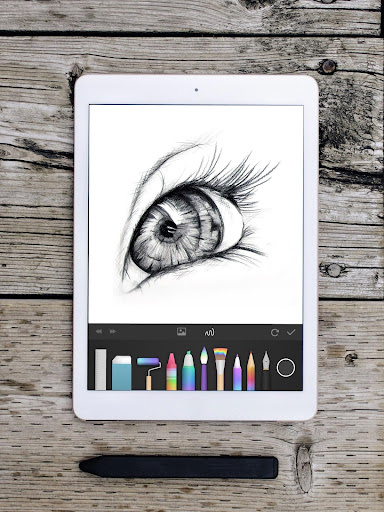
Introduction to PaperColor
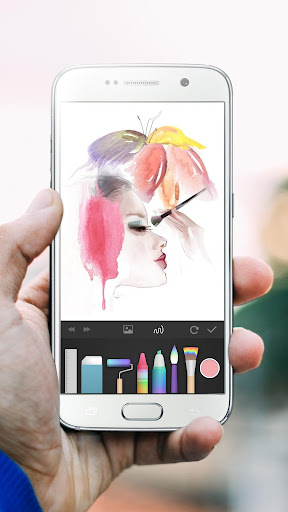
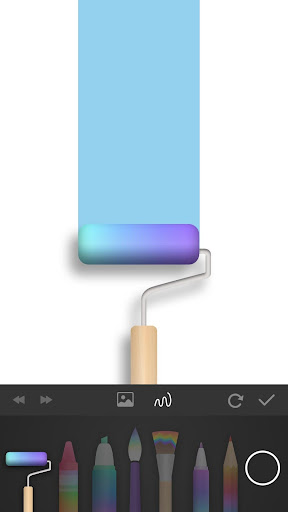
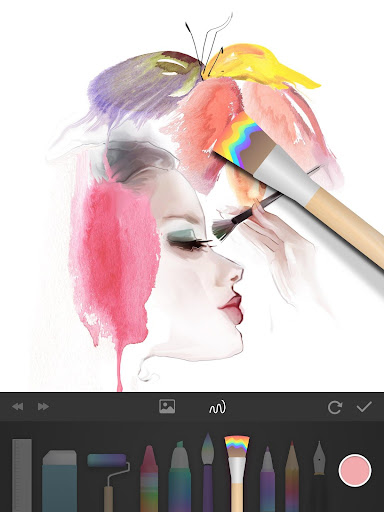
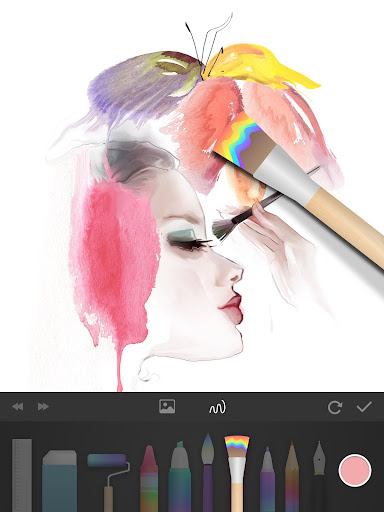
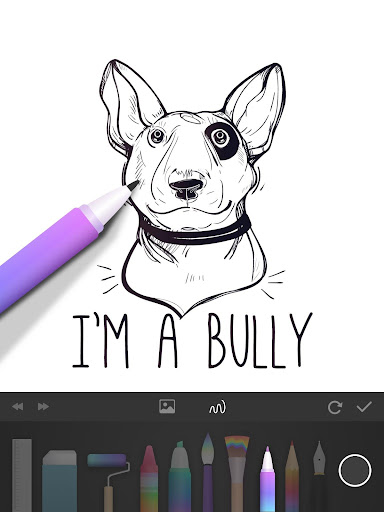
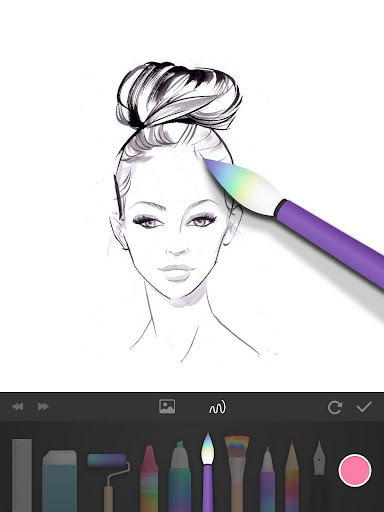
PaperColor is an exceptional painting application that mimics traditional paintbrushes, enabling users to draw, doodle, and create graffiti with ease. Whether you're a novice or an experienced artist, this digital art tool is designed to make creating artwork fun and accessible. It features a variety of styles of paintbrushes and a comprehensive colour library to help you bring your ideas to life. The app is perfect for any occasion—whether you're traveling, alone, at a party, or simply passing time on a flight—making it the ideal digital drawing platform for phones and tablets.
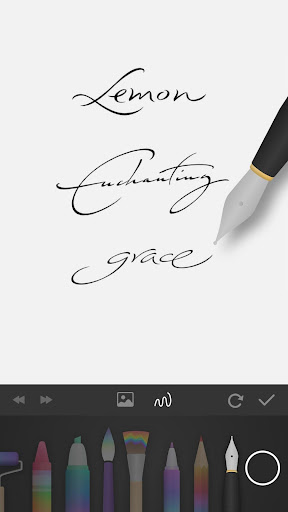
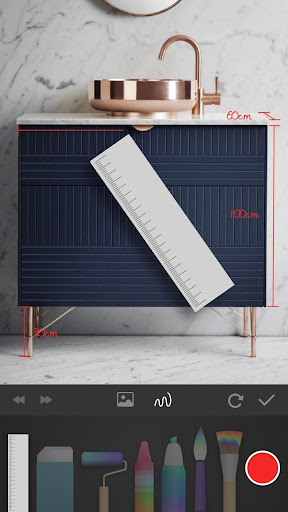
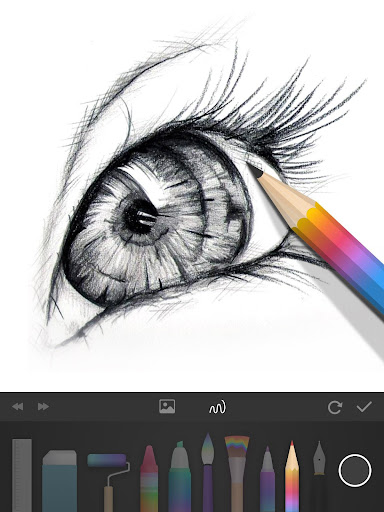
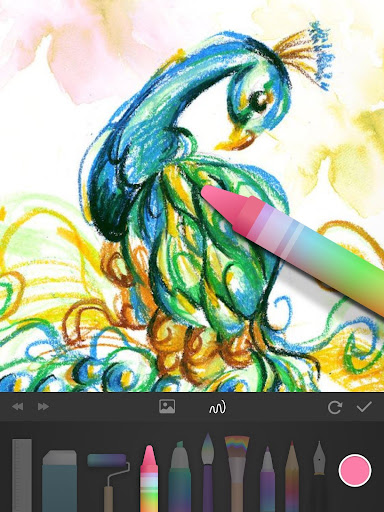
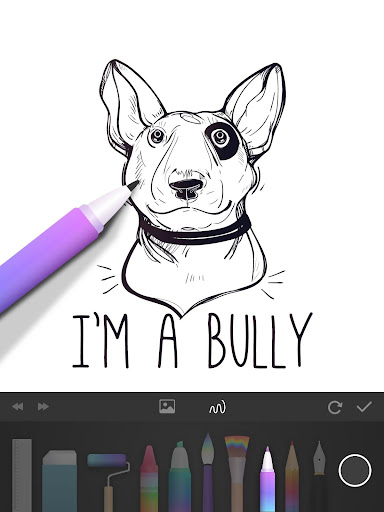
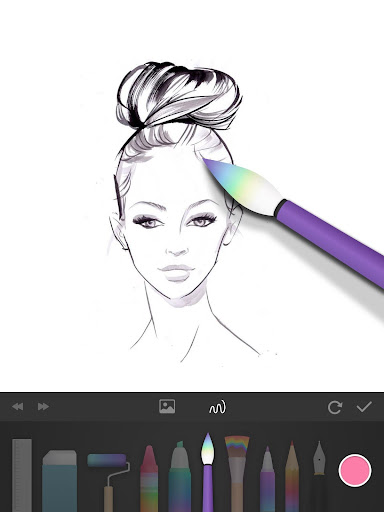
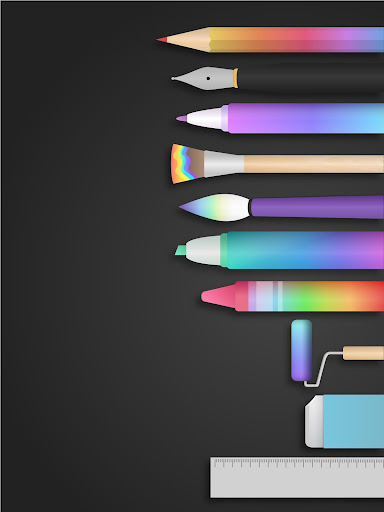
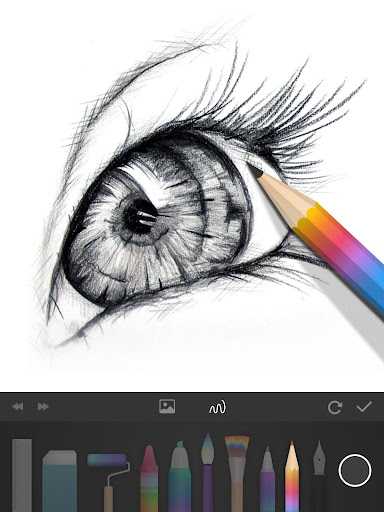
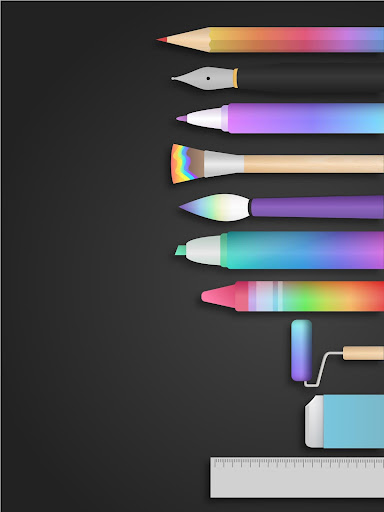
With exquisite drawing tools, you can even create handwritten signatures with a pen after completing your artwork. The app offers many tools that imitate real-life drawing instruments like paintbrushes, rulers, and erasers, to give your creations a professional touch. Additionally, you can mark on photos and draw directly over pictures, enhancing your artistic experience. The interface allows for dexterous scaling of images with your fingertips, creating a seamless drawing experience. Finish your masterpiece and share it instantly on the internet—show off your talent to the world!
Why Choose PaperColor for Digital Drawing?
While many digital drawing apps are available, PaperColor distinguishes itself by bringing a comfortable, traditional drawing feel directly to your mobile device. Think of it as carrying a portable digital sketchpad with you everywhere—ready to capture your creativity at any moment. Whether you're a beginner or a seasoned artist, this app makes it easy to create quality artwork without the need for complex settings.
The intuitive and clean interface ensures that you can start sketching right away, whether for casual doodling, practicing drawing skills, or creating detailed artwork. Its user-friendly design means you won't be overwhelmed by confusing menus, allowing for a seamless artistic experience on the go.
Features That Inspire Creativity
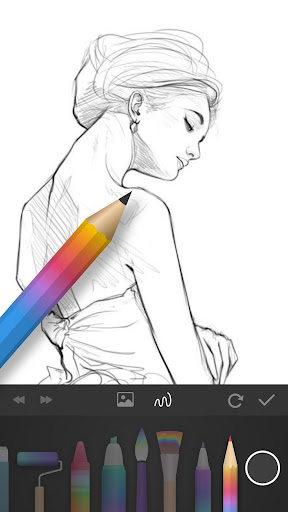
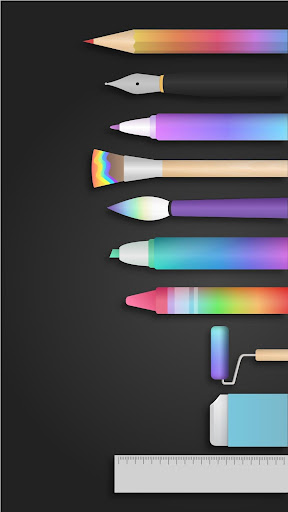
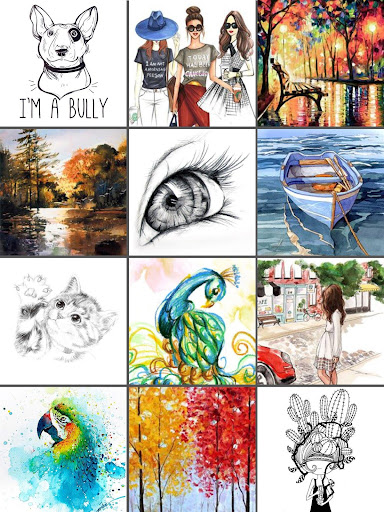
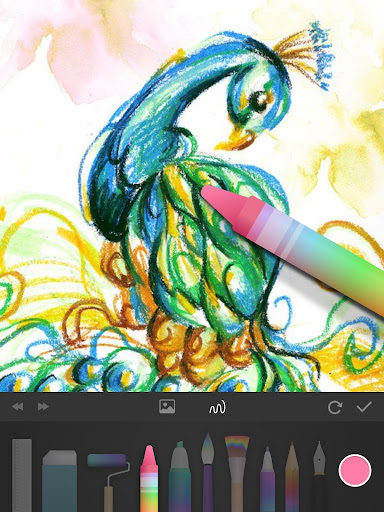
A standout aspect of PaperColor is its diverse range of brushes and colors. Users can choose from tools ranging from pencils and pens to watercolor and acrylic brushes, all designed to simulate real-world art supplies. The app even offers pressure sensitivity, making your digital drawings feel more authentic and natural, just like working with physical mediums.
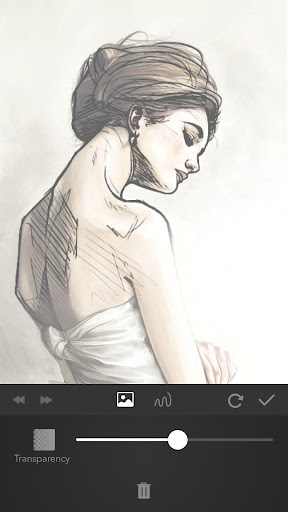
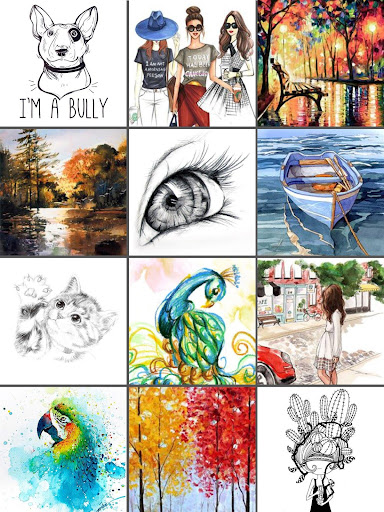
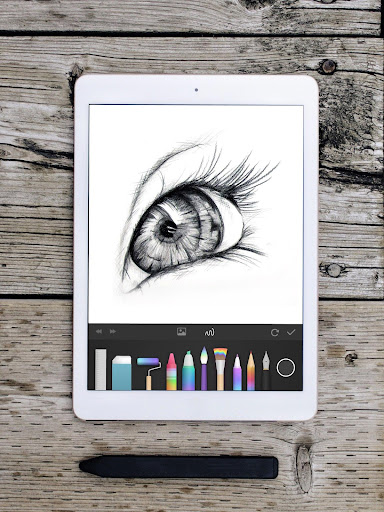
Another impressive feature is the ability to import photos as reference images or to draw over them. This is particularly useful for practicing portraits, landscapes, or any detailed artwork. With multiple layers, you can add depth and complexity to your compositions without risking your original sketches. This layered approach allows for greater flexibility and creative freedom as you refine your work.
Share Your Art and Keep Inspired
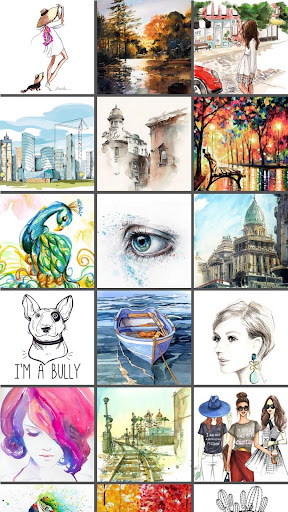
Once your masterpiece is complete, sharing your art is simple. The app supports easy sharing to various social media platforms or direct sending to friends and family, making it effortless to showcase your talent. Additionally, the built-in gallery feature helps you organize and store your drawings, so you can watch your skills grow over time and revisit previous works.
Final Thoughts
If you’re searching for a digital drawing application that replicates the traditional artistic experience while providing the conveniences of modern technology, PaperColor is an excellent choice. It is perfectly suited for beginners exploring their creativity as well as experienced artists seeking a reliable digital sketchpad. With its intuitive user interface, extensive features, and versatility, PaperColor is a fantastic tool to unleash your artistic potential. Download it today and discover the endless possibilities for digital art creation!
Pros
- User-friendly interface with intuitive tools
- Realistic brush strokes and textures
- Wide range of colors and shades
- Supports layering for complex designs
- Offline mode available for sketching anywhere
Cons
- Limited export options for artwork
- Occasional app crashes reported
- No vector drawing support
- Advertisements in free version
- Requires in-app purchases for some features











