

Easy Pose - 3D Pose Making App
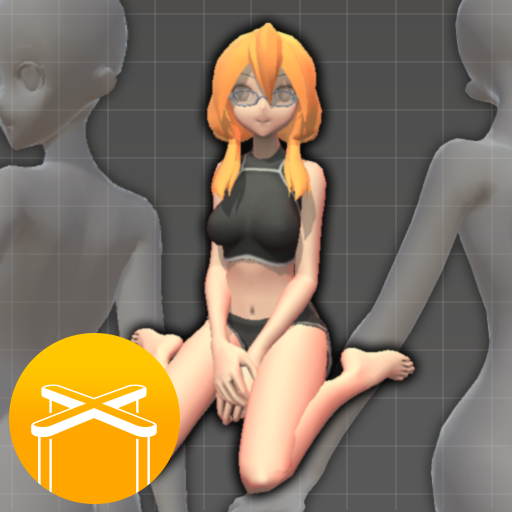
Easy Pose is a human body pose app designed for artists, illustrators, and anyone learning to draw. Have you ever wished for a personalized model to demonstrate various poses while working on animation, illustration, or sketching? Easy Pose was specifically developed to meet these needs. It offers the ability to inspect poses from various angles, making it a more convenient alternative to using traditional wooden joint dolls or figures as models. Even complex yoga or exercise poses can be checked comprehensively from different viewpoints, enhancing your creative process and accuracy in drawing.
Sensitive Operation and Control
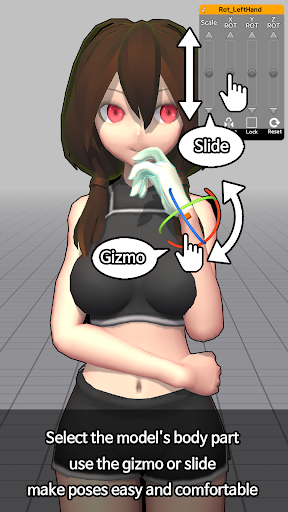
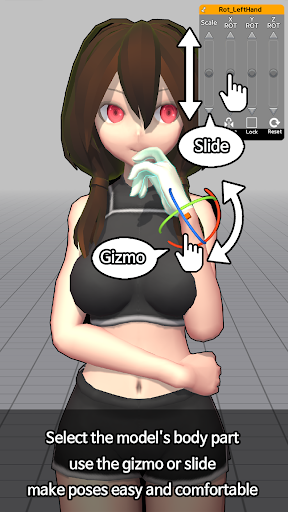
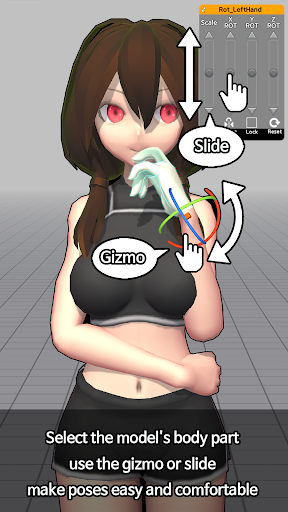
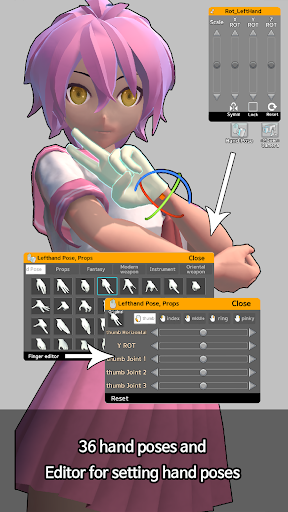
The app excels in providing sensitive operation controls, allowing precise manipulation of main joints smoothly. Features like highlight on movable parts, joint reset, and symmetry mirroring make pose adjustments intuitive. The controls are more user-friendly than traditional mouse operation, giving artists a natural and fluid experience when adjusting models.
Character Models for Different Styles
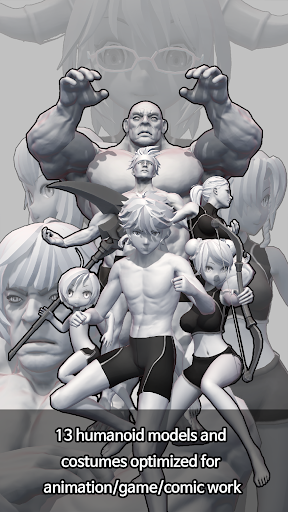
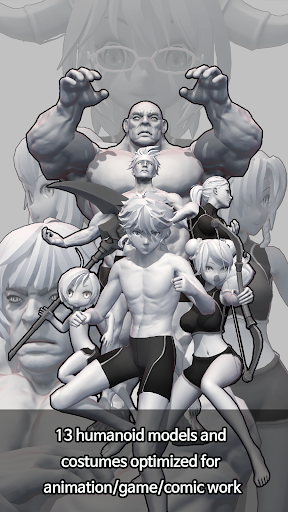
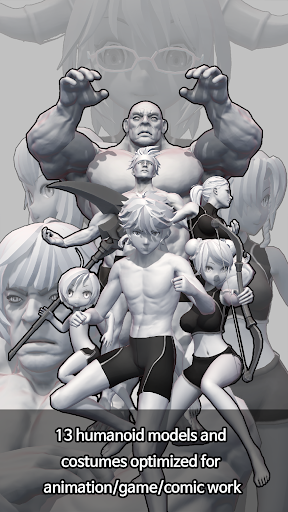
Unlike earlier pose apps that focused mainly on realistic figures with an eight-head ratio, Easy Pose offers models with various body types suitable for animation, webtoon, or game illustrations. This variety enhances artistic flexibility, enabling creators to work with characters that better match their project style.
Multi-Model Scene Creation
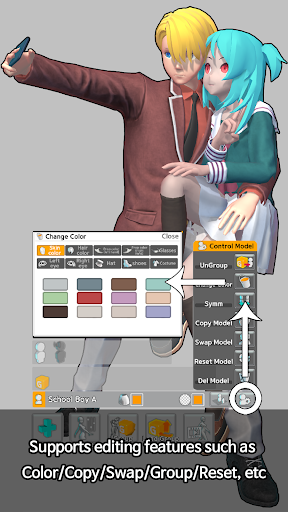
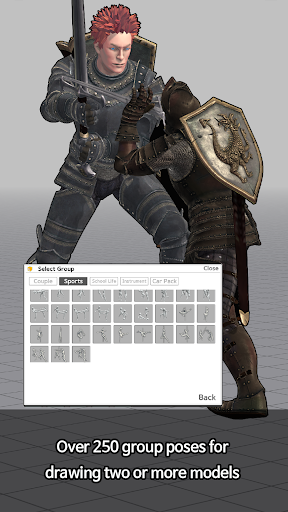
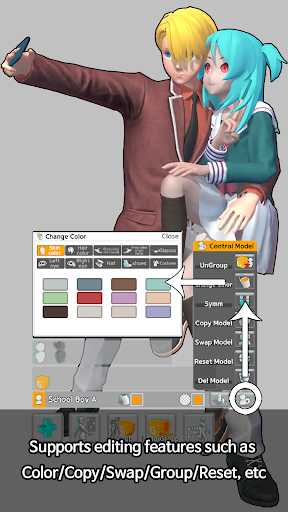
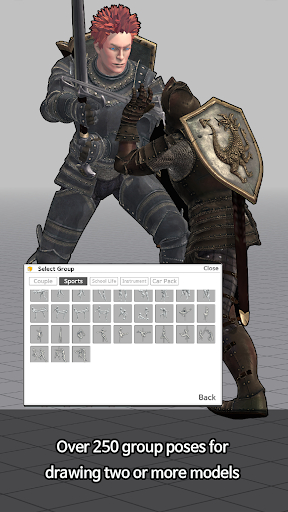
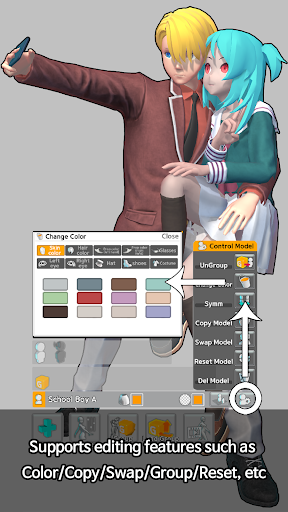
One of the app’s standout qualities is its ability to control up to six characters simultaneously. This feature allows users to create complex scenes—such as a soccer player avoiding a tackle or a couple holding hands and dancing. The smooth multi-model control ensures a seamless scene composition experience.
Extensive Collection of Pre-Set Poses
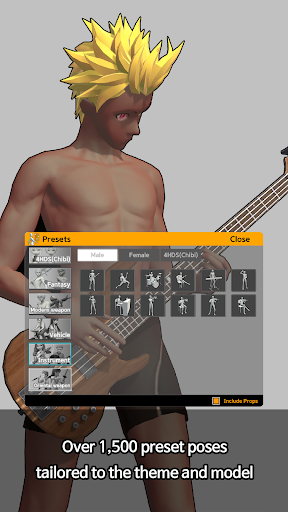
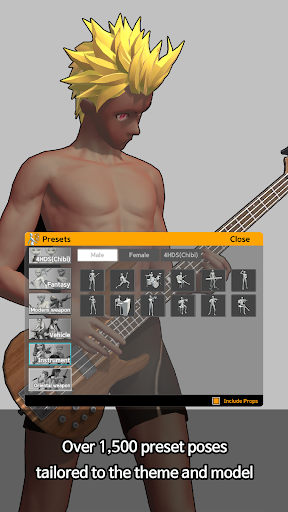
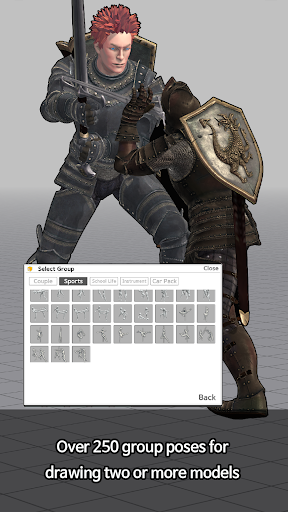
For efficiency and inspiration, Easy Pose comes with a library of about 60 pre-made poses that are regularly updated. These ready-to-use poses assist artists in quickly referencing common or dynamic stances without the need for manual adjustments.
Additional Features for Artistic Control
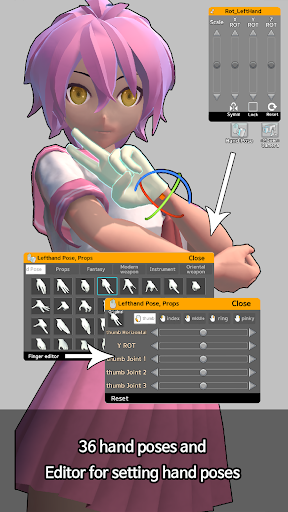
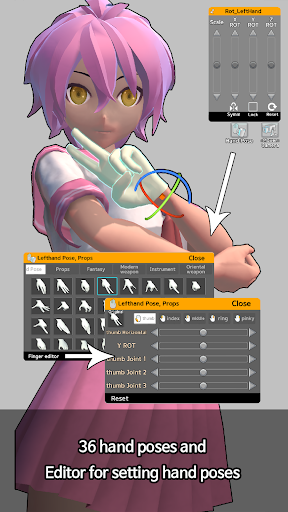
The app offers a range of features for realistic and versatile pose creation including direct and backlight settings to simulate lighting effects, the ability to view models from multiple angles, and realistic shadow casting. Users can change view angles, including exaggerated perspectives, and switch to a *wire mode* to draw over models directly. Moreover, models can be downloaded with a transparent PNG background, aiding in overlaying poses onto different scenes. The app also auto-saves work and provides easy control over hand movements, making it a comprehensive tool for digital artists.
Free Version Capabilities
The free version allows users to freely control model poses, adjust lighting to control mood, and save images as PNG files. It’s a perfect starting point for artists to experiment and integrate pose references into their workflow or external drawing programs. Additionally, users can manipulate the camera’s distance and angle to frame their scene exactly as desired.
Upgrade Benefits with Paid Version
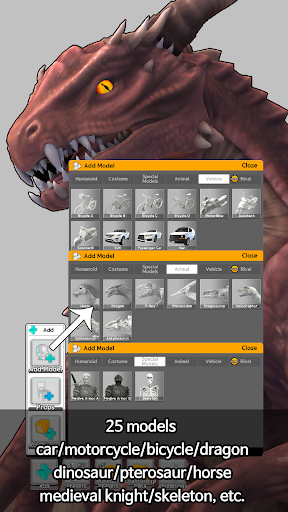
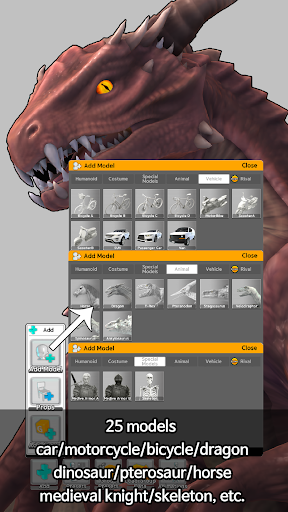
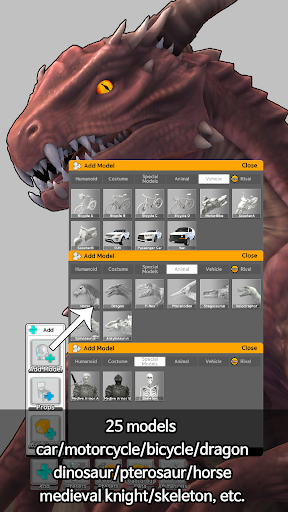
Opting for the paid version unlocks several advanced functionalities, including the ability to save and recall completed poses, access additional models such as woman (small) and man (small), display multiple models simultaneously, and enjoy an ad-free experience. All completed poses become fully accessible, making it a worthy investment for professional and serious hobbyist artists. Please note, since the data is stored locally, deleting the app will erase saved poses, and versions for Android and iOS are incompatible, so purchases are device-specific.
Permissions and Usage Notes
Easy Pose requires permissions such as Contacts (for server access) and Storage (to save images). If certification issues arise, checking app permissions in device settings can resolve them. Users should be aware that the app does not save data to a server; all data is stored locally on their device.
Why Artists Love Easy Pose
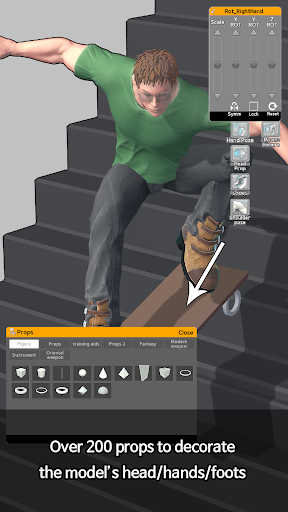
Many artists and illustrators find Easy Pose to be a game-changing tool for improving their drawing accuracy and understanding human anatomy. The app’s intuitive interface and robust control options make it accessible for beginners while offering advanced features for seasoned artists. Its library of preset poses, multi-model functionality, and detailed control over individual joints streamline the creative process, saving time and boosting productivity. Whether you’re creating character art, storyboarding, or practicing gesture drawing, Easy Pose provides an essential resource to bring your ideas to life with realistic and dynamic human poses.
Pros
- User-friendly interface for easy navigation.
- Wide variety of poses and models available.
- Customizable features for detailed posing.
- High-quality graphics and smooth performance.
- Regular updates with new content and features.
Cons
- Limited free content without purchase.
- In-app purchases can be costly.
- Requires internet connection for some features.
- Advertisements may disrupt the user experience.
- Complex poses may require adjustments.











