


Messages – Fast & Secure SMS & MMS App
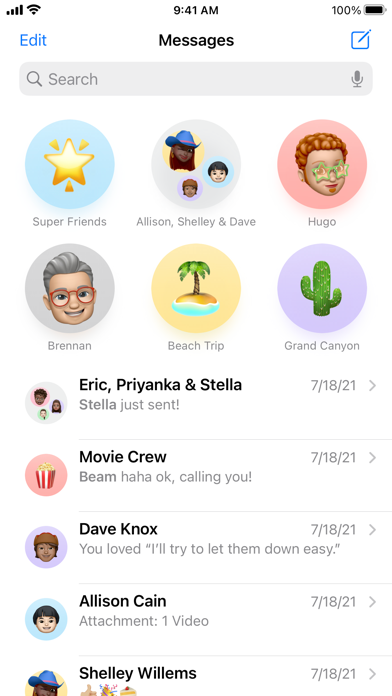
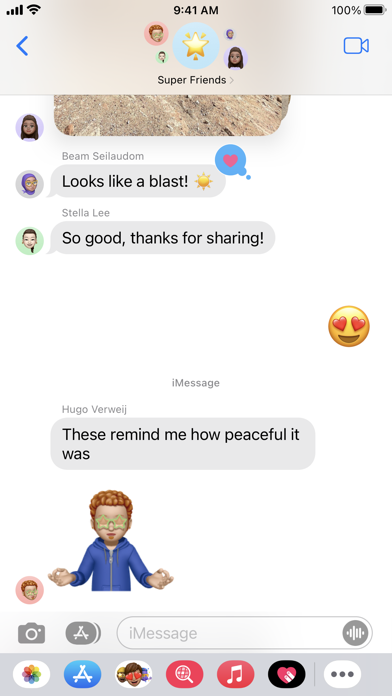
Stay connected with your loved ones using Messages, a reliable and secure text messaging app designed for seamless communication. Whether you're sending SMS or MMS, Messages makes it easy to share texts, photos, stickers, and more. This app caters to users seeking a fast, smart, and secure messaging solution that enhances their communication experience.
Key Features of Messages
- Send SMS and MMS: Enjoy fast and efficient messaging to all your contacts. Requires an active mobile network connection.
- After Call Actions: Quickly reply to messages, set reminders, or check missed messages during and after a call.
- Location-Based Notifications: Get notified to send messages when you arrive at or leave specific locations. (Requires user permission for location access)
- Customization Options: Personalize your chat experience with customizable themes, backgrounds, and chat bubbles.
- Spam Protection: Block unwanted SMS and stay free from spam messages.
- Backup and Restore: Safeguard your conversations with easy backup and restore options.
- Scheduled Messaging: Plan and send messages at the right time with the built-in scheduler.
Simple, Smart, and Secure Communication
User-friendly interface is at the heart of Messages, making navigation effortless for all users. The app supports multiple languages, ensuring accessibility for a global audience. Privacy remains a top priority, as your messages are protected with end-to-end encryption. This means only you and your recipient can read the contents of your messages, providing peace of mind in today’s digital age.
Why Choose Messages?
This lightweight and fast messaging app is compatible with various Android devices, including dual-SIM phones for easier management of multiple numbers. Importantly, it works without requiring an internet connection for sending SMS, relying solely on your carrier network. The app’s low resource consumption makes it suitable for both basic and high-performance smartphones.
Permissions Explained
- Location Access: To enable location-based message notifications.
- Contacts Access: To identify and send messages to saved contacts.
- Call Log Access: To enable After Call Actions (used only to enhance functionality).
All permissions are optional and solely used to improve Messages' features. Users retain full control and can revoke permissions anytime through device settings.
Final Thoughts on Messages App
Since the advent of smartphones, messaging applications have become essential for maintaining connections with friends, family, and colleagues. Messages stands out as a top choice among SMS and MMS apps due to its combination of speed, security, and user-friendly design. Its rich features, including photo sharing, stickers, custom themes, and privacy protections, make it suitable for both personal and professional communication needs.
The app’s seamless integration with other platforms and support for multiple languages further enhance its versatility. Whether you're managing business messages or keeping in touch with loved ones, Messages offers a dependable and enjoyable messaging experience. Give it a try, and discover how effortless staying connected can be with this smart and secure SMS & MMS application.
Pros
- Seamless integration with iOS devices.
- End-to-end encryption for secure chats.
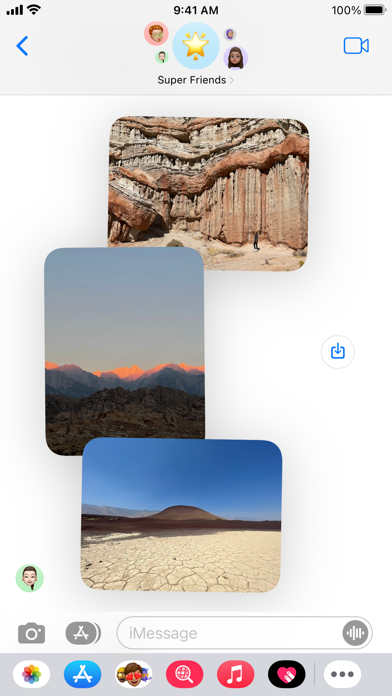
- Supports multimedia messaging.
- User-friendly and intuitive interface.
- Syncs across all Apple devices.
Cons
- Limited functionality on non-Apple devices.
- No customization options for chat themes.
- Requires Apple ID for initial setup.
- No backup options to third-party cloud services.
- Lacks advanced messaging features.











