







Overview of Drawing Desk: Learn to Draw
Trusted by over 70 million users worldwide with more than 100,000+ 5-star reviews, Drawing Desk is recognized as the #1 application for learning and practicing drawing and painting skills. Whether you’re a beginner or an experienced artist, this versatile art app provides a comprehensive platform where you can draw, doodle, sketch, paint, and color on your phone or tablet. Equipped with a unique collection of professional tools such as pencils, crayons, watercolor brushes, and more, Drawing Desk empowers users of all ages to create astonishing artworks. It is considered one of the best applications for learning art or creating illustrations in a digital environment.
Specialized Marvel Super Hero Drawing Lessons
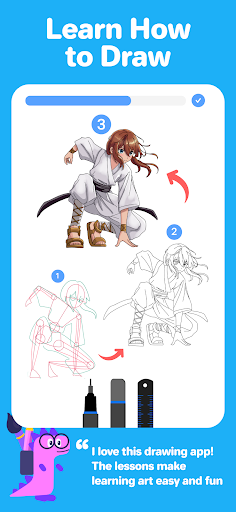
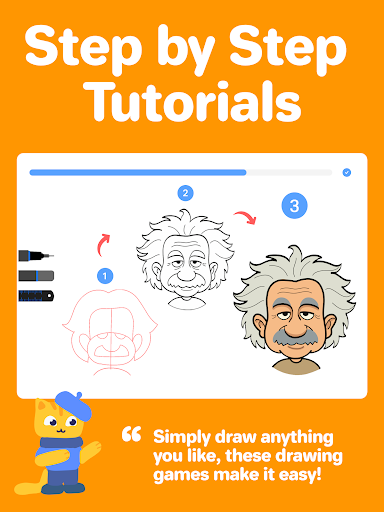
Imagine learning how to draw your favorite Marvel Super Heroes through a detailed collection of over 50 lessons. Drawing Desk makes this possible by offering step-by-step tutorials that simplify complex characters like Spider-Man, Iron Man, Captain America, Thor, Black Panther, Wolverine, and many more. These lessons guide users in multiple poses, with clear on-screen instructions, user-friendly canvas guides, and intuitive features designed for artists of all levels. The Marvel lessons are regularly updated with new content, making it an exciting way to learn and draw comic book icons.
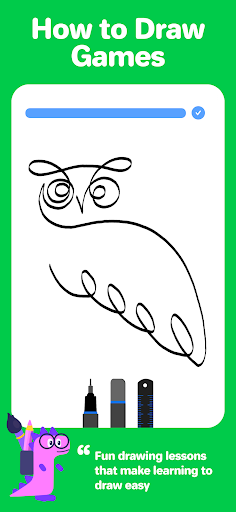
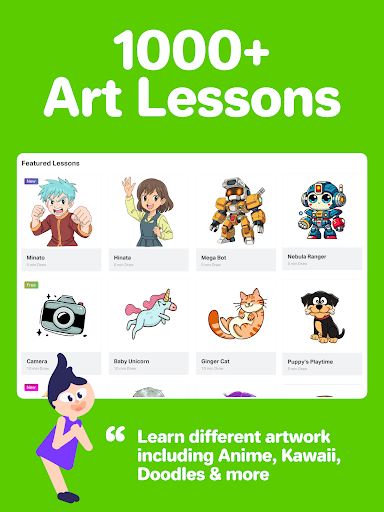
Beyond Marvel Super Heroes, Drawing Desk also includes more than 800 lessons across an array of topics such as cartoon characters, Anime & Manga, adorable Chibi characters, and artistic illustrations created by professional artists. Whether you're a beginner starting from scratch or an experienced artist refining your skills, these lessons offer a wealth of knowledge and inspiration. Try your first Marvel Super Hero lesson today and begin your journey into digital art mastery!
Learn from Professional Artists with Masterclasses
Drawing Desk features comprehensive Masterclasses conducted by professional artists who teach the full drawing process—from fundamental techniques to advanced tips and tricks in digital art creation. These masterclasses include:
- Video tutorials where expert artists explain each step
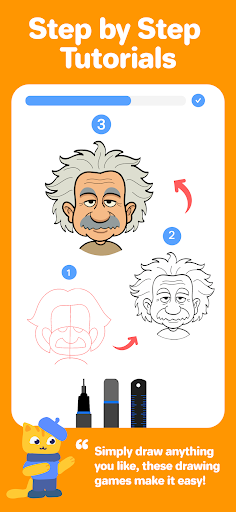
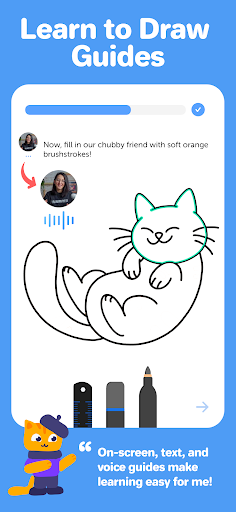
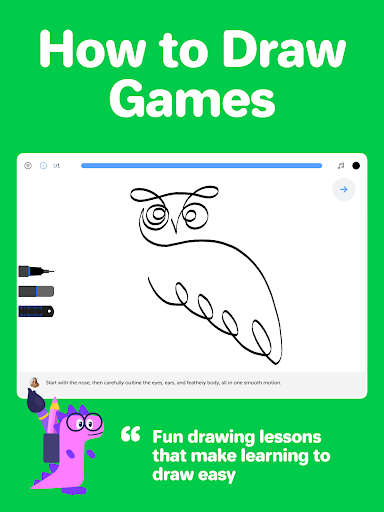
- On-screen step-by-step lesson guides
- Text and voice instructions to enhance understanding
This makes it an excellent platform for learners to gain skills and confidence in digital drawing, whether they’re interested in sketching, coloring, or complex illustrations.
Comprehensive Digital Drawing Tools
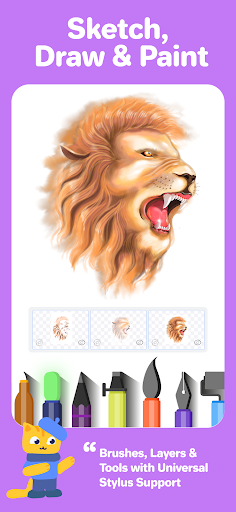
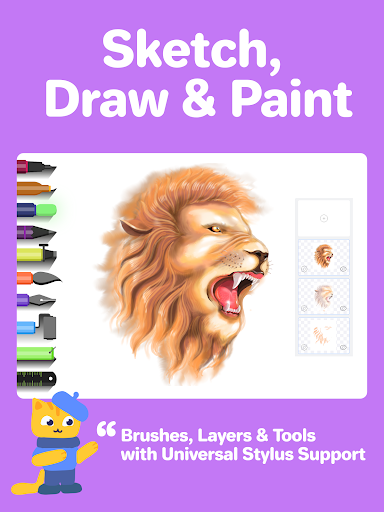
Drawing Desk offers a rich suite of over 25 sketch tools, including pens, pencils, crayons, neon brushes, watercolor brushes, ink, smudge tools, erasers, and fill buckets. Users can draw and paint in various canvas sizes (available on the iPad app), utilize unlimited layers, and create perfect shapes with the Quick Shapes feature, which includes 200+ instant shape templates. The app also provides a symmetry tool to aid in creating balanced, mirrored artworks, along with vibrant color palettes and gradients for artistic coloring and shading. The fill bucket tool is enhanced with 125+ textures, allowing for rich visual effects in your artwork.
AI-Powered Creative Drawing Features
Drawing Desk integrates innovative AI-powered tools to elevate your creative process. Features like Sketch to Art AI and Text to Art AI enable you to convert simple sketches or textual prompts into detailed artworks within seconds. The Auto Colorize tool allows you to bring your sketches to life by adding colors rapidly. Additionally, AI functionalities include background removal from photos or drawings and object removal tools, making editing and refining images straightforward and efficient. These features are perfect for artists seeking to blend AI technology with their creativity seamlessly.
Enjoy the Drawing Desk Game
If you love drawing, painting, and designing, you'll enjoy the dedicated Drawing Desk game. Designed for all skill levels, this game makes sketching fun and engaging while helping users learn digital art in an interactive environment. It’s a wonderful tool for practice and exploration, blending entertainment with education to foster your artistic skills.
Final Thoughts
In summary, Drawing Desk: Learn to Draw is a highly versatile and feature-rich app suitable for everyone—from hobbyists to professional artists. Its intuitive interface, extensive collection of drawing tools, comprehensive tutorials, and AI-enhanced features make it an excellent choice for digital art enthusiasts. Whether you're interested in creating stunning illustrations, practicing drawing techniques, or simply relaxing with coloring activities, this app provides all the necessary tools and resources in one platform. Embrace your creative potential and explore the world of digital art with Drawing Desk — the ultimate app to draw, paint, and express your artistic vision.
Pros
- Intuitive interface suitable for beginners
- Wide selection of drawing tools available
- Offline mode enabling drawing anywhere
- Regular updates introducing new features
- Compatibility with various image formats
Cons
- Contains in-app purchases
- Certain features available only with premium access
- Occasional crashes of the application
- Intrusive advertisements
- Limited options available for free users











